

Design and brew great homebrewing beer, mead, cider and wine recipes on the go!
 3.60
3.60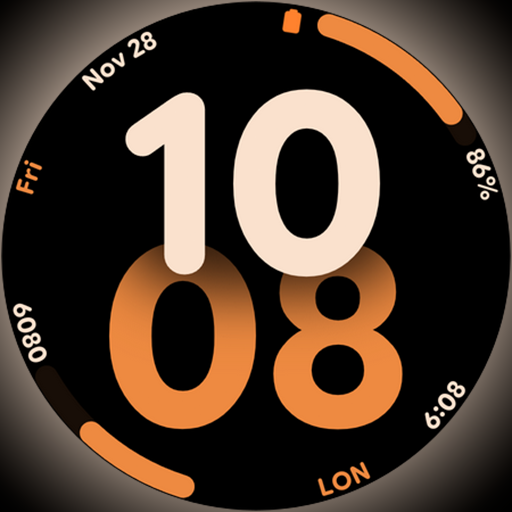
Big bold digital watch face with 30 colors, 6 complications and AOD.
4.2
Chat, meet genuine singles in your area. Real connections start with being real.
4.30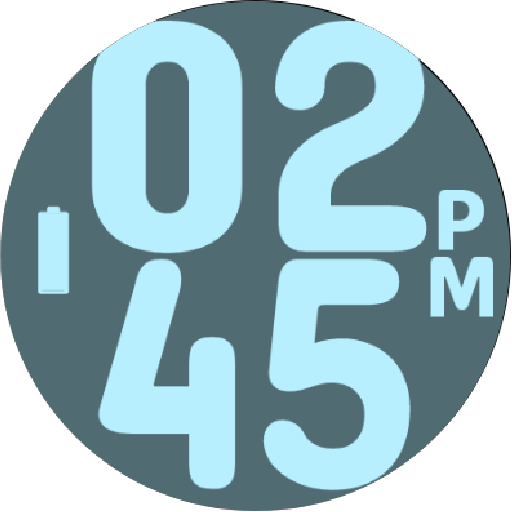
Duo Watch Face (animated)
4.2
A daily quote for success
4.2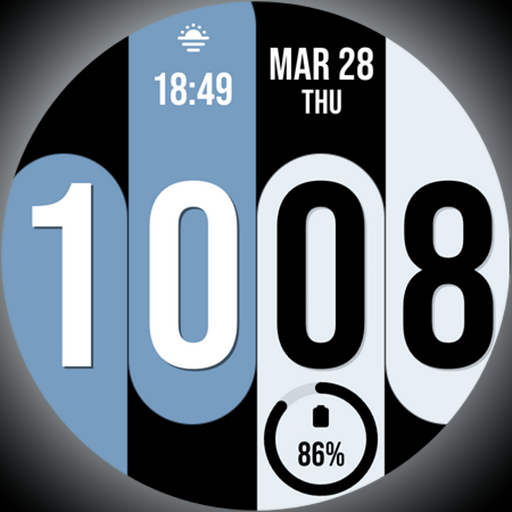
Unique Dual Colors with 6 Custom Complications for Wear OS watches!
3.40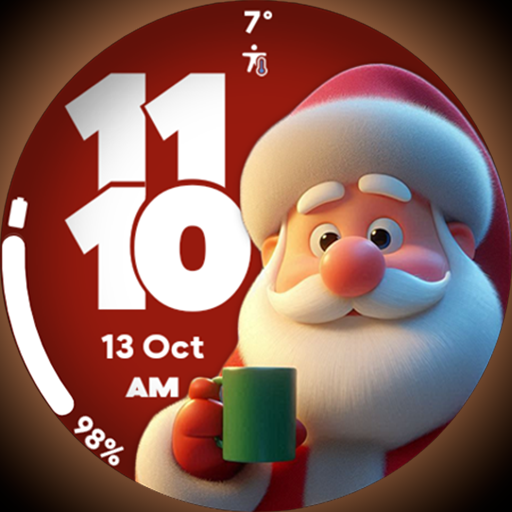
Customize your Wear OS watch with festive Christmas figures and colors!
4.4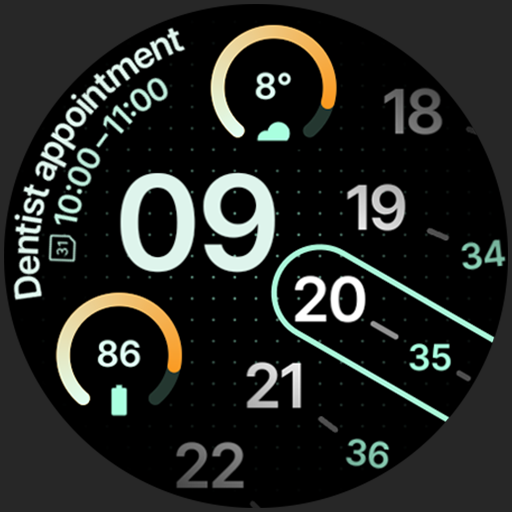
A unique and customizable watch face which rotates its layout every minute.
4.80
Redecor your home with Home AI interior design, room planner and home designer.
4.50
Make money, get paid cash rewards & gift cards for every survey. Earn today!
4.60
Stay connected with your loved ones & vehicles | Share live GPS location updates
4.60
The all-new Cync app. The simple, connected app for Cync and C by GE.
4.50
Premium floor cleaning robots
4.50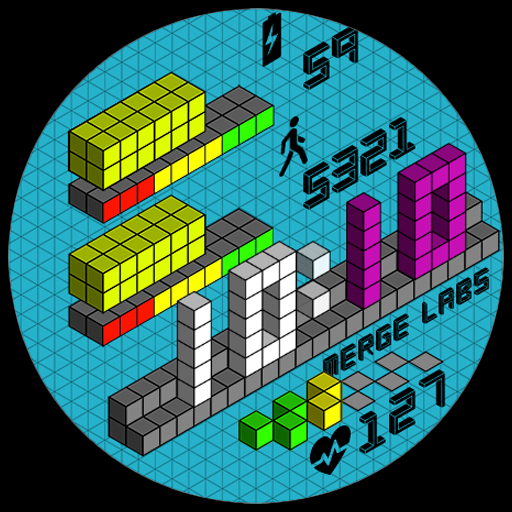
Unique "Isometric" style digital watch face for Wear OS
4.50
Discounts, savings, and rewards
4.20
Fly your Solo like a boss.
4.10
Going above and beyond known spirit communication
3.60
Smart home security protection
3.20
Healthy eating timer app to track meal pace, improve habits, and eat slowly.
4.0


