
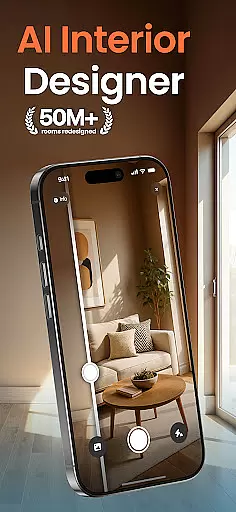
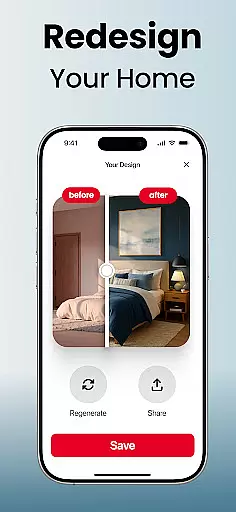
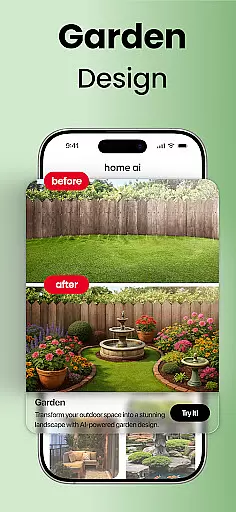
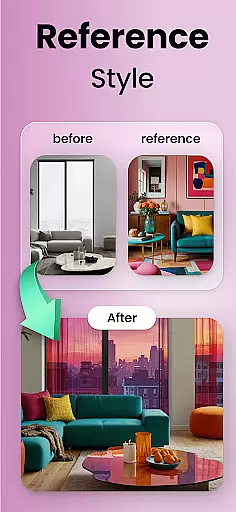
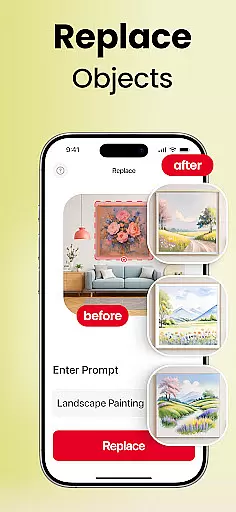
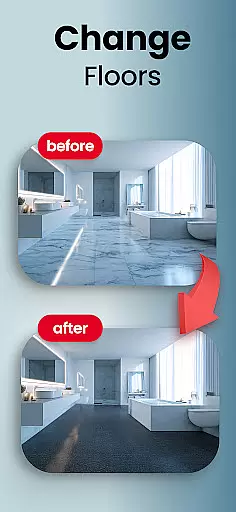
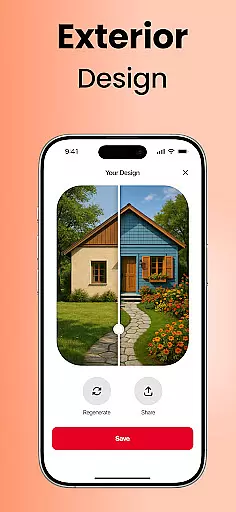
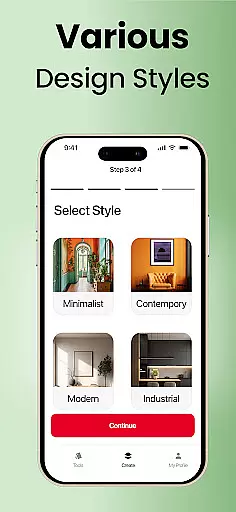
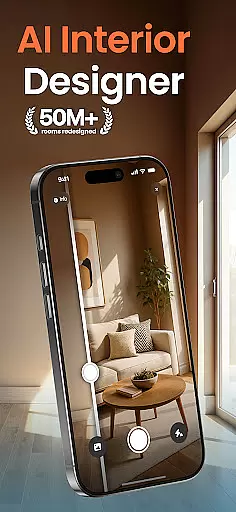
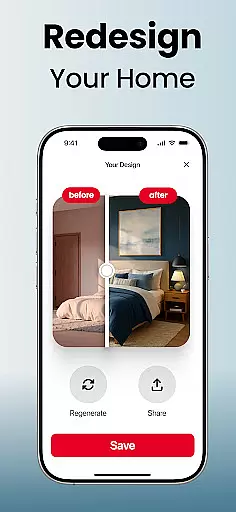
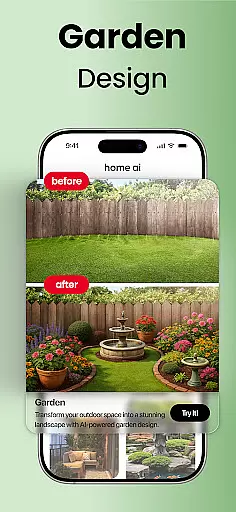
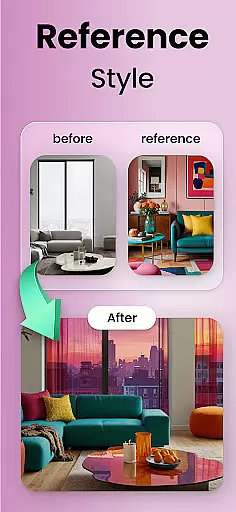
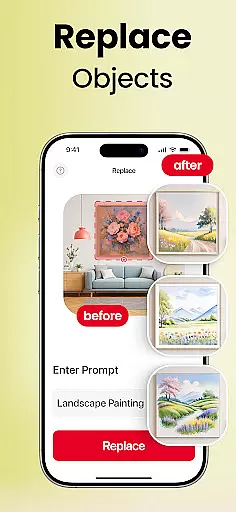
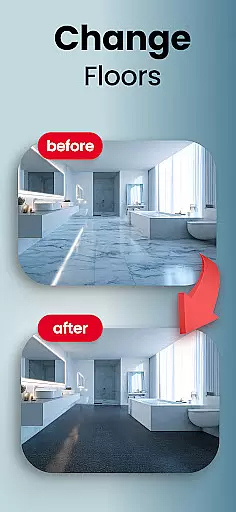
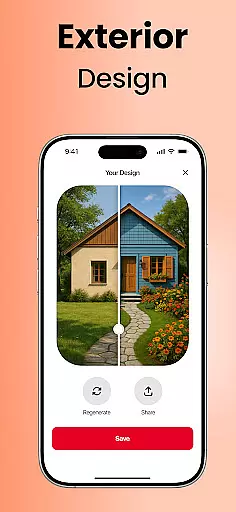
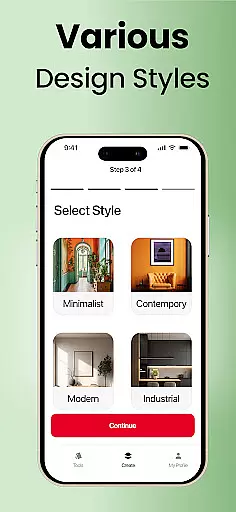
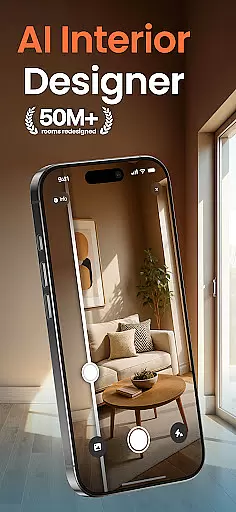
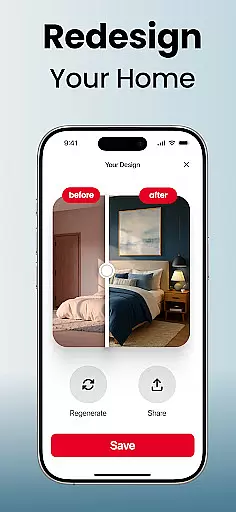
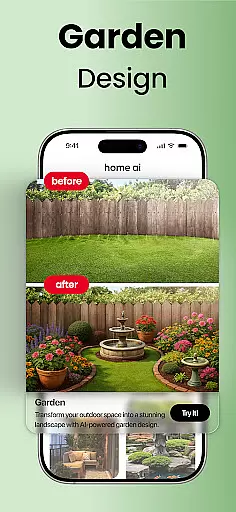
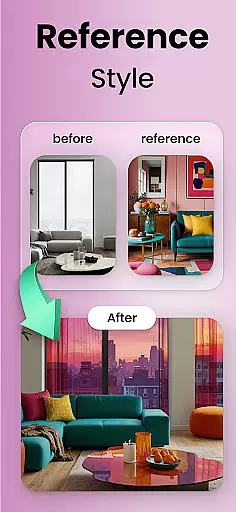
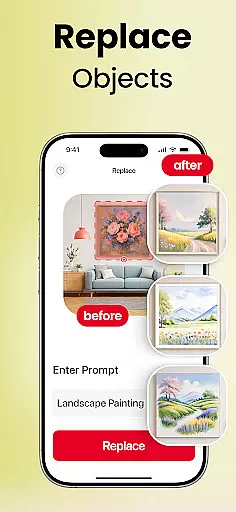
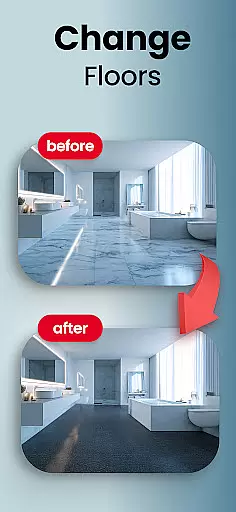
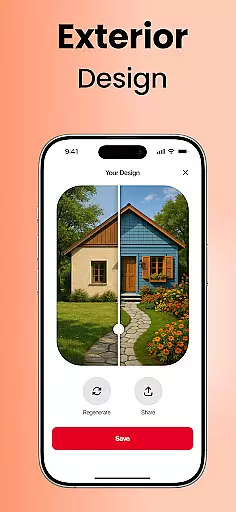
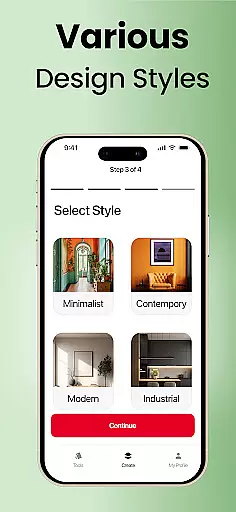
Home AI is an innovative lifestyle application designed to revolutionize the way users approach home design and renovation projects. This powerful tool allows individuals to upload photos of their living spaces and experiment with various design styles, providing a realistic preview of potential transformations.
The app caters to multiple aspects of home improvement, including interior design, garden landscaping, and exterior modifications. Users can explore different color schemes, furniture arrangements, and architectural elements through intuitive features that enable selective changes and style matching. These capabilities make Home AI particularly valuable for homeowners planning renovations, professional designers seeking quick visual concepts, and real estate agents staging properties.
One of the most significant advantages of Home AI is its ability to help users visualize design options before committing to physical changes. This feature saves both time and resources while allowing for creative experimentation with various design possibilities. Whether redesigning a kitchen, transforming a garden into an inviting retreat, or reimagining a building's facade, Home AI provides the tools necessary to create spaces that truly feel like home.
Home AI distinguishes itself through a comprehensive suite of design features that cater to various aspects of home improvement. The application's core functionality revolves around three primary modules: interior design, garden and landscape planning, and exterior modifications. Each module offers specialized tools that enable users to manipulate different elements of their living spaces with precision and ease.
The interior design component allows users to experiment with harmonious layouts, balanced color schemes, and furniture arrangements. Through advanced AI algorithms, the app suggests optimal configurations based on uploaded photos and selected styles. The garden and landscape module provides tools for designing outdoor spaces, incorporating elements such as greenery, pathways, and water features. Users can create tranquil retreats or vibrant entertainment areas by adjusting various landscape components.
What sets Home AI apart from traditional design tools is its sophisticated style-matching capability and selective change feature. The style-matching function analyzes inspiration photos or mood boards and applies similar aesthetics to users' spaces. Meanwhile, the selective change tool enables precise modifications, such as swapping individual furniture pieces, trying different flooring materials, or testing various wall colors without affecting other design elements. These features, combined with the ability to save multiple versions and share designs with professionals, make Home AI an invaluable resource for both casual users and design professionals.
Home AI offers an extensive range of design options that cater to various aspects of home and lifestyle enhancement. From interior spaces like living rooms, bedrooms, and kitchens to exterior areas such as gardens and patios, the app ensures comprehensive coverage of all essential lifestyle categories.
The application's versatility allows users to experiment with different styles, layouts, and color schemes, ensuring that every corner of their home can be tailored to match personal tastes and functional needs. Whether it's revamping a workspace or designing an inviting outdoor retreat, Home AI provides the tools necessary for these transformations.
By including features for furniture swapping, flooring changes, and wall color adjustments, the app meets diverse user requirements, making it suitable for homeowners planning renovations, real estate agents staging properties, and garden enthusiasts alike.
Authenticity and credibility are at the core of Home AI's offerings. The app employs advanced AI algorithms to ensure that each design suggestion is not only visually appealing but also practical and achievable in real-world settings. This commitment to realism enhances the authenticity of the content provided to users.
Moreover, Home AI draws inspiration from genuine mood boards and reference images, allowing users to replicate styles they admire. By aligning its output with trusted design principles and popular trends seen on platforms like Pinterest, the app maintains a high level of expert credibility.
Users can confidently explore design options, knowing that the app's recommendations are backed by sophisticated technology and a deep understanding of current design aesthetics. This assurance empowers users to make informed decisions about their home improvements and creative projects.
User-friendly interface
Comprehensive design tools
Realistic visualization
Style matching capability
Cloud-based storage
Limited free features
Subscription required
Occasional glitches
Steep learning curve
Device compatibility issues

Unique informative Dial with Live Moon Phase at a glance!
 3.60
3.60
Earn points with every purchase with Moe Rewards.
4.20
Duo Watch Face (animated)
4.1
Take Hobby Lobby with you wherever you go!
3.40
Earn money & gift cards when you take surveys, play games, scan receipts & more.
4.50
The cutest Autumn watchface featuring the adorable Mr. Squirrel
4.4
LineLearner, the quick way to learn lines.
2.90
AAA Mobile provides on-the-go access to the services you know and trust.
4.60
Control your Tapo smart devices from anywhere.
4.60
A unique and customizable watch face which rotates its layout every minute.
4.80
Kasa Smart is your portal to your TP-LINK Smart Home.
4.70
Make money, get paid cash rewards & gift cards for every survey. Earn today!
4.60
Paranormal EVP, Ghost Box, Spirit box, ITC, Haunted, Spirit communication device
3.70
An Eerie Musical Trigger Toy for Spirits to Play with!
3.50
The Miracle Box includes methods used by Steve Huff of Huff Paranormal.
3.20
Big bold weather watch face with dynamic backgrounds and 3 complications
4.5
Unique Dark Analog style for Wear OS watches.
4.2
Bring the warm colors of fall directly to your wrist with Autumn Leaves!
4.1
Wear your favorite memories, loved ones, pets or travel photos on your watch
4.4


User Reviews