
Easy telehealth appointments + urgent care
 4.70
4.70
Control your hearing aids discreetly with the touch of a finger
4.30
Manage your prescriptions and pharmacy care anytime, anywhere.
4.80
Internal medicine literature at your fingertips.
4.50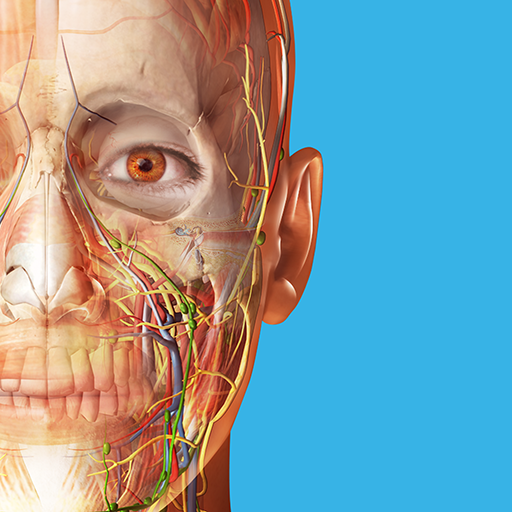
A comprehensive 3D atlas of the human body
4.80
This app is simply 1 book (also large app) and 17 other apps combined into 1
4.70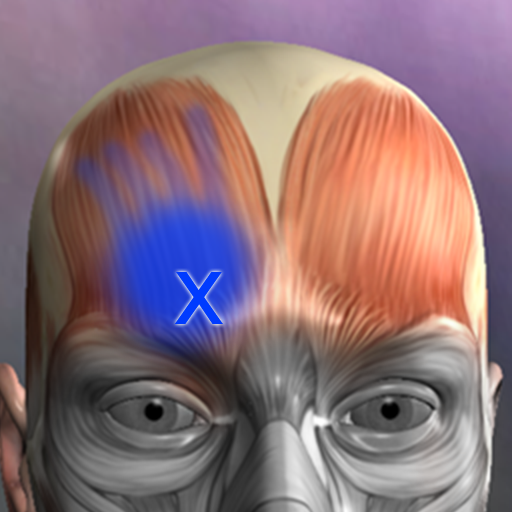
Discover the source of pain with Muscle Trigger Point Anatomy.
4.70
ASCCP Management Guidelines- There’s an app for that!
4.60
Your pocket guide to following The Monash University Low FODMAP diet.
4.20
myVCA is your tailor-made guide to raising a healthy and happy pet.
4.90
Want to make it easier to manage your health? We’re with you, wherever you are.
4.70
Remote, medical-grade heart care at your fingertips
4.70
Hear far away sounds, conversations, TV and surrounding sounds more clearly.
4.70
Identify pills, search different drugs, get drug information and much more!
4.50
3rd trimester? Counting Kicks is what moms should do-It’s important & easy too!
4.30
Patient Health Portal
4.20
Over 1,200 review questions and 5 exams—pass the NREMT with EMT Review Plus!
4.10
Easy access to benefits and rewards
3.70
OKN Strips, OptoDrum, OKN
4.5


