


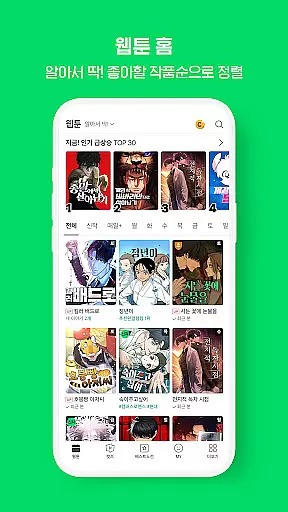

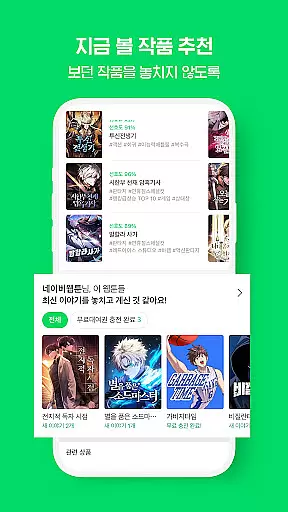












Naver Webtoon is a leading digital comics platform that offers users access to a vast library of webtoons, updated daily. The app's intuitive sorting system allows readers to browse by popularity, view count, or latest updates, ensuring easy discovery of content.
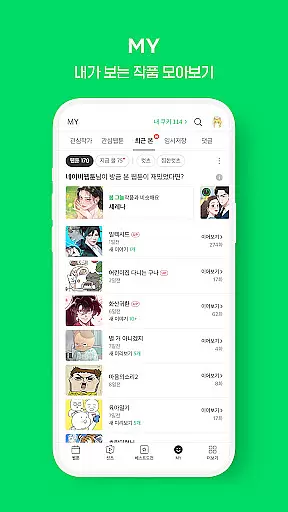
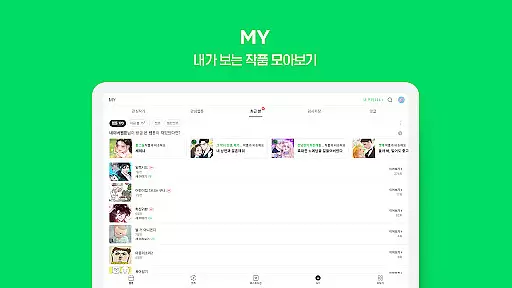
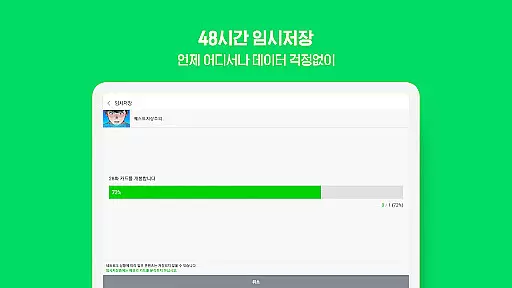
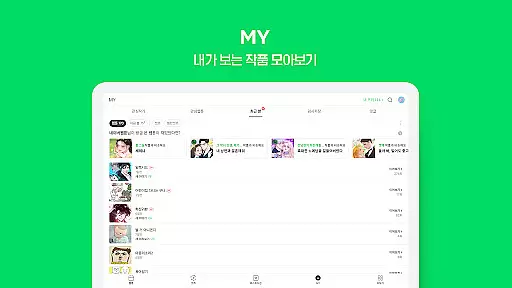
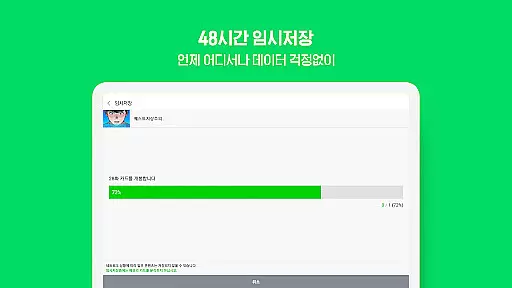
One standout feature is the reading history function, which lets users pick up exactly where they left off. Additionally, the 48-hour temporary save option enables offline reading, while customizable notifications keep readers informed about updates to their favorite series.
This app is perfect for comic enthusiasts who want instant access to trending and classic webtoons on their mobile devices. By combining convenience with an extensive content library, Naver Webtoon delivers an exceptional reading experience tailored to modern audiences.
The Naver Webtoon app stands out through its comprehensive features designed to enhance user engagement. Its sorting options by popularity, views, and update times help readers discover trending and personalized content effortlessly.
For reader convenience, the app includes a reading history tracker, allowing users to resume from their last read page. The 48-hour offline saving feature ensures uninterrupted access, even without an internet connection. Push notifications are another key feature, alerting users to new episodes of their subscribed series.
These functionalities collectively create a seamless reading experience, making it easier than ever for users to stay connected with their favorite webtoons while exploring new ones.
NAVER Webtoon boasts an extensive and diverse comic library that caters to a wide array of tastes and preferences. With new webtoons added daily, the platform ensures fresh content is always available for its users.
The app sorts webtoons by popularity, view count, or update frequency, making it easy for readers to discover trending and new titles. This sorting system enhances user engagement by highlighting content that is both popular and up-to-date.
Users can explore various genres and styles, ensuring there's something for everyone. Whether you're into romance, action, fantasy, or slice-of-life stories, NAVER Webtoon provides a rich selection that keeps readers coming back for more.
NAVER Webtoon places a strong emphasis on content authenticity and proper licensing. All webtoons featured on the platform are original works, created by talented artists and writers who retain their intellectual property rights.
This commitment to authenticity not only supports creators but also assures readers they are accessing genuine content. The platform's strict verification process ensures all webtoons meet high standards of quality and originality.
By fostering a community of legitimate creators and offering officially licensed content, NAVER Webtoon builds trust with its audience. Readers can enjoy their favorite comics knowing they are supporting the rightful creators and accessing authentic stories.
User-friendly interface
Daily content updates
Offline reading mode
Customizable notifications
Extensive webtoon library
Limited exclusive content
Ads between chapters
Occasional loading issues
Region-locked titles
Premium subscription cost

Follow your favorite manga and get notifications for new chapters!
 4.50
4.50
Draw the comics with glow brushes! Easy and relax!
4.40
The best app for digital comics - Welcome to Lezhin!
3.10
Discover manga stories & stream anime series with unlimited entertainment access
4.40
The pure application on the Manga SWAT website
4.80
The fastest and most convenient comic book reader - comics of all formats
4.40
SQUARE ENIX's official Manga app!
4.40
+Not your everyday comic. Everyday.
3.50
Get the latest manga chapters daily, released simultaneously with Japan.
3.10
This application will enable donated users only function in Perfect Viewer.
4.90
100k comics, manga & webcomics, including Batman, Invincible, Hellboy & more
4.60
Scan comics instantly! Find comic value, price, and key collector details fast.
4.50
The largest manga, comics, and manhwa community with millions of fans!
4.50
The most popular comic book reader.
4.40
Read comics, manhwa, manga & novels Official webtoons with daily updates
4.30
Arabic manga reader
4.00
Toomics is a premium comic service with every genre for all readers to enjoy!
4.00
Official digital-manga store. Quality translations that support artists.
3.10
Welcome to SnapSaga - your ultimate manga and novel destination!
4.0


User Reviews