
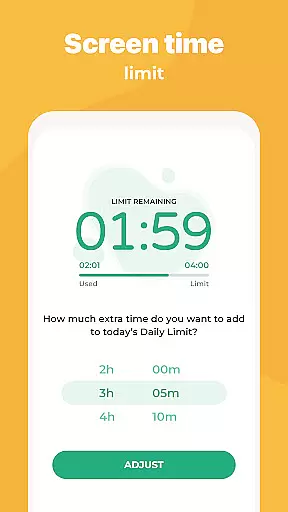
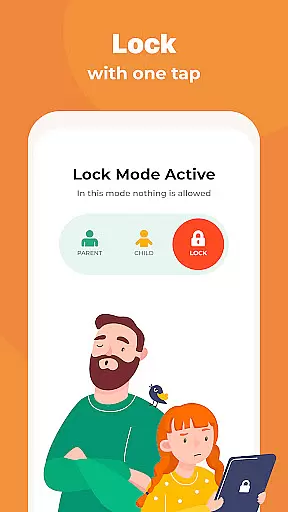
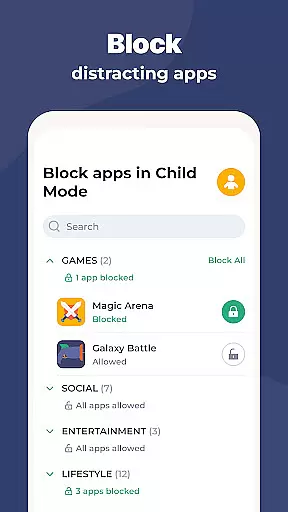
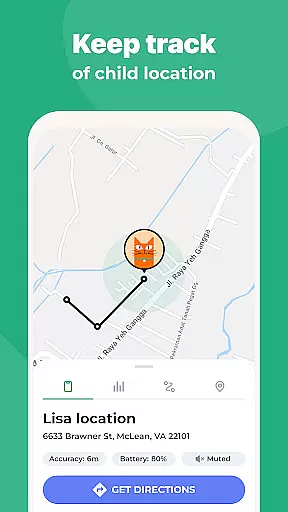
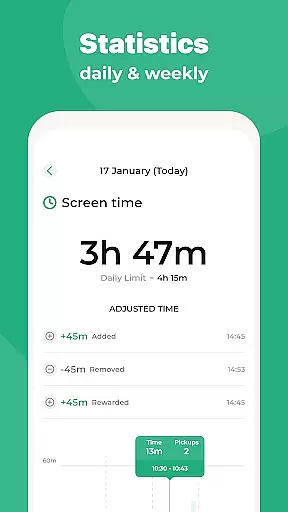
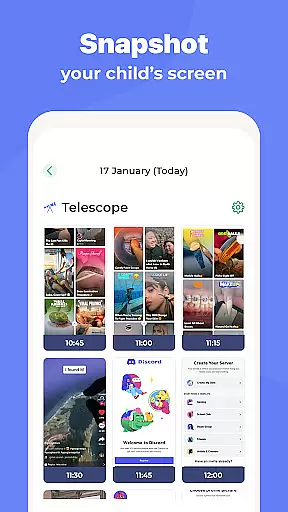
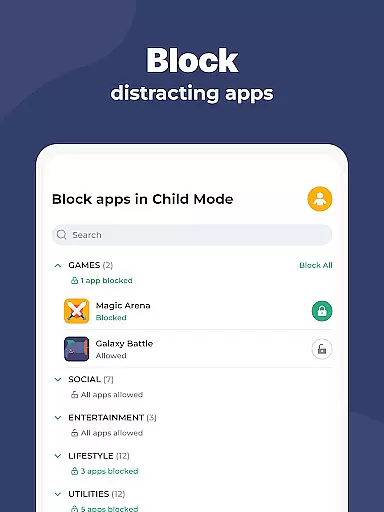
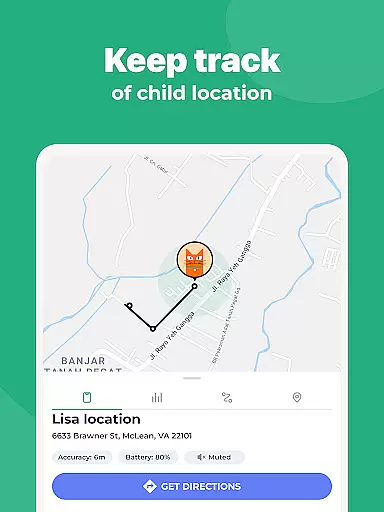
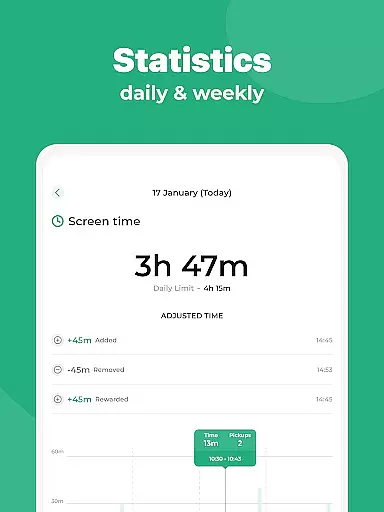
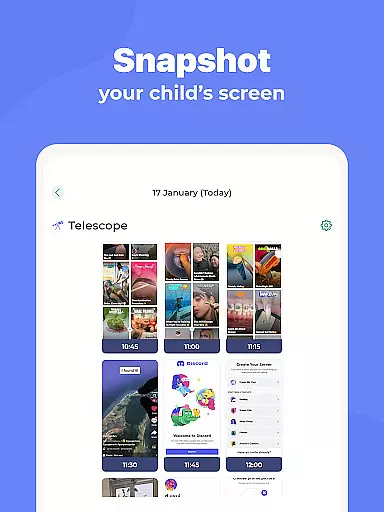
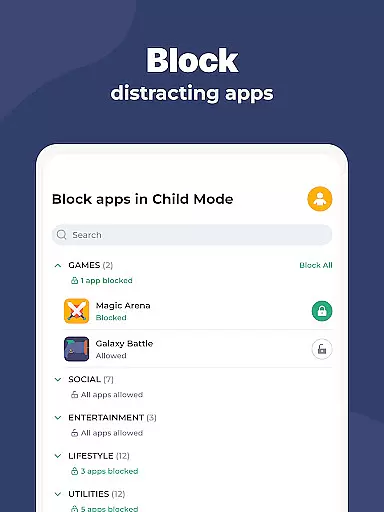
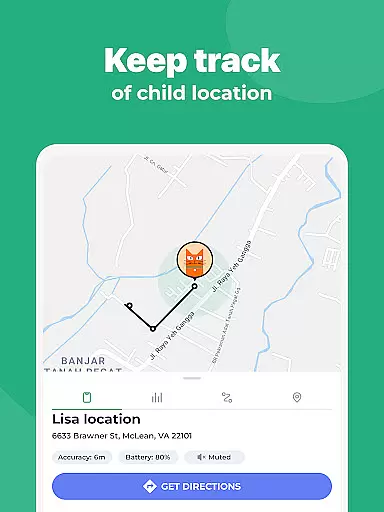
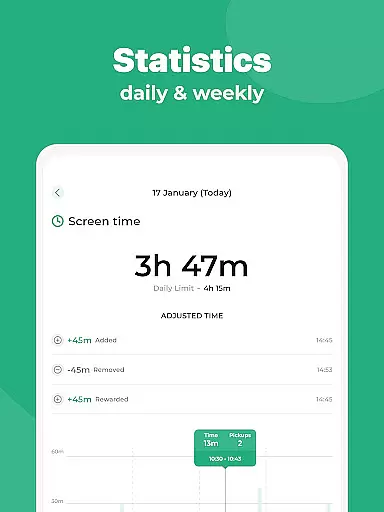
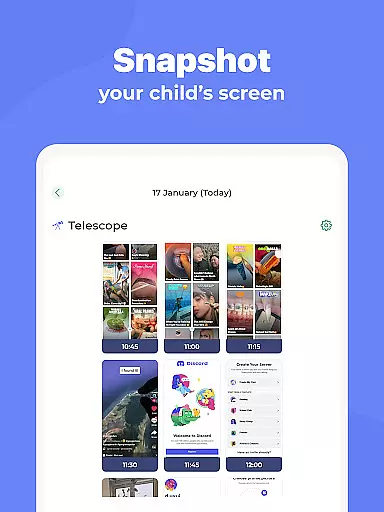
Kidslox Parental Control App is a comprehensive solution for parents seeking to manage their children's digital habits effectively. This app allows parents to control screen time, track location, and monitor app usage on both Android and iOS devices. With features like instant lock, screen time schedules, and daily time limits, Kidslox helps establish healthy tech habits while ensuring online safety.
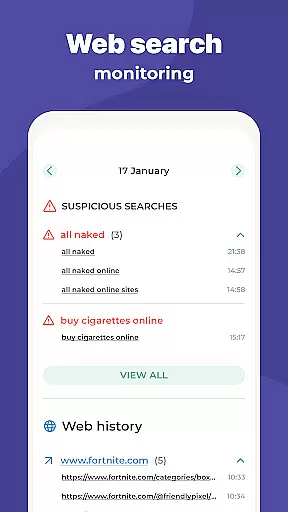
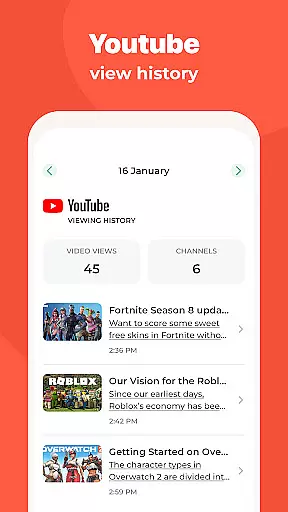
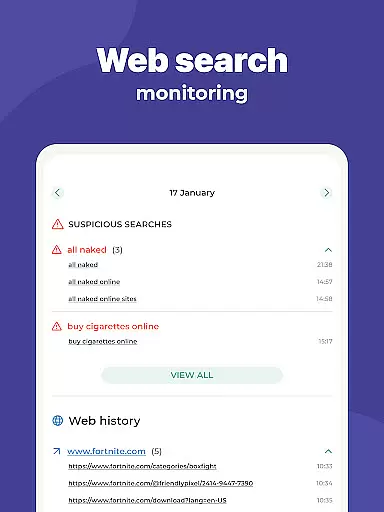
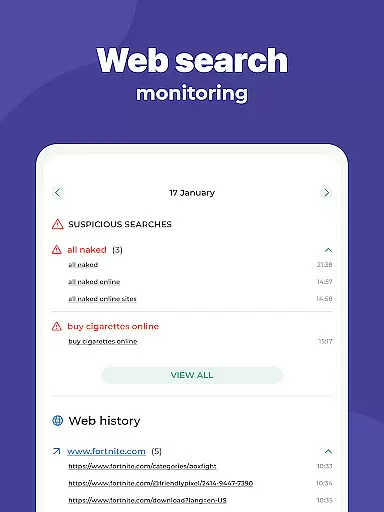
The app also provides advanced monitoring tools such as web activity tracking, location history, and geo-fencing alerts. Parents can block inappropriate content, filter adult websites, and even prevent in-app purchases. Available across multiple platforms including desktop versions for Windows and Mac, Kidslox offers a unified parental control system that works seamlessly on all family devices.
Whether you need to set boundaries for younger children or give teens more autonomy with monitored freedom, Kidslox adapts to your parenting style. The app's intuitive interface and flexible control options make it an essential tool for modern families looking to balance technology use with real-world experiences.
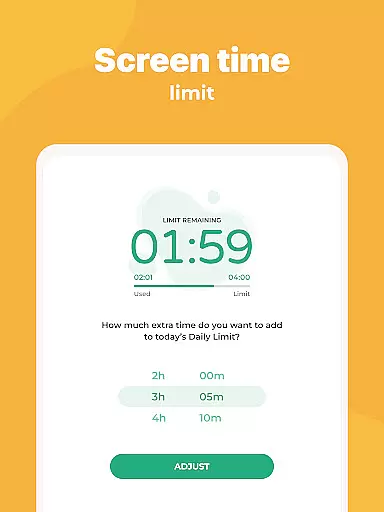
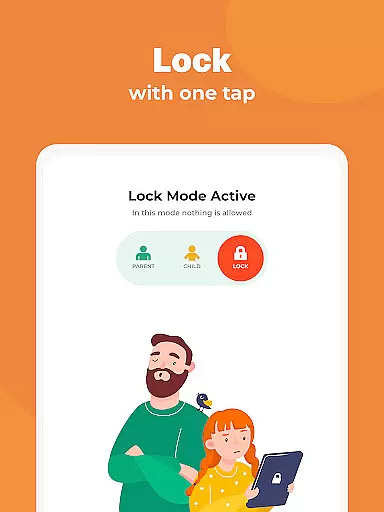
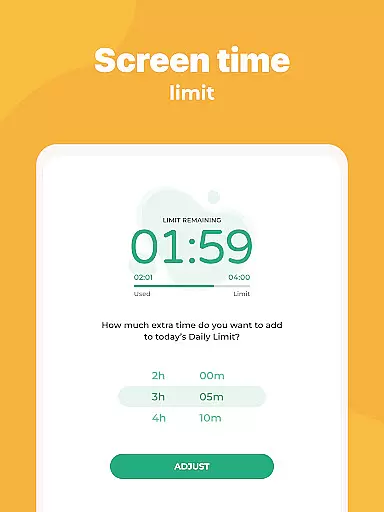
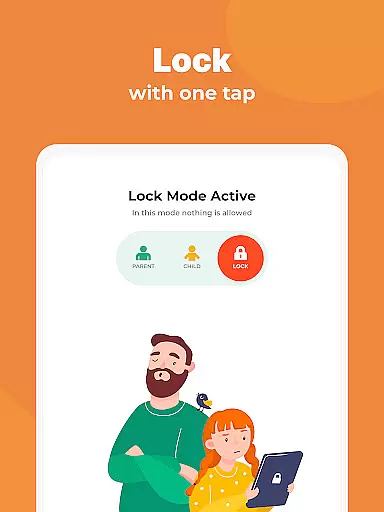
Kidslox stands out with its robust feature set designed to give parents complete control over their children's device usage. The instant lock functionality lets you remotely disable apps on both Android and iPhone devices, ensuring immediate intervention when needed. Screen time schedules allow you to define specific periods when devices can be used, helping establish consistent routines like bedtime curfews or study hours.
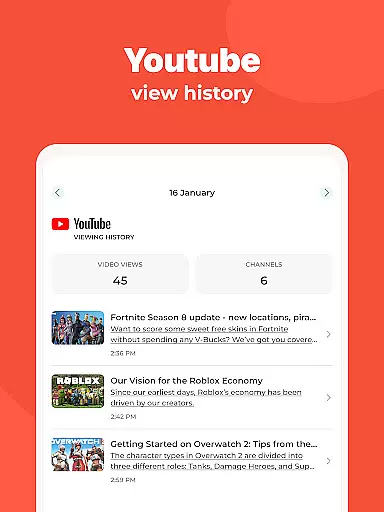
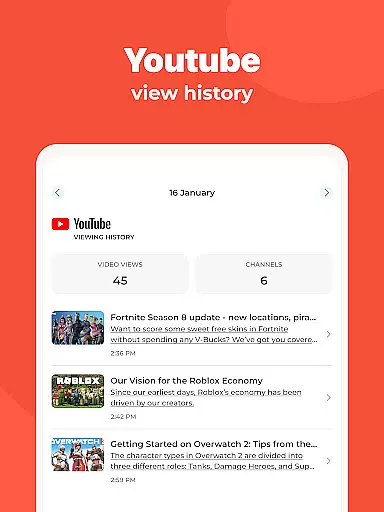
For more granular control, the app offers daily time limits that automatically lock the device once the allocated usage time is reached. Parents can also reward extra screen time for completing chores or homework, promoting positive behavior. The monitoring features provide detailed insights into app usage, web browsing history, and location tracking, giving parents peace of mind about their child's digital activities.
Custom modes enable selective app blocking based on different times or situations, encouraging appropriate device usage. The app's cross-platform compatibility extends to desktop versions for Windows and Mac, plus browser-based controls for managing devices from any computer. These comprehensive features make Kidslox a versatile tool for maintaining healthy screen time habits across the entire family.
In the realm of parenting apps, content credibility is paramount for user trust and effective child guidance. Kidslox Parental Control App excels in this area by providing features that are not only designed with technical precision but also align with expert-recommended parenting practices. The app's ability to control screen time, track location, and monitor activities is developed based on extensive research into digital wellbeing and child psychology.
Kidslox ensures its functionalities such as instant lock, screen time schedules, and daily time limits are grounded in methods approved by child development experts. These features help parents establish healthy device habits without causing friction in the parent-child relationship. Additionally, the app's capability to filter inappropriate content and block in-app purchases reflects a deep understanding of modern digital challenges faced by families.
Parents benefit significantly from using Kidslox due to its reliable and expert-validated approach. By setting boundaries through customizable modes and rewarding positive behavior with screen time rewards, parents can foster an environment conducive to their children's growth. Moreover, the geo-fencing and location tracking features provide peace of mind, allowing parents to ensure their child's safety while respecting privacy boundaries.
Growth tracking accuracy in parenting apps refers to the precise monitoring and reporting of a child's developmental progress and digital activity. Kidslox Parental Control App offers robust tools that enable parents to accurately track their child's screen time, app usage, and web activities. This data-driven approach empowers parents to make informed decisions about their child's digital consumption and overall wellbeing.
The app employs advanced algorithms to deliver detailed insights into how children interact with their devices. Features like screen time schedules and daily limits provide quantifiable metrics that help parents understand patterns in their child's behavior. Furthermore, Kidslox's monitoring capabilities extend to tracking location history and setting up geo-fenced zones, ensuring comprehensive oversight of physical movements alongside digital activities.
By leveraging these accurate tracking mechanisms, parents gain valuable perspectives on their child's growth trajectory. They can identify areas where intervention might be necessary or recognize positive trends that deserve encouragement. Ultimately, Kidslox equips parents with the tools needed to guide their children towards responsible device use while promoting balanced lifestyles, making it an indispensable ally in modern parenting.
Comprehensive parental controls
Multi-platform support
Real-time location tracking
Flexible scheduling options
Content filtering capabilities
Requires constant internet connection
Paid subscription model
Complex permission setup
Limited free trial period
Device compatibility issues

Happiest Baby App replaces the SNOO App (the mobile companion to SNOO & SNOObie)
 3.20
3.20
All-In-One Pregnancy Tracker, Your Baby's Milestones, Growth Stages & Parenting
4.70
Educational resource for parents to inspire creativity in their children.
4.00
Kids story books for children. Baby reading books with audio for pre-k toddlers
4.70
Keep track of your stored breastmilk
4.40
Findnumber: Real-time location tracker for ultimate family security
4.20
GeoLog - Real-Time Location Tracker
4.40
Pregnancy+ App has helped 80m moms track their pregnancy with info & support!
4.80
The Most Trusted Co-Parenting App.
4.60
All-In-One Pregnancy Tracker, Your Baby's Milestones, Growth Stages & Parenting.
4.90
Track Pregnancy, Baby Feeding, Sleep, Diaper Changes, Postpartum Health & More!
4.80
Introduce real food to baby with First Foods® Database, baby led weaning BLW
4.80
FamilyAlbum helps you share, save, and remember your child's special moments.
4.80
SENSORYSOOTHE and SENSORSAFE: Making car seats smarter and families safer.
4.70
Track your pregnancy, kick & contraction counter, baby & mom's heartrate monitor
4.60
Speech Therapy Exercises For All!
4.40
Find unique + popular baby names for your little peanut.
4.30
Monitor screen time and build healthy habits with Family Safety
3.90
Discover fun videos, kids songs, bedtime stories and games
3.60


User Reviews