
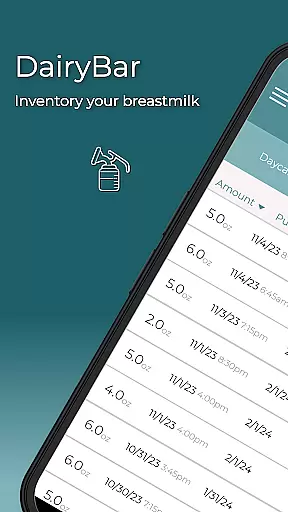
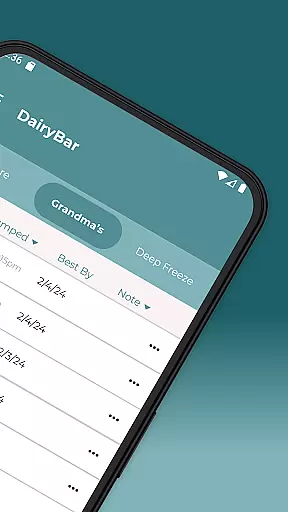
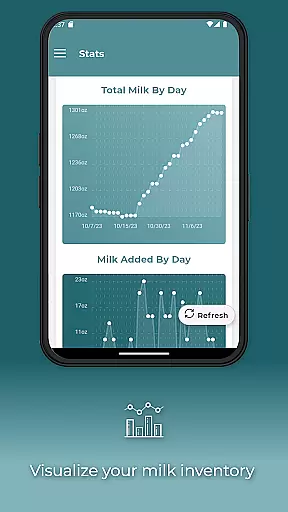
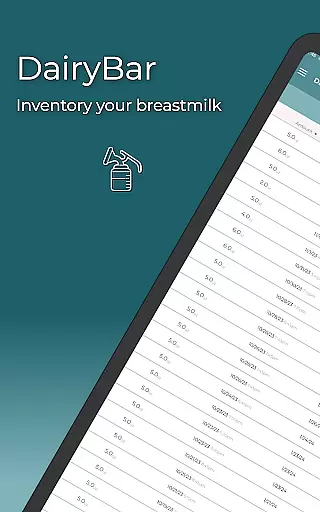
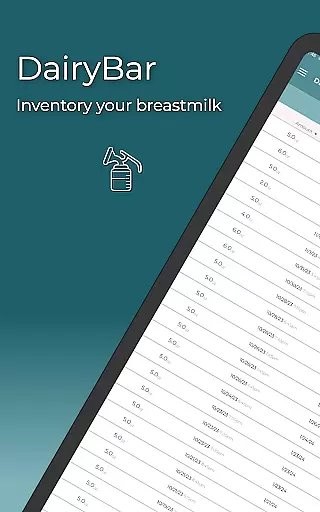
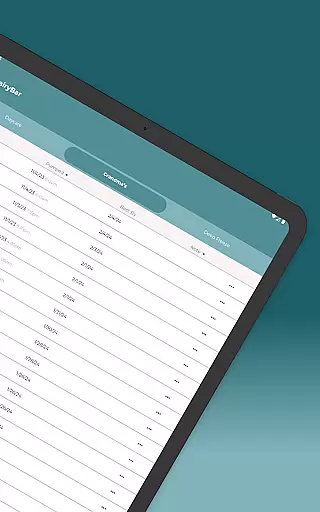
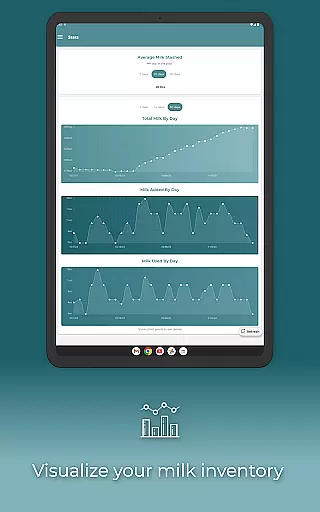
DairyBar is a specialized application designed to assist parents in managing their breast milk inventory with ease and precision. The app allows users to track stored breast milk across different storage locations such as the fridge, freezer, or deep freeze. This ensures that parents can maintain an accurate record of their milk supply without guesswork.
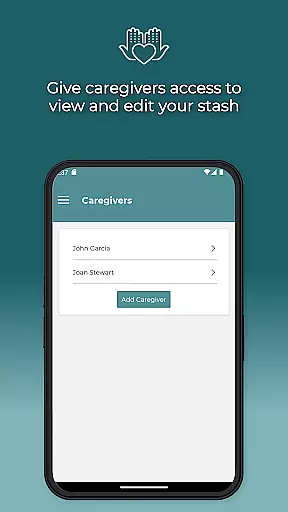
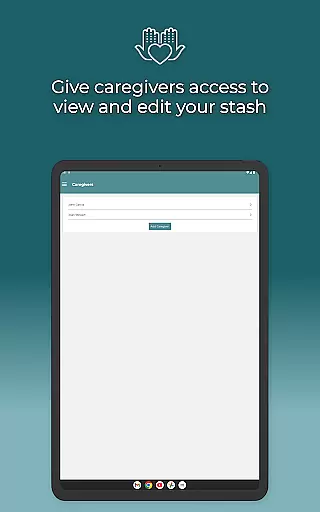
One of the standout features of DairyBar is its ability to calculate how long the stored milk will last based on the baby's consumption patterns. Parents can personalize these calculations according to their baby's monthly intake. Additionally, the app supports both metric and imperial units, allowing tracking in either milliliters or ounces. With options for adding caregivers who can view and edit the inventory, DairyBar fosters collaborative parenting.
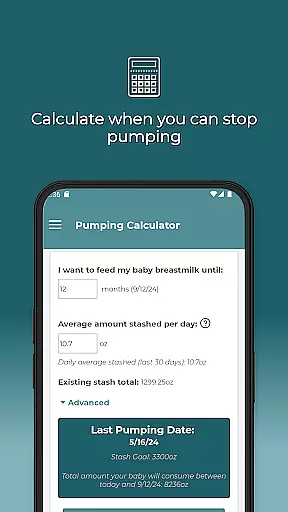
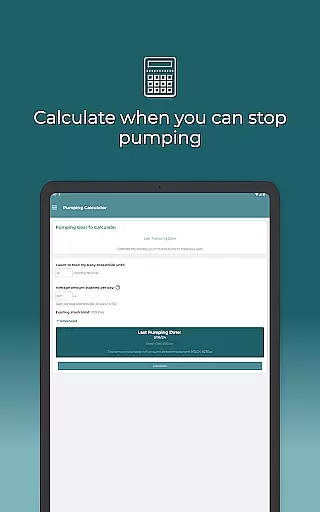
Built and maintained by a single developer-mother, DairyBar also offers remote backup functionality and a pumping calculator. These tools help parents plan their pumping sessions more effectively and ensure data safety. Whether you're a working parent or simply looking to keep better track of your breast milk supply, DairyBar provides a reliable solution tailored to modern parenting needs.
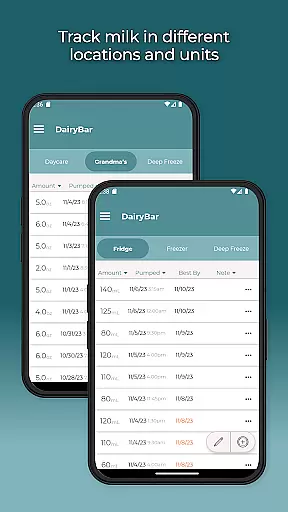
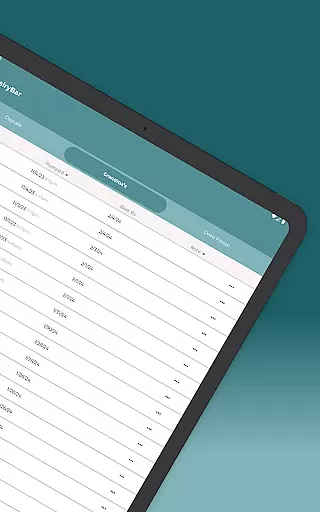
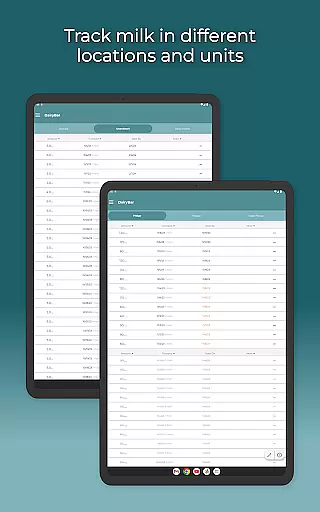
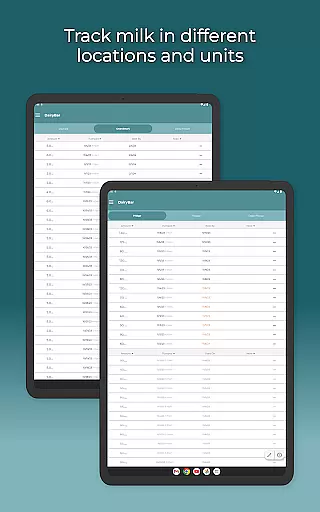
DairyBar stands out with its comprehensive set of features tailored specifically for managing breast milk storage efficiently. One key feature is the ability to track milk across multiple storage locations—fridge, freezer, and deep freeze—providing a clear overview of available supplies at any given time. This multi-location tracking helps prevent wastage and ensures optimal use of stored milk.
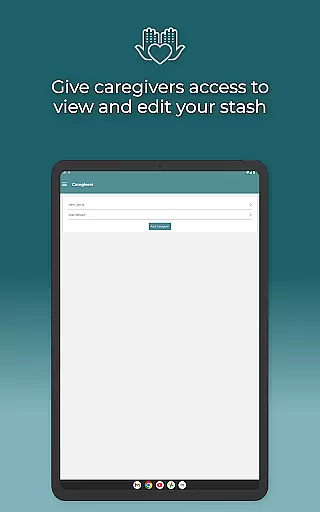
The app includes a unique calculation tool that estimates how long your stored milk will last based on your baby's consumption rate. Parents can customize this feature by inputting their baby's monthly feeding habits, ensuring highly personalized and accurate projections. Furthermore, DairyBar supports both mL and oz measurements, catering to user preferences worldwide. Caregivers can be added to the app, granting them permissions to view and edit the inventory, which enhances shared parenting responsibilities.
Additional notable features include remote backup functionality, safeguarding your data against loss, and a pumping calculator that assists in planning efficient pumping sessions. These innovative tools reflect DairyBar’s commitment to supporting parents through thoughtful design and practical solutions, all maintained by a dedicated solo developer-mama.
When it comes to parenting applications, the credibility of content and expert validation are crucial factors. DairyBar ensures that all information provided is accurate and reliable, specifically tailored for tracking breast milk storage. The app's features are designed based on real-life needs and feedback from mothers, ensuring authenticity.
The developer has incorporated essential functionalities such as tracking milk in different storage locations and calculating its longevity based on consumption. These features have been thoughtfully added to assist parents in managing their baby's nutrition effectively. Additionally, the ability to personalize feeding amounts by month reflects a deep understanding of infant dietary requirements.
Users can trust the app's calculations and tracking abilities because they are crafted with precision and reviewed by those with experience in child-rearing. This dedication to accuracy and reliability makes DairyBar a dependable tool for parents who need to manage their breast milk inventory efficiently.
Growth tracking accuracy is vital for any parenting app focused on infant care. DairyBar offers precise tools to monitor and calculate breast milk storage and consumption. By allowing parents to track milk in mL or oz, the app provides flexibility and precision that caters to individual preferences and needs.
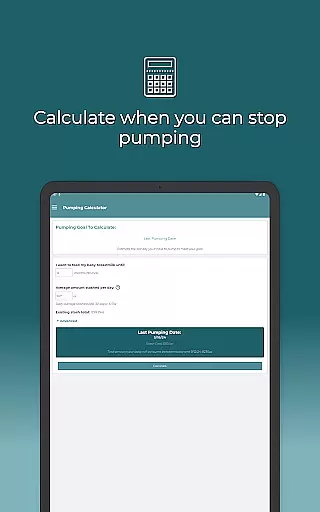
The app includes a pumping calculator that estimates how long you need to pump, adding another layer of accuracy to your breastfeeding journey. This feature helps in planning and ensures that mothers can meet their breastfeeding goals without guesswork. Furthermore, the ability to add caregivers who can view and edit the stash enhances collaborative parenting efforts.
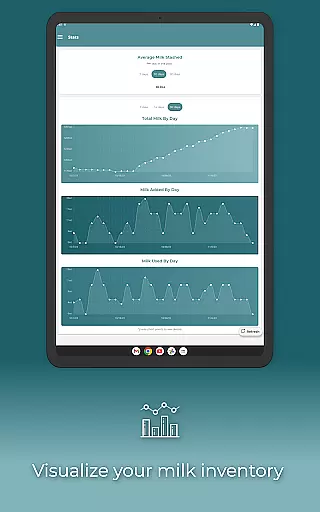
DairyBar also stores a backup of your milk stash remotely, ensuring data safety and accessibility. This comprehensive approach to growth tracking and data management underscores the app's commitment to providing accurate and reliable tools for parents navigating the challenges of infant care.
User-friendly interface
Comprehensive tracking system
Personalized consumption calculations
Supports multiple measurement units
Remote backup functionality
Limited to breast milk tracking
No multi-language support
Single developer may slow updates
Premium features might require payment
Dependent on manual data entry

Track your pregnancy & your baby's growth in 3D. Get support from our community
 4.60
4.60
Discover fun videos, kids songs, bedtime stories and games
3.60
With BabyCam you can monitor your baby using your mobile phone, tablet, PC or TV
4.40
Parental Control including Screen time control, GPS tracking, App/Game blocker.
3.90
A Coloring for the Whole Family! Discover the Joy of Family Love Through Colors!
3.60
Lullabies, Night Light & Age-based Routines to help your baby fall asleep
4.1
Speech Therapy Exercises For All!
4.40
GPS tracker app: Simple GPS phone tracker for fast family location tracking
4.60
Parental control: child monitoring app, screen time control, GPS child tracker
4.40
Track your pregnancy, kick & contraction counter, baby & mom's heartrate monitor
4.60
Live Location, Alerts & 2-Way Voice for Kids and Adults with Special Needs
4.60
The Most Trusted Co-Parenting App.
4.60
It is a screen time management tool for games and mobile applications
4.50
Real-time family location with consent, check-ins & SOS—private by default.
4.40
FamilyMode helps you manage your family’s digital lives—at home or on the go.
4.30
Findnumber: Real-time location tracker for ultimate family security
4.20
Watching baby, helping parents
4.10
Play activities, milestones, expert-led classes, baby tracker, and more!
3.00
Track pregnancy health and wellness with pregnant tracker from healthcare advice
4.1


User Reviews