
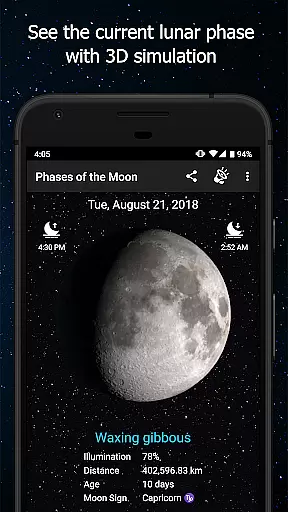
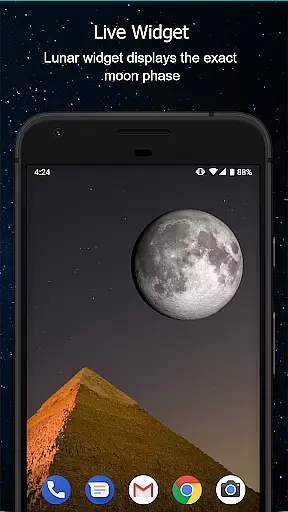
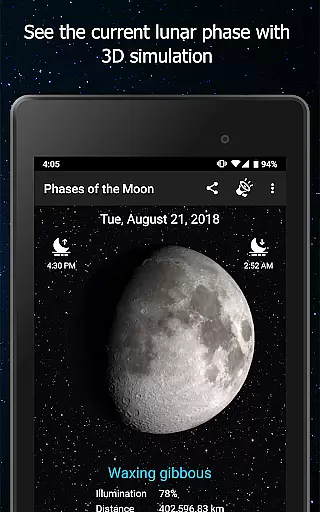
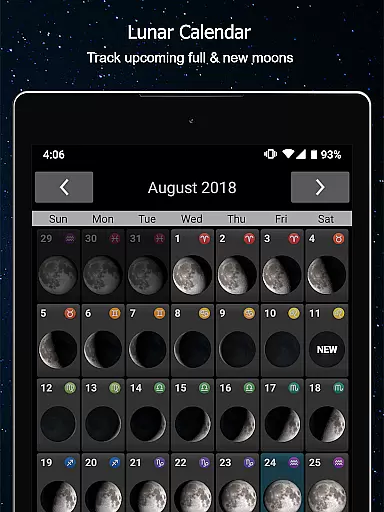
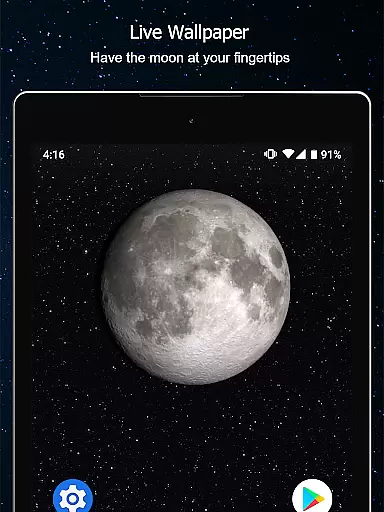
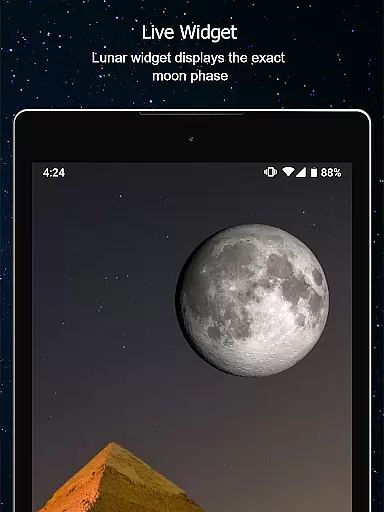
Phases of the Moon Pro is a comprehensive 3-D simulation app designed for moon enthusiasts. This Weather category app provides real-time data on moon phases, rise and set times, illumination, zodiac locations, and distances. Users can track upcoming Full Moons, New Moons, and eclipses with ease.
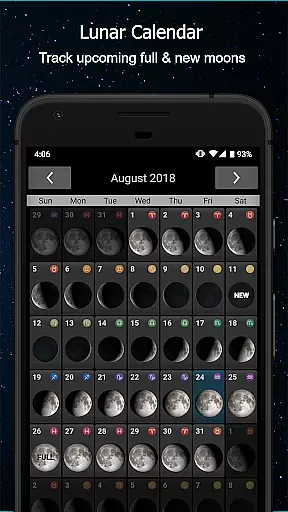
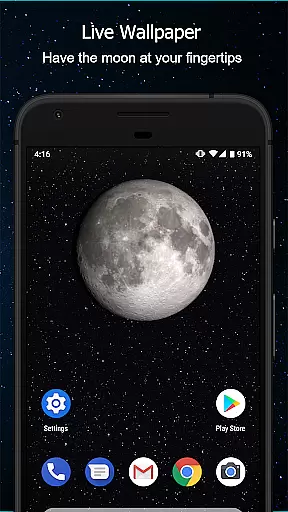
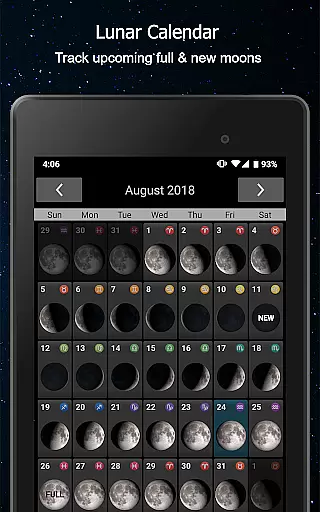
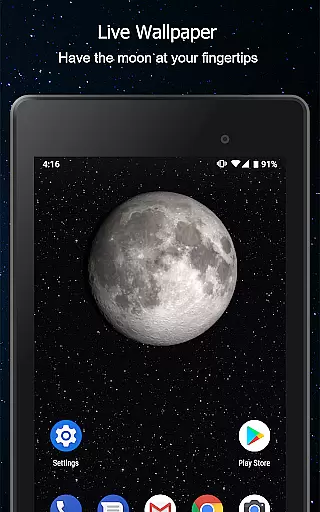
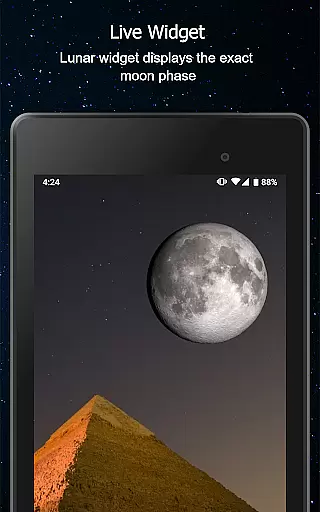
The app includes features such as a Monthly Calendar, Live Wallpaper, and Widget to enhance user experience. Whether you're an amateur astronomer or simply someone who loves gazing at the night sky, this app offers valuable insights into the lunar cycles and ensures you never miss significant celestial events.
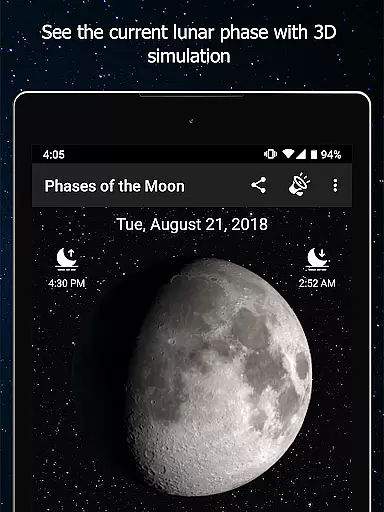
Phases of the Moon Pro stands out with its rich feature set tailored for moon observation. The app provides detailed Moon Phase Alerts, allowing users to set reminders for specific lunar events like eclipses or supermoons. Its interactive 3-D simulation, crafted using NASA data, lets users swipe through different moon phases while observing changing shadows.
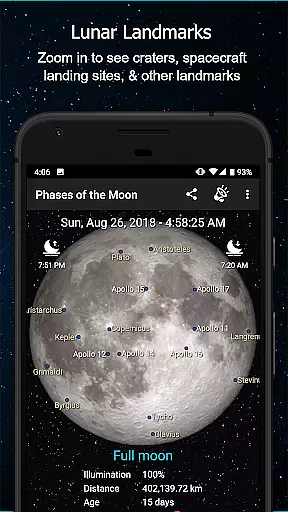
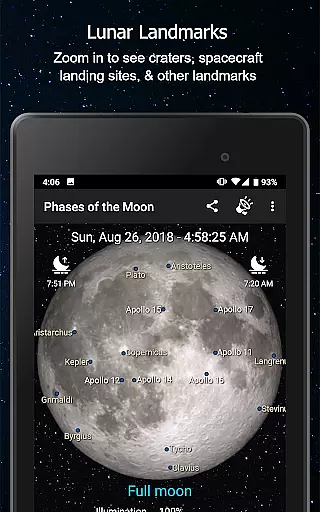
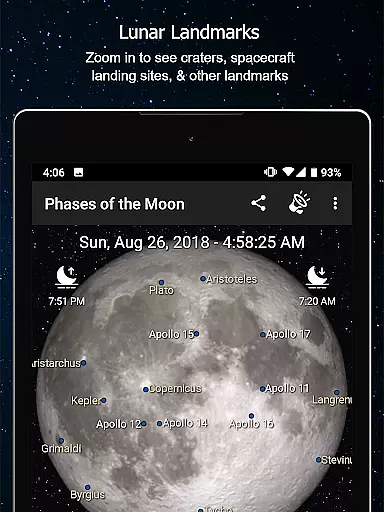
Additional functionalities include tracking all moon cycles via live wallpaper or a moon phase calendar, viewing moon rise and set times, and identifying future Full or New Moons with dedicated buttons. The app also supports GPS detection to ensure accurate hemisphere-specific views and allows users to explore craters and historical moon landing sites through pinch-zoom capabilities.
When it comes to tracking lunar phases and celestial events, accuracy is paramount. Phases of the Moon Pro delivers precise data with information updated in real time, ensuring users have the most current and credible moon-related content at their fingertips.
This app provides detailed insights into moon rise and set times, illumination percentages, and phase names, all powered by NASA's authoritative data. This guarantees that whether you're an amateur astronomer or simply a moon enthusiast, the information you receive is not only timely but also scientifically accurate.
By incorporating GPS detection, the app tailors its data to your specific hemisphere and location, enhancing forecast accuracy. This means you can trust the app to show you exactly how the moon will appear from your vantage point on any given day.
Phases of the Moon Pro doesn't just offer a narrow view of the moon's current state; it extends its forecasting capabilities across both time and space. Users can explore past, present, and future moon phases, allowing for comprehensive temporal coverage that caters to various needs, from scientific research to personal curiosity.
The app includes a monthly calendar feature, enabling users to visualize the moonu2019s appearance over extended periods. This spatial forecast range is crucial for planning ahead, whether you're preparing for a night of astrophotography or charting a year-long observation project.
With the ability to look forward to the next Full Moon or New Moon at a tap, and even set alerts for special lunar events like eclipses, this app ensures that you'll never miss a significant moment in the moon's cycle, no matter where you are located.
User-friendly interface
Real-time moon data
Interactive 3D simulation
Detailed phase alerts
Live wallpaper feature
Premium version costly
Occasional ads in free version
Heavy on battery
Limited offline functionality
Complex for beginners

Accurate weather forecast and beautiful weather & clock widgets
 4.20
4.20
Live weather radar, widgets & forecasts. Track rain, storms & temperature.
4.20
Live Alabama weather from James Spann—forecasts, radar, alerts, Spanncams.
4.70
My Aurora Forecast is the app for Northern Lights and Aurora Borealis alerts.
4.60
Local Weather provides accurate and current hourly and daily forecasts.
4.80
Analog Weather Watch Face for Wear OS 5+
4.10
My Aurora Forecast Pro is the app for the Northern Lights and Aurora Borealis.
4.70
14-day & 24-hour Forecast | Real-time Alert | Accurate & Fast
4.40
Hyperlocal Forecasts, Live Radar, Severe Weather alerts & Homescreen Widgets
4.30
Aviation weather made simple. Visual decoder for METAR & TAF
4.90
Weather - Local weather forecast, weather daily & hourly, weather radar
4.80
NOAA forecast & radar for your exact location.
4.80
Live weather forecast for your everyday life
4.60
Industry leading whitetail movement predictor & hunting app.
4.60
Accurate Weather App: various widgets, real-time storm radar, hurricane tracker.
4.50
Personal Weather Station PRO - Meteo monitor to check your WU info and charts.
4.20
Download now and give your smartwatch a fresh, premium look!
4.20
Check forecasts, watch live news & track storms with FOX Weather.
3.80
A powerful tool for ultimate weather awareness
3.50


User Reviews