
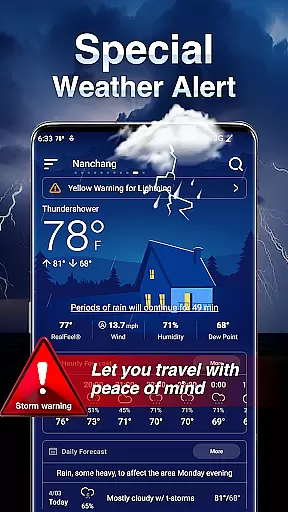
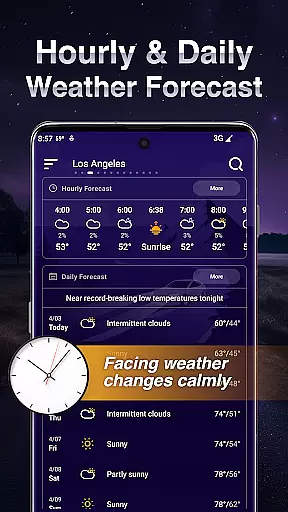
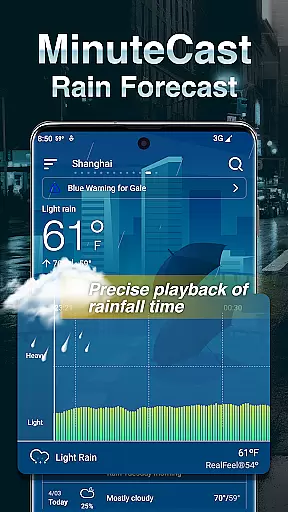
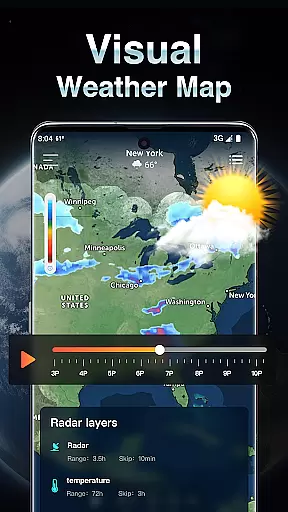
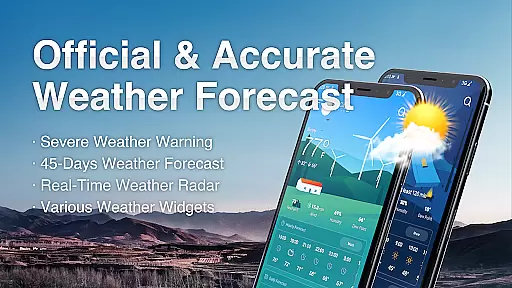
Live Weather is a professional-grade weather forecasting application that provides accurate and real-time weather updates for your exact location, anywhere in the world. The app offers detailed information on current temperature, rain, precipitation probability, snow, wind, daylight hours, and sunrise and sunset times.
With LIVE WEATHER AND REAL-TIME ALERTS, Live Weather delivers the most precise and reliable weather forecasts. It includes critical weather indicators such as sunrise and sunset times, humidity, UV index, wind speed, air quality, and precipitation. Whether you need minute-by-minute rain tracking or comprehensive 10 to 25-day forecasts, this app has got you covered.
The application is designed for users who require not only current weather conditions but also advanced data like air quality indexes, cloud coverage, and visibility. Its customizable features allow personalization of units and formats, while the real-time radar maps offer visual tracking of weather fronts and storms, making it an essential tool for planning and safety.
Live Weather stands out with its extensive feature set tailored to provide an all-encompassing weather experience. One of its key functionalities is the real-time weather alerts and natural disaster notifications. These alerts include affected areas, start and end times, warning summaries, and data sources, with different colors representing varying severity levels.
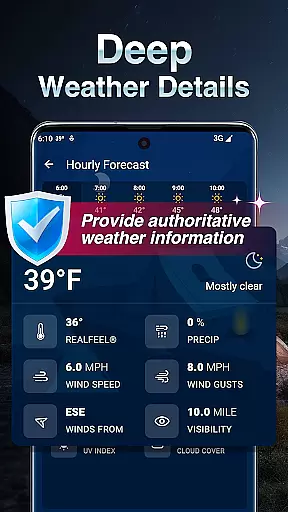
Another highlight is the detailed Today's Weather section, which provides feels-like temperature, sunrise and sunset times, humidity, UV index, visibility, dew point, altitude, and cloud cover. For those planning ahead, the app offers 24/72-hour and 10/25-day forecasts, complete with hourly breakdowns and daily summaries including temperature, humidity, UV index, and wind details.
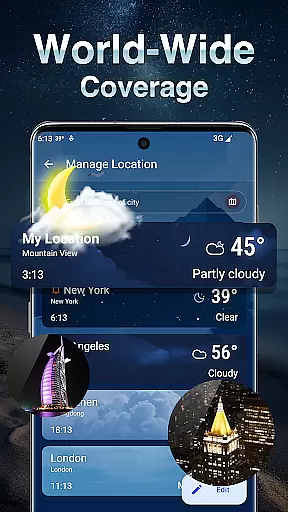
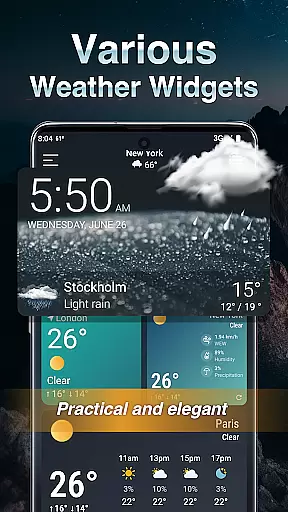
Unique to Live Weather is its Rain Tracker, offering minute-by-minute precipitation updates and snow depth predictions for the next two hours. Additionally, the app supports over 100 languages, includes customizable widgets, and allows manual location management. Users can switch between light and dark display modes, ensuring usability in any condition.
Forecast accuracy and data credibility are crucial elements in any weather application, serving as the foundation for user trust and decision-making. Live Weather excels in this area by providing precise real-time weather conditions for your exact location, anywhere in the world. The app offers detailed updates on temperature, rain, precipitation probability, snow, wind, daylight hours, and sunrise and sunset times.
The app's commitment to accuracy is evident through its comprehensive weather indicators, which include UV index, wind speed, air quality, and precipitation. These indicators are updated regularly to ensure users have access to the most reliable information. By incorporating advanced forecasting models and leveraging global meteorological data sources, Live Weather ensures that its predictions for the upcoming 10 to 25 days remain consistently accurate.
Users benefit from the app's dedication to transparency and precision, allowing them to plan their daily activities with confidence. Whether it's preparing for a storm or scheduling outdoor events, the credible data provided by Live Weather empowers users to make informed decisions based on trustworthy weather forecasts.
Temporal and spatial forecast range refers to an application's ability to provide accurate weather predictions across both time and geographical areas. Live Weather stands out by offering detailed forecasts for the next 24 to 72 hours, including hourly breakdowns, ensuring users can plan short-term activities with precision. For longer-term planning, the app extends its forecasts up to 25 days ahead, covering daily summaries, humidity levels, UV index, and probabilities of rain, snow, or ice.
In addition to temporal coverage, the app provides extensive spatial coverage with real-time radar maps showing cloud cover, sun, rain, snow, hail, thunderstorms, and lightning zones. This feature allows users to track weather movements across various locations, helping them understand how changing conditions might impact their area. Users can also monitor minute-by-minute rainfall and snowfall predictions for the next two hours using Rain Tracker.
This broad temporal and spatial coverage enhances user experience by delivering timely and relevant weather information tailored to specific needs. Whether tracking local weather changes or monitoring distant locations, Live Weather equips users with the tools necessary to stay prepared and informed regardless of where they are or what time frame they need to consider.
Accurate Forecasts
Real-Time Alerts
Customizable Units
Detailed Maps
Multi-Language Support
Complex Interface
High Data Usage
Limited Free Features
Occasional Glitches
Ads in Free Version

Ultimate weather forecast + moon phase for Wear OS 5+ (Pixel, Galaxy, et al.)
 4.70
4.70
The most accurate weather app, hourly and daily weather, severe weather alerts
4.50
Arrive safely! Travel weather forecasts for your entire trip at time of arrival.
3.60
Accurate weather forecast, daily weather changes are easy to grasp
4.90
Weather radar, hyperlocal tracker and weather maps: follow your weather station
4.80
Weather radar, satellite, wind, waves, ocean and hurricane forecasts.
4.70
Aviation weather made simple. Visual decoder for METAR & TAF
4.90
My Aurora Forecast Pro is the app for the Northern Lights and Aurora Borealis.
4.70
Check room temperature with this indoor thermometer. thermostat & hydrometer
4.70
Ultimate Lunar Calendar for 2021!
4.80
Nuts Weather, your ideal choice for knowing weather forecast & weather radar
4.70
weather forecast, weather radar, weather widget in one local weather app
4.70
Your ultimate app for real-time weather information!
4.70
Powerful US and worldwide earthquake feed with earthquake alerts and maps.
4.60
Stay ahead of the weather with Daily Weather
4.10
A powerful tool for ultimate weather awareness
3.50
Quickly check the Hanalei river gauge height during heavy rains on Kaua'i.
4.4
Dynamic weather watch face with glass effect, bold time & 7 complications.
4.3
Detailed weather info and moon phase, subtle animation, customizable
4.5


User Reviews