
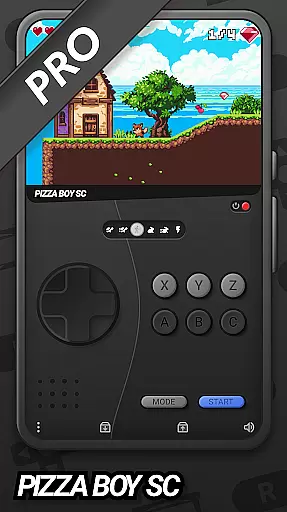
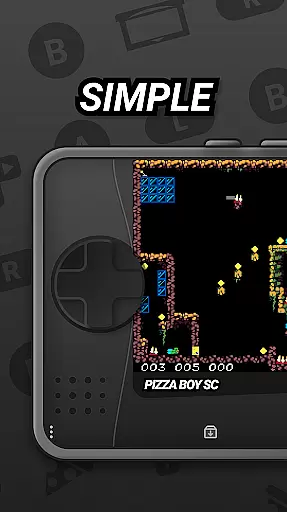
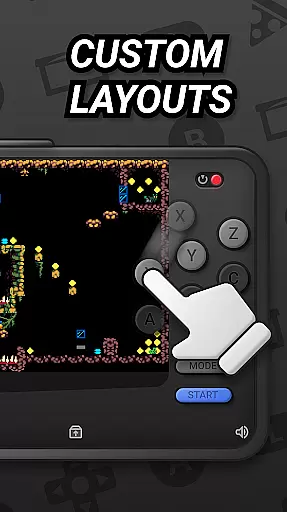
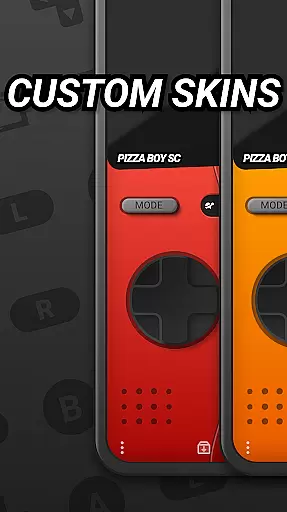

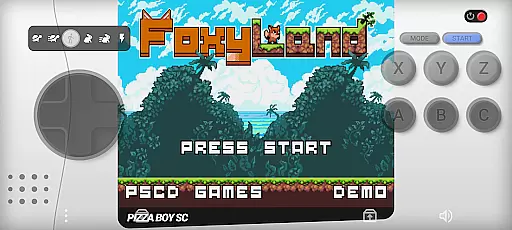
Pizza Boy SC Pro Genesis Emu is a powerful emulator that brings classic '90s console gaming to your mobile device. Designed for gaming enthusiasts, this app supports multiple systems including Genesis, Mega Drive, Mega CD, Master System, and Game Gear. The emulator offers high-performance gaming with modern enhancements like customizable skins, rewind functionality, and RetroAchievements.
With its cutting-edge core built in Rust, the app ensures exceptional performance and stability. It also features gamepad support for an authentic experience, cheat functionality for added convenience, and multiplayer options for shared gaming sessions. Whether you want to relive nostalgic gaming moments or discover retro games for the first time, Pizza Boy SC Pro provides a seamless and immersive experience.
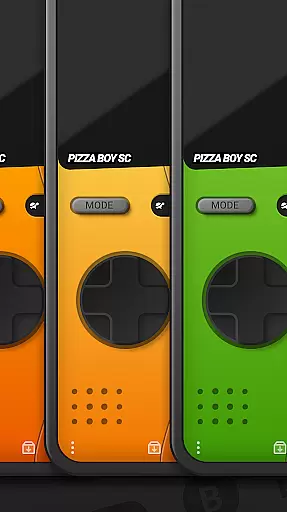
The app boasts a range of advanced features tailored for retro gaming enthusiasts. Its high-performance emulation engine delivers smooth, fast gameplay optimized for classic consoles. The customizable skins allow users to personalize their interface, while the rewind function lets players correct mistakes during challenging moments.
Additional standout features include boxart support for a visually enriched library, RetroAchievements for earning rewards in classic games, and built-in cheat support to enhance gameplay flexibility. The app also supports multiplayer modes and hardware gamepads, ensuring an authentic and social gaming experience. With upcoming expansions planned for 32-bit systems, Pizza Boy SC Pro continues to evolve as a top-tier emulator.
Arcade authenticity and nostalgia are at the heart of Pizza Boy SC Pro Genesis Emu, offering users a genuine trip down memory lane. This emulator meticulously recreates the gaming experience of classic '90s consoles such as Genesis, Mega Drive, and more, ensuring that every pixel and sound resonates with the era's charm.
The app achieves this through high-performance emulation, which guarantees fast and seamless gameplay. It is designed not just to mirror the original gaming performance but to enhance it with modern features like rewind functionality and customizable skins, allowing users to tweak the experience to their liking while maintaining the nostalgic feel.
For enthusiasts looking to relive their favorite moments, Pizza Boy SC Pro provides an authentic atmosphere with full boxart support and gamepad compatibility. These features collectively ensure that each gaming session is not just about playing a game but experiencing a piece of history with enhanced convenience and personalization.
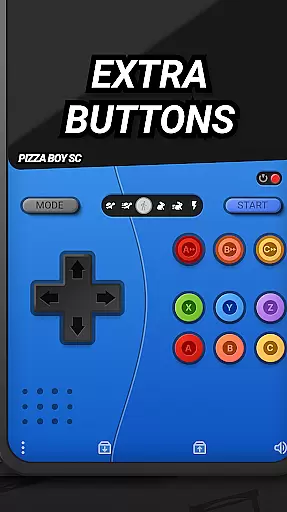
Control responsiveness in Pizza Boy SC Pro Genesis Emu is engineered to offer an intuitive and engaging user experience. The emulator supports a wide array of game controllers, ensuring that players can enjoy an authentic and tactile connection to their games, just as they did in the '90s.
Built entirely in Rust, the emulator boasts exceptional performance and stability, translating to responsive controls that react instantly to the useru2019s commands. This cutting-edge core technology ensures that even the most demanding games run smoothly, without lag or interruptions, providing a seamless bridge between nostalgic gaming and modern precision.
Additionally, the inclusion of multiplayer options and cheat functionalities enriches the control experience, allowing gamers to tailor their playstyle while enjoying enhanced interaction with friends. This combination of responsive controls, coupled with modern enhancements, makes every gaming session both nostalgic and refreshingly new.
High-speed emulation
Customizable UI
Rewind feature
Multiplayer support
Gamepad compatibility
Mega CD beta
No SEGA license
Complex setup
Ads in free version
Large file size

Gameboy Color Emulator
 4.60
4.60
Sharpen your mind and reflexes while playing 4Way Dash
4.1
Local offline 2 3 4 player multiplayer minigames - race, tanks, football
4.60
Eat & evolve your shark in the ultimate shark survival game!
4.50
Epic offline war strategy game - build your city, train your army, conquer
4.20
Ready… Set… DASH! Play now!
4.70
Play fun multiplayer games with friends on one device! Two, Three, Four players!
4.60
The precise emulator of 8 bit handheld... Now even better!
4.50
Save the galaxy from alien shooter in classic galaxy shooter-classic arcade game
4.80
Bomb the communists back to 1916!
4.70
Save the Galaxy from galaxiga alien - Classic arcade shooter game
4.60
Venture into the galaxy to fight against the invasion of space invaders.
4.60
Payback 2 includes everything from tank battles to high speed helicopter races!
4.50
Use superpower in your magic hands. Defeat the enemies in a fun elemental game.
4.50
Hit as hard as you can and make the penguin learn to fly! Arcade jumping game
4.50
Shoot the web, jump and teleport! Be a stickman hero and destroy your enemies!
4.50
Play all your favorite Playstation games in your android device!!
4.50
Enter Double Dragon Trilogy, a compilation of the beloved arcade series
4.10
It's quite possibly the world's hardest game!
3.90


User Reviews