
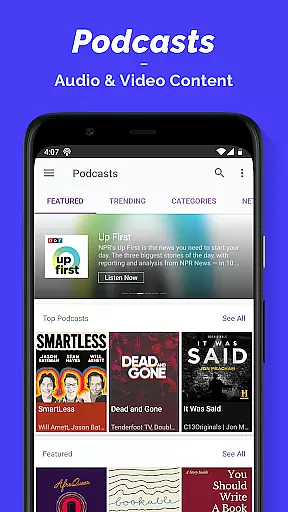
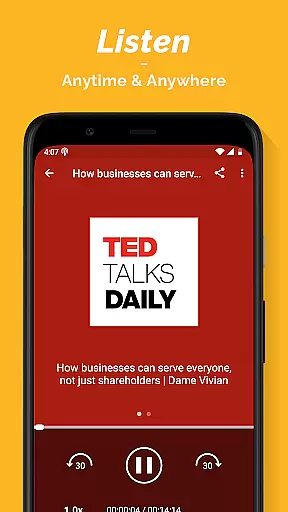
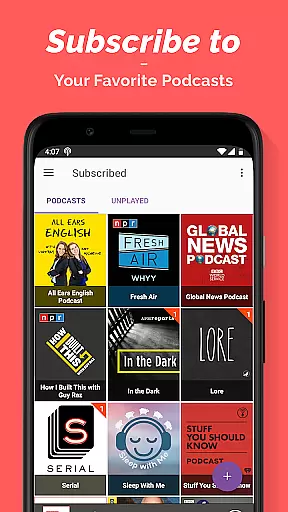
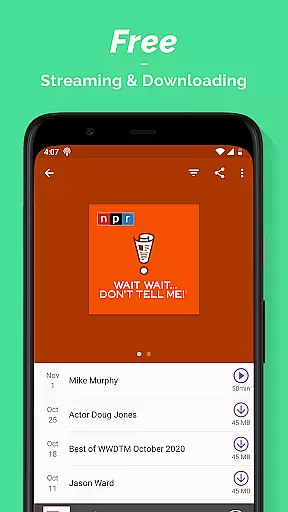
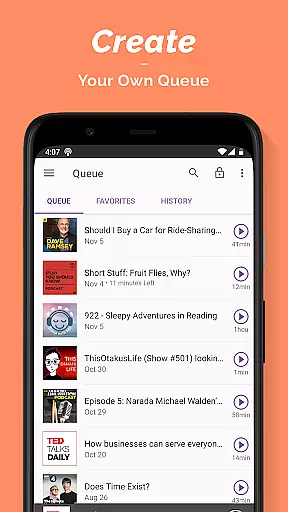
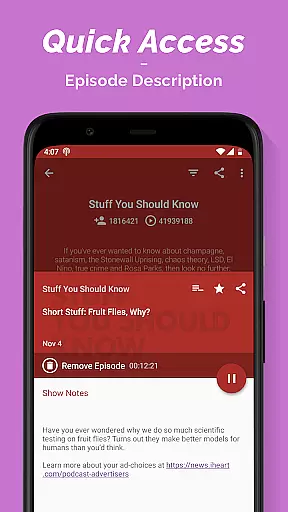
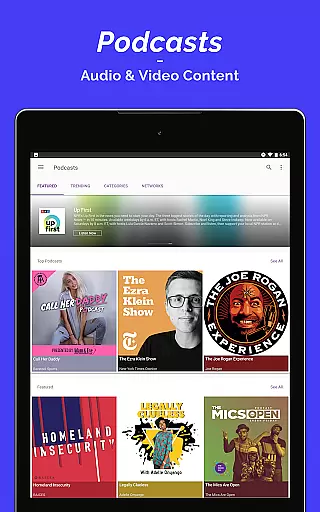
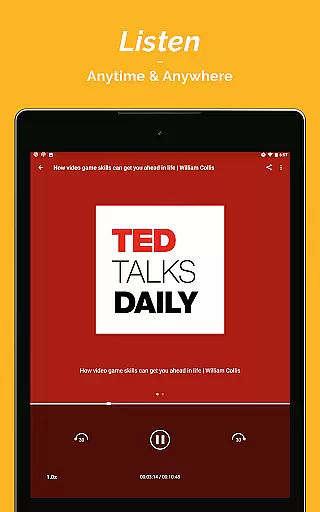
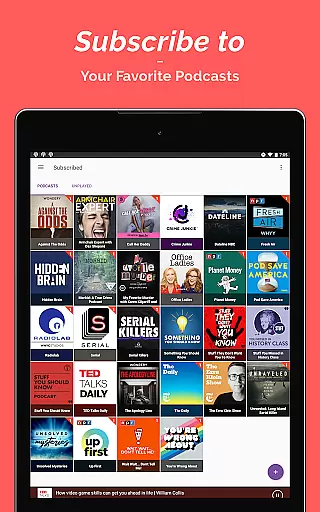
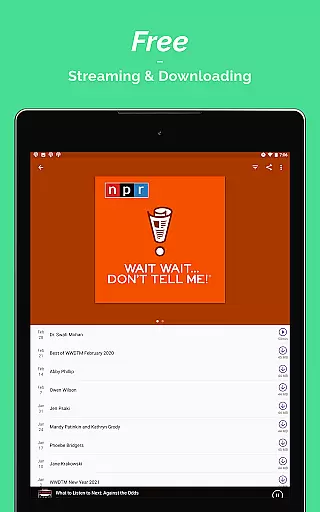
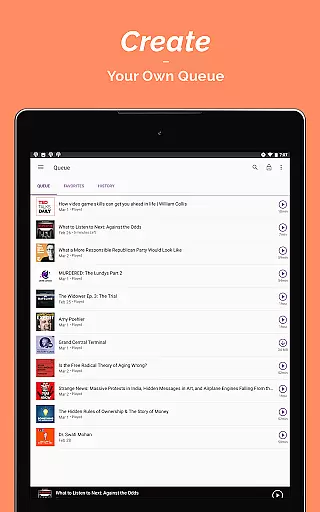
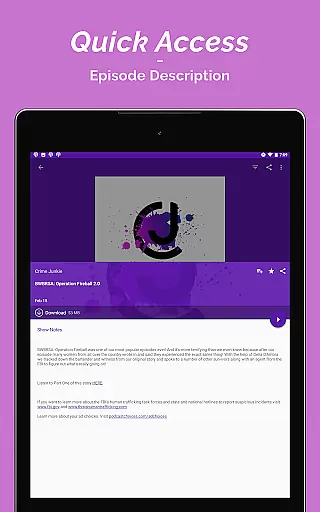
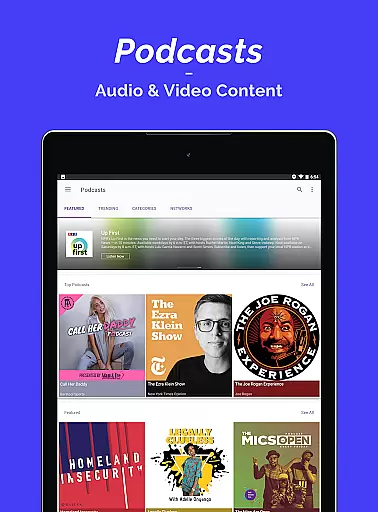
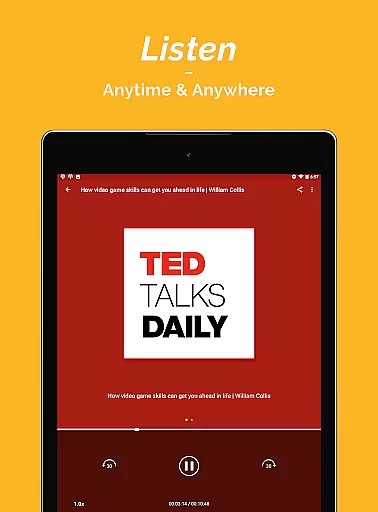
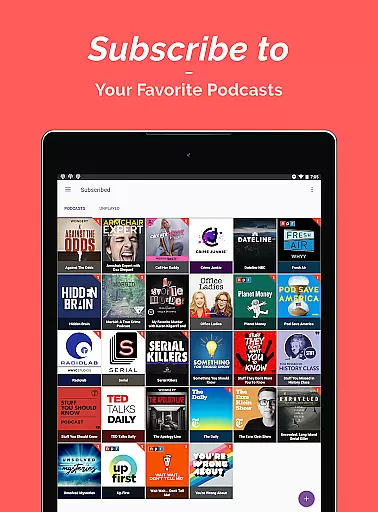

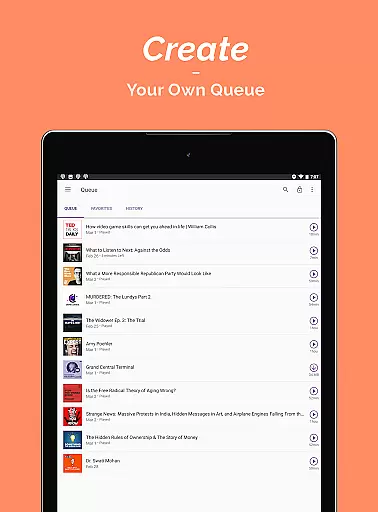
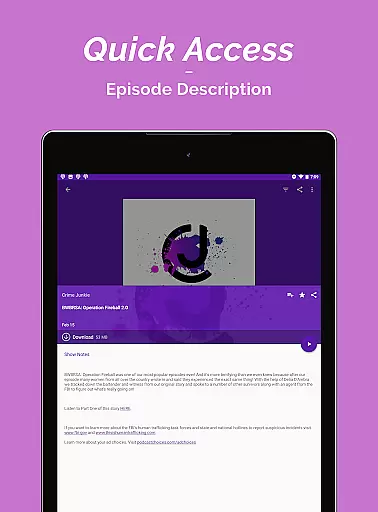
Podcast Player is a premier podcast application designed for podcast enthusiasts who seek an all-in-one solution for their audio content needs. This app allows users to search, subscribe to, stream, play, and download a vast array of podcasts and audiobooks covering various genres such as News & Politics, Music, Sports, Technology, and more.
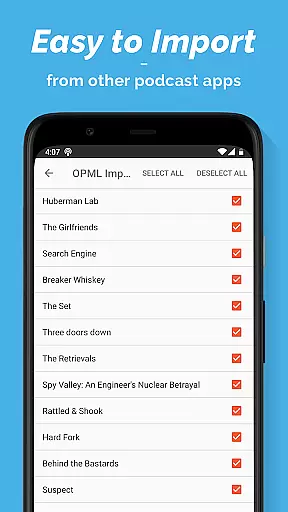
One of the standout features of Podcast Player is its OPML Import functionality, which facilitates a seamless transfer of subscriptions from other podcast apps. With over 95 million podcast contents available, including options from 70+ countries and languages, users can explore a rich diversity of topics. Whether you're commuting, exercising, or relaxing, this app provides both entertainment and educational value through its extensive range of audio content.
The app's user-friendly interface supports multiple widgets, customized playlists, and sharing capabilities, enhancing the overall listening experience. Additionally, it offers practical features like sleep timers and light/dark theme options, making it adaptable to different environments and preferences.
Podcast Player stands out with its comprehensive feature set tailored to enhance user engagement and convenience. The app offers an ultra-simple podcast publishing solution with unlimited bandwidth and storage, catering to the needs of both novice and experienced podcasters. Its vast library includes over 95 million podcast contents, grouped into 16 categories, ensuring that every user can find something aligned with their interests.
Global accessibility is another key aspect, with podcasts available in more than 70 languages and countries. Users can download episodes in MP3 format at no extra cost, allowing offline listening without limitations. The app also supports control from multiple interfaces including widgets, notification centers, lock screens, headphones, and Bluetooth devices, providing versatile playback options.
Customization is at the heart of Podcast Player, enabling users to build personalized playlists for different moods and scenarios. Sharing is simplified with one-step episode URL sharing, complete with play location. Furthermore, the availability of both light and dark themes, along with adjustable sleep timers, ensures a comfortable and personalized user experience.
In the realm of digital media, the credibility and diversity of news sources are paramount for users seeking accurate and unbiased information. Podcast Player excels in this area by aggregating content from a multitude of reputable radio sources and media outlets worldwide.
The app provides access to a wide array of global podcasts and radio shows, ensuring that users receive comprehensive and up-to-date news coverage. This aggregation includes content from over 70 countries and in various languages, offering a rich tapestry of perspectives.
By including acclaimed sources such as Fox News, BBC iPlayer Radio, NPR, and many others, Podcast Player ensures that its users are well-informed with reliable news. The diversity of these sources allows listeners to gain insights into different viewpoints, enhancing their understanding of global events.
Ultimately, the credibility and international scope of news available on Podcast Player empower users to make informed decisions based on trustworthy and varied information, catering to both their informational and educational needs.
Accuracy in content delivery and stringent fact-checking processes are vital components of any news platform. Podcast Player takes these responsibilities seriously, providing users with meticulously vetted audio content spanning various genres including news, education, and entertainment.
The app's vast library is populated with podcasts that are produced by professional entities, journalists, and experts in their respective fields. Shows like 'Freakonomics Radio' and 'TEDTalks' are examples of high-quality content where accuracy is not just expected but guaranteed.
Podcast Player also features episodes from networks known for their rigorous editorial standards, such as Vox and Stitcher. These partnerships ensure that all information disseminated through the app is thoroughly researched and verified before reaching the audience.
Listeners benefit from this commitment to precision by receiving content that they can trust, thus fostering an environment where learning and staying informed is both enjoyable and reliable. This dedication to factual reporting sets Podcast Player apart as a bastion of dependable audio journalism.
User-friendly interface
Extensive content library
Offline playback support
Customizable playlists
Cross-device compatibility
Limited advanced editing tools
Occasional syncing issues
Ads in free version
Heavy on storage
Complex navigation for new users

Local Chicago news and weather alerts. Watch NBC 5 Chicago live 24/7.
 4.00
4.00
Discover Taiwan Through News, Entertainment & Culture
4.50
Join the Neighborhood
4.70
WSJ: Award-winning business & markets coverage, breaking news & global headlines
4.30
Global news delivery, see all major world events, grasp the latest information.
4.40
Watch MS NOW videos and stream audio from the team formerly known as MSNBC.
4.60
Protect yourself with live emergency news alerts & 24/7 community crime updates.
4.50
Latest World News | Accurate Forecast | Real-time Alert | Smart & Fast
4.40
Reconnect with your neighborhood! Daily news alerts for local news headlines!
4.60
Download The Atlantic app for complete coverage of politics, culture, and more.
4.90
Crime map, police scanner & alerts
4.80
Live local weather + breaking news in one app. Plan your day and stay informed!
4.40
Stay informed. Get all your world and local news with AP News!
4.30
China's national English language newspaper under the People's Daily.
4.20
Quora is a place to share knowledge and better understand the world
4.20
National, local and world news
4.10
Trusted sources, breaking headlines, and local stories all in one place.
3.70
Live, Sport, Podcasts & Video
3.60
Watch the latest daily US & world reports live, with national & global updates
3.20


User Reviews