
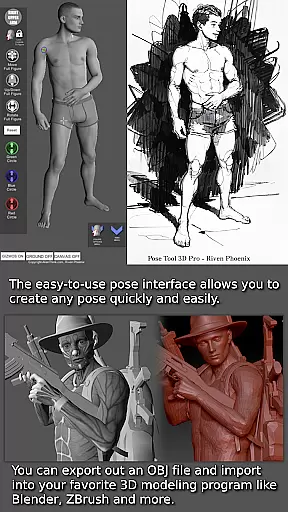
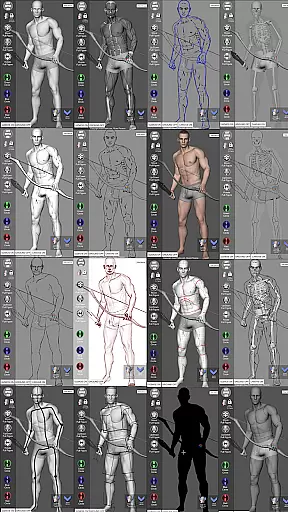
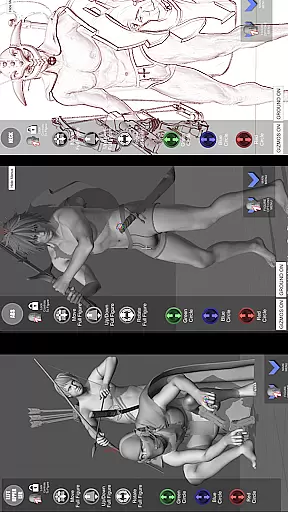
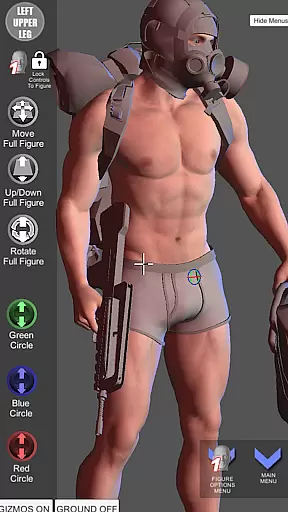

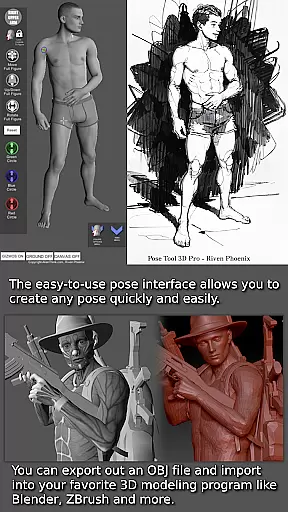
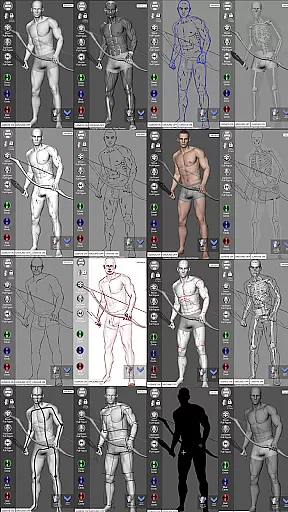
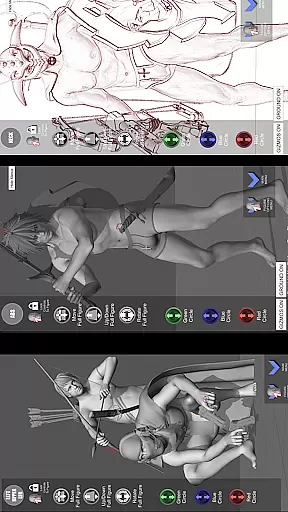


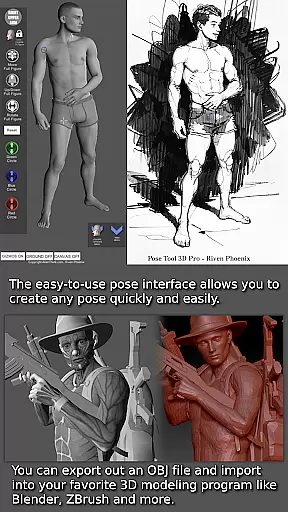
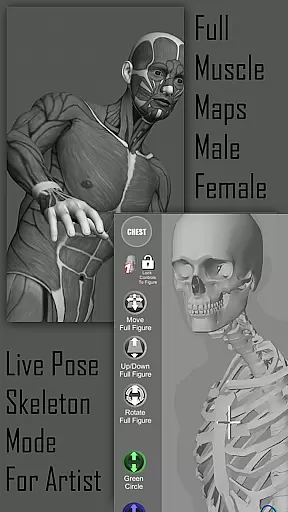
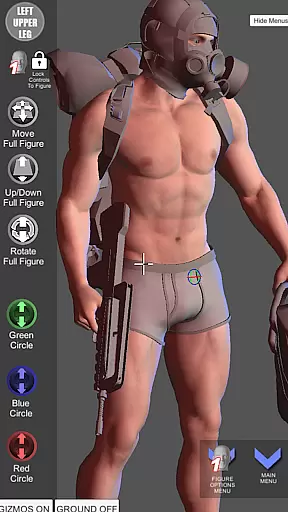
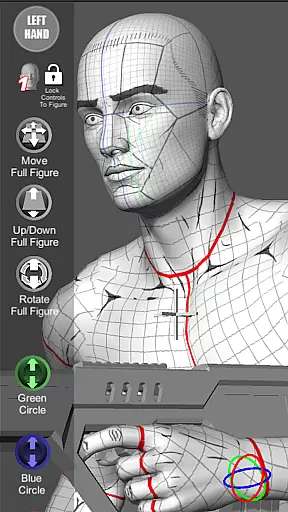

Pose Tool 3D is an essential app for artists, offering a versatile reference model that can be posed in countless ways. With its user-friendly interface, you can quickly create any pose with both male and female figures, making it ideal for drawing, manga, illustration, character design, animation, storyboarding, or comic book creation.
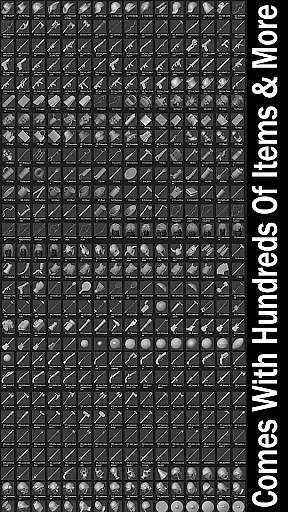
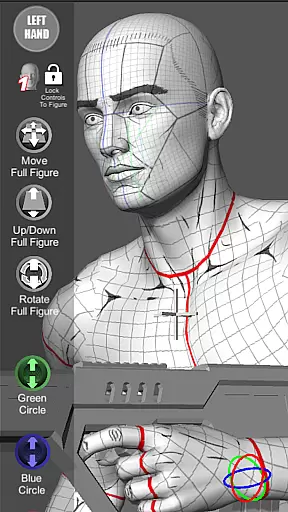
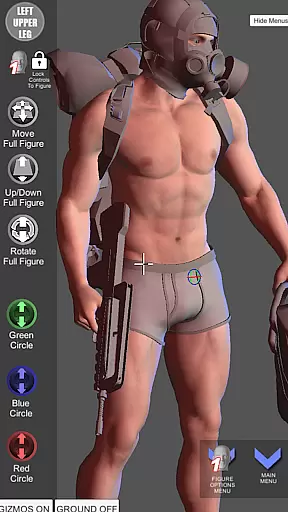
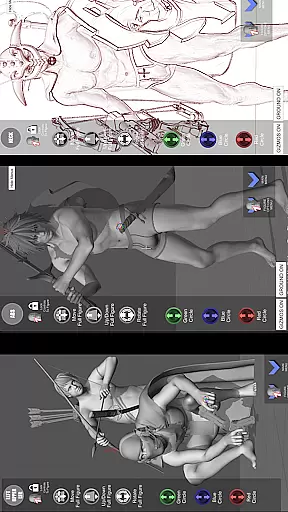
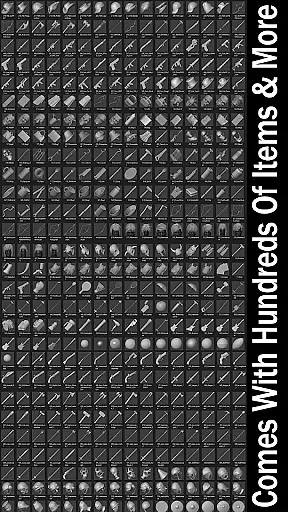
One of the standout features is the unconstrained posing capability, allowing geometry to intersect for both realistic and extreme poses. The app also includes everyday objects and weapons that can be attached to figures, enhancing compositions. Whether working in 2D or 3D, switch between different drawing modes and utilize muscle maps to understand anatomy better, providing depth and realism to your artwork.
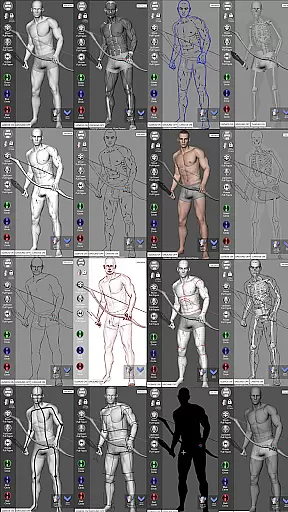
The Pose Tool 3D app boasts powerful posing capabilities with touch controls like orbiting, zooming, and panning for dramatic shots. Menu features include an inventory system, easy pose buttons, perspective grids, camera FOV adjustments, multiple figure types, and various modes such as mannequin, pencil sketch, comic sketch, skeleton, life drawing, cube mode, gesture system mode, and more.
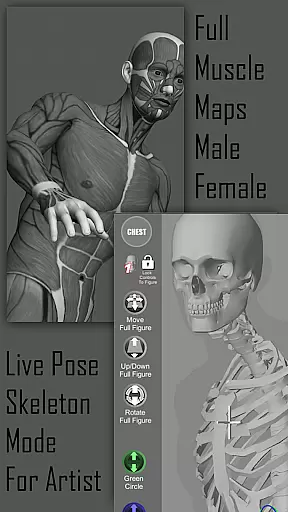
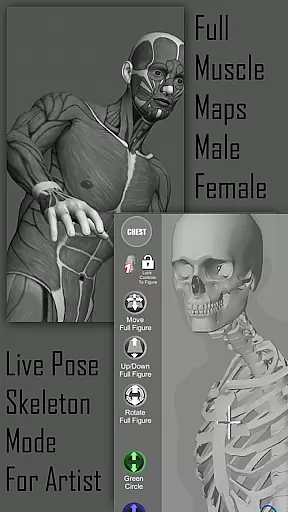
Artists can benefit from specialized modes like Muscle Maps Mode and 3-point lighting systems along with options for average, heavy, old, skinny, muscular body types. The app supports complex angles through hip posing and offers a random pose maker, saved pose loading, and screenshot functionality. These comprehensive tools help bring characters to life in a realistic manner while aiding in mastering human anatomy.
Pose Tool 3D offers an extensive and diverse library tailored for comic creators. With over a dozen male and female figure types, the app provides countless posing options that cater to various artistic needs.
The application includes multiple drawing modes such as Pencil Sketch, Comic Sketch, and Skeleton Mode, allowing artists to visualize their characters in different styles. This versatility ensures that whether you are working on manga, storyboarding, or digital art, Pose Tool 3D has the right mode for your project.
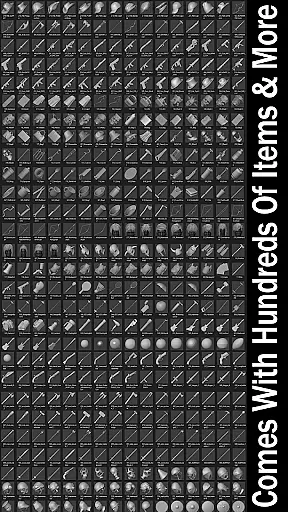
Additionally, the app features hundreds of inventory items and weapons that can be attached to figures, enhancing the depth and detail of compositions. These elements help bring scenes to life, making it easier to create dynamic and engaging comic panels.
Artists benefit from the ability to save and load poses, switch between different body types, and utilize specialized modes like Muscle Maps and Gesture System Mode. This comprehensive suite of tools makes Pose Tool 3D an invaluable resource for expanding creative possibilities in comic creation.
When using reference models and predefined assets, ensuring content authenticity and proper licensing is crucial. Pose Tool 3D addresses these concerns by providing properly licensed and authenticated content for its users.
All the figures and objects within the app are designed with attention to anatomical accuracy and realism, giving confidence to artists that they are referencing correctly modeled human forms. The inclusion of muscle maps further enhances this authenticity by offering insights into human anatomy.
Moreover, the app's wide range of everyday objects and weapons come with clear usage guidelines, ensuring that artists can incorporate these elements without legal concerns. This commitment to verified and reliable content supports professional integrity in artwork.
By choosing Pose Tool 3D, artists gain access to a trustworthy platform where all components are crafted to meet high standards of quality and authenticity, empowering them to focus solely on their creative process.
User-friendly interface
Versatile posing options
Realistic muscle maps
Wide range of art modes
Comprehensive menu features
Limited to artistic use
No advanced animation tools
May have a learning curve
Some features feel basic
Inventory could be overwhelming

The best app for digital comics - Welcome to Lezhin!
 3.10
3.10
You can create comics, manga and manwha using AI with Arcstory comic book maker
2.70
Discover manga stories & stream anime series with unlimited entertainment access
4.40
Read officially manga titles from Japan including Attack on Titan
3.80
The most powerful and fast image/comics viewer.
4.10
AsuraScans read manga, manhua, manhwa, and webtoon
3.90
Read your favorite mangas for free
4.50
Manga Reader for Comics, Webtoons & Manhwa. Read Mangas, Chat Stories and Novel.
4.30
See the newest comic book releases and manage your comic collection or pull list
4.70
100k comics, manga & webcomics, including Batman, Invincible, Hellboy & more
4.60
Dive into creative online comics, short video, graphic novels and web novels!
4.60
Scan comics instantly! Find comic value, price, and key collector details fast.
4.50
Manga reader for manga, manhua, manhwa & webtoon, online & offline, update daily
4.50
SQUARE ENIX's official Manga app!
4.40
Webtoons, comics, web novels, and e-books are all here! RIDI, my own space to enjoy stories
4.30
Read latest manga with this minimal reader with NO ADS.
4.30
Toomics is a premium comic service with every genre for all readers to enjoy!
4.00
Your key to unlocking manga and webtoons on the go
3.50
Welcome to SnapSaga - your ultimate manga and novel destination!
4.0


User Reviews