World's largest contact lens store
 4.60
4.60
Control your hearing aids discreetly with the touch of a finger
4.30
Care Simplified by MyChart
3.40
The Better Pharmacy Experience
4.90
Enjoy 200%+ volume booster with bass booster, equalizer and headphone supported.
4.60
Medication reminder, Medicine list, Trackers for BP, glucose, weight, water, etc
4.70
Save up to 80% on your pharmacy prescriptions & medications with free Rx coupons
4.70
Good for You. Great for Life.
4.00
700 questions, 2 full exams, Predictive Scoring—your key to NREMT success!
3.90
A comprehensive medical disease app.
5.00
The NightOwl Companion app allows you to interact with the NightOwl sensor.
4.70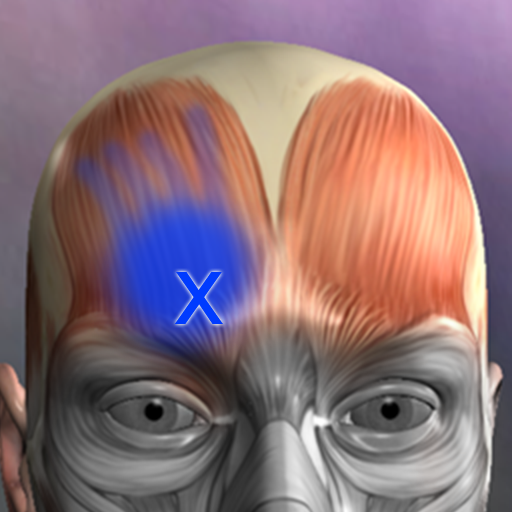
Discover the source of pain with Muscle Trigger Point Anatomy.
4.70
Hear far away sounds, conversations, TV and surrounding sounds more clearly.
4.70
Take on apraxia and aphasia with a powerful video-driven speech therapy app.
4.60
Secure video visits with your VA care team from anywhere
4.50
Use the phone microphone or headset mic as sound amplifier for louder hearing.
4.30
The Client Portal app empowers you to manage care from one secure place
4.10
Donating plasma just got easier with the BioLife Plasma Services mobile app.
3.90
MHealth is the mobile version of MEDITECH’s Patient and Consumer Health Portal.
3.10


