
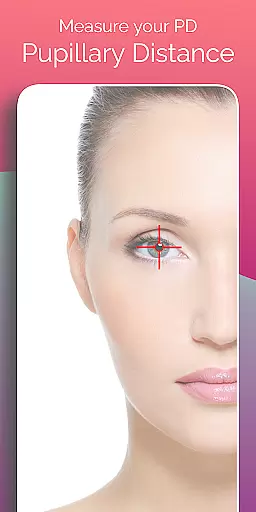
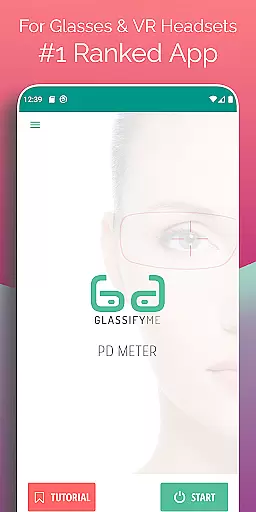
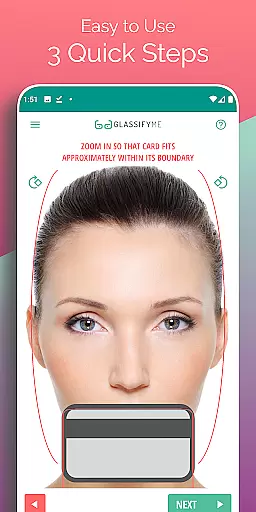
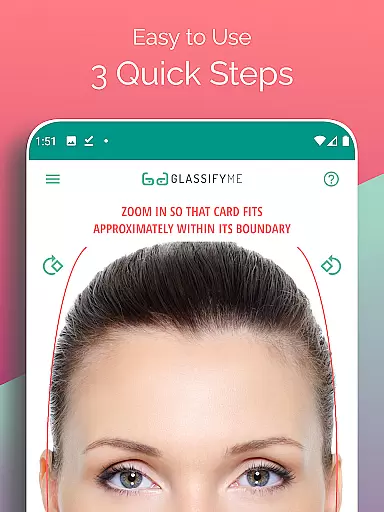
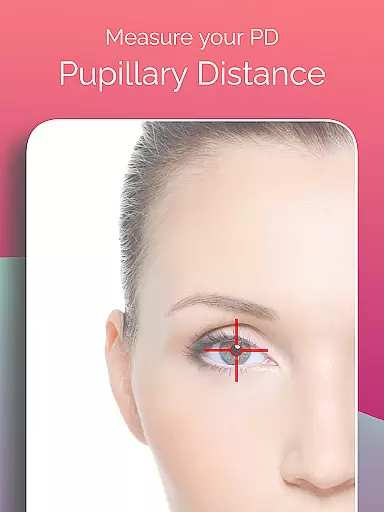
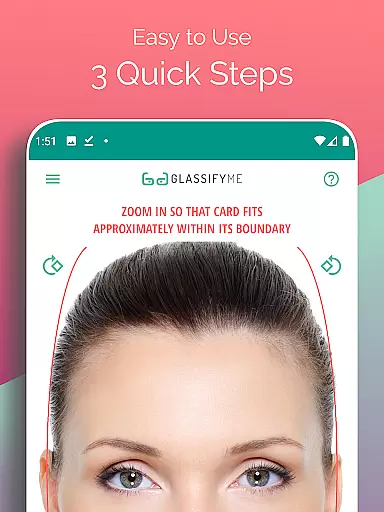
Pupil Distance PD Glasses & VR is a leading health and fitness application designed to accurately measure your Pupillary Distance (PD). This crucial measurement, needed for prescription glasses and VR headsets, is determined by an advanced algorithm that ensures precision. By simply taking a photo with a standard-sized card, users can quickly obtain their PD measurement, making it an indispensable tool for eyewear fitting.
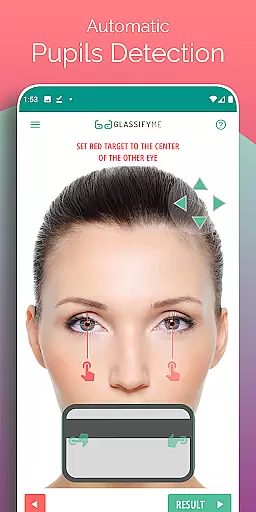
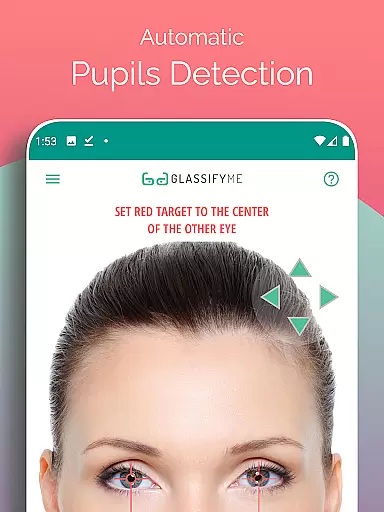
The app stands out through its automatic eye and pupil detection capabilities, enabling users to measure both Distance and Reading PD in just three easy steps. Whether you take a selfie, have someone else take your picture, or import a photo from your gallery, the app provides accurate results efficiently. Its innovative approach eliminates the need for traditional methods, offering a modern solution for obtaining precise PD measurements.
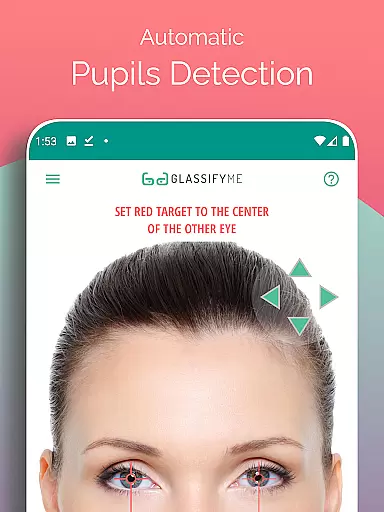
Pupil Distance PD Glasses & VR offers a comprehensive set of features tailored for accuracy and convenience. The app's standout feature is its advanced algorithm, which automatically detects the user's eyes and calculates the PD with high precision. This eliminates the guesswork often associated with manual measurements and ensures that users receive reliable data crucial for their eyewear needs.
In addition to its core functionality, the app supports multiple methods of capturing images. Users can either take a new photo within the app, ask a friend to take the picture for them, or import an existing image from their device's gallery. This flexibility caters to different preferences and situations, enhancing the overall user experience. Furthermore, the app provides a detailed video tutorial available at https://youtu.be/eIuSNoEZWig, guiding users through each step of the process.
Personalized planning in the context of PD measurement involves tailoring the approach to suit individual user needs. The PD Meter App by GlassifyMe offers a customized experience by allowing users to choose from multiple methods for capturing their image, including taking a new photo, importing an existing one, or even using different types of cards for reference sizing.
The app's advanced algorithm automatically detects the eyes and pupils, streamlining the process and ensuring that each user gets a PD measurement that is specifically accurate for them. This personalized attention to detail supports the proper manufacturing of prescription glasses and fitting of VR headsets, which both rely on precise PD measurements for optimal performance.
By providing options that cater to varying user preferences and situations, the PD Meter App ensures that every individual can obtain their PD measurement in a way that is most convenient and comfortable for them. This flexibility enhances user satisfaction and increases the likelihood of achieving accurate results.
Progress visualization refers to the clear presentation of a user's advancement through the PD measurement process. In the PD Meter App, this begins with guiding users through three simple steps to measure their Distance and Reading PD, offering real-time feedback as they proceed.
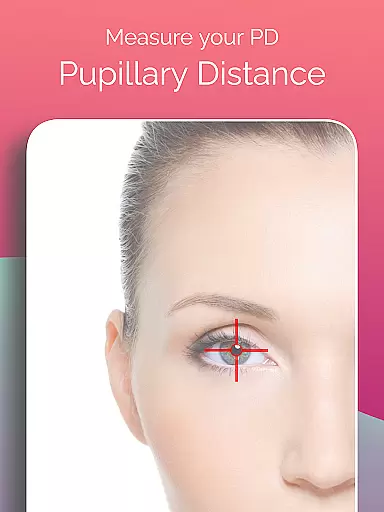
Upon capturing an image, the app swiftly processes the data and visually highlights the detected pupils, giving users an immediate sense of progress and confirmation that their photo has been captured correctly. This visual cue assures users that they are on the right track and reassures them of the app's efficacy.
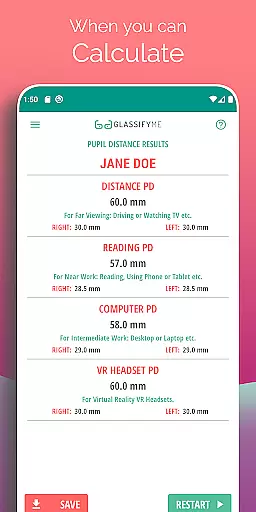
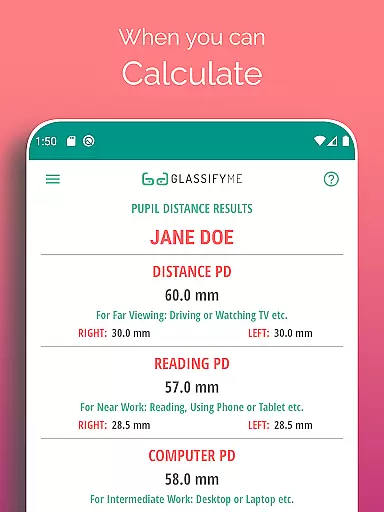
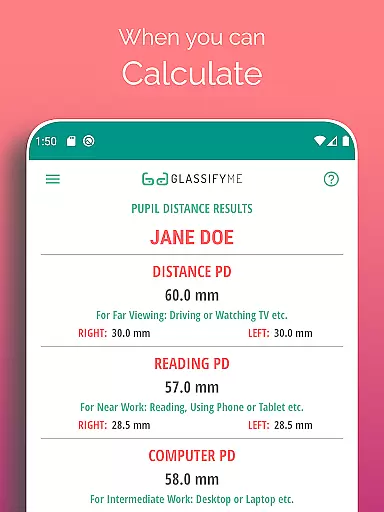
Finally, once the PD calculation is complete, the app presents the results in a straightforward and digestible format. Users can easily understand their PD measurement, which empowers them to make informed decisions regarding their eyewear or VR equipment. This transparent progress tracking enriches the overall user experience and promotes confidence in the app's precision.
User-friendly interface
Accurate PD measurement
Supports multiple capture methods
Automatic eye detection
Comprehensive video tutorial
Requires a reference card
Limited to Android devices
Internet connection needed
Premium version costs extra
Occasional inaccuracies reported

Relax to calm sounds, white noise, music, guided meditation and bedtime stories
 4.40
4.40
a fun app full of surprises :)
4.70
Get alert about getting out of desired heart rate zone.
4.10
Beauty Care, Makeup & Skin Care Scanner | Pregnancy App For A Mom | Healthy Baby
5.00
The Official Blood Type Diet® App - know your categorized foods anytime.
4.50
Medbridge GO gets you moving - get back to doing what you love, faster!
4.90
Blood Pressure Log, HRV & Heartbeat Tracker. Pulse Checker.
4.40
Make sense of your health data.
3.80
Scan food & cosmetic products and evaluate their impact on your health
4.80
Show your support for the development of FitNotes - Gym Workout Log
4.90
Wall Pilates at home & Pilates workout for beginners for core and weight loss.
4.80
Walk. Earn: Get rewarded for every step! Walk, move, and earn real rewards.
4.70
You deserve easy access to important insurance information. Download for FREE.
4.70
FODMAP, Gluten, Allergy, Vegan
4.50
For Absolute Novices to Strength Training. Simple. Effective.
4.40
The most accurate heart rate app to monitor and track your heart rate & pulse.
4.40
Grow with self-tests and personal routine.
4.30
Focus on BP & Health
3.80
Pupillary distance PD with camera quick and easy, checking glasses frames on you
3.70


User Reviews