
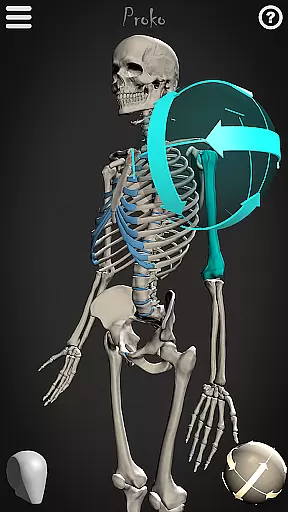
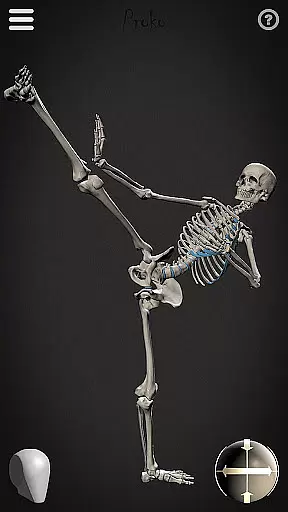
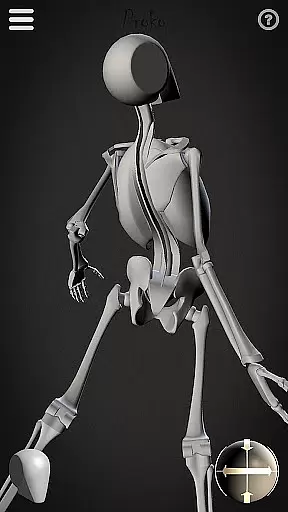
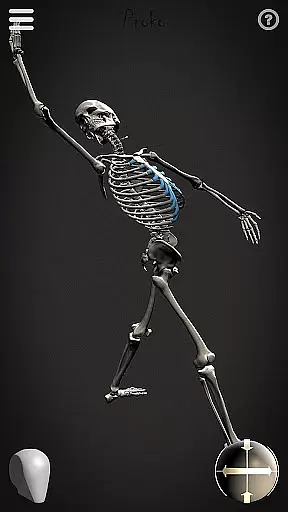
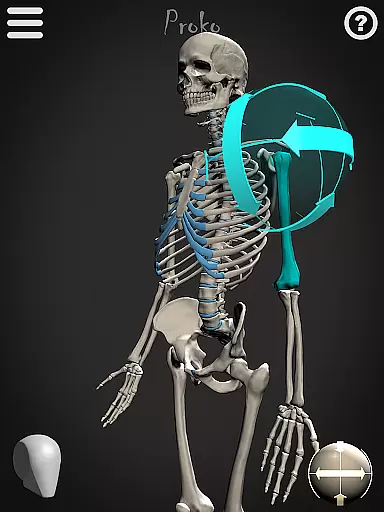
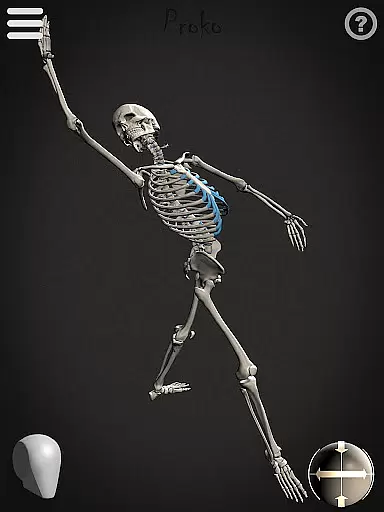
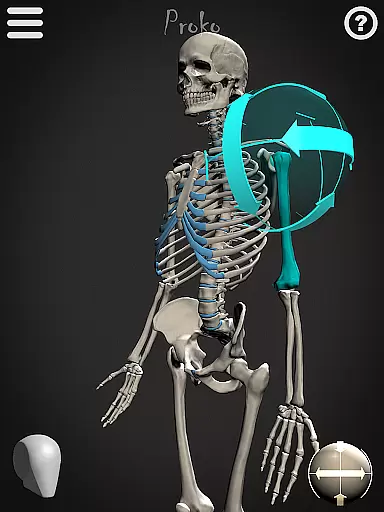

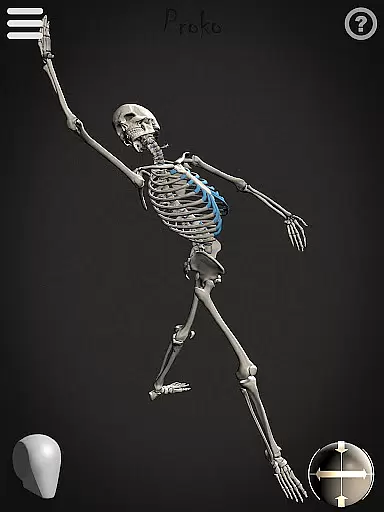
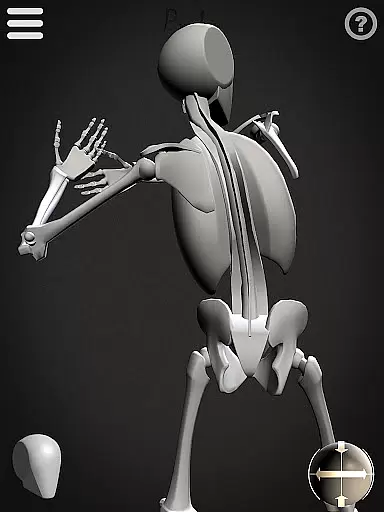
Skelly is an innovative educational app designed specifically for artists and art students who want to master human anatomy. This fully poseable, anatomically correct reference skeleton serves as a portable artistic tool that can be accessed anytime, anywhere. The app includes two distinct skeleton models - the detailed anatomical version and the simplified 'Robo-Skelly' - both based on Dr. Paul Richer's proportion studies and compatible with Andrew Loomis's 'Loomis Head' methodology.
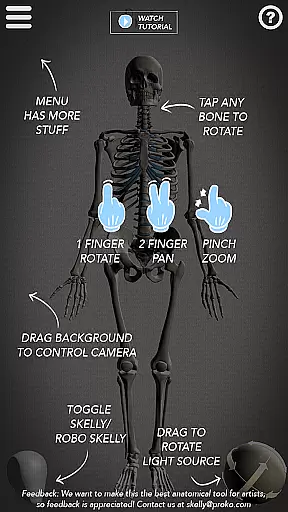
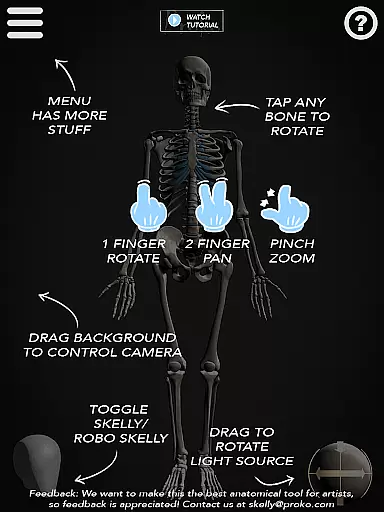
The application provides comprehensive features for artistic study and practice. Users can manipulate the skeleton through various poses, control lighting conditions, adjust camera angles, and switch between light and dark backgrounds. These capabilities make Skelly an invaluable resource for creating anatomically accurate artwork across multiple disciplines including drawing, painting, sculpting, illustration, animation, comics, manga, and storyboarding.
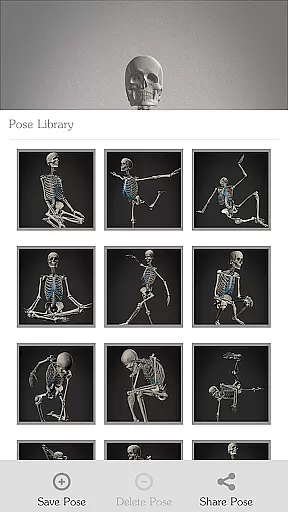
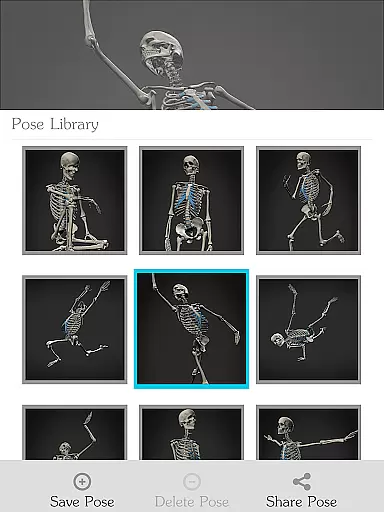
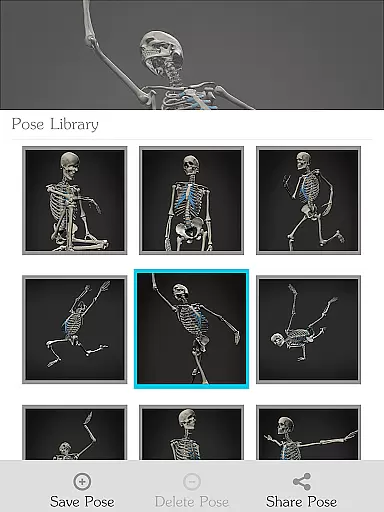
Art educators and students will particularly appreciate how Skelly eliminates the need for physical models or live subjects while maintaining professional-grade reference quality. The app's Pose Library feature allows users to save custom poses and access pre-made positions, making it an essential tool for structured art education and personal artistic development.
Skelly distinguishes itself through its sophisticated yet user-friendly feature set. The app's core functionality revolves around its two primary skeleton models: the anatomically precise skeleton and the simplified 'Robo-Skelly.' Both models are meticulously crafted based on established artistic anatomy principles, ensuring accuracy and educational value. The skeletons maintain perfect proportions according to Dr. Paul Richer's teachings while integrating seamlessly with Andrew Loomis's head construction methodology.
The app offers advanced manipulation capabilities that enhance the learning experience. Artists can fully pose the skeleton using intuitive controls, adjust the virtual camera to capture different perspectives, and modify lighting conditions to study form and shadow. The Pose Library feature enables users to save their custom configurations and access a collection of pre-made poses, streamlining workflow and encouraging experimentation with different artistic compositions.
Additional features include background customization options (light or dark), a reset function to return to the neutral 'Anatomical Pose,' and smooth performance that maintains frame rate during complex manipulations. These elements combine to create a comprehensive learning environment that supports various artistic disciplines while maintaining ease of use and accessibility for artists at all skill levels.
In the realm of art education, having access to accurate and authoritative content is crucial for learning and development. Skelly offers an anatomically correct skeleton model that serves as a reliable reference tool for artists.
The app's detailed skeleton is based on the teachings of Dr. Paul Richer, ensuring that users are learning from scientifically accurate information. This level of precision supports both students and professionals in their artistic endeavors without the need for physical models.
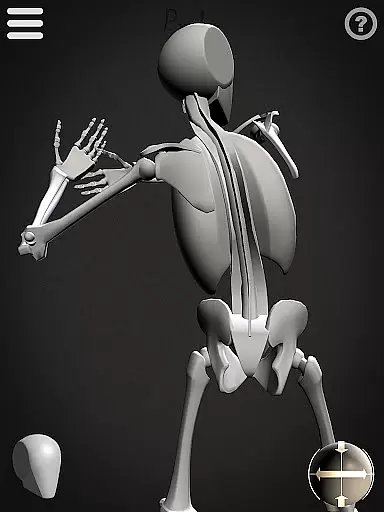
Additionally, Skelly includes 'Robo-Skelly', a simplified version designed to make the study of anatomy more approachable. The inclusion of these well-researched features provides users with trustworthy resources that enhance their understanding of human anatomy.
By offering pre-assembled, fully poseable figures, Skelly eliminates the guesswork involved in studying skeletal structures. Artists can now focus on perfecting their craft with confidence, knowing they have a dependable reference at their fingertips.
Skelly empowers artists to create personalized learning paths by providing tools that cater to individual study preferences and artistic goals. With its fully poseable skeleton, users can explore various poses and angles that align with their specific learning objectives.
The Pose Library feature allows learners to choose from pre-made poses or save their own custom positions, facilitating a tailored educational experience. This flexibility enables artists to practice and refine techniques that are most relevant to their work, whether it be drawing, painting, or sculpting.
Moreover, the adjustable camera and light source give users control over their virtual environment, further customizing how they interact with the skeleton model. These settings help simulate real-world conditions, enhancing the authenticity of each learning session.
By integrating such comprehensive customization options, Skelly ensures that every artist can design a unique learning journey that fits their personal style and pace, ultimately leading to more effective skill acquisition and mastery.
User-friendly interface
Accurate anatomy reference
Portable solution
Cost-effective
Versatile usage
Limited device support
No advanced tutorials
Basic UI design
Occasional bugs
Few customization options

Ignite curiosity, spark learning: All babybus videos &games
 4.30
4.30
Learn math, step-by-step
4.30
Dinosaurs coloring book game. Drawing and painting dinos.
4.50
The Only Official DVSA Theory Test Kit App
4.50
Pickleball guide complete with illustrated Pickleball drills and helpful info
4.4
An interactive enhancement of the Sesame Street classic.
4.50
Your best partner for learning Japanese words. Based on a best-selling textbook.
2.90
Flashnote Derby is the fun way for kids to learn music notes and memorize them.
3.40
Stack the Countries makes learning world geography fun!
4.50
SkyView®, an augmented reality space app, brings stargazing to everyone!
4.40
Professional Award-Winning Astronomy Star Map App With Telescope Control
4.40
School Communication
4.30
Designed for Calculator 84 users
4.20
Build math skills in: addition, subtraction, multiplication and division.
4.10
An aviator’s preparation, study and test tool for FAA Knowledge Exams.
4.10
An aviator’s preparation, study and test tool for FAA Knowledge Exams.
4.00
Your guide to thousands of satellites and spacecraft in orbit around Earth!
3.90
The official CCM Glossary app, including 700+ terms and definitions.
2.90
Study the questions most likely to be asked during the Oral & Practical Exams.
2.80


User Reviews