
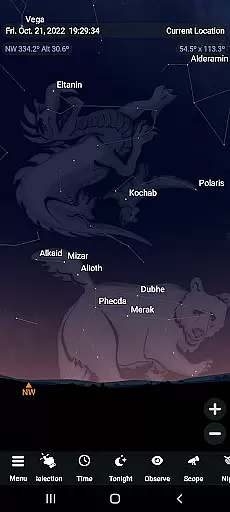
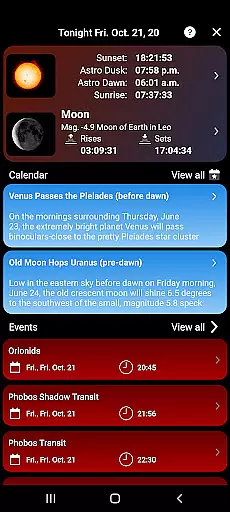
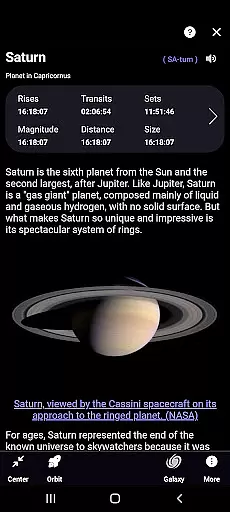
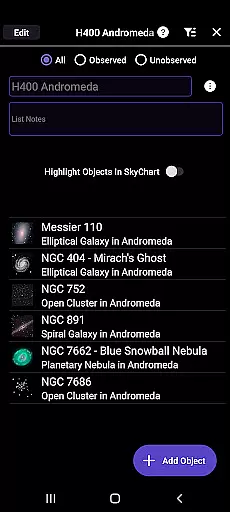
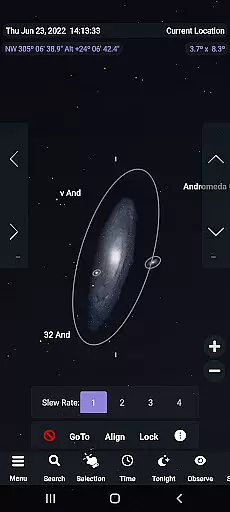
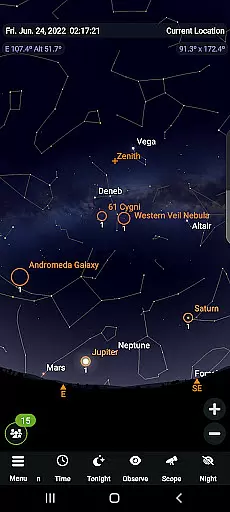
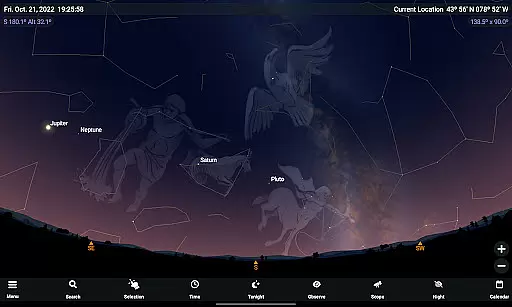
SkySafari 7 Plus is a premier astronomy app that offers an immersive stargazing experience with advanced telescope control. Designed for amateur astronomers, it provides a complete space simulator and supports Android 10 and above. The app features powerful tools like the Events Finder, Notifications, Telescope Support using ASCOM Alpaca and INDI protocols, OneSky for real-time user observations, and SkyCast to guide others around the night sky.
With its comprehensive functionality, SkySafari 7 Plus allows users to simulate the night sky up to 10,000 years in the past or future, animate celestial events, learn about astronomy through rich content, and control telescopes. Its detailed observation planning tools and innovative features such as Sky Tonight make it an invaluable resource for both casual stargazers and dedicated enthusiasts looking to deepen their astronomical knowledge.
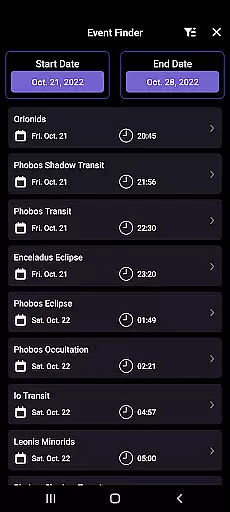
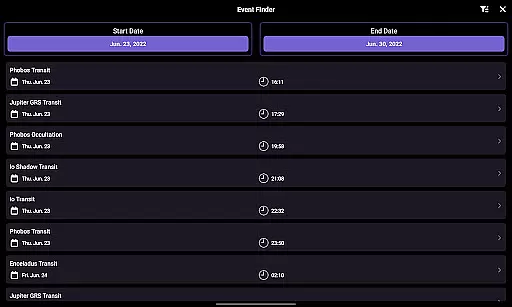
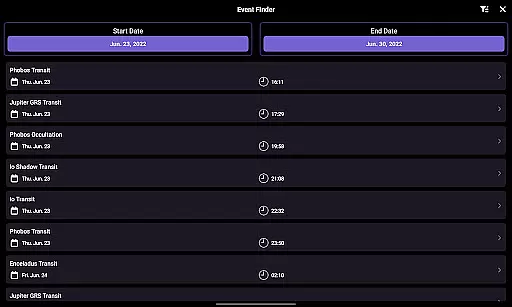
SkySafari 7 Plus stands out with its extensive feature set tailored for astronomy enthusiasts. The app includes an Events Finder that dynamically lists moon phases, eclipses, meteor showers, and planetary phenomena. Its revamped Notifications section lets users customize alerts for specific astronomical events. Telescope support has been significantly enhanced with next-generation protocols like ASCOM Alpaca and INDI, enabling seamless connection to numerous devices.
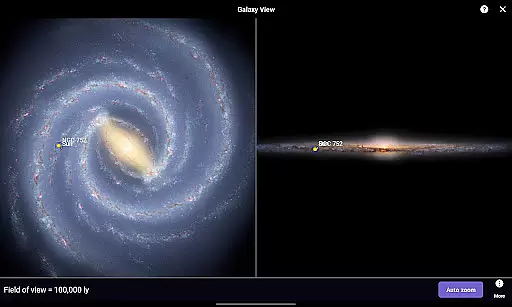
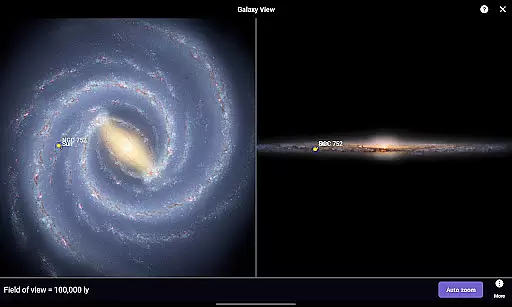
Additional highlights include OneSky for real-time observation data from other users, SkyCast for sharing views with friends via text or social media, and the Sky Tonight section for nightly sky insights. Users can also enjoy improved observation tools, better Moon Age calculation, new grid options, and free access to previously paid features like the H-R diagram and 3D Galaxy view. These capabilities ensure a rich, engaging experience for exploring the universe.
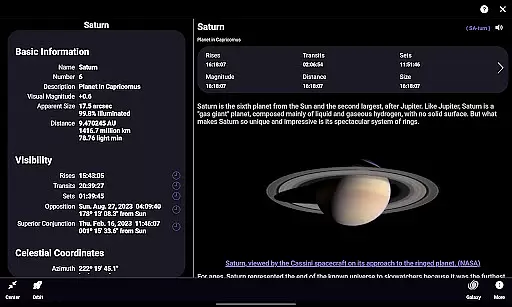
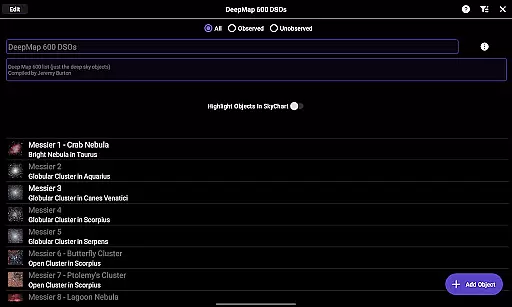
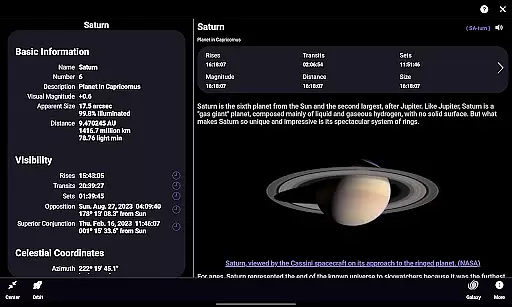
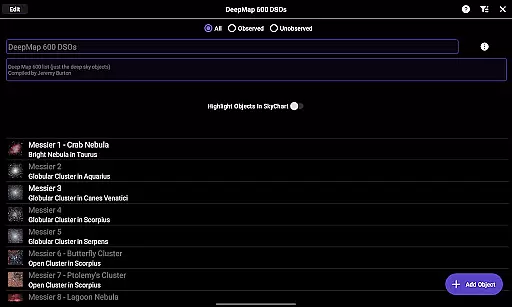
SkySafari 7 Plus stands out in the realm of educational astronomy applications by providing highly accurate and authoritative content. The app offers detailed information on over 1,500 celestial objects, complete with descriptions and astronomical imagery that are rooted in scientific research and historical data.
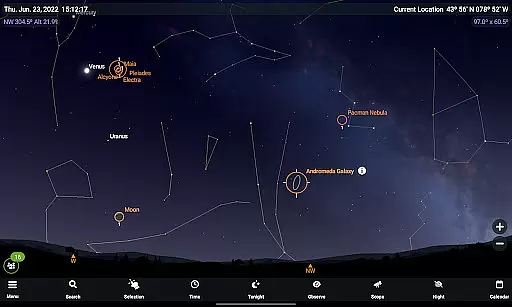
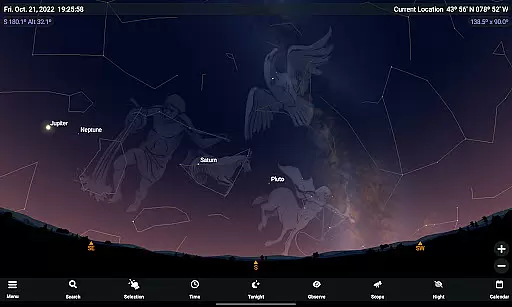
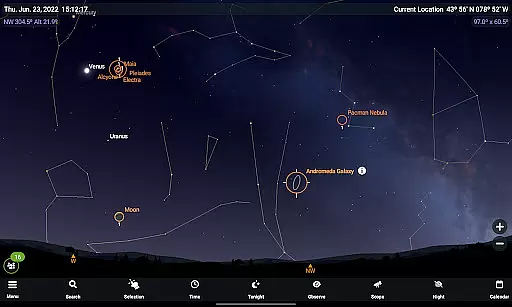
One of the key features is its ability to simulate the night sky with precision up to 10,000 years into the past or future. This includes realistic animations of meteor showers, conjunctions, and eclipses, which are crucial for both amateur stargazers and seasoned astronomers looking to plan their observations meticulously.
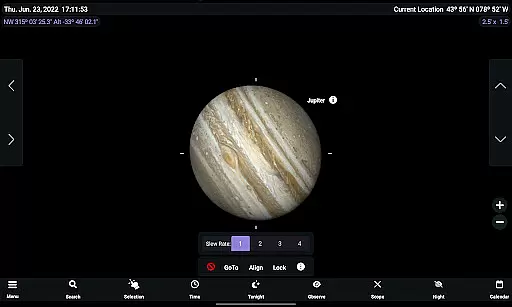
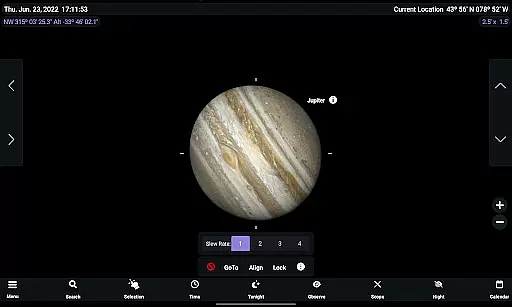
The application also incorporates advanced tools such as telescope control through next-generation protocols like ASCOM Alpaca and INDI, allowing users to connect seamlessly with hundreds of compatible devices. These integrations ensure that the celestial coordinates and movements depicted within SkySafari 7 Plus align accurately with real-world observations.
Moreover, the Events Finder feature dynamically generates listings for moon phases, eclipses, planetary phenomena, and more, ensuring that users have access to timely and credible astronomical events. This commitment to accuracy and depth makes SkySafari 7 Plus an indispensable tool for anyone serious about exploring the cosmos.
While SkySafari 7 Plus excels in delivering vast amounts of astronomical data, it also provides personalized learning paths tailored to individual user interests and skill levels. Whether you're a beginner eager to learn constellation names or an experienced astronomer tracking complex planetary movements, this app adapts to your needs.
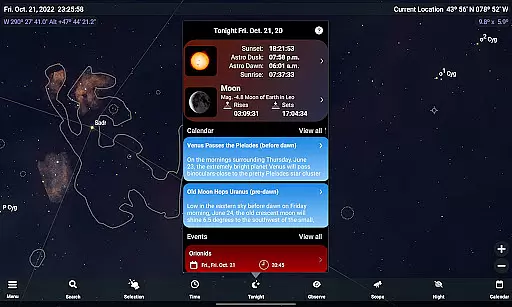
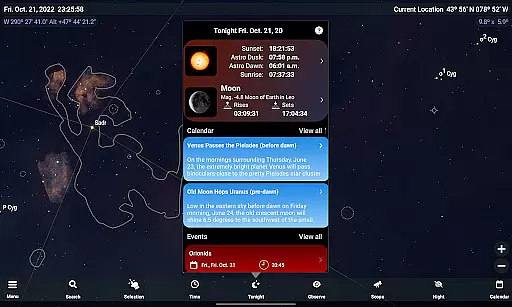
The Tonight section is particularly useful for personalization, offering curated insights into what's visible in your specific location on any given night. It includes detailed information about the Moon, Sun, upcoming celestial events, and optimal viewing conditions for deep-sky objectsu2014all designed to enhance your observational experience based on current sky conditions.
Additionally, improved observation tools facilitate better planning and recording of your stargazing sessions. Users can easily add notes, filter results, and sort data according to various parameters, creating a customized approach to their astronomy education journey.
With features like OneSky, which shows real-time observations from other users worldwide, and SkyCast, enabling guided tours shared among friends or groups via text or social media linksu2014SkySafari 7 Plus fosters collaborative learning environments where enthusiasts at all levels can grow together while pursuing their passion for astronomy.
Comprehensive astronomy tool
Real-time event tracking
Advanced telescope control
Rich educational content
User-friendly interface
No upgrade path to Pro
Complex for beginners
Requires compatible hardware
Some features overwhelming
Premium price point

Learn and joke with the Silly Turkey!
 4.4
4.4
A magical world of fun, building, and learning with Mickey Mouse and more!
4.20
Age-Related Child Developmental Milestones
4.80
Pickleball guide complete with illustrated Pickleball drills and helpful info
4.3
An aviator’s preparation, study and test tool for FAA Knowledge Exams.
4.10
A fast and fun way to learn guitar - works with any guitar.
4.60
Courses, certificates, degrees
4.50
Train, track, and reward potty training using Potty with Pull-Ups® ft. Disney®
4.70
Fun, personalized math learning games that adapt to your child’s needs.
4.40
Explore myths and gods across cultures with in-depth insights and stories.
5.00
Memorize anything efficiently with AnkiDroid! Many pre-built decks available.
4.80
The Only Official DVSA Theory Test Kit App
4.50
Practice Casino Roulette Payouts for Table Game Dealers and Croupiers
4.40
Astronomy app ? Discover the universe scope, explore solar system model in 3D.
4.20
Nighty Night Circus - Bedtime story for kids
4.10
Learn to make peaceful contact with extraterrestrial civilizations
4.10
Watch and Play Elmo's World!
4.00
Listen, request and record pronunciations in more than 450 languages. Everywhere
3.90
Our most popular app series returns, better than ever!
3.90


User Reviews