
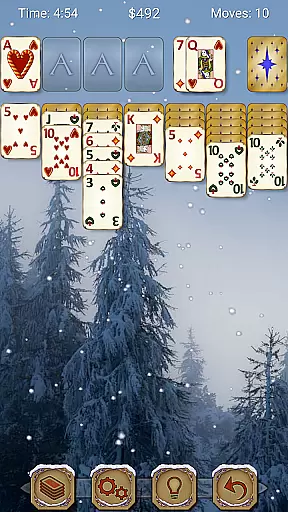
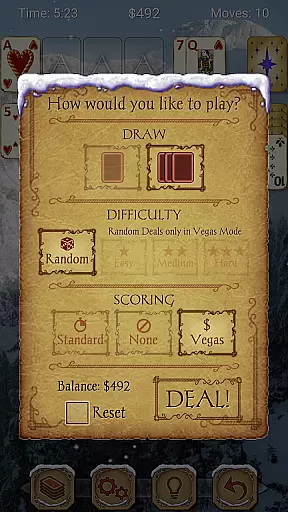
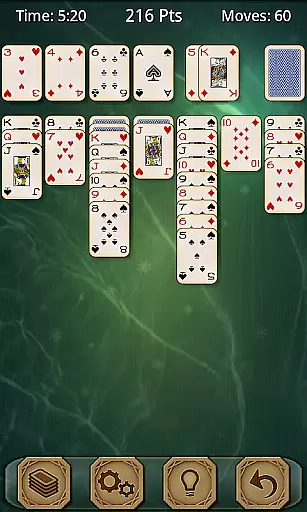
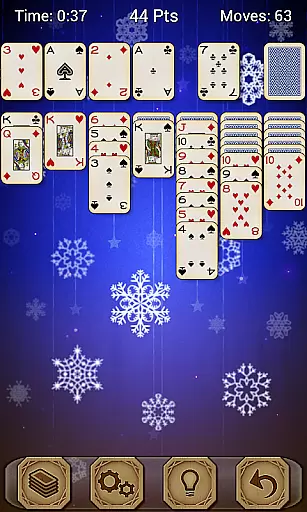
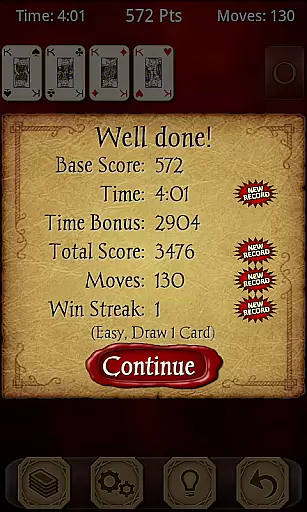
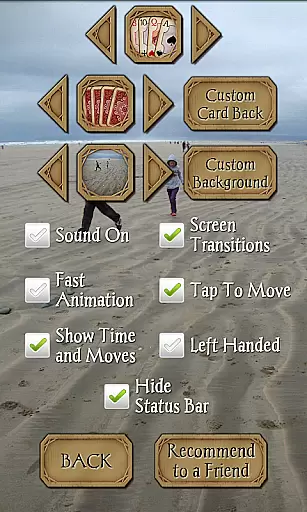
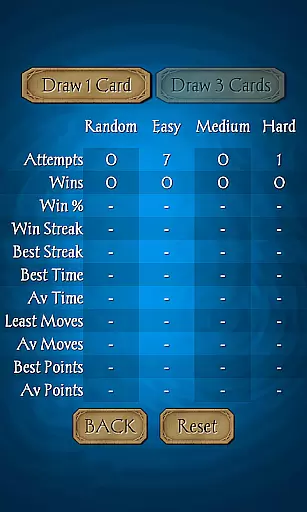
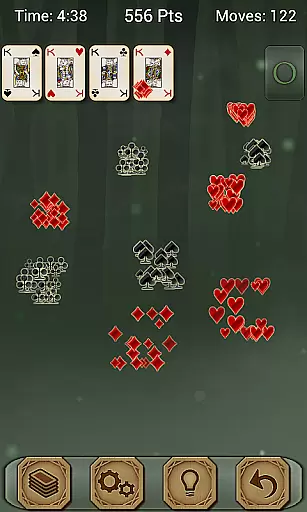
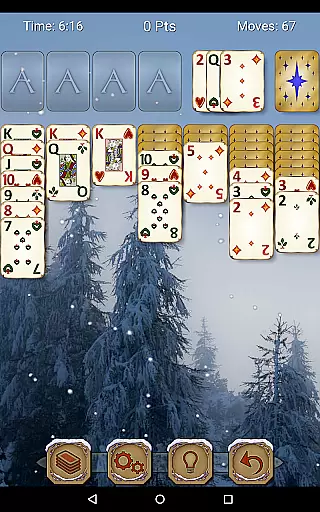
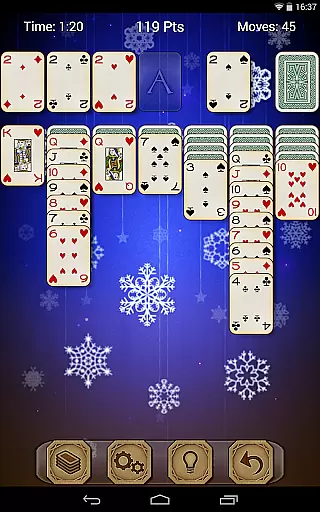
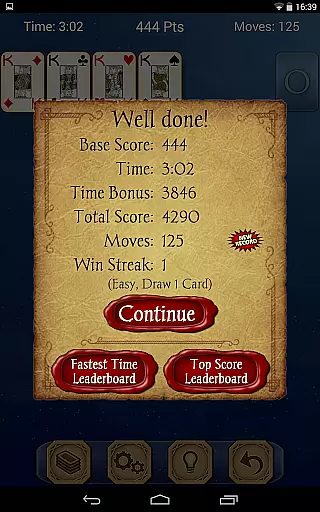
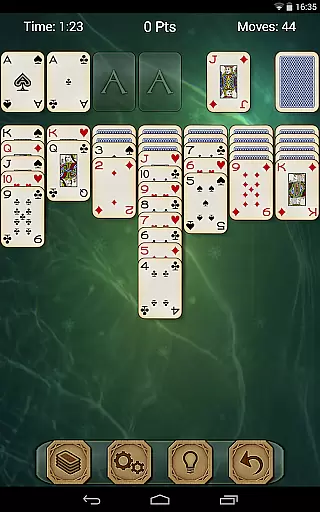
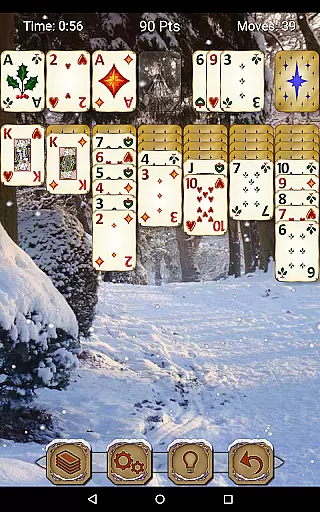
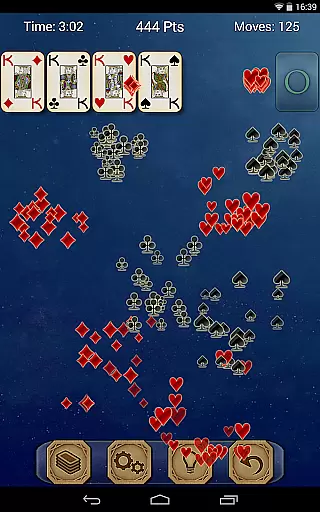
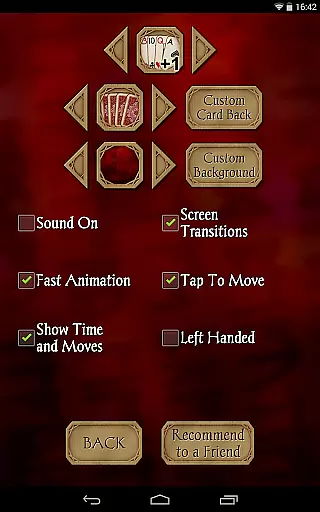
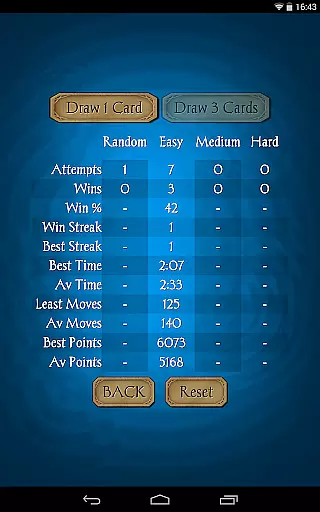
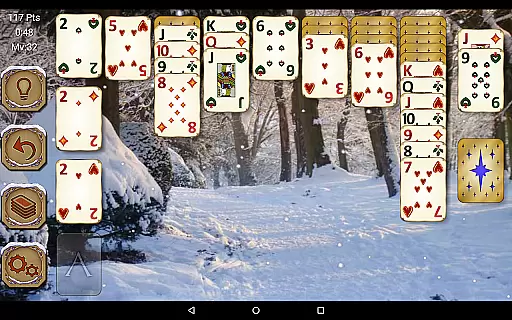
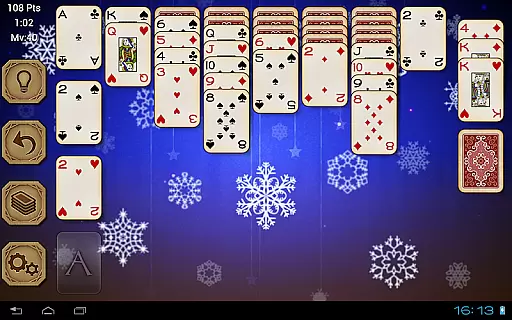
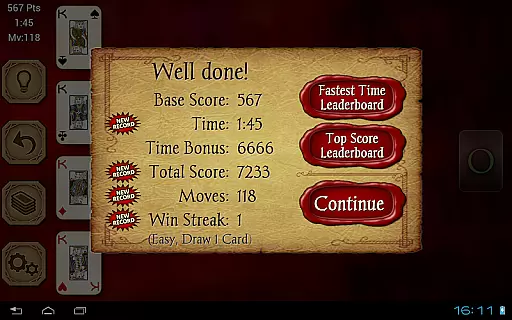
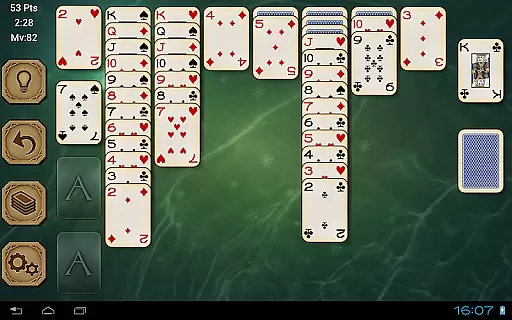
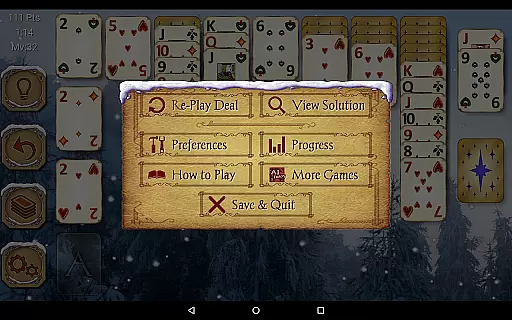
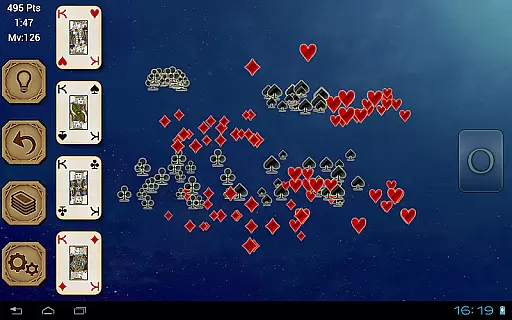
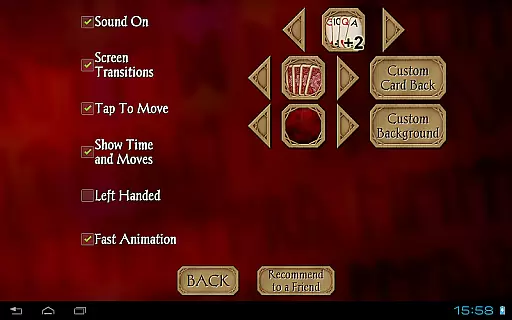
Solitaire Pro, developed by AI Factory, is a premium card game app that brings the classic Solitaire experience to mobile devices. This app offers players a rich selection of customization options and play styles, including 1 or 3 card draw modes, various difficulty levels, and multiple scoring systems. With features like undo, hints, and the ability to use personal photos as backgrounds, it provides an engaging and personalized gaming experience.
Designed for both tablets and phones, Solitaire Pro supports landscape and portrait orientations and includes achievements and leaderboards through Google Play Games. The app appeals to traditional card game enthusiasts who seek a seamless digital version of Solitaire without interruptions from advertisements, making it ideal for extended gameplay sessions.
Solitaire Pro stands out with its extensive customization options, allowing users to tailor their gaming experience. Players can choose from different card sets, card backs, and backgrounds, or even upload their own images to create a unique visual style. The app also supports both standard and Vegas scoring systems, catering to various play preferences, while offering three difficulty levels to challenge players of all skill levels.
The inclusion of achievements and leaderboards via Google Play Games adds a competitive edge, enabling users to compare their progress with friends and other players globally. Additional features such as undo, hints, and the ability to view solutions for non-random games enhance the overall user experience, ensuring that players remain engaged and supported throughout their Solitaire journey.
Random Number Generation (RNG) fairness is crucial in card games like Solitaire Pro to ensure every game's unpredictability and challenge. This app guarantees a fair RNG process, providing players with an authentic experience akin to shuffling a physical deck.
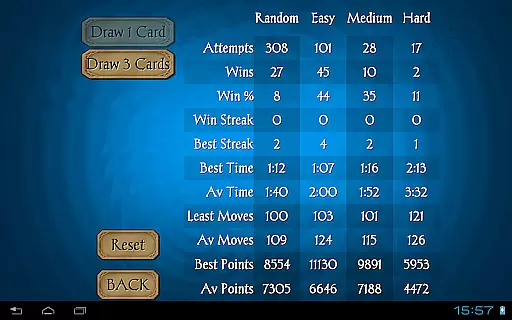
Solitaire Pro offers various difficulty levels, including Random, Easy, Medium, and Hard. These options are designed not just to shuffle cards randomly but also to present challenges that match the player's skill level, ensuring a balanced and engaging gameplay experience.
Players benefit from this fairness as each game remains unique and challenging, maintaining their interest and engagement over time. The absence of predictable patterns or repetitive sequences enhances the overall gaming satisfaction.
The certification aspect ensures that the algorithms used for generating random deals have been tested and verified, giving users confidence in the integrity of the game mechanics. This transparency builds trust and encourages longer play sessions.
Control fluidity and input latency are essential factors in digital card games, impacting how smoothly and responsively the game reacts to user inputs. Solitaire Pro excels in delivering a seamless control experience, allowing players to focus on strategy rather than technical glitches.
This app supports intuitive tap-to-move controls, minimizing delays between a player's decision and its execution on screen. Whether moving cards within the tableau or sending them to foundation piles, actions occur instantly without noticeable lag.
For users, this means fewer frustrations and more enjoyable gameplay sessions. Quick response times enhance immersion, making it easier to execute complex strategies and maintain flow during extended play periods.
Additionally, Solitaire Pro caters to both landscape and portrait orientations across different resolutions, further optimizing control schemes based on device orientation preferences. This adaptability ensures consistent performance regardless of how players choose to interact with their devices.
User-friendly interface
Customizable visuals
Variety of play modes
Achievements and leaderboards
Ad-free experience
Limited to Solitaire
No multiplayer mode
Paid app only
Complex for beginners
Fewer updates

Hardwood Hearts, where breaking hearts is just part of the game.
 4.50
4.50
Compete against the computer in this classic trick-taking game.
4.20
Train your brain and kill time
4.40
Sinister solitaire. Four cards, one fate.
4.3
Krumit's Tale is a solo card-based dungeon crawler - a follow-up to ‘Meteorfall’
4.30
A fresh take on traditional solitaire card games
4.50
Enjoy Fun and Relaxing Classic Spades Card Game with Friends!
4.90
Classic Solitaire card games - Play Klondike Solitaire to unwind and feel good!
4.90
Spider Solitaire - Relax and Play Classic Spider Game for Easy Daily Fun
4.60
Classic, Original, Klondike Solitaire Game with Large Cards!
4.90
The most popular cribbage app available; all of the options, none of the fluff!
4.80
Train your brain with relaxing classic solitaire game and have endless fun!
4.70
Play anywhere anytime the most popular card game
4.70
Train your brain with the challenging & addictive Solitaire Classic Card Games!
4.70
Reiner Knizia's classic card game, Masters Gallery
4.60
Easy play. Relax with daily solitaire fun!
4.60
Lyric Party tests your knowledge of your favorite hit songs.
4.20
GWENT: Rogue Mage is a single-player expansion to GWENT: The Witcher Card Game
3.50
The official Android version of the card game Wizard
3.00


User Reviews