
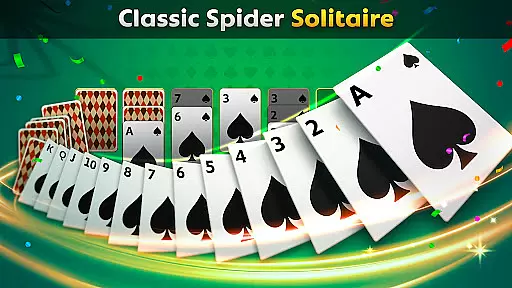
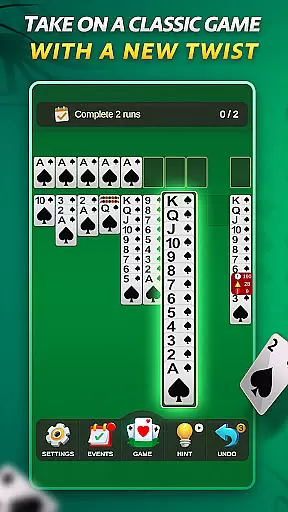

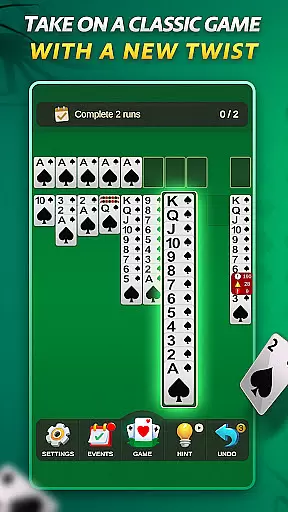

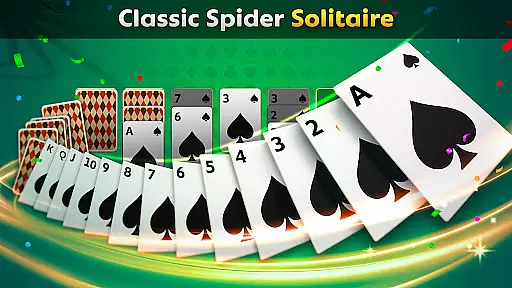
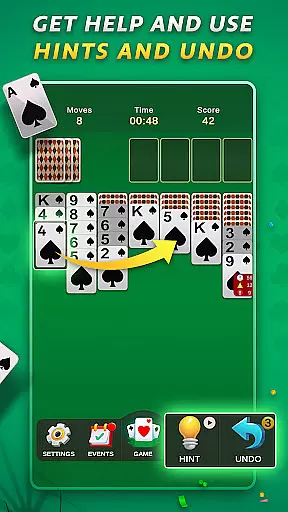

Spider Solitaire offers a modern twist on the classic card game, providing players with an engaging experience through various modes and features. The app includes both traditional Spider Solitaire and the quicker Spiderette variation, catering to different play styles. With daily challenges, special events, and collectible badges, users can enjoy continuous engagement while honing their skills. Designed for mobile, its polished interface ensures smooth gameplay across all devices.
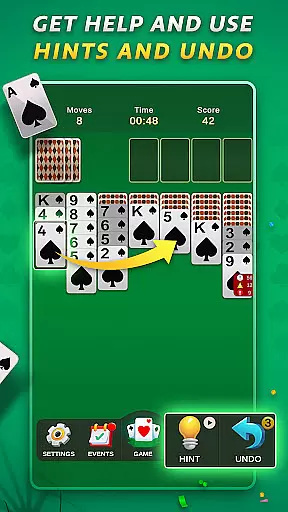
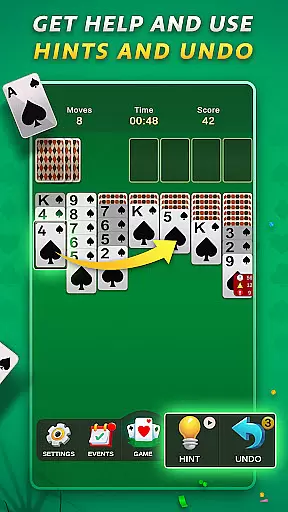
This version stands out by offering fair, uninterrupted gameplay without in-app purchases. Players can utilize undo and hint options to assist during challenging moments. Whether seeking relaxation or strategic depth, Spider Solitaire delivers a satisfying experience that remains true to the original's addictive nature while introducing fresh elements to keep the game exciting.
Spider Solitaire boasts several distinctive features that enhance the classic gameplay. Players can choose between Spider Solitaire and Spiderette modes, each offering multiple suit options for varied difficulty levels. Daily challenges provide new puzzles every day, encouraging regular play and skill development. Special events introduce unique twists, keeping the gameplay dynamic and engaging.
The app also includes a rewarding system of badges that users can collect by completing specific tasks and events. A free play mode allows for relaxed gaming sessions without pressure. Additionally, helpful tools like undo and hint functions ensure that players of all skill levels can enjoy the game. With no in-app purchases, Spider Solitaire guarantees an equitable experience focused purely on enjoying the timeless card game.
Random Number Generation (RNG) is crucial in card games to ensure that every shuffle and deal is genuinely unpredictable. Spider Solitaire employs certified RNG algorithms, which means the distribution of cards is completely random and fair, providing an authentic experience akin to playing with a physical deck.
The game's commitment to fairness is evident through its certification from recognized gaming authorities. This ensures that players are engaging in a game where luck is the only variable, and no underlying manipulations affect the gameplay.
For users, this translates into trust and confidence while playing. Knowing that each game starts on an equal footing enhances enjoyment and competition, as victories are attributed solely to skill and strategy rather than questionable mechanics.
In digital card games, control fluidity and input responsiveness can make or break the user experience. Spider Solitaire excels in delivering smooth controls, allowing players to drag, drop, and organize their cards effortlessly across the tableau.
The developers have optimized the game for minimal input latency, ensuring that every move registers instantly without delay. This seamless interaction keeps players immersed and prevents frustration that could arise from unresponsive controls.
Such attention to detail in the user interface elevates the overall satisfaction, making each session enjoyable and engaging. Players can focus entirely on strategizing their next move rather than wrestling with cumbersome mechanics.
User-friendly interface
Daily challenges
No in-app purchases
Variety of game modes
Collectible badges
Limited social features
Ads between games
Basic graphics
Occasional bugs
Few customization options

Reiner Knizia's classic card game, Masters Gallery
 4.60
4.60
Decked Builder is the premium deck building app for Magic the Gathering (MTG)
2.90
Shards of Infinity is the follow up deckbuilder to Ascension.
3.40
90 games. Intuitive, simple, beautiful... just great. Try it and you'll love it!
4.20
Train your brain with relaxing classic solitaire game and have endless fun!
4.70
Swipe and be the Queen!
4.60
Riichi Mahjong - A fun, strategic variant of the classic multiplayer game!
4.80
Deckbuilding Dungeon Crawl
4.30
Easy and Fun Classic Spades Card Game to Play Offline with Friends
4.70
Classic Solitaire card games - Play Klondike Solitaire to unwind and feel good!
4.90
Learn the tricks in classic Spades offline. No Wifi, Spades always feels right!
4.90
Card-Based Farkle Fun
4.80
Relax and unwind with Solitaire: Card Games.
4.70
This classic partnership trick-taking card game is always ready to play!
4.60
Learn how to play BlackJack, when to Hit, Stand, Split, Double or Surrender.
4.60
A fresh take on traditional solitaire card games
4.50
Swipe left, swipe right, be the King.
4.50
The Conquian made with 100% Mexican talent.
4.40
The classic Solitaire card game, with intuitive game-play and stunning graphics.
3.10


User Reviews