
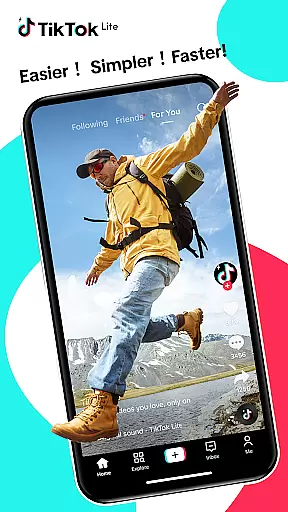

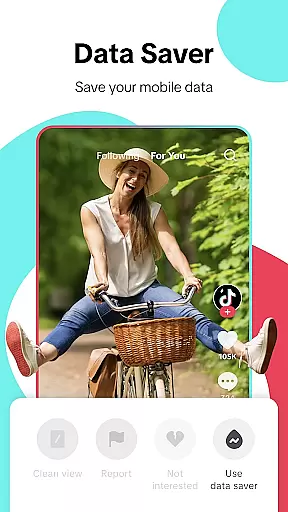
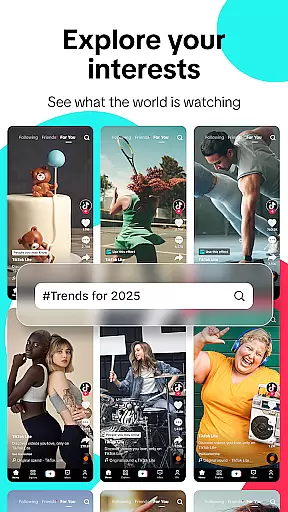
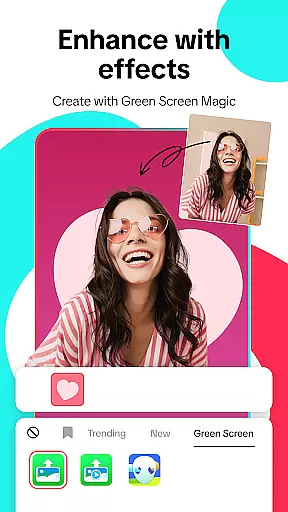
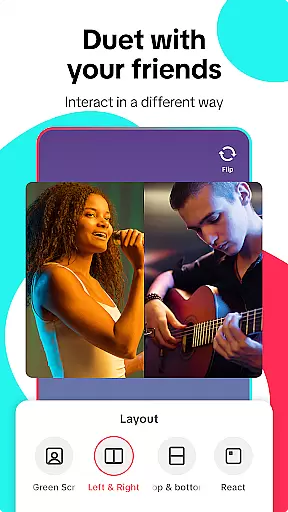
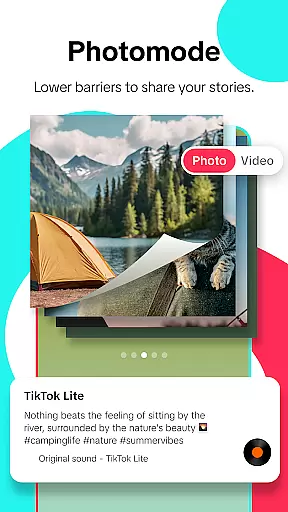
TikTok Lite is a streamlined version of TikTok, optimized for users with low-end devices or limited connectivity. It offers the complete TikTok experience in a compact 18MB package, ensuring smooth performance even on devices with restricted storage and processing power. The app allows seamless video streaming, social sharing, and content creation while consuming up to 20% less data.
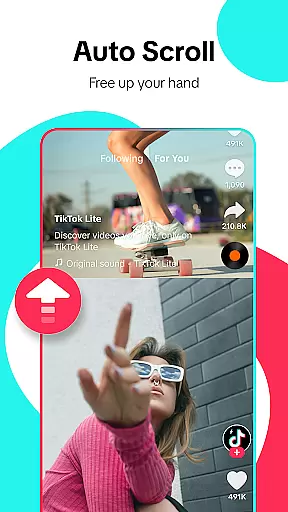
Designed for challenging network conditions, TikTok Lite includes features like offline mode, reduced load times, and auto-scroll functionality. Users can enjoy personalized feeds, trending music videos, and interactive tools such as duets and advanced editing options. With cross-platform sharing and privacy controls, it connects users to a global community of creators while maintaining an intuitive interface.
TikTok Lite stands out with its lightweight design and performance optimization. The app ensures faster loading speeds and minimal data usage, making it ideal for users with unstable internet connections or older devices. Its offline mode allows uninterrupted viewing of cached videos, while the clean view mode provides an immersive experience by hiding UI elements during playback.
The app also excels in content creation and discovery. Users can access advanced editing tools, including filters, effects, and voiceovers, to enhance their videos. Features like hashtag discovery, favorites, and downloads enable effortless content curation. Additionally, TikTok Lite supports cross-platform sharing, allowing users to post their creations directly to Instagram, Facebook, WhatsApp, and other social media platforms.
User profile customization is a crucial aspect of any social platform, allowing users to express their individuality and establish a unique digital identity. TikTok Lite offers a streamlined yet effective set of customization options that cater to users with varying preferences and device limitations.
The app enables users to personalize their profiles by adding profile pictures, bios, and links to other social media accounts. This ensures that even on low-end devices, users can maintain a consistent and recognizable presence across different platforms. The lightweight design does not compromise these essential features, making it accessible for everyone to create an authentic profile.
Authenticity verification is equally important in maintaining the integrity of the social network. TikTok Lite employs a verification process that helps distinguish genuine users from fake accounts. This builds trust within the community and enhances the overall user experience, particularly when interacting with new connections or engaging with trending content.
By combining robust customization tools with reliable verification mechanisms, TikTok Lite successfully creates a secure and personalized environment where users can confidently share their creativity and connect with others in the global video community.
Discovering new connections is at the heart of social networking, and TikTok Lite excels in helping users expand their networks efficiently. The app's connection discovery features are designed to work seamlessly even under challenging network conditions, ensuring that users can always find and engage with interesting content creators.
TikTok Lite incorporates smart algorithms that analyze user behavior and preferences to recommend relevant creators and trending content. This personalized approach to connection discovery ensures that users are consistently exposed to videos and creators that align with their interests, whether they're into music, comedy, education, or any other category.
The app also facilitates cross-platform connections by enabling users to link their existing social media accounts. This feature allows for effortless friend discovery from platforms like Instagram, Facebook, and WhatsApp, creating a more integrated social experience. Users can quickly connect with friends who are already part of the TikTok community or invite others to join.
Furthermore, TikTok Lite's direct messaging capabilities enhance connection discovery by enabling real-time interactions. Users can engage in seamless conversations through text, videos, and stickers, fostering meaningful relationships and collaborations within the global video community.
Lightweight design
Offline viewing
Data-saving mode
Cross-platform sharing
Advanced editing tools
Limited advanced features
Fewer customization options
Restricted video length
No high-resolution export
Ads may interrupt usage

Dating for singles. Meet lonely people nearby online. Find your match here!
 4.20
4.20
Get notifications of FREE Stuff for Nextdoor, Letgo, offerup & TrashNothing
4.70
Dating & make friend to chat, meet, flirt, and make real connections!
4.60
Instant video chat with cool people. Live video call & make friends with Monkey!
3.80
Random chat & meet online. Find your soulmate or someone special and have fun!
3.90
Build Your Team With One App
4.30
Live Chat & Match! Explore Real-Time Dating and Make Friends!
4.40
A warm, simple dating app for adults seeking real connection.
4.20
Connect and share ideas
4.10
This version of Facebook uses less data and works in all network conditions.
4.60
Connection Beyond Content
4.50
Match, chat & date with singles nearby. The dating app to find true love
4.50
Global short video platform: epic effects, trending videos & vibrant community!
4.40
Watch 24/7 live stream, and make real friends nearby
4.30
Online group games like Mafia, Word War, Scattergories, Ludo, Uno, and many more
4.30
Free texting (SMS) to US, Canada & more. Free new number. Call free & Text free.
4.30
Create your personal AI chatbot: talk, roleplay, and connect with characters!
4.10
Meet local people, make friends & network: Join a community, group, host events
4.00
Follow the Truth! Join America's leading free-speech social platform.
3.10


User Reviews