
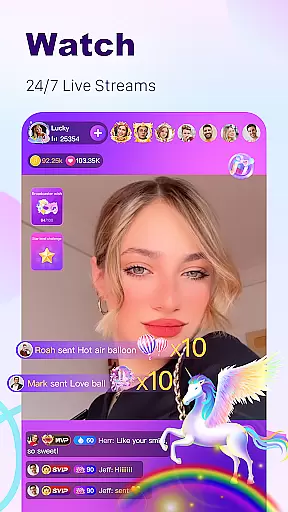
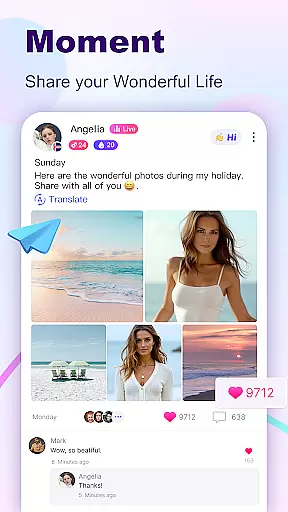

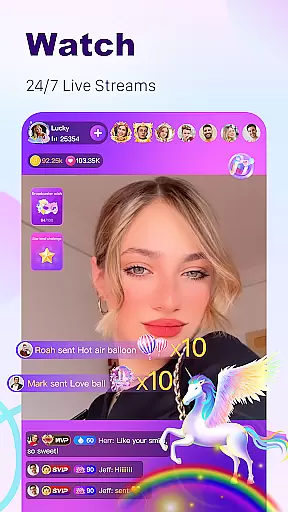
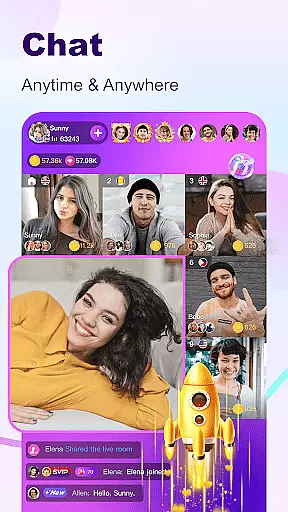
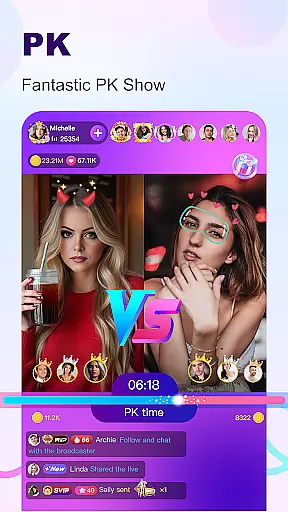
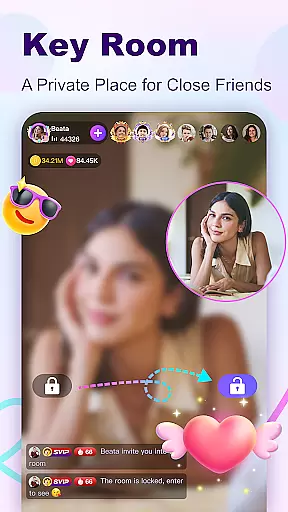
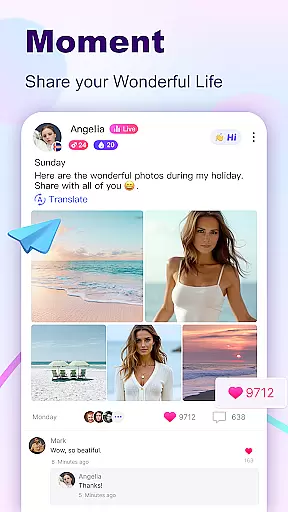

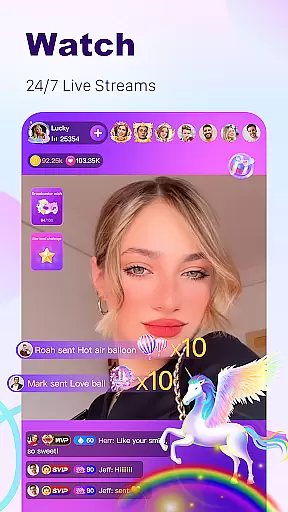
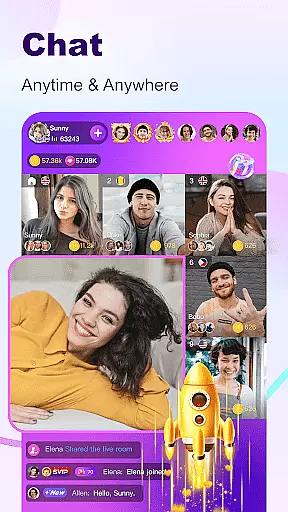
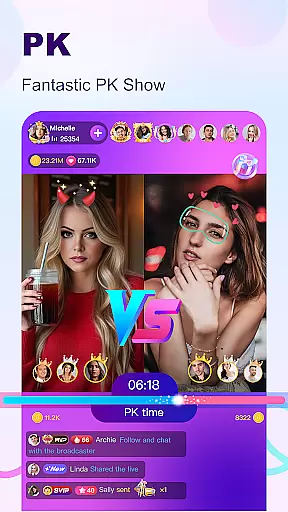
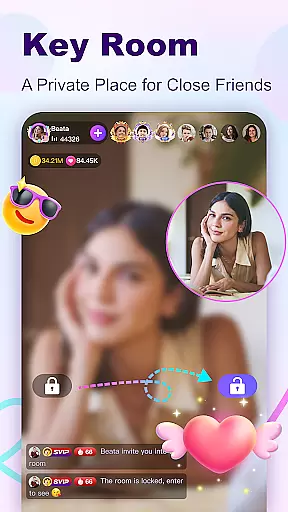
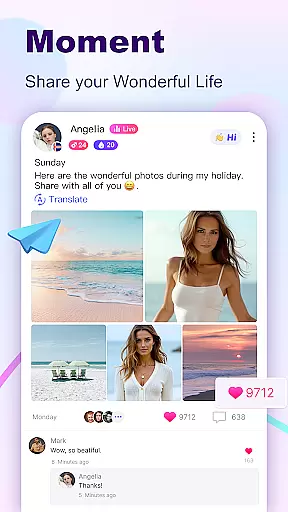

BuzzCast is a dynamic social platform that combines live streaming, instant messaging, and creative short videos to connect users worldwide. The app's core functionality revolves around its 24/7 live streaming feature, allowing users to broadcast their lives, talents, or host virtual parties without restrictions. This creates an engaging environment where users can interact with broadcasters through special effects and gifts, fostering a vibrant community.
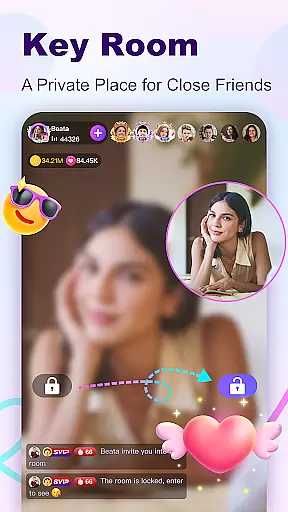
What sets BuzzCast apart is its emphasis on breaking language barriers with AI-powered translations, enabling unlimited global interactions. Additionally, the app offers private live rooms with password protection for more intimate gatherings. Users can also share moments in the square, explore nearby people, and create 15-second short videos using various editing tools. These features collectively make BuzzCast not just a social app but a comprehensive platform for entertainment, connection, and self-expression.
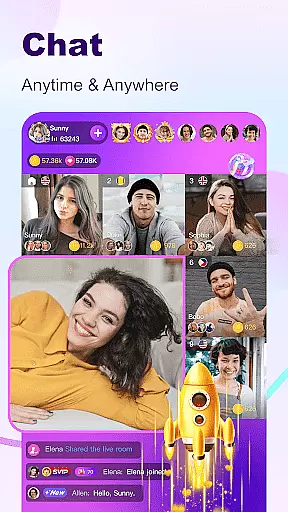
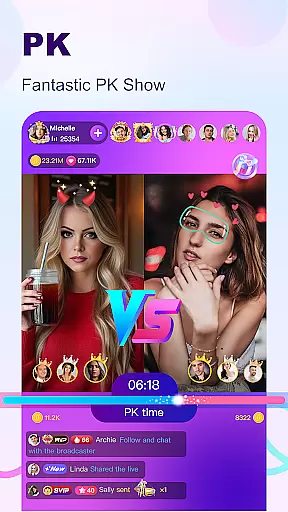
BuzzCast boasts several standout features designed to enhance user engagement and interaction. One of its key highlights is the live PK feature, which allows broadcasters to challenge each other while viewers support their favorite hosts by sending gifts during these competitions. This gamification aspect adds excitement and competitiveness to the platform. Another notable feature is the Instant Message Chatting system, where users can exchange texts, photos, emojis, videos, and voice messages after following each other—creating deeper connections between members.
The Nearby Moments function enables users to discover people geographically close to them, potentially leading to offline friendships. Meanwhile, the Creative Short Videos section lets users post 15-second clips enhanced with free special effects, stickers, and popular music tracks. These videos often trend within the app, giving creators a chance to gain recognition. Furthermore, BuzzCast ensures privacy and security by offering password-protected live rooms, making it a versatile space for both public and private interactions.
In the BuzzCast community, user profile customization is a core feature that allows individuals to express their unique identity. Users can personalize their profiles with photos, bios, and links to their social media, creating an authentic representation of themselves. This personal touch not only helps in making new friends but also establishes a trustworthy environment where users feel comfortable interacting.
BuzzCast takes authenticity verification seriously, implementing measures to ensure the credibility of its user base. By encouraging users to complete detailed profile information and verifying their social media accounts, BuzzCast creates a layer of trust. This verification process is crucial for users looking to engage with genuine personalities within the app, thus enhancing the overall social experience.
The platform's emphasis on real connections is further supported by AI automatic translation, breaking language barriers and allowing users worldwide to communicate effortlessly. This feature enriches the user profile ecosystem by enabling diverse interactions and fostering a global community where everyone's voice can be heard and understood.
By prioritizing user profile customization and authenticity verification, BuzzCast ensures that its platform remains a vibrant space for real-time interaction. Whether through live streaming or instant messaging, users can confidently reach out to others, knowing they are engaging with verified and authentic profiles. This commitment to authenticity sets BuzzCast apart as a social platform where meaningful connections are made.
BuzzCast revolutionizes the way users discover new connections by offering innovative features designed to bring people closer together. The app's advanced algorithms recommend potential friends based on shared interests, mutual connections, and active participation in similar live streams or short videos. This personalized approach to connection discovery ensures that users meet like-minded individuals who share their passions and hobbies.
One of BuzzCast's standout features is the Nearby Moments function, which enables users to find and connect with people in their vicinity. This geo-based connection discovery opens up opportunities for offline friendships and local community engagement. By highlighting users' daily moments and activities, BuzzCast fosters genuine interactions that extend beyond the digital realm into real-world experiences.
The platform's commitment to breaking language barriers through AI-powered translation further enhances connection discovery. Users can seamlessly communicate with others from different linguistic backgrounds, expanding their social circles globally. This inclusive approach to networking makes BuzzCast an ideal platform for those seeking diverse and international friendships.
BuzzCast's comprehensive suite of social tools, including instant messaging, live video chats, and collaborative live streaming, facilitates smooth and natural connection building. These interactive features allow users to engage in meaningful conversations, participate in group activities, and even host joint live events. Through these dynamic connection points, BuzzCast creates a thriving ecosystem where users can continuously expand their social networks while enjoying rich multimedia experiences.
User-friendly interface
AI translation support
Vibrant live streaming
Private chat options
Engaging short videos
High data usage
Limited offline mode
Occasional bugs
Ads between sessions
Gift costs add up

Dive into diverse fandoms. Connect, create, reblog.
 3.90
3.90
A gathering place for 300 million people's life interests and hobbies
4.30
Live video chat to connect with people around the world. Video chatting on Olive
4.40
Social calendar for friends to make plans, group chat, share events & schedules
4.60
Watch super live shows 24/7, chat & meet friends in Plamfy social networking app
4.70
FREE calling and texting (SMS texts + MMS) in US & Canada with FREE phone number
4.30
Unlimited messages, WiFi Calling, Texting app. Text now with Second Phone Number
4.10
Instant messaging — simple, fast, secure, and synced across all your devices.
4.00
Watch 24/7 great live stream, or go live to boost your social followers!
4.50
Get notifications of FREE Stuff for Nextdoor, Letgo, offerup & TrashNothing
4.70
Dating & make friend to chat, meet, flirt, and make real connections!
4.60
A video app from OpenAI - AI video generation by the maker of ChatGPT
4.60
Connection Beyond Content
4.50
Dating for singles. Meet lonely people nearby online. Find your match here!
4.20
The official Skool app. Stay connected to your communities on the go.
4.20
Join your friends and discover videos you love, only on TikTok
4.10
Meet local people, make friends & network: Join a community, group, host events
4.00
The video chat to meet people in the blink of an eye!
3.90
Message and video call your family and friends!
2.60


User Reviews