

Discover how to help puppies stay calm around noise with this helpful app.
 4.4
4.4
Take Hobby Lobby with you wherever you go!
3.40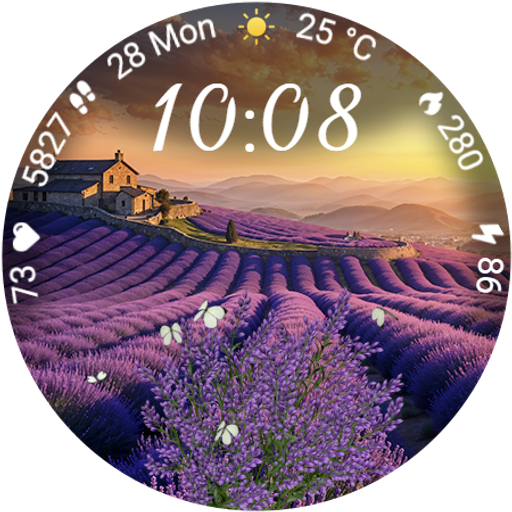
Immerse yourself in the serenity of lavender fields and white butterflies
4.2
A smart Siddur with halachic times
4.60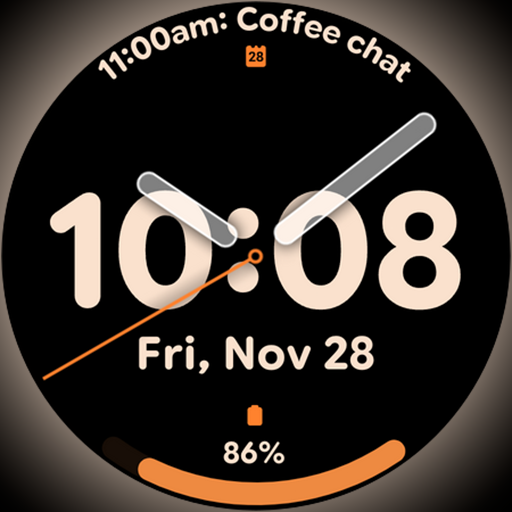
Big bold hybrid watch face with 30 colors, 5 fonts & 5 complications.
4.3
Play. Earn. Repeat. Get rewarded for playing mobile games. Welcome to Mobius!
4.80
Digital smart watch face made for Wear OS.
4.70
Mixing Colors for Menswear
4.20
Just play, earn rewards, fetch gift cards, and turn gaming into real payouts!
4.80
My Diary - Daily Journal with lock: Diary journal app and secret diary with lock
4.80
Crochet made easy: step-by-step tutorials, beginner patterns & projects
4.60
The all-new Cync app. The simple, connected app for Cync and C by GE.
4.50
Play fun games, complete quick surveys, and earn money. It's fun and easy!
4.40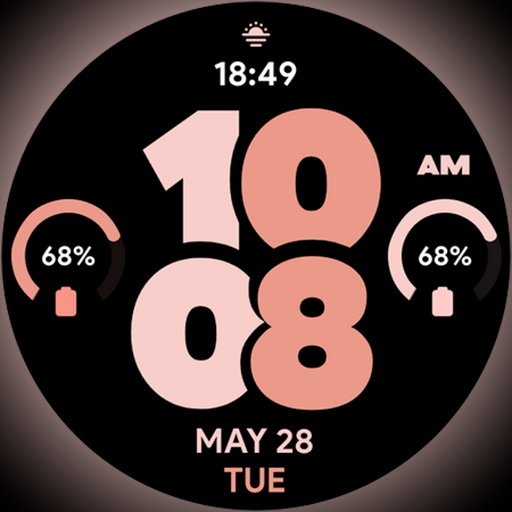
Material You inspired colors with BIG and Bold looks for Wear OS watches.
4.20
Paranormal EVP, Ghost Box, Spirit box, ITC, Haunted, Spirit communication device
3.70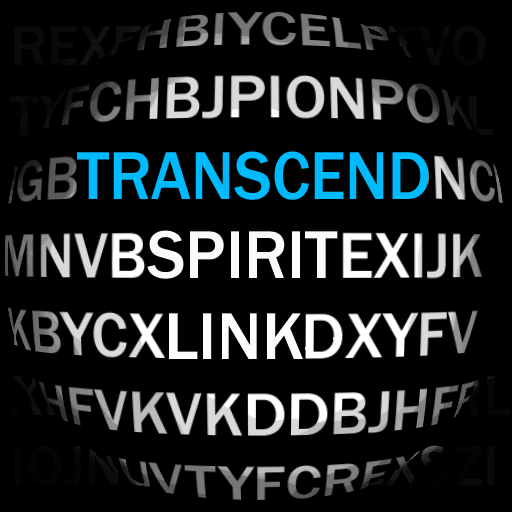
Going above and beyond known spirit communication
3.60
BILT interactive 3D instructions help you get the job done right
3.50
Creativity and savings for kids, beginners and experts in arts and crafts
3.50
Falling Fruit is a massive collaborative map of food in our cities.
3.20


