
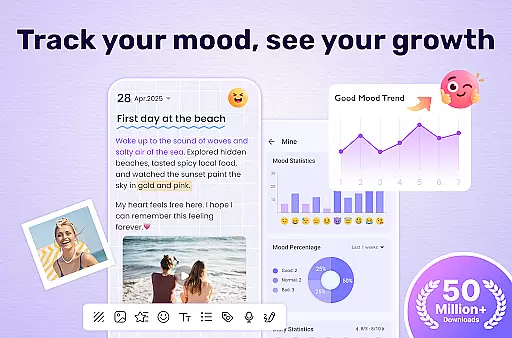
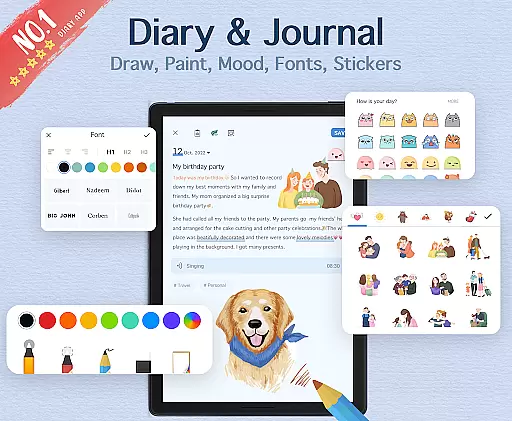

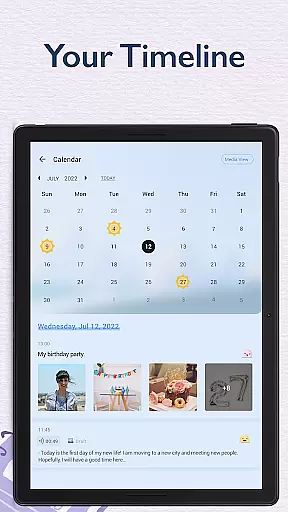
My Diary is a feature-rich digital journaling app designed for users who value privacy and creative expression. This lifestyle application allows you to record daily entries with the added security of a lock feature, ensuring your personal thoughts remain confidential. With support for multimedia content such as photos and videos, users can create vivid and engaging diary entries.
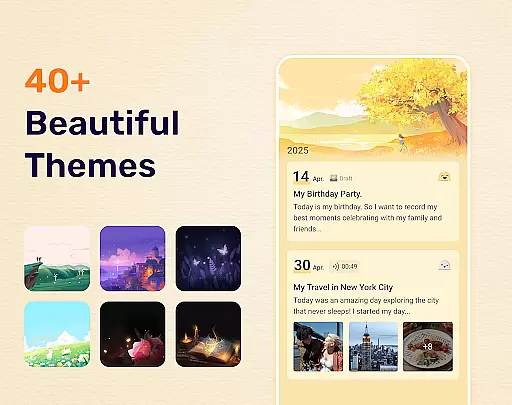
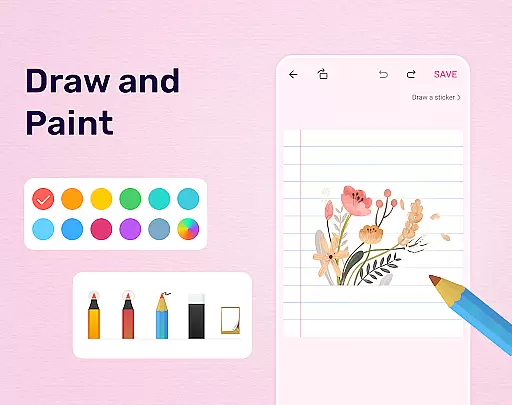
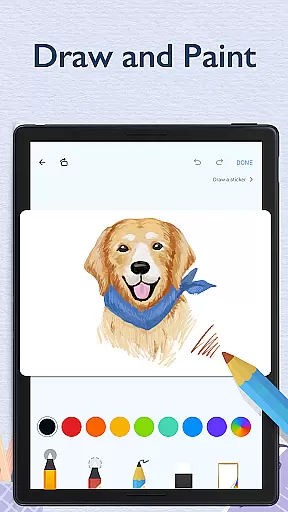
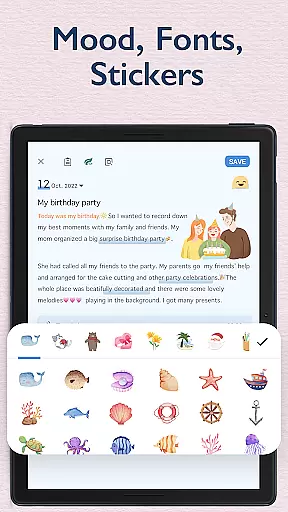
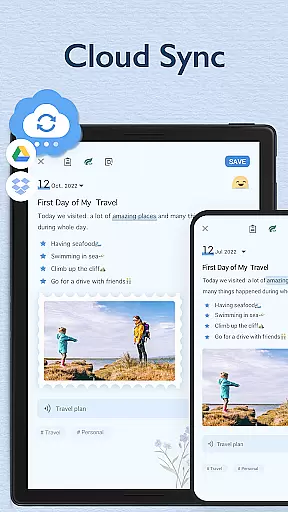
The app offers multiple customization options including themes, stickers, and fonts, making each diary unique. The built-in cloud sync functionality with Google Drive and Dropbox ensures that your memories are safely backed up and accessible across devices. Whether you're documenting life's milestones or tracking your mood through emojis, My Diary provides a comprehensive platform for all your journaling needs.
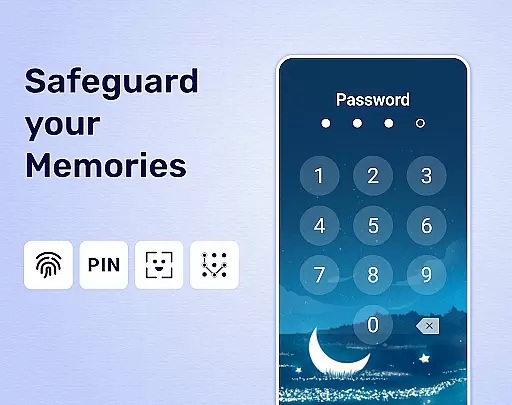
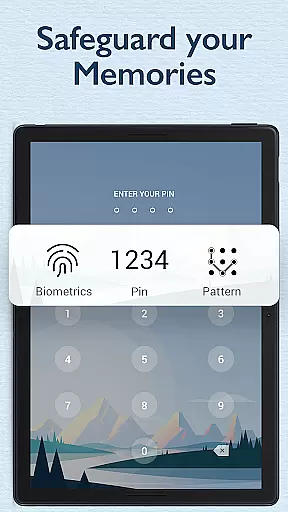
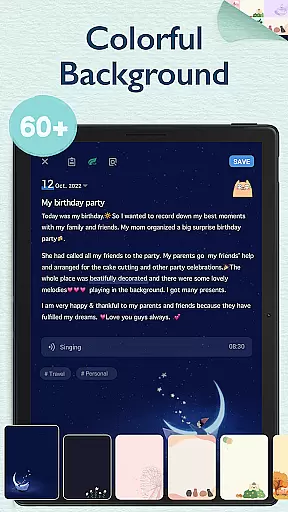
One of the standout features of My Diary is its robust security system. Users can set a passcode or use fingerprint authentication to lock their diary, providing peace of mind for those who wish to keep their entries private. Additionally, the app supports dark mode and customizable backgrounds, allowing users to tailor their journaling experience to their preferences.
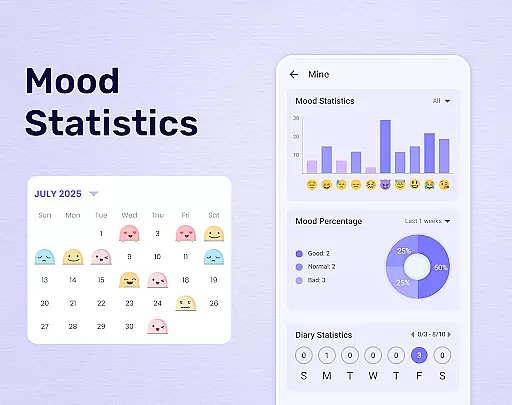
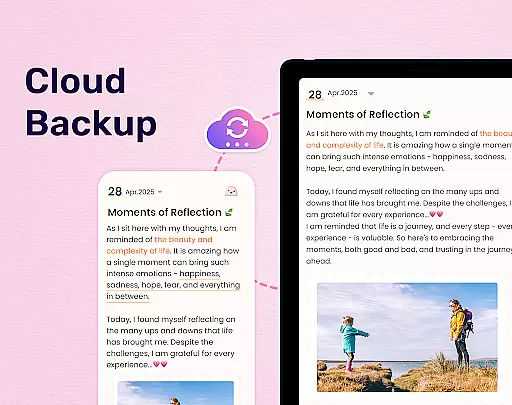
Another key feature is the ability to sync and backup diaries to the cloud. This ensures that no memory is lost and entries can be accessed from any device. The inclusion of mood tracking symbols and various stickers adds an interactive element to the journaling process, enabling users to express themselves more fully. Furthermore, the eye protection mode helps reduce strain during long writing sessions, promoting healthier usage habits.
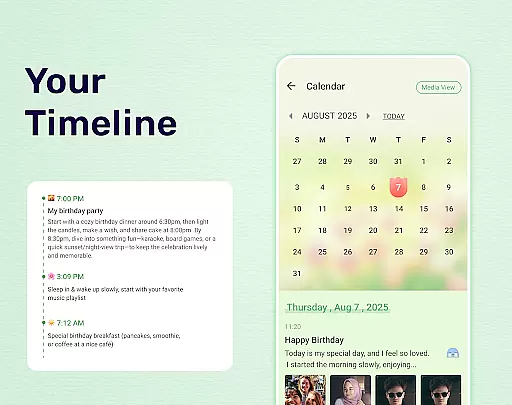
My Diary offers extensive lifestyle category coverage, making it more than just a digital journal. It supports various forms of expression including text, photos, videos, and voice recordings, allowing users to capture their daily lives in rich detail.
The app provides multiple themes and stickers that enhance the personalization of each entry. Whether documenting travel adventures, tracking moods with emojis, or creating a baby diary, My Diary ensures every aspect of life is vividly recorded and easily accessible.
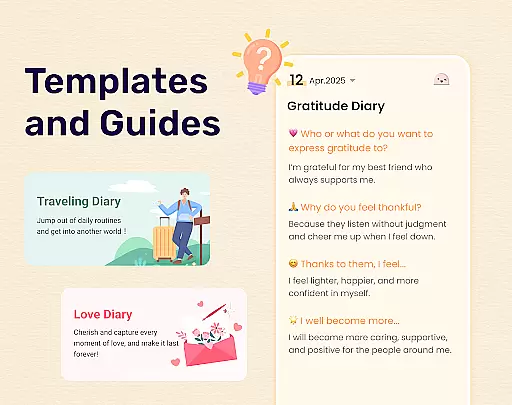
With dedicated tags for organizing entries by categories such as travel, love, work, and pregnancy, users can efficiently manage different facets of their lives within a single platform. This comprehensive approach not only enriches the journaling experience but also simplifies content retrieval.
Furthermore, features like night mode, eye protection settings, and mood tracking demonstrate the app's commitment to user well-being. These thoughtful additions ensure that My Diary caters to diverse lifestyle needs while promoting healthier journaling habits.
My Diary places a strong emphasis on content authenticity and expert credibility, ensuring users have a trustworthy space for their private thoughts. The app employs advanced security measures, including password protection and fingerprint authentication, safeguarding sensitive information against unauthorized access.
By supporting cloud synchronization with Google Drive and Dropbox, My Diary guarantees data integrity and availability across devices. Users can rest assured knowing their memories are securely backed up and retrievable anytime, anywhere.
In addition to robust security protocols, the app offers export options to PDF and TXT formats, enabling users to preserve physical copies of their journals. This feature underscores the app's dedication to providing reliable, long-term storage solutions for personal records.
Continuous updates and improvements reflect the developers' commitment to maintaining high standards of quality and trustworthiness. By prioritizing user feedback and implementing expert-recommended enhancements, My Diary establishes itself as a credible tool for managing one's digital legacy.
User-friendly interface
Secure locking system
Vivid multimedia support
Customizable themes
Cloud sync functionality
Limited free features
Occasional bugs
Ads in free version
Complex settings
Learning curve

Unique Dark Analog style for Wear OS watches.
 4.2
4.2
A watch face with transparency and fluid visuals inspired by liquid glass design
4.0
Spiritus Ghost Box is an Audio and Visual ITC tool for paranormal research.
4.00
This minimalist yet classic board design brings a futuristic twist to your wrist
4.20
A uniquely designed isometric digital watch face made for Wear OS
4.4
Your home in your hand
3.80
Falling Fruit is a massive collaborative map of food in our cities.
3.20
The Miracle Box includes methods used by Steve Huff of Huff Paranormal.
3.20
An Eerie Musical Trigger Toy for Spirits to Play with!
3.50
Discover the "To Be a Christian" App: Your Guide to Deepening Faith!
5.00
Tap to the beat with interactive videos — warm up your reflexes & have fun
4.70
Kasa Smart is your portal to your TP-LINK Smart Home.
4.70
Earn money & gift cards when you take surveys, play games, scan receipts & more.
4.50
A smart Siddur with halachic times
4.50
Spirit Communicator is a real paranormal ghost hunting app with many fun modes.
3.90
BILT interactive 3D instructions help you get the job done right
3.50
Take Hobby Lobby with you wherever you go!
3.40
Big bold digital watch face with 30 colors, 6 complications and AOD.
4.3
Duo Watch Face (animated)
4.5


User Reviews