
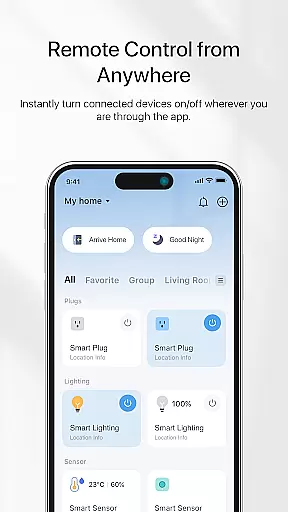
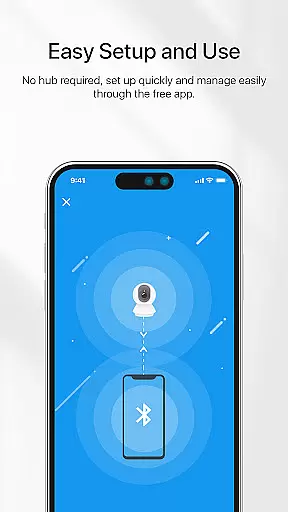
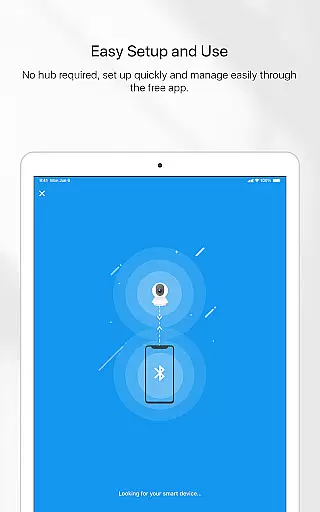

TP-Link Tapo is a comprehensive smart home management app designed to simplify the setup and control of Tapo smart devices. With this app, users can effortlessly configure and manage their smart devices within minutes, ensuring seamless integration into their daily routines. The app provides remote access capabilities, allowing users to control their smart devices from anywhere in the world.
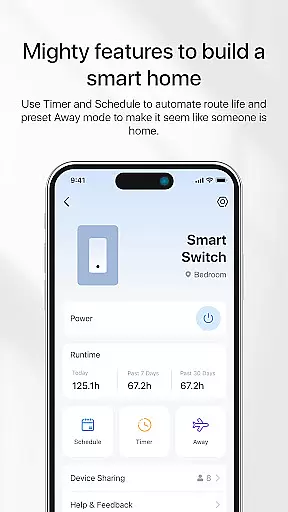
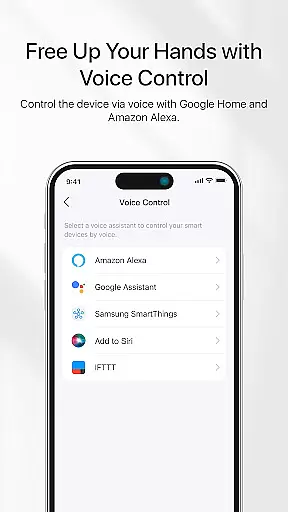
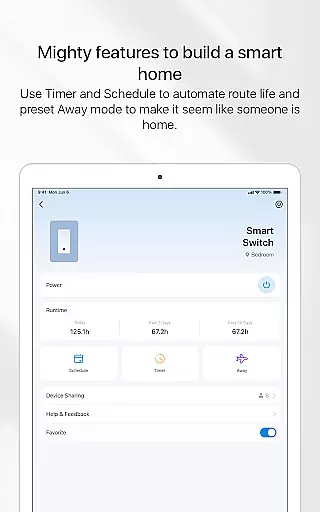
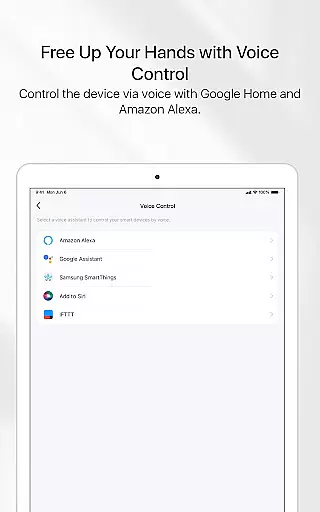
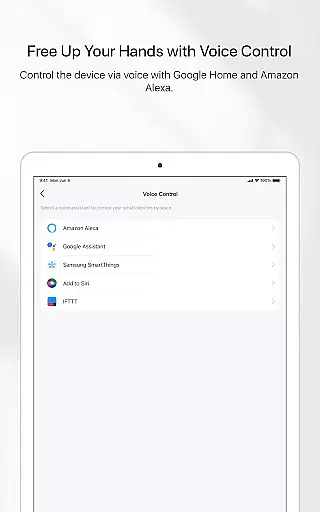
One of the standout features of TP-Link Tapo is its compatibility with popular voice assistants like Google Home and Amazon Echo, enabling voice control for added convenience. Users can also take advantage of advanced functionalities such as Away mode, which simulates occupancy to enhance home security. Additionally, the app supports scheduling and countdown timers, empowering users to automate their devices based on specific timeframes.
Whether you're looking to enhance your home's security, automate routine tasks, or simply enjoy the convenience of smart living, TP-Link Tapo offers a versatile solution that caters to various lifestyle needs.
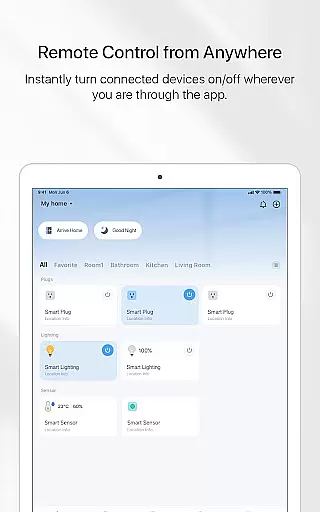
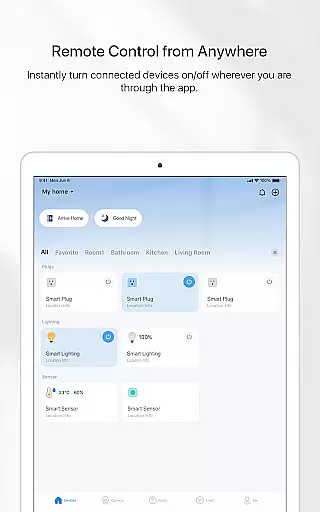
TP-Link Tapo boasts an array of innovative features designed to elevate the smart home experience. One of its core functionalities is the ability to control smart devices remotely, providing users with unparalleled convenience and peace of mind. This feature is particularly beneficial for those who frequently travel or wish to monitor their home environment while away.
Voice control integration with Google Home and Amazon Echo sets TP-Link Tapo apart from its competitors. This feature allows users to execute commands hands-free, making it easier to manage smart devices without needing to physically interact with the app. Furthermore, the app's Away mode and scheduling capabilities offer practical solutions for home security and energy efficiency. Users can create customized schedules and timers to automate device operations, ensuring optimal performance and resource utilization.
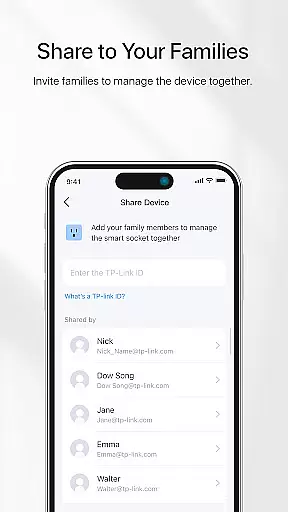
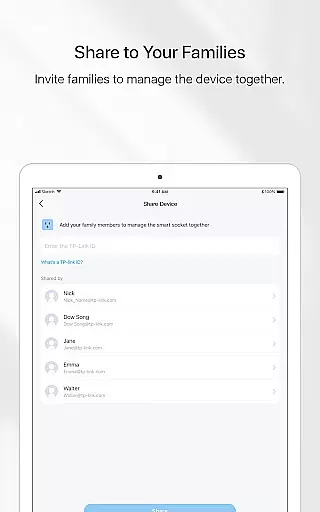
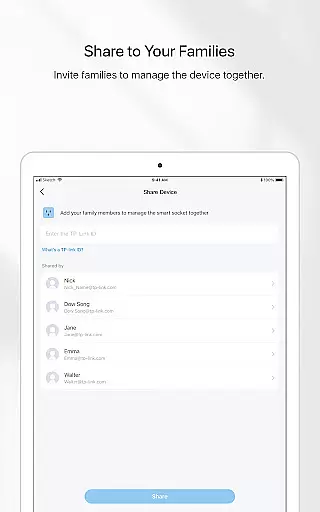
Another notable feature is the ability to invite family members to collaborate on device management. This shared access promotes a cohesive smart home ecosystem where multiple users can contribute to maintaining a secure and efficient living environment. Overall, TP-Link Tapo's robust feature set positions it as a leading choice for modern smart home enthusiasts.
TP-Link Tapo app offers comprehensive coverage of smart home functionalities, making it an essential tool for modern lifestyles.
The application provides users with the ability to control a wide range of smart devices from anywhere, ensuring convenience and efficiency in managing their home environment.
With integration capabilities for voice assistants like Google Home and Amazon Echo, the app extends its utility beyond manual control, offering hands-free operation that aligns perfectly with contemporary living standards.
Additional features such as Away mode simulation, countdown timers, scheduling options, and family sharing further enhance its appeal by addressing various aspects of daily life management.
The TP-Link Tapo app ensures content authenticity by providing reliable and accurate information about connected smart devices.
All functionalities, including remote control, voice command support through Google Home and Amazon Echo, and advanced settings like Away mode, are thoroughly tested and verified for consistent performance.
This commitment to quality assurance establishes trust with users who rely on these smart solutions for their day-to-day needs.
Moreover, the app's development team comprises experts in smart home technology, guaranteeing that all features meet high industry standards and deliver credible, dependable service to end-users.
User-friendly interface
Remote device control
Voice assistant compatibility
Advanced scheduling options
Multi-user support
Limited third-party integrations
Occasional connectivity issues
No built-in energy monitoring
Basic automation features
Subscription fees for premium features

Discover the "To Be a Christian" App: Your Guide to Deepening Faith!
 5.00
5.00
Play. Earn. Repeat. Get rewarded for playing mobile games. Welcome to Mobius!
4.80
Smart home security protection
3.20
Earn money & gift cards when you take surveys, play games, scan receipts & more.
4.50
SmartHQ: Your Connected Home Command Center
4.10
The Miracle Box includes methods used by Steve Huff of Huff Paranormal.
3.20
An Eerie Musical Trigger Toy for Spirits to Play with!
3.50
PARAVOX 4 is a professional ITC paranormal research application.
4.50
Your store’s deals, where you are.
4.80
Kasa Smart is your portal to your TP-LINK Smart Home.
4.70
Simple, stylish & fresh watch face. Customize colors, gradients & complications.
4.70
Colorful selection floral watch face with gyro for Wear OS
4.60
Play fun games, complete quick surveys, and earn money. It's fun and easy!
4.40
Get your life organized with My Agenda!
4.30
Digital watch face design. Modern looking, hi-res & battery friendly.
4.00
Do you want to communicate with spirits?
3.80
View over 160,000 line dance stepsheets from the CopperKnob website.
3.30
Discover how to help puppies stay calm around noise with this helpful app.
4.5
A daily quote for success
4.2


User Reviews