
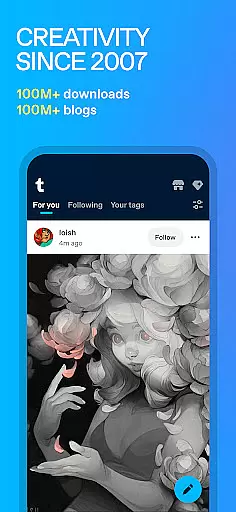
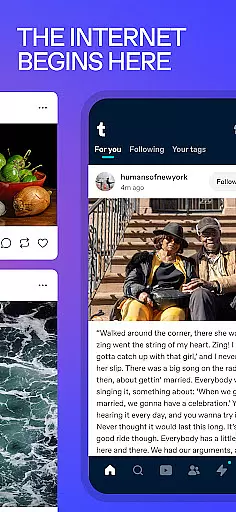
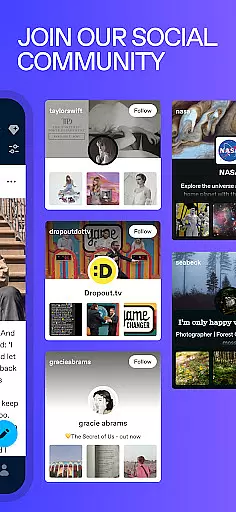
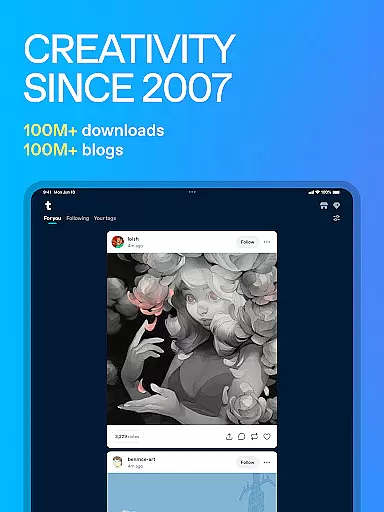
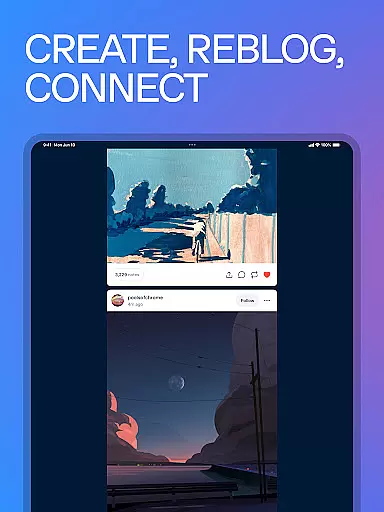
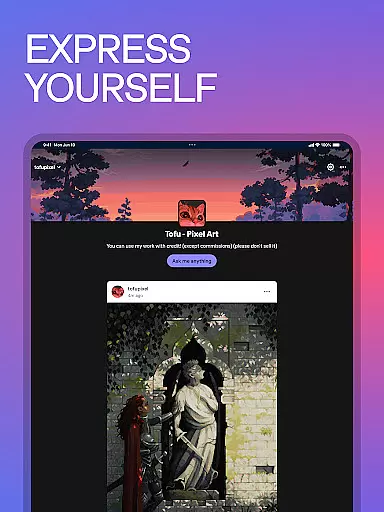
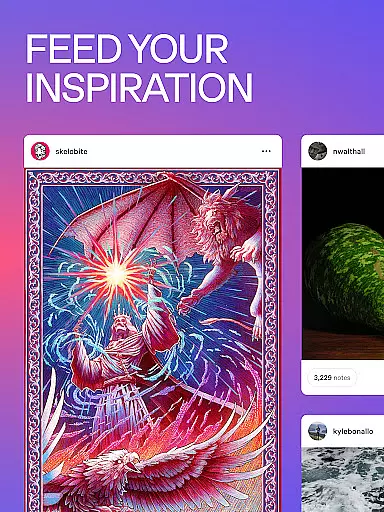
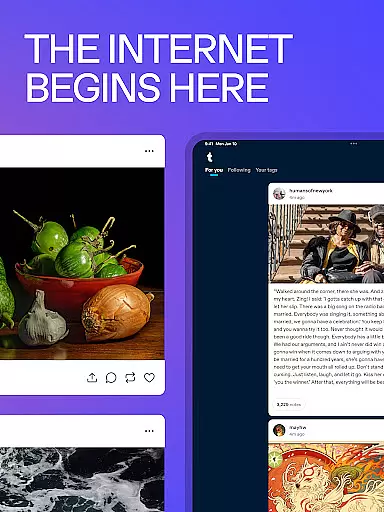
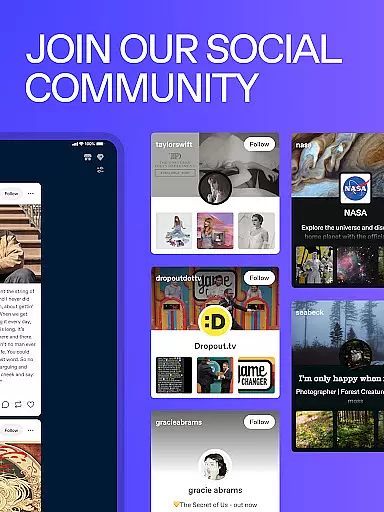
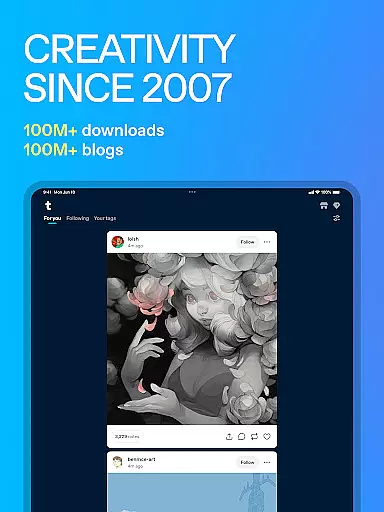
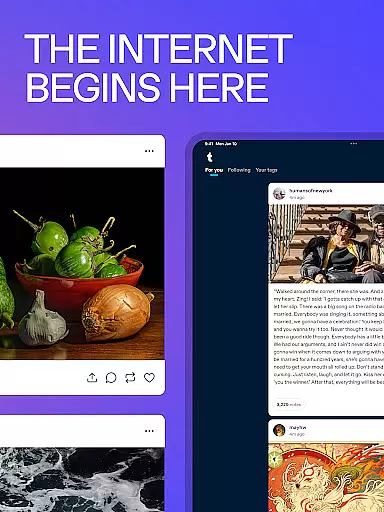
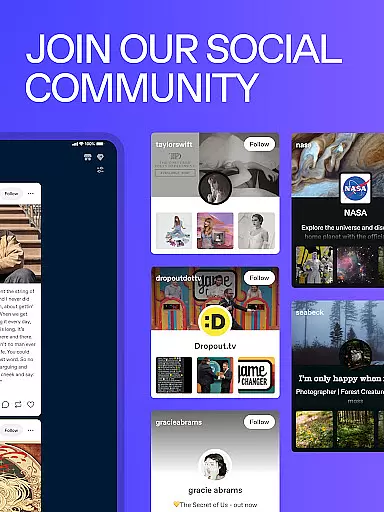
Tumblr serves as a dynamic social media platform tailored for creative expression and community building. It allows users to share various forms of content including images, videos, GIFs, and text posts within a personalized dashboard. The app thrives on its diverse art communities, fandom hubs, and meme culture, making it an ideal space for niche interests.
One of Tumblr's standout features is its tagging system, which helps curate feeds and connect users with similar interests. Whether you're an artist looking to showcase digital work or a fan engaging in discussions about your favorite TV shows, Tumblr provides the tools necessary for meaningful interactions. Its seamless integration with other platforms like Twitter and Instagram enhances user engagement and expands creative networks.
The app's versatility makes it suitable for both casual browsing and serious content creation. Users can customize their profiles, join creative challenges, and participate in global conversations. This adaptability ensures Tumblr remains relevant across different age groups and interest categories, offering a unique blend of entertainment and self-expression.
Tumblr offers a comprehensive suite of features designed to maximize user creativity and interaction. At its core, the platform supports multimedia posting, allowing users to upload images, videos, audio clips, and written content effortlessly. This flexibility enables creators to experiment with different formats and express themselves fully.
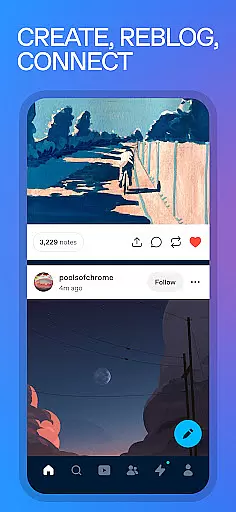
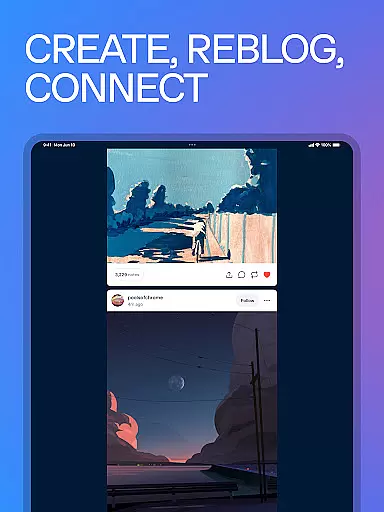
A distinctive feature is the reblogging system, which facilitates content sharing and collaboration within the community. By reblogging posts, users can contribute to ongoing discussions, amplify voices, and build upon existing ideas. Additionally, customizable privacy settings empower users to control their online presence, whether they prefer public exposure or private sharing.
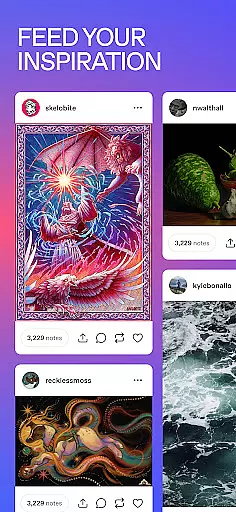
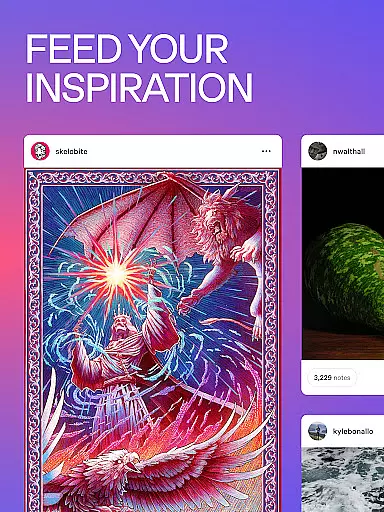
Tumblr also excels in community curation through tags and trending topics. These tools help surface relevant content and foster connections among users with shared interests. From K-pop enthusiasts to fanfiction writers, Tumblr's diverse ecosystem caters to a wide array of passions, ensuring every user finds their niche.
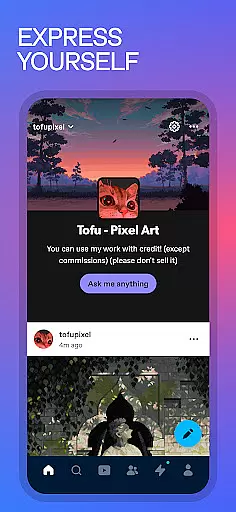
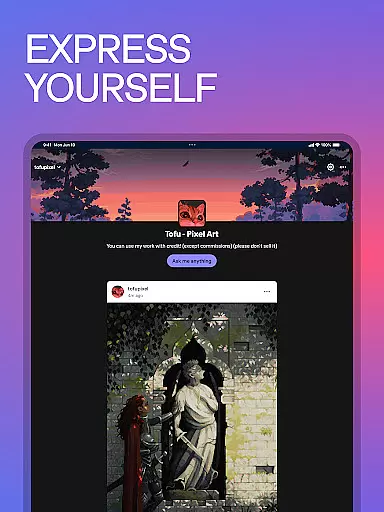
User profile customization is a crucial aspect of any social platform, allowing individuals to express their unique identity. Tumblr offers a versatile dashboard where users can personalize their profiles with avatars, themes, and descriptions that reflect their creative style.
The platform provides multiple customization options, enabling users to create distinct blogs for different interests. Whether you're an artist showcasing your portfolio or a fan curating content around specific fandoms, Tumblr's flexible tools ensure your profile authentically represents your online presence.
Regarding authenticity verification, Tumblr employs various measures to maintain genuine user interactions. While the platform embraces anonymity and creative freedom, it implements community guidelines and reporting systems to ensure content credibility and appropriate engagement.
This combination of extensive customization features and community-driven verification processes creates a trustworthy environment where users can confidently connect with like-minded individuals while maintaining their unique digital identity.
Discovering meaningful connections is at the heart of Tumblr's social experience. The platform's sophisticated algorithm analyzes users' interests and interactions to suggest relevant accounts, creating opportunities for engaging with similar creators and enthusiasts.
Tumblr's tagging system serves as a powerful discovery tool, allowing users to explore content through specific keywords and categories. By following particular tags, users can find niche communities and trending topics that align with their passions, from digital art to specialized fandoms.
The platform's recommendation engine continuously learns from user behavior, suggesting new blogs to follow and content to explore. This feature helps users expand their network by connecting with both established creators and emerging voices in their areas of interest.
These connection discovery mechanisms foster vibrant communities where users can engage in authentic discussions, collaborate on creative projects, and build lasting relationships with others who share their artistic vision and interests.
User-friendly interface
Vibrant art community
Customizable privacy options
Seamless multimedia integration
Extensive tagging system
Occasional NSFW content
Interface can feel dated
Limited analytics for creators
Ads may disrupt experience
Onboarding process is minimal

Positive social
 4.20
4.20
Live pics from your friends - Only the photos you want to see
4.60
Get notifications of FREE Stuff for Nextdoor, Letgo, offerup & TrashNothing
4.70
Instant video chat with cool people. Live video call & make friends with Monkey!
3.80
The world's leading social networking app for gay, bi, trans, and queer people.
4.10
Build Your Team With One App
4.30
Unlimited messages, WiFi Calling, Texting app. Text now with Second Phone Number
4.10
Instant messaging — simple, fast, secure, and synced across all your devices.
4.00
A warm, simple dating app for adults seeking real connection.
4.20
Widget Together, Share Whatever! Keep Pets & Share Sleep, Poop, Moods on Screens
4.70
Reddit is where you’ll find your people and feel at home in every conversation.
4.60
A video app from OpenAI - AI video generation by the maker of ChatGPT
4.60
Unlimited calls & texts | WiFi voice line plus group txt | Call & text now
4.50
Connection Beyond Content
4.50
Global short video platform: epic effects, trending videos & vibrant community!
4.40
Honest dating app where real people find genuine love and real matches.
4.20
Connect and share ideas
4.10
Create & share photos, stories, & reels with friends you love
3.90
Resonate & Date with New Match
3.70


User Reviews