
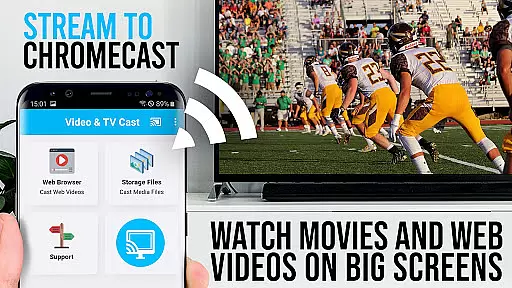
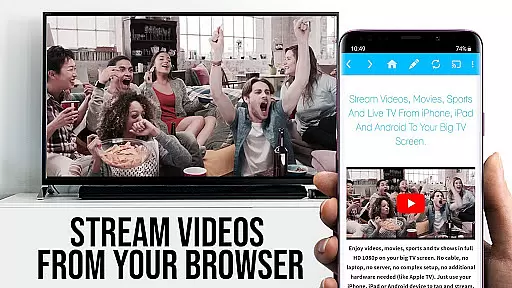
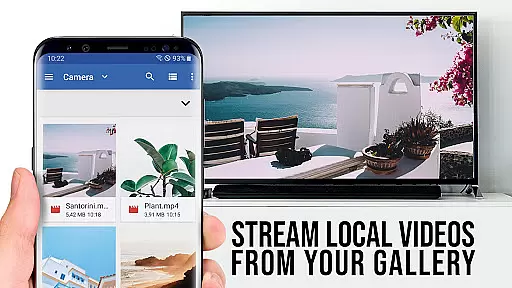
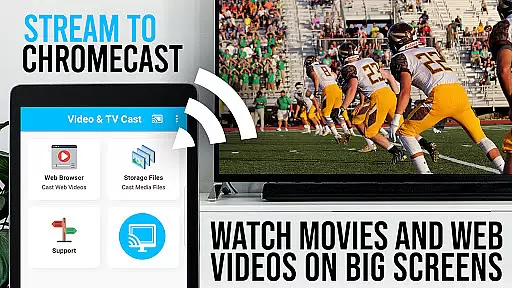
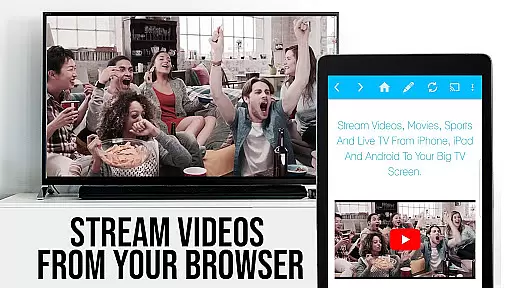
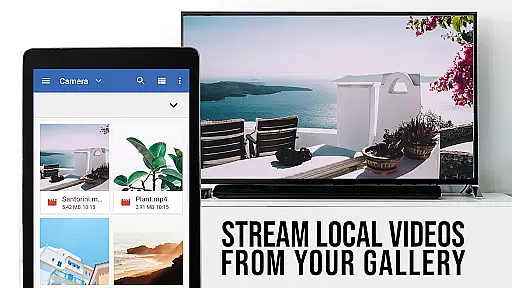
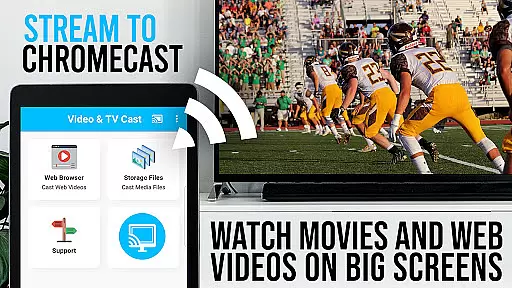
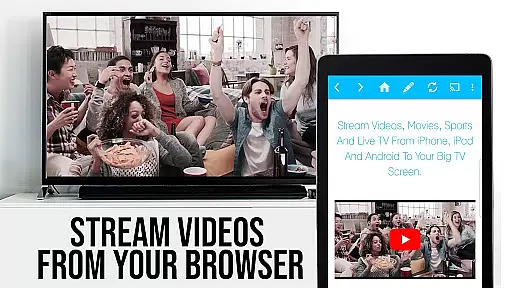
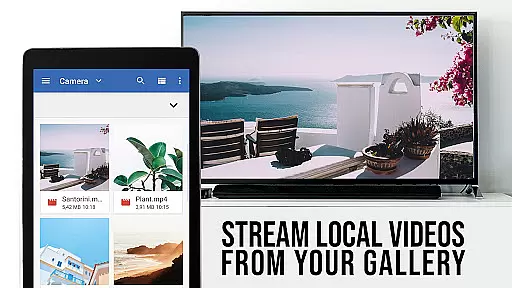
TV Cast Pro for Chromecast is the premier browser app designed specifically for streaming video content to Chromecast-enabled devices. With over 10 million users across Android and iOS platforms, this application allows you to cast web videos, online movies, IPTV, livestreams, and live TV shows directly to your television. Supporting formats such as MP4, M3U8, HLS livestreams, and Full HD, it ensures a seamless viewing experience on the big screen.
The PRO edition of the app comes with all premium features unlocked, offering advanced functionalities like the Remote Playbar for enhanced video control, an Ad-Blocker for an uninterrupted viewing experience, and the ability to manage bookmarks efficiently. It also supports casting from websites by simply tapping on the embedded video, making it easy to stream content from various sources. However, please note that DRM-protected videos from services like Netflix are not supported.
TV Cast Pro for Chromecast boasts a range of sophisticated features tailored for an optimal streaming experience. The Remote Playbar functionality provides users with advanced controls including video scrubbing, forward, rewind, play, pause, and stop options, all synced across multiple devices. This feature enhances user interaction while browsing and streaming content.
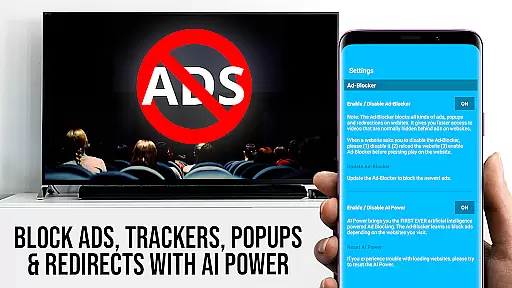
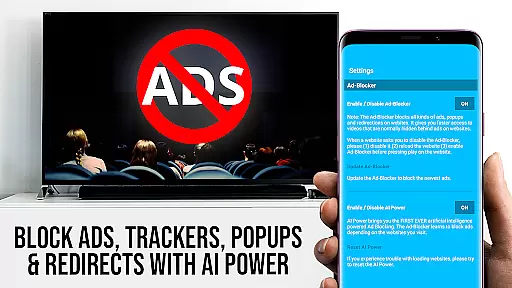
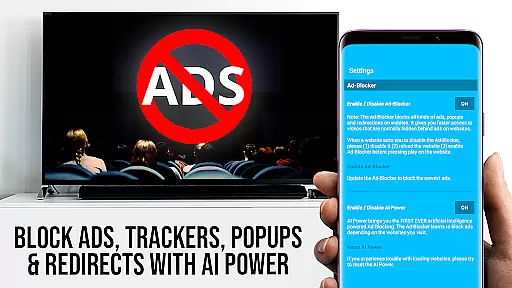
In addition to its powerful streaming capabilities, the app includes an Ad-Blocker that removes ads and popups on most visited websites, ensuring a cleaner and more focused viewing session. Users can enable or disable this feature at any time through the settings menu. Moreover, the Desktop Mode allows users to change the browser's user-agent, enabling access to desktop versions of websites instead of mobile ones, although it does not support Flash videos even in this mode.
Other notable features include the ability to add and manage unlimited bookmarks, either via the bookmarks menu or directly within the browser, and the option to set a personalized homepage post-purchase. These tools collectively contribute to a highly customizable and user-friendly interface, empowering viewers to tailor their streaming experience according to personal preferences.
TV Cast Pro for Chromecast excels in offering a diverse range of content, ensuring users have access to an extensive selection of videos, live streams, and TV shows. The app supports various formats including mp4, m3u8, hls livestreams, and Full HD, making it versatile for different types of media.
With the capability to browse the web and cast any video with a single tap, users can enjoy personalized content directly on their biggest screen. This feature not only enhances user engagement but also provides a seamless transition from browsing to viewing, keeping the content fresh and relevant to individual preferences.
The app's ability to detect video links across websites and send them to Chromecast ensures that users are not limited to pre-set channels or services. This flexibility allows for continuous discovery and enjoyment of new content, maintaining viewer interest over time.
User engagement is a critical aspect of TV Cast Pro for Chromecast, designed to keep viewers connected and entertained for extended periods. By supporting advanced video controls through its Remote Playbar, users gain precise control over their viewing experience, which includes options like video scrubbing, forward, rewind, play, pause, and stop.
This level of interaction not only enhances the viewing session but significantly boosts retention rates by allowing users to manage content according to their pace and preference. Such features create a more immersive environment where viewers feel empowered and are thus more likely to remain engaged.
Additionally, the Ad-Blocker feature contributes to longer engagement durations by removing interruptions from ads and popups, providing a cleaner and uninterrupted streaming experience. This focus on user-centric features helps maintain high levels of satisfaction and encourages continued use of the app.
User-friendly interface
Advanced video controls
Effective ad-blocking
Customizable homepage
Supports multiple formats
No DRM video support
Limited device compatibility
Occasional connectivity issues
Requires manual video detection
Premium version costly

Create, chat & bond with AI souls who truly listen.
 4.50
4.50
Pathfinder 2e initiative tracker with bestiary, HP, reaction, conditions, etc
4.80
Watch short films, dramas, reels, series and movies anytime on Micro Drama.
4.60
Fun brain twisting challenge with trending Whirlpool Filter.
4.70
Stories that spark in seconds.
4.80
The JBL Portable app works with JBL portable Bluetooth speakers.
4.60
Your choice of 350+ networks plus movies and full TV series on-demand.
3.70
Your Avatar, Endless Fun
4.60
An app made just for kids
4.20
Stream Live TV, News & Documentaries. Watch Full Seasons with PBS Passport.
4.80
Exclusive creator communities
4.70
Watch Reels, Drama Shorts & TV Series Anytime. Download DramaWave Now!
4.70
Tarot & Oracle Card Readings
4.50
Come and watch short dramas, reels with diverse genres!
4.40
Himnario LLDM - Fast and Easy to read , updated Hymnal 2019 Edition Official
4.20
Catch the latest episodes of The Voice or live stream NFL games with The NBC App
4.20
Music visualizer and party effects for Hue
3.90
NFL, NBA, NHL, MLB, local sports coverage, shows, movies & news!
3.20
The classic game of rock, paper, scissors
4.5


User Reviews