
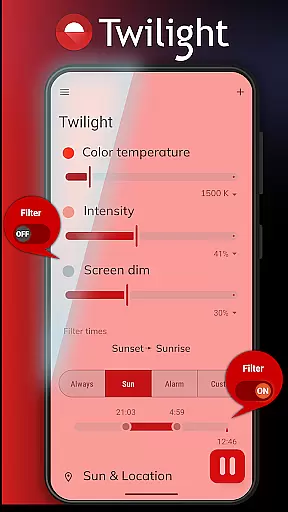
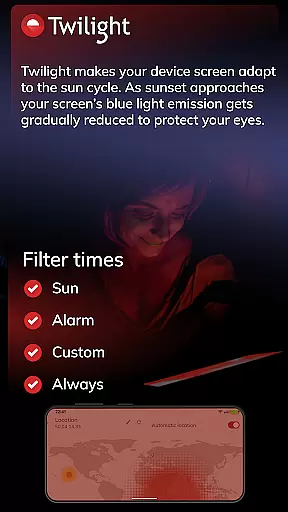
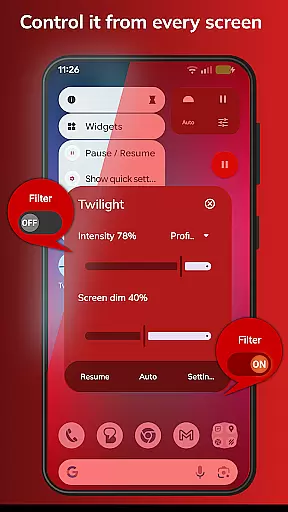
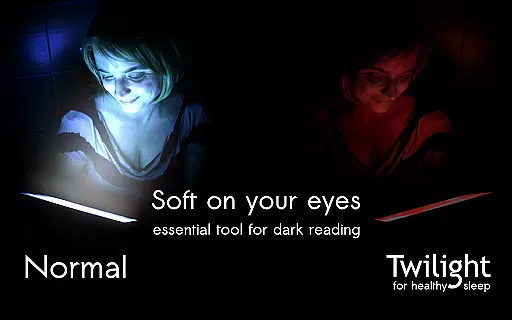
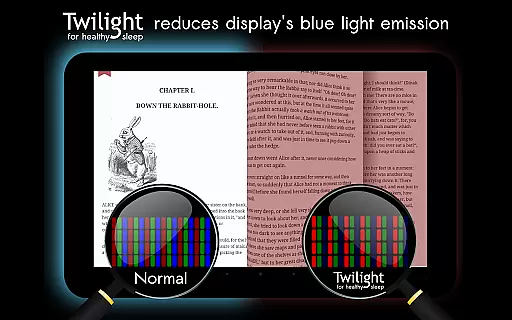
Twilight Pro Unlock is a specialized application designed to help users improve their sleep quality by reducing blue light exposure from their devices. The app filters the blue spectrum on your phone or tablet after sunset, replacing it with a soft red filter that adjusts based on your local sunrise and sunset times.
This health-focused app offers advanced features such as customizable profiles, adjustable transition times, and the ability to disable the service during inactive periods. These functionalities make it an ideal solution for individuals struggling with sleep issues due to late-night device usage.
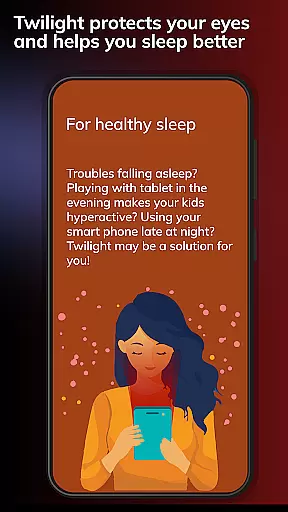
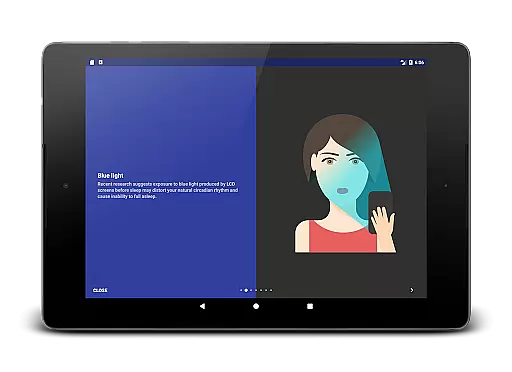
By using Twilight Pro Unlock, users can protect their natural circadian rhythm, potentially improving their overall sleep patterns and well-being. This makes it especially valuable for those who frequently use smart devices before bedtime.
Twilight Pro Unlock stands out through its sophisticated feature set tailored for optimal sleep hygiene. The app's core functionality revolves around its ability to dynamically adjust screen color temperature based on time of day and geographical location.
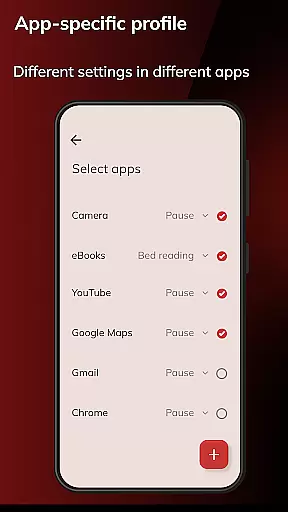
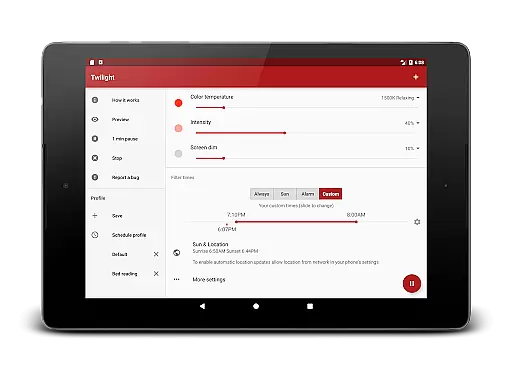
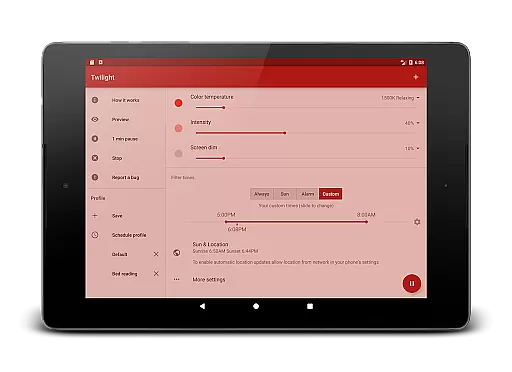
Among its distinguishing features are multiple customizable profiles that allow users to create personalized blue light filtering settings. The adjustable transition period enables gradual changes in filter intensity, while the option to completely disable the service during specific hours provides greater control over device performance.
The application also includes exclusive PRO features that aren't available in the free version, ensuring early access to new functionalities and enhanced capabilities. These premium features make Twilight Pro Unlock particularly valuable for power users seeking maximum customization options.
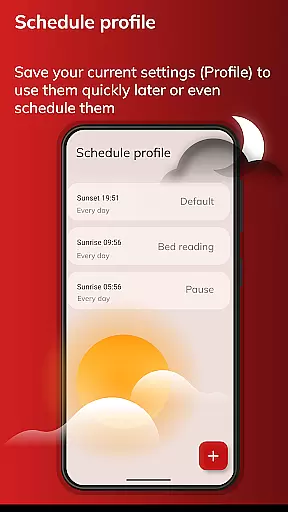
Personalized planning in the context of Twilight Pro Unlock refers to the app's ability to adapt its blue light filtering based on individual user schedules and local sunset and sunrise times. This feature is crucial for maintaining a natural circadian rhythm.
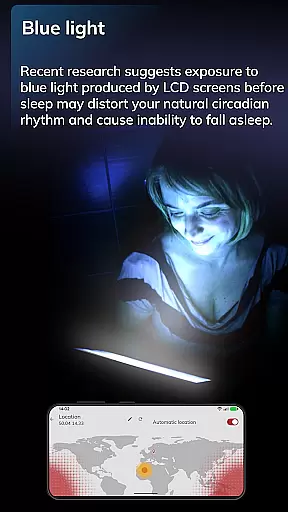
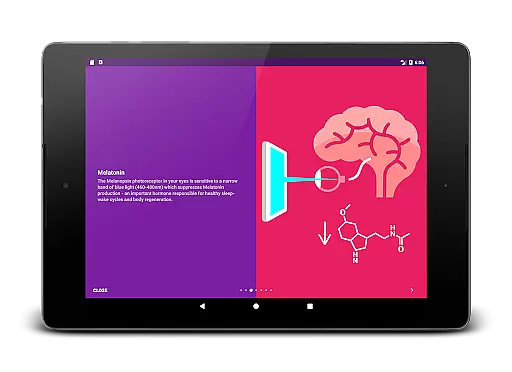
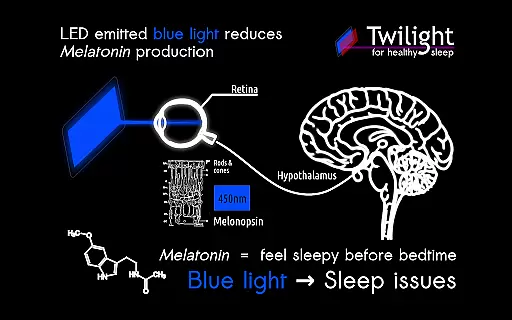
The application intelligently adjusts the screen's blue light emission, creating a customized experience that aligns with each user's daily routine. By doing so, it ensures that the suppression of Melatonin production is minimized during evening hours when blue light can be most disruptive.
Users benefit from this tailored approach as it helps mitigate sleep disturbances caused by prolonged exposure to blue light. The app's adaptability means that whether you're a night owl or an early bird, Twilight Pro will optimize your device usage for better sleep hygiene.
This personalized scheduling not only aids in falling asleep more easily but also contributes to improved overall sleep quality. As a result, users may experience enhanced daytime alertness and long-term health benefits associated with consistent, restorative sleep patterns.
Progress visualization within Twilight Pro Unlock involves tracking and displaying the changes in screen filtering over time. This feature provides tangible feedback to users about how their exposure to blue light is being managed throughout the day.
The app presents this information through an intuitive interface that shows the transition of screen color temperature from day to night. Users can visually comprehend the shift from unfiltered daylight screens to the softer red filters after sunset.
This visual representation allows users to understand the correlation between their device usage patterns and potential sleep improvements. It empowers them to make informed decisions about their screen time and recognize the impact of Twilight Pro's filtering on their sleep-wake cycles.
By offering clear evidence of the app's operation and effects, progress visualization enhances user engagement and encourages continued use. This transparent approach fosters trust in the app's ability to aid in regulating sleep patterns effectively.
Advanced profile customization
Precise transition controls
Comprehensive filter management
Exclusive PRO features
Scientifically-backed methodology
Requires base app installation
Premium price point
May affect color accuracy
Complex for beginners
Device performance impact

“Overcoming pain based on EMDR” helps you to alleviate chronic pain and stress.
 4.10
4.10
For Absolute Novices to Strength Training. Simple. Effective.
4.40
a fun app full of surprises :)
4.70
Histamine intolerance, low FODMAP diet and irritable bowel syndrome (IBS)
4.00
Mind on steroids - relaxation, productivity, meditation and sleep!
4.60
Memory, mind & logic exercises. Puzzle games, IQ & brain test for kids & adults
4.50
The most accurate heart rate app to monitor and track your heart rate & pulse.
4.40
This is an application that serves as a companion app for smart watch.
4.20
Dexcom G7 Continuous Glucose Monitoring
3.70
Beauty Care, Makeup & Skin Care Scanner | Pregnancy App For A Mom | Healthy Baby
5.00
App to stop smoking slowly or now with a motivational badges and helpful tips
4.80
Walk. Earn: Get rewarded for every step! Walk, move, and earn real rewards.
4.70
Your AI pet BFF. Talk, play, and beat anxiety in this calming game.
4.60
Personal Measurements - Track your gains!
4.50
Personal step counter for you, private and accurate
4.50
beat yesterday.
4.00
SportWerks - Workout Tracker for Wear OS Watches
3.90
Enjoy the Gluten Free living with the best app. SCAN the barcodes & SEARCH.
3.60
Use your watch as a bike computer, heart rate monitor and cycling power meter
2.50


User Reviews