
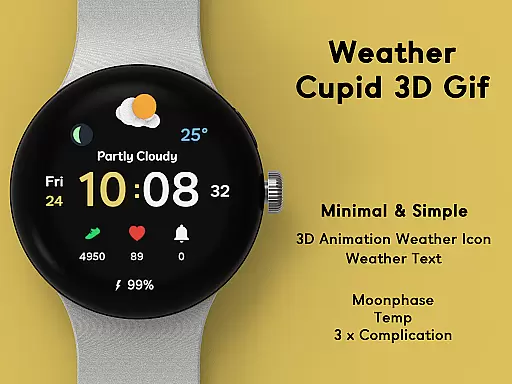
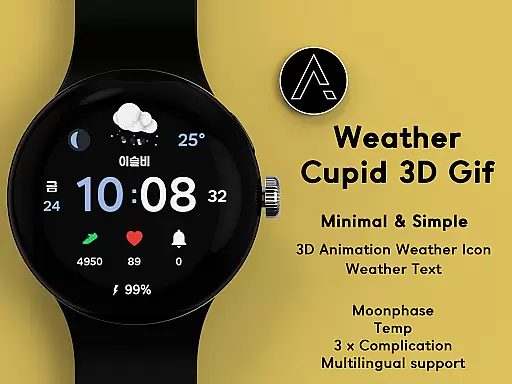
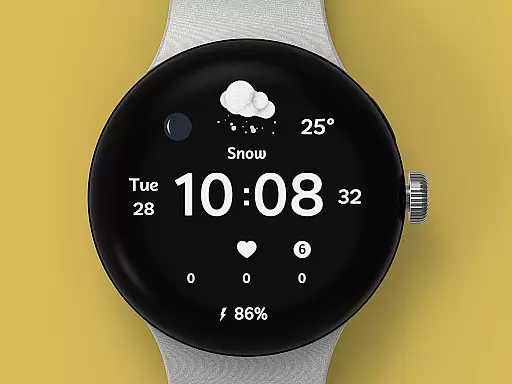
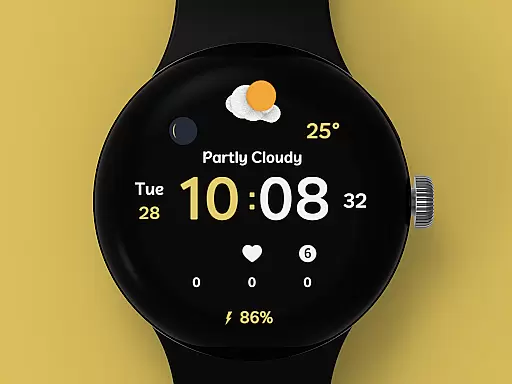
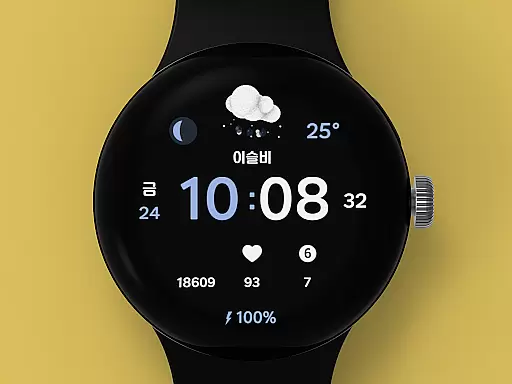
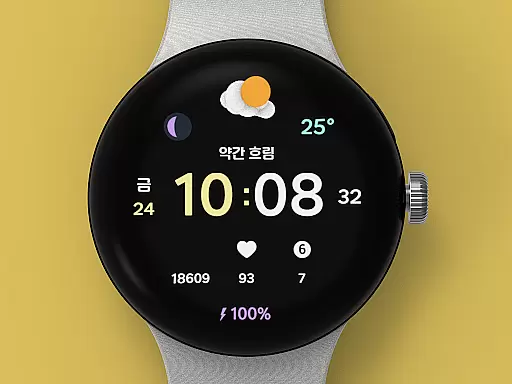
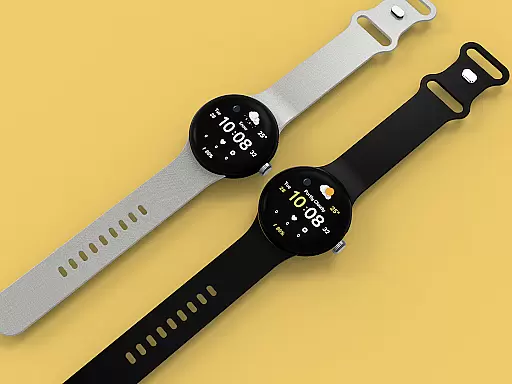
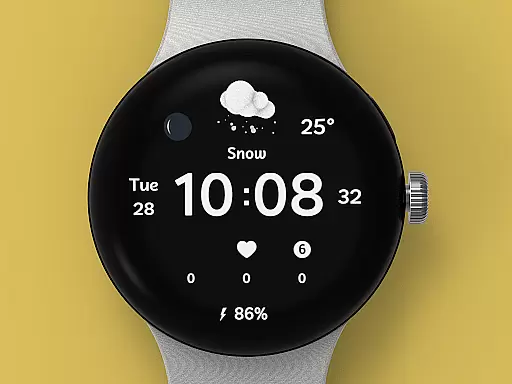
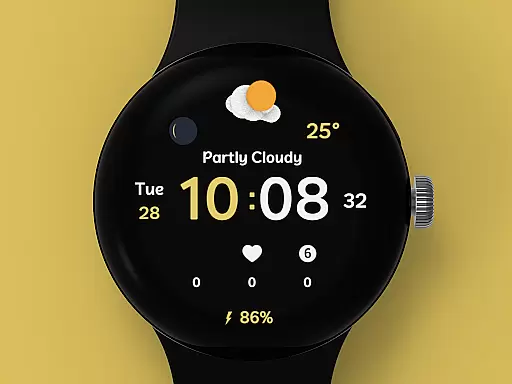
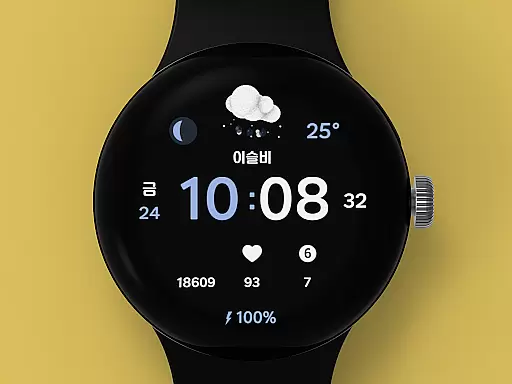
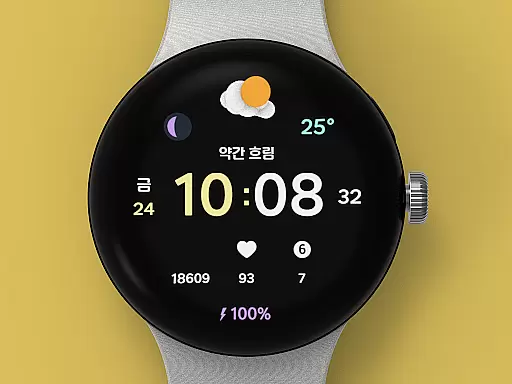
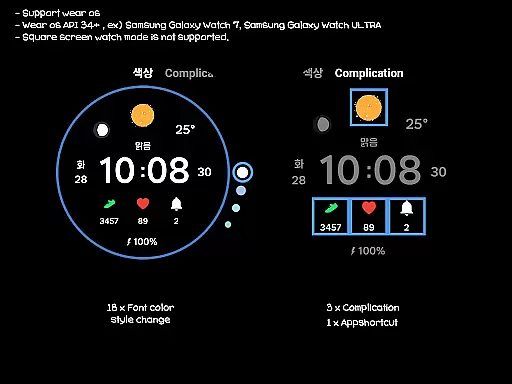
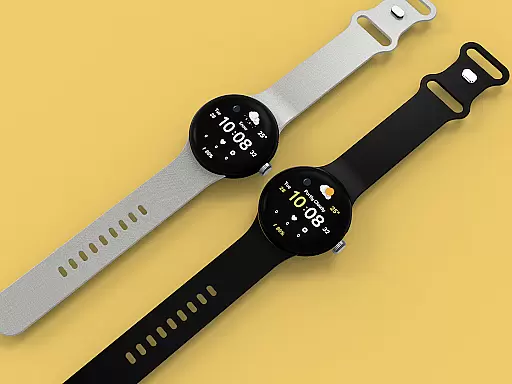
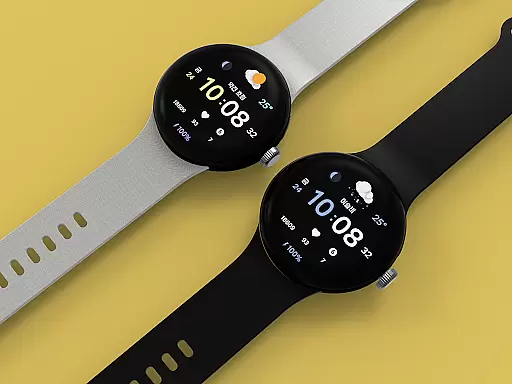
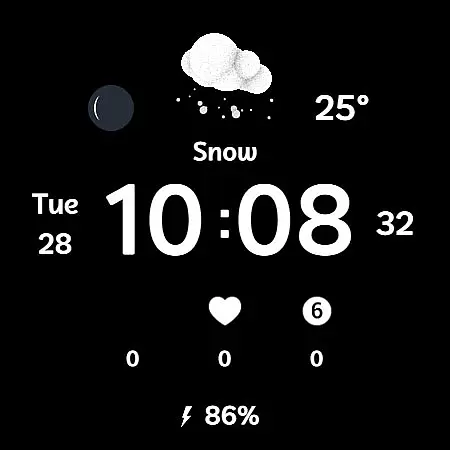
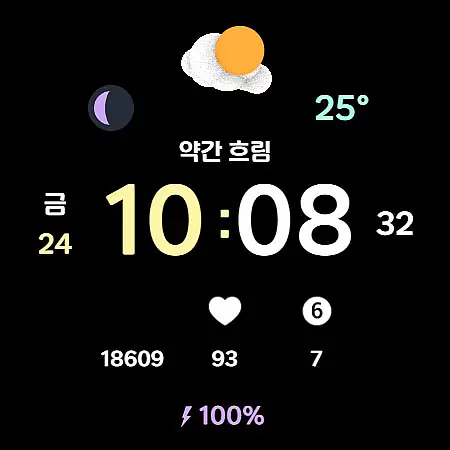
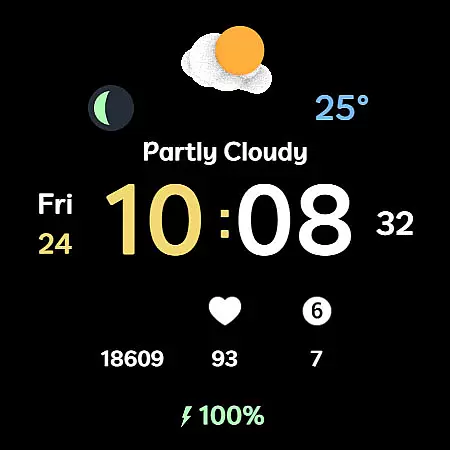
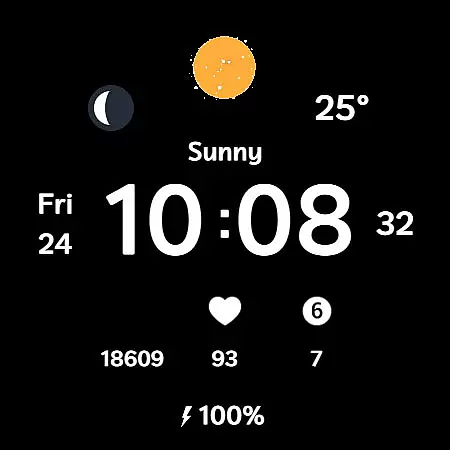
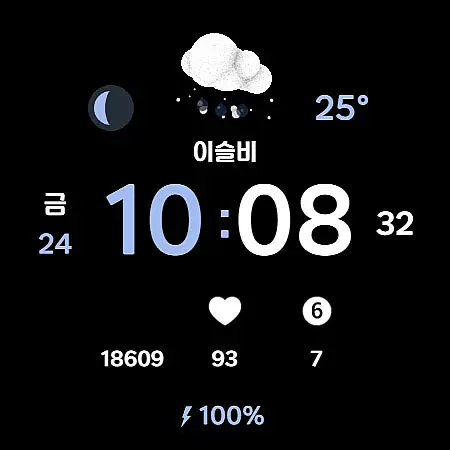
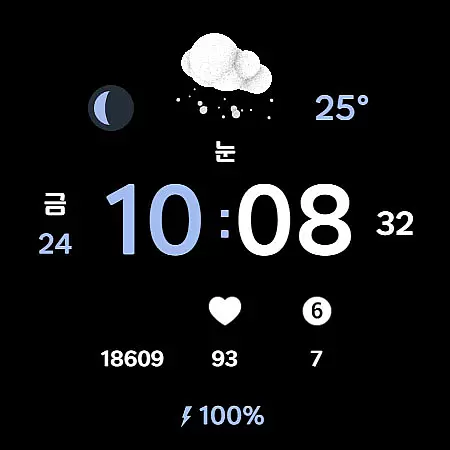
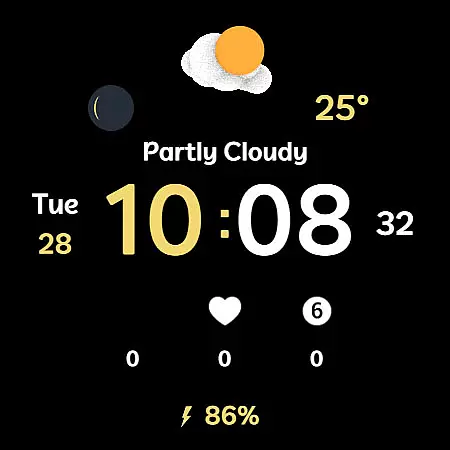
Weather Cupid 3D Gif is a visually appealing Wear OS watch face that combines functionality with aesthetics. This digital watch face features a minimalistic design complemented by lively 3D animated weather icons, making it both practical and engaging. Users can easily check essential information such as temperature, moon phase, and battery percentage directly from their watch screen.
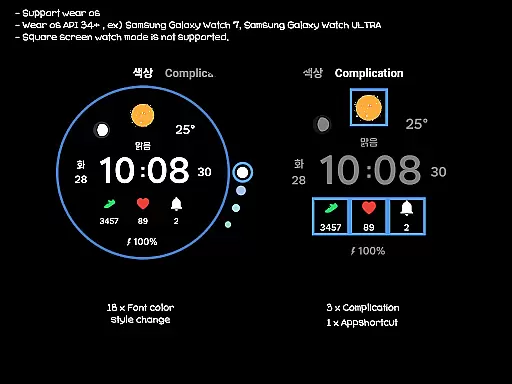
The app supports multiple languages and offers both 12-hour and 24-hour time formats, catering to a global audience. Weather data is automatically updated every 30 minutes, ensuring users have access to current information. With customization options including 18 font color styles and various complications, users can personalize the watch face to suit their preferences. Although primarily designed for round-screen Wear OS devices, this app provides an optimal experience for those seeking a blend of style and utility on their smartwatch.
Weather Cupid 3D Gif stands out with its unique combination of features tailored for Wear OS users. The app's hallmark is its 3D animated weather icons that display temperature in both Celsius and Fahrenheit, providing an interactive way to view weather updates. It also includes multilingual support, making it accessible to users worldwide, while offering precise timekeeping in either 12-hour or 24-hour formats.
Beyond weather, the app integrates health-conscious features like moon phase tracking and battery percentage indicators, keeping users informed about their environment and device status. Customization is key, with 18 font color styles and three complication slots available for personalization. While square-screen modes aren't supported, the app excels on round displays, delivering a seamless experience through automatic weather updates and easy manual refresh options via the Samsung API.
Weather Cupid 3D Gif provides accurate weather forecasts based on Samsung's API, ensuring reliable information for users. The temperature updates every 30 minutes, offering both Celsius and Fahrenheit support to match user preferences.
With multilingual support and animated 3D weather icons, the app delivers an intuitive experience while maintaining forecast precision. Users can manually update weather data through complications, ensuring they have the latest details at their fingertips.
Moon phases and UV index are displayed with clarity, enhancing the credibility of the data provided. This attention to detail ensures that users receive trustworthy and actionable weather insights.
The Weather Cupid 3D Gif watch face excels in delivering temporal and spatial weather forecasts. Its automatic updates every 30 minutes ensure users stay informed about current conditions without frequent manual intervention.
While the weather data may differ slightly from other providers, its alignment with Samsung's API guarantees consistency across devices. By reapplying the watch face after a device restart, users can restore full functionality and access localized forecasts.
Although square-screen modes aren't supported, round Wear OS devices benefit from customizable features like font color styles and complications, making it versatile for various designs while focusing on accurate time-bound weather predictions.
User-friendly interface
Real-time weather updates
Customizable design options
Multilingual support
3D animated icons
No square screen support
Limited manual update control
Occasional connectivity issues
Dependent on Samsung API
Initial setup complexity

Arrive safely! Travel weather forecasts for your entire trip at time of arrival.
 3.60
3.60
Weather - Local weather forecast, weather daily & hourly, weather radar
4.80
Your Personal Weather Assistant
4.00
No ads, No data collected. Beautiful and powerfully customizable weather app
4.90
Your ultimate app for accurate local weather information!
4.60
Storm Radar, Alerts & Live Weather Forecasts Right on Your Home Screen
3.70
The weather channel, tiempo weather forecast, weather radar & weather map
4.70
Precision Weather, Right at Your Fingertips
4.40
Weather channel forecasts weather daily & hourly, local and national air quality
4.70
A professional, comprehensive and accurate weather forecast app
4.90
Ultimate Lunar Calendar for 2021!
4.80
NOAA forecast & radar for your exact location.
4.80
Your ultimate app for real-time weather information!
4.70
Personal Weather Station PRO - Meteo monitor to check your WU info and charts.
4.20
Analog Weather Watch Face for Wear OS 5+
4.10
Weather watch face for Wear OS 5+
4.10
Check forecasts, watch live news & track storms with FOX Weather.
3.80
A powerful weather forecast to get real-time weather information
3.60
Magnetic Compass meets smart tech: Get directions and weather alerts seamlessly
3.30


User Reviews