
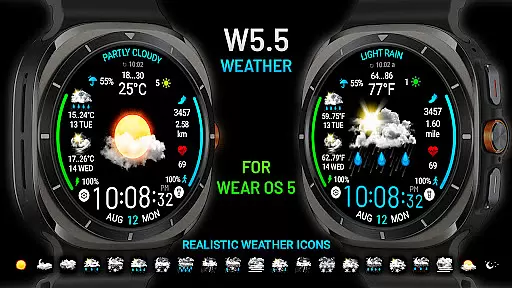
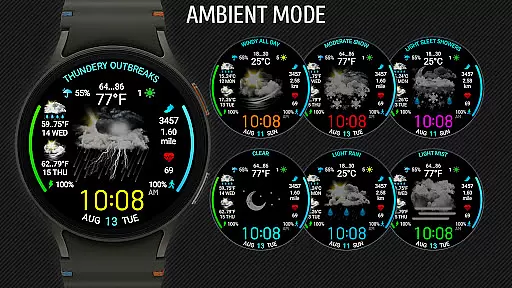
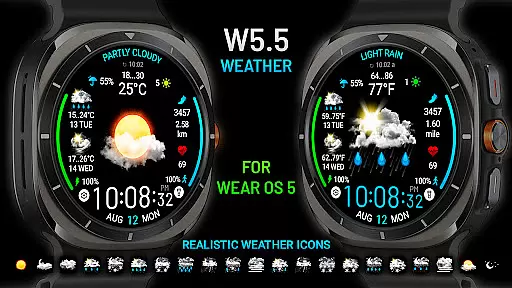
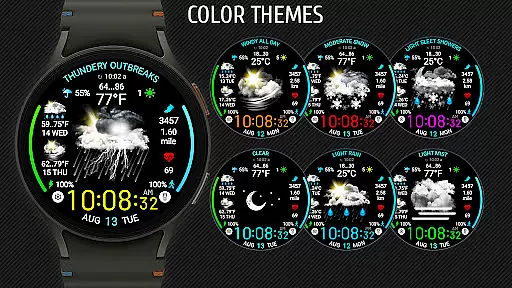
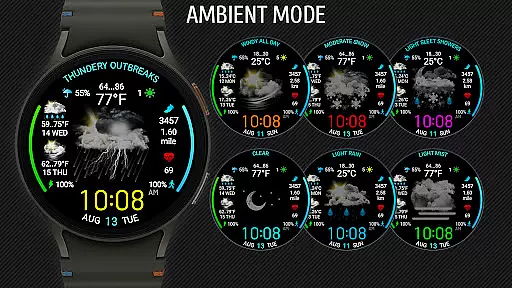
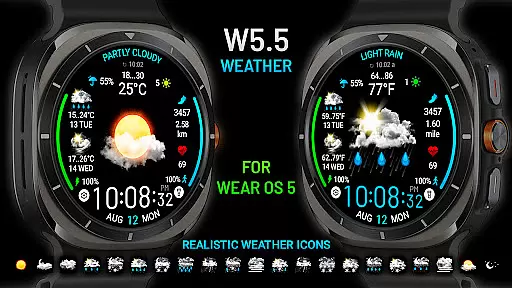
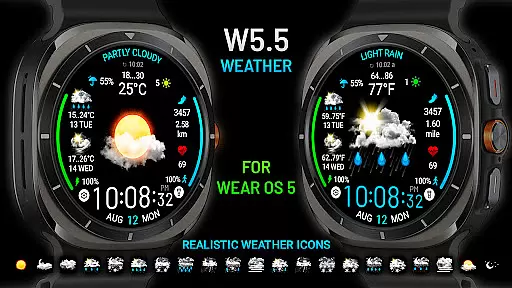
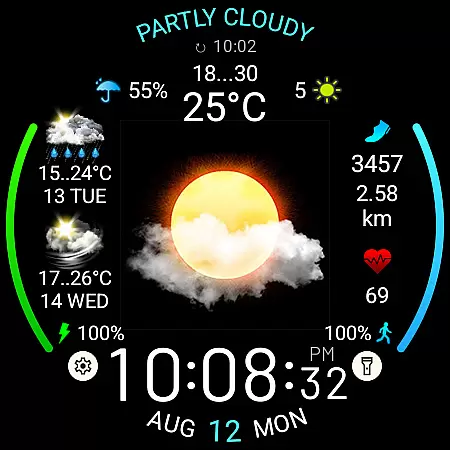
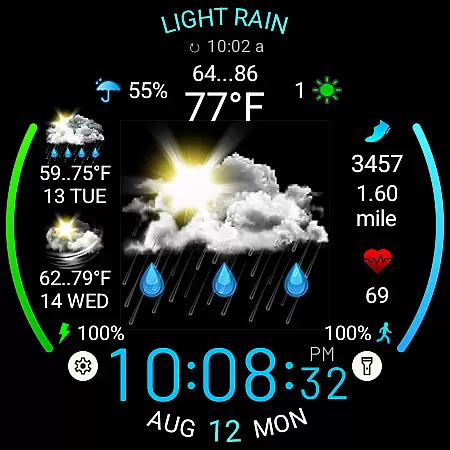
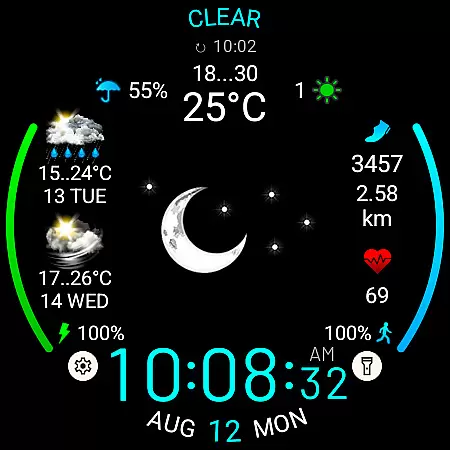
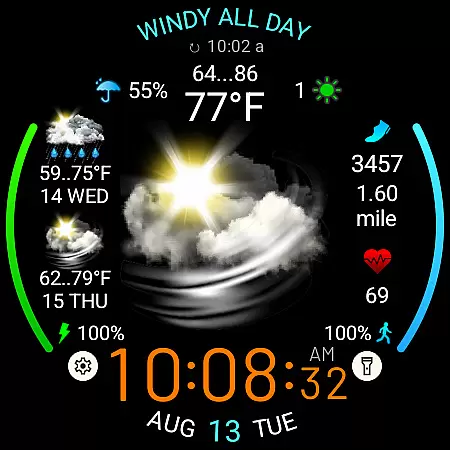
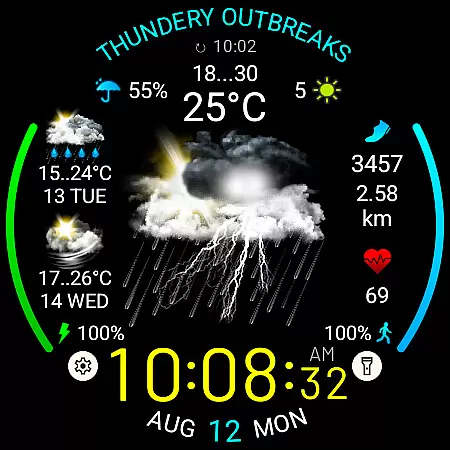
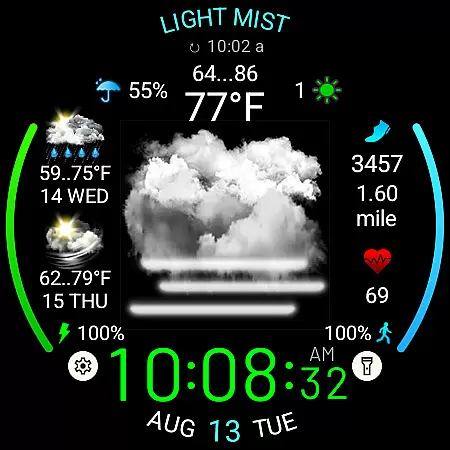
Weather Watch Face W5.5 is a feature-rich watch face designed for Wear OS 5+ devices, offering users an intuitive and visually appealing way to access weather information directly from their smartwatch. The app displays large realistic weather icons alongside digital time, current weather conditions, precipitation probability, UV index, and a 2-day forecast.
This application is optimized for the latest Galaxy Watch and Pixel Watch models, providing accurate weather data through The Weather Channel or other system weather sources. With additional features like heart rate monitoring, step counting, distance tracking, and customizable app shortcuts, it serves as a comprehensive tool for both fitness enthusiasts and everyday users who need quick access to essential information on their wrist.
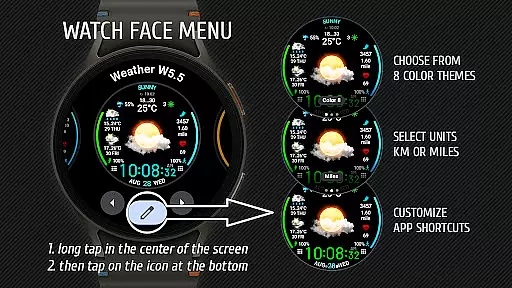
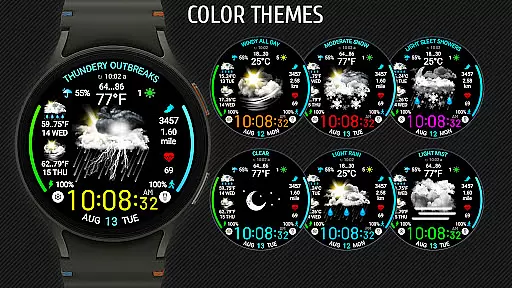
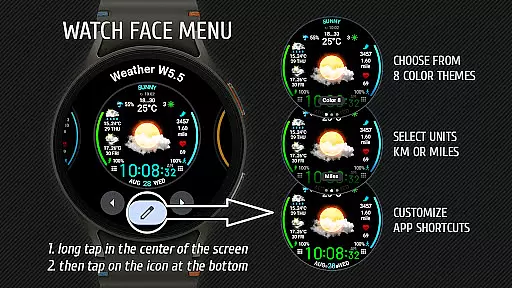
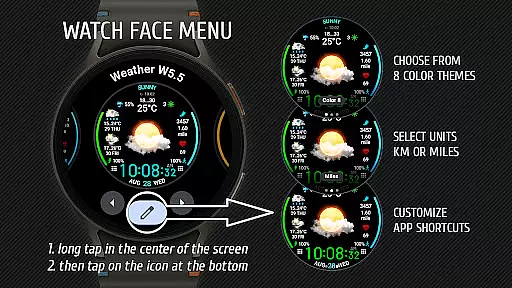
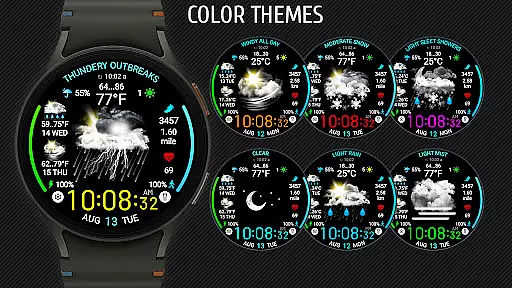
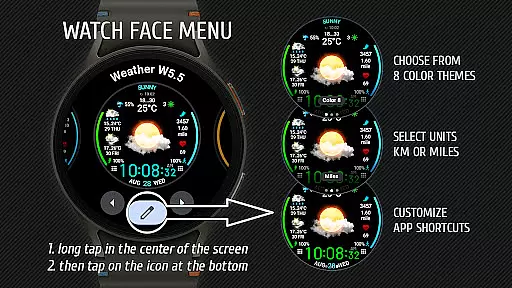
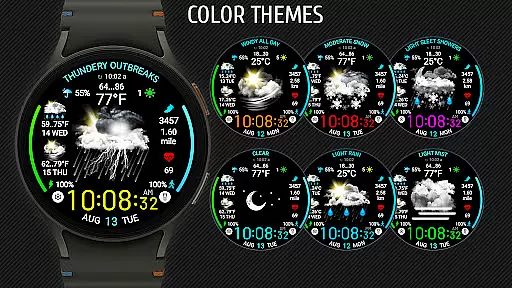
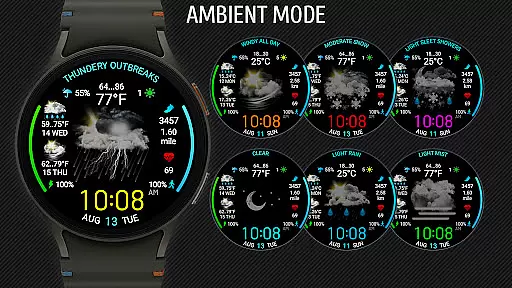
Weather Watch Face W5.5 stands out with its advanced feature set tailored specifically for modern smartwatches. The app offers 15 distinct weather condition icons that are not only visually striking but also provide clear information at a glance. Users can customize their experience by selecting from 8 different color themes and choosing between metric or imperial units for distance measurement.
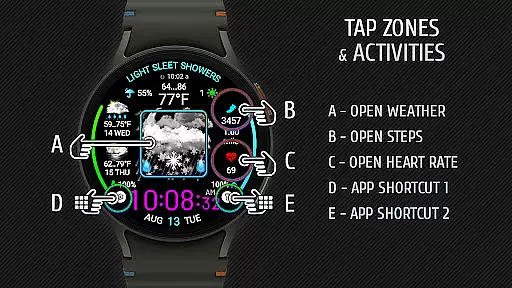
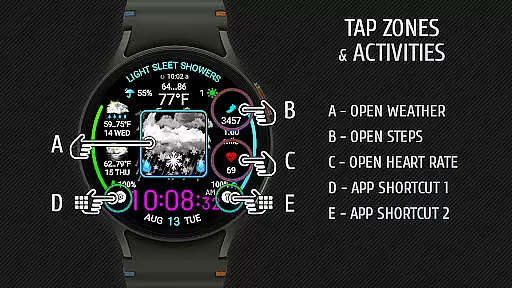
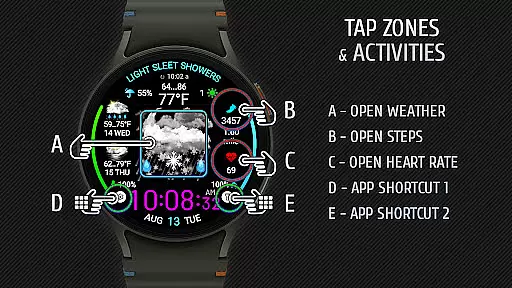
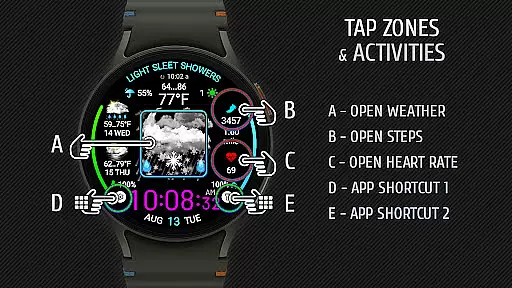
The watch face includes two customizable app shortcut areas, allowing quick access to frequently used applications. It also integrates seamlessly with health tracking features such as heart rate monitoring, step counting, and distance tracking. The application's compatibility with the latest Wear OS versions ensures optimal performance and stability while maintaining support for various weather data sources including The Weather Channel.
Weather watch face W5.5 provides highly accurate weather forecasts tailored specifically for Wear OS 5+ devices. The integration with The Weather Channel ensures reliable and credible data sources.
The application displays current weather conditions through realistic icons alongside essential metrics such as UV index, precipitation probability, and a two-day forecast. This level of detail empowers users to make informed decisions based on precise weather information.
By leveraging advanced APIs and optimized algorithms, the app delivers timely updates that reflect real-time changes in weather patterns. Users can trust the displayed information for planning outdoor activities or adjusting daily routines.
One of the standout features of Weather watch face W5.5 is its ability to provide both temporal and spatial forecast ranges. This functionality allows users to access detailed weather predictions not only for their current location but also for upcoming days.
The two-day forecast gives users foresight into weather trends, ensuring they are prepared for any environmental changes. Whether traveling or managing day-to-day tasks, this feature enhances readiness and adaptability.
Additionally, the app supports various geographical locations, delivering localized content that remains relevant regardless of where the user is situated. This global compatibility makes it an indispensable tool for frequent travelers and locals alike.
User-friendly interface
Realistic weather icons
Customizable themes
Health tracking integration
Quick app shortcuts
Limited device support
No iOS compatibility
Advanced features locked
High system requirements
Occasional sync issues

The Weather Network TV App - Your weather when it really matters
 2.90
2.90
Get instant weather & temperature predictions right on your Wear OS smartwatch!
4.2
Hurricane Tracker, Rain Map
4.80
Your Trusted Weather Companion
4.40
Accurate Local Weather Forecast, let you easily understand the nearby weather!
4.20
Check room temperature with this indoor thermometer. thermostat & hydrometer
4.70
Local forecast, alerts, rain, snow and wind radar, air quality & weather widget
4.60
The weather channel, tiempo weather forecast, weather radar & weather map
4.70
Weather radar map, storm tracker, local forecast, live rain alerts & daily news.
4.60
Live Weather Forecast app with acu weather radar, weather alert & weather widget
4.80
Ultimate weather forecast + moon phase for Wear OS 5+ (Pixel, Galaxy, et al.)
4.70
View weather widget and map. Wind direction and speed. Tides times and waves
4.70
Weather radar, satellite, wind, waves, ocean and hurricane forecasts.
4.70
Live weather forecast for your everyday life
4.60
Personal Weather Station PRO - Meteo monitor to check your WU info and charts.
4.20
An unofficial app version of the National Weather Service (Weather.gov)
3.90
Instant weather updates, easy to check anytime on your home screen.
3.50
A tool that provides real-time and 5-day weather info.
4.1
Digital Weather Watch Face for Wear OS 5+
4.1


User Reviews