
Accurate weather forecast and beautiful weather & clock widgets
 4.20
4.20
Live weather forecast for your everyday life
4.60
Most precise & accurate compass app give true North South East West directions.
3.00
Dynamic weather watch face with glass effect, bold time & 7 complications.
4.2
Storm Radar, Alerts & Live Weather Forecasts Right on Your Home Screen
3.70
Track lightning strikes with our thunderstorms map, radar and lightning alarm.
4.70
My Aurora Forecast Pro is the app for the Northern Lights and Aurora Borealis.
4.70
Advanced weather toolkit, providing detailed weather information for any season!
3.50
Weather Forecast, Trending News, Hurricane & Storm Tracker, Alerts & Live Radar.
4.80
My Tide Times Pro is the only tide tables and forecasts application you'll need.
4.80
Ultimate weather forecast + moon phase for Wear OS 5+ (Pixel, Galaxy, et al.)
4.70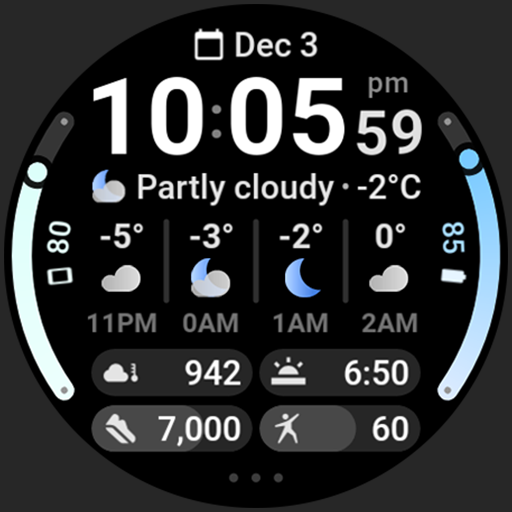
Hourly and daily weather forecast, current condition, temperature, UV and more!
4.70
View weather widget and map. Wind direction and speed. Tides times and waves
4.70
My Aurora Forecast is the app for Northern Lights and Aurora Borealis alerts.
4.60
72-hour weather & daily forecasts with extreme weather alerts
4.60
Hyperlocal Forecasts, Live Radar, Severe Weather alerts & Homescreen Widgets
4.30
Your Personal Weather Assistant
4.00
Moon phase calendar with live wallpaper, lunar widget, & 3D simulation.
3.60
The Weather Network TV App - Your weather when it really matters
2.90


