
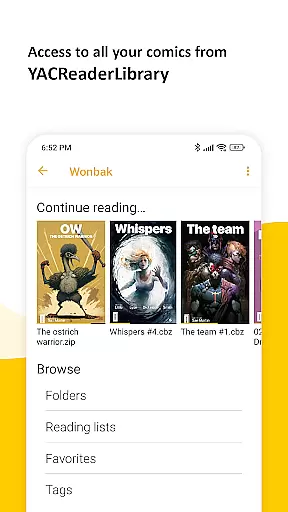
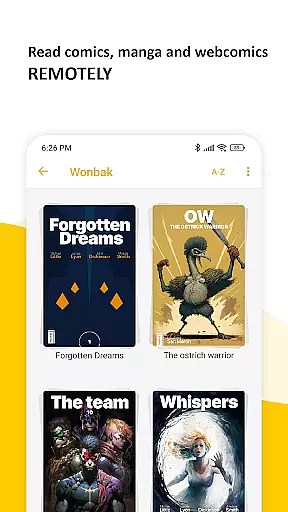

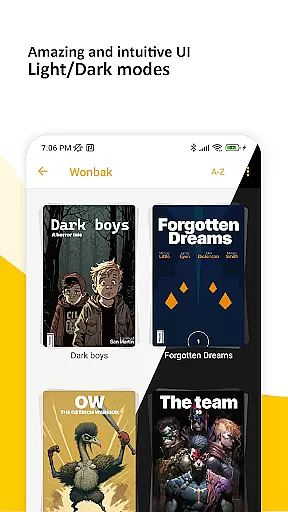
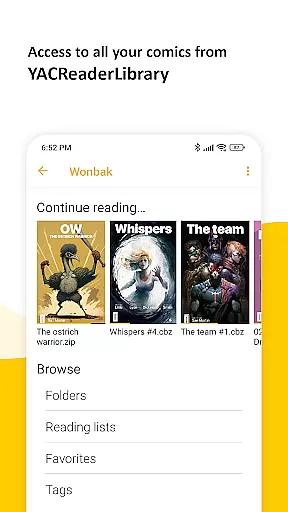
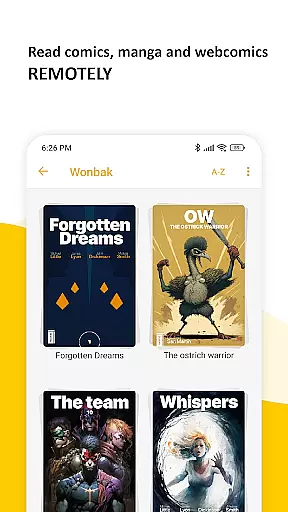

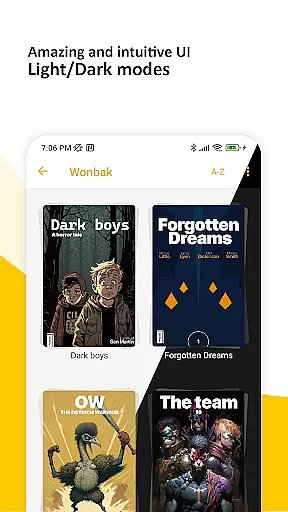
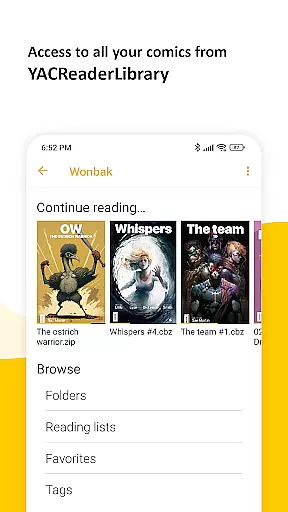
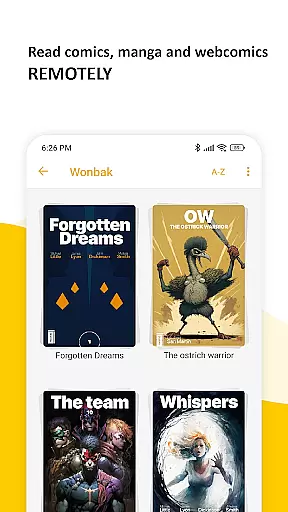

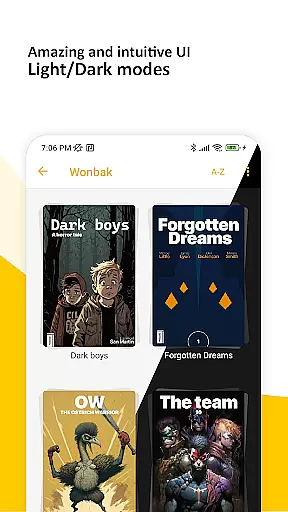
YACReader Remote is a versatile comic and manga reader app designed for Android users. This application allows you to browse and read your entire collection of comics and mangas from YACReaderLibrary remotely, ensuring that your library is always accessible. Additionally, it supports offline reading by importing content into a local library, keeping your progress synchronized across multiple devices.
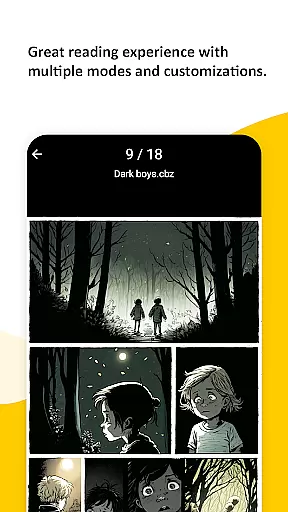
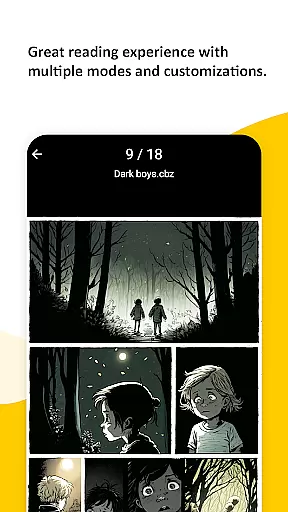
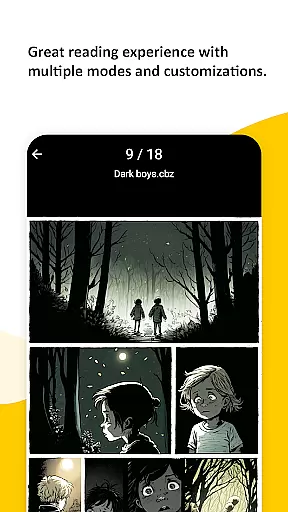
The app features an advanced reader with support for various fitting modes, making it suitable for both traditional comics and manga reading. It also includes innovative options like continuous vertical scroll for web-based content, double-page mode, and auto-scroll functionality through tapping. With its intuitive interface and seamless integration across platforms, YACReader Remote offers a superior user experience for comic enthusiasts.
YACReader Remote stands out due to its comprehensive feature set tailored for comic lovers. The app provides multiple fitting modes, catering to different reading preferences and formats, including manga. Its continuous vertical scroll option is perfect for webtoons and similar content, offering a smooth and uninterrupted reading experience.
Another notable feature is the double-page mode, which enhances the viewing of spreads typically found in print comics. Auto-scroll functionality activated by tapping ensures hands-free reading, while synchronization capabilities allow users to maintain their progress across devices. These robust features make YACReader Remote a top choice for enjoying digital comics on Android.
YACReader Remote offers an extensive comic library that caters to a wide range of tastes and preferences. With the ability to browse and read comics and mangas directly from YACReaderLibrary, users have access to a vast collection of content.
The app allows you to import your library for offline reading, ensuring that your favorite series are always available, regardless of internet connectivity. This feature significantly enhances the diversity of accessible content.
Continuous updates and synchronization capabilities mean that your library stays current across all devices. Whether you're at home or on the go, your latest reads and beloved classics are synchronized and ready for you.
Authenticity is key in the world of digital comics, and YACReader Remote ensures that all content is genuine and properly licensed. By connecting with YACReaderLibrary, it guarantees that users access original works from their collections.
The app supports a plethora of formats, making sure that no matter how your comics are stored, they can be enjoyed on the go. This versatility reinforces the legitimacy of the content you consume.
Furthermore, YACReader's long-standing presence on various platforms assures users of its commitment to providing only the best and most authentic comic reading experience. Enjoy your comics knowing they are sourced correctly and legally.
User-friendly interface
Advanced fitting modes
Offline reading support
Cross-device sync
Manga reading optimized
Limited to comic formats
No iOS version
Complex setup required
Occasional bugs
Heavy on storage

Goat sound simulator. This app makes for fun.
 4.2
4.2
Read officially manga titles from Japan including Attack on Titan
3.80
The pure application on the Manga SWAT website
4.80
Free Comic Book Collection Management & Price Guide
4.60
Arabic manga reader
4.00
See the newest comic book releases and manage your comic collection or pull list
4.70
Pose Tool 3D for the Artists, create any human figure pose quickly for your art.
4.00
Artists wanting to use decent hand reference on the go, this app is for you!
4.70
Read comics, manhwa, manga & novels Official webtoons with daily updates
4.30
Official from Japan
4.80
Scan comics instantly! Find comic value, price, and key collector details fast.
4.50
The ultimate app for comic lovers
4.50
A gathering place for a massive collection of genuine comics.
4.50
Read webcomics & webnovels
4.20
Anime TV App: Watch all anime online,anime tv subtitles online with big anime tv
3.80
Comic Scanner - Book Value - Identify and sell your comic collection with AI.
3.80
Experience the largest selection of DC comics anywhere with DC UNIVERSE INFINITE
3.40
Hot-blooded / Romance / Science Fiction All themes, Smart Recommendation + HD Reading
3.10
You can create comics, manga and manwha using AI with Arcstory comic book maker
2.70


User Reviews