
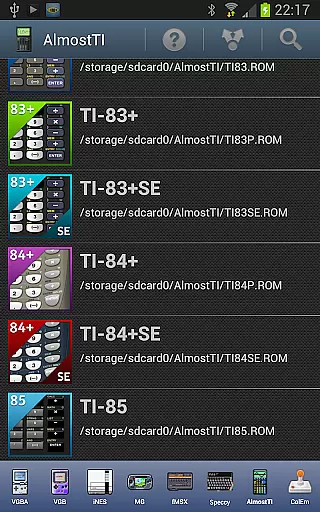
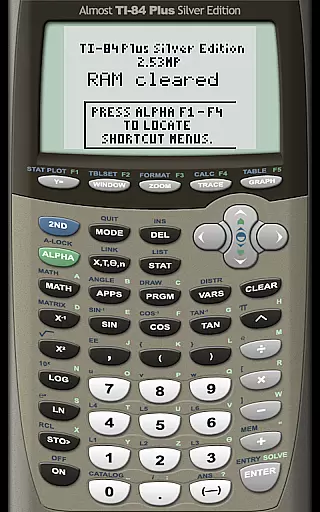
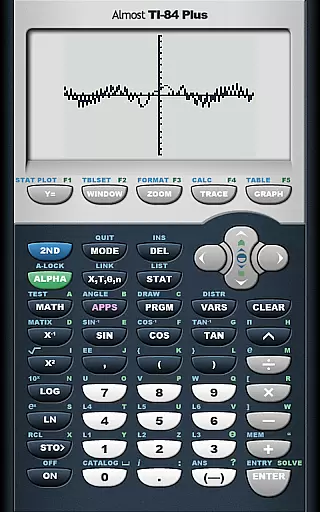
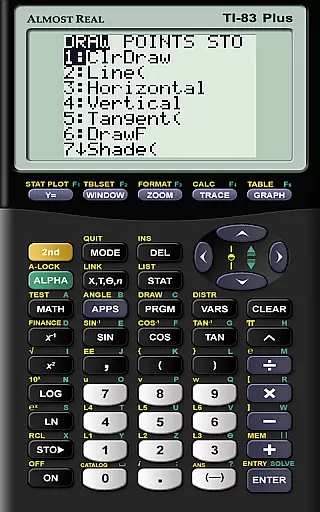
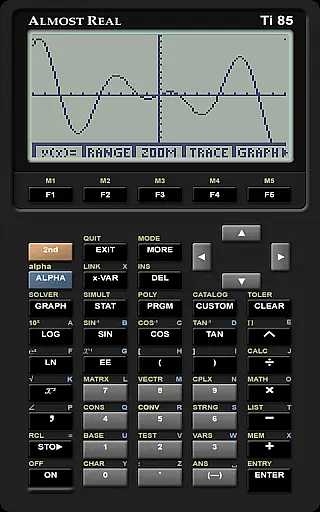
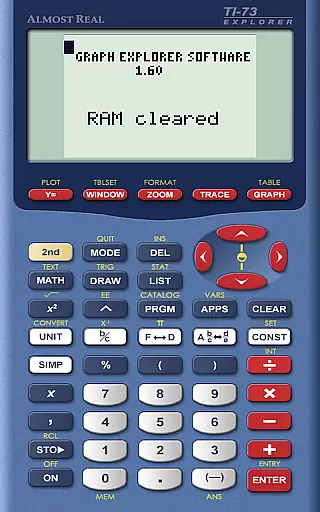
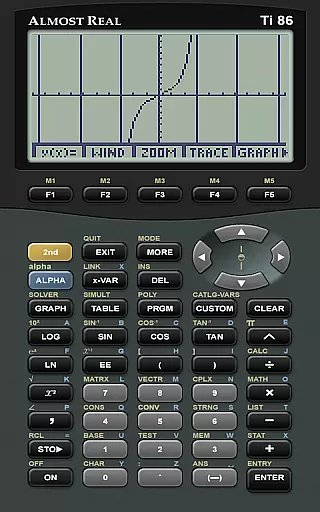
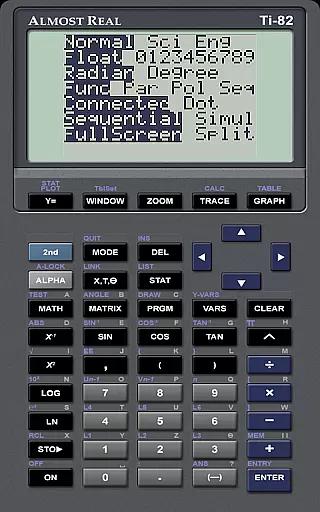
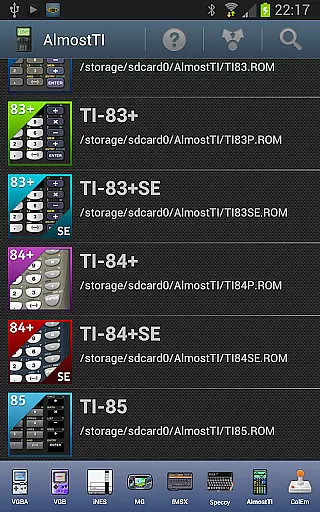
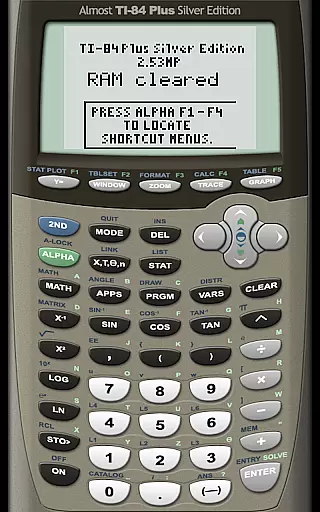
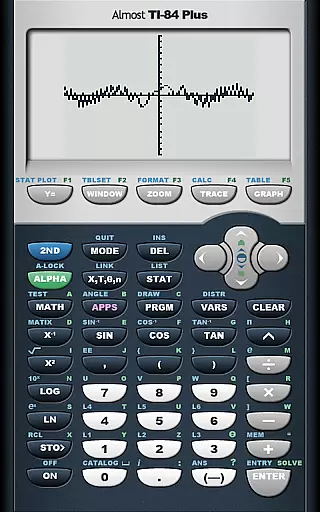
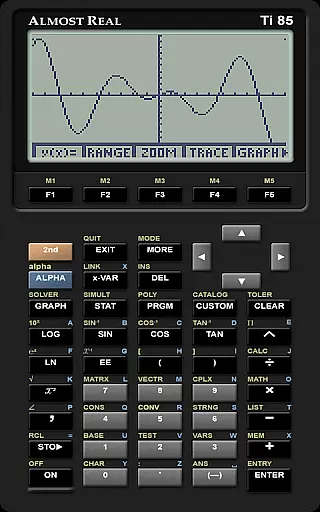
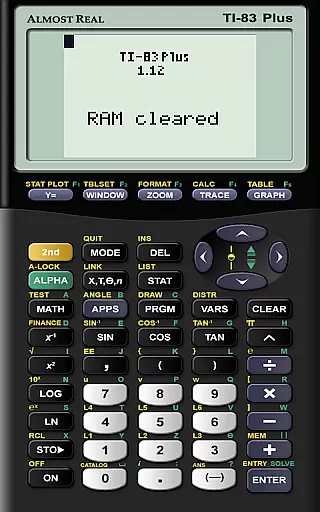
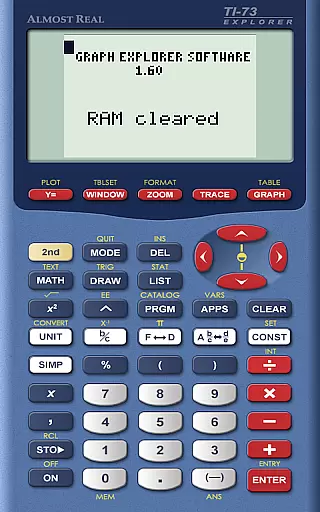
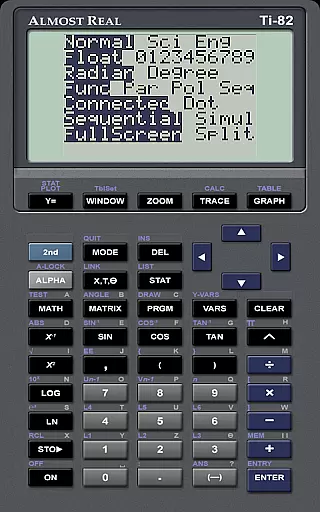
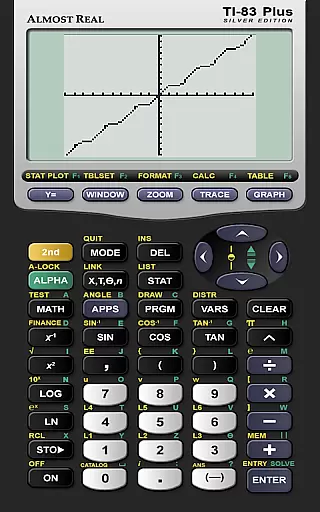
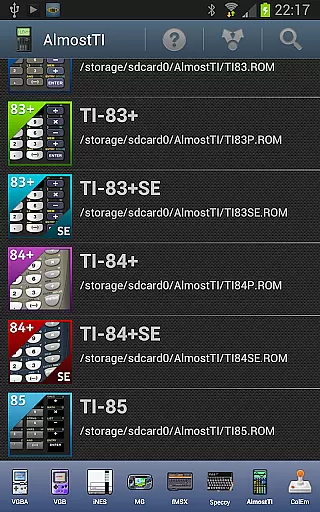
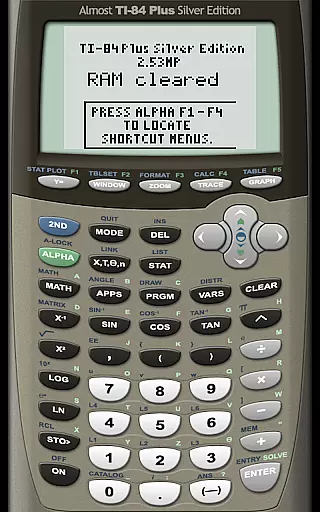
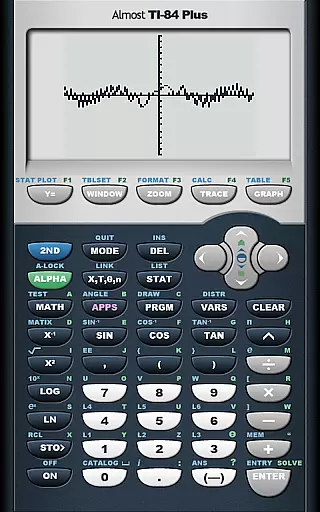
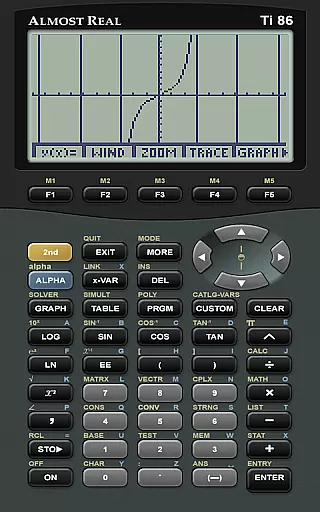
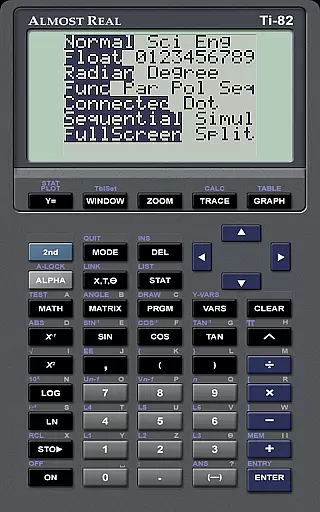
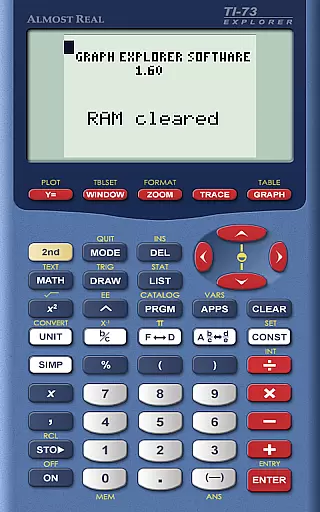
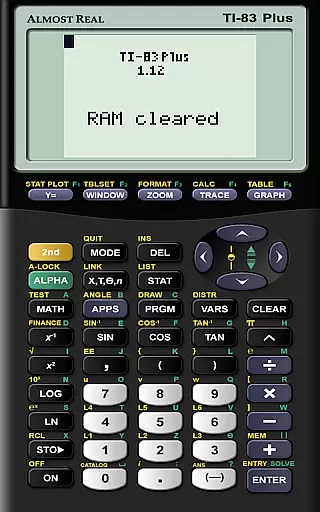
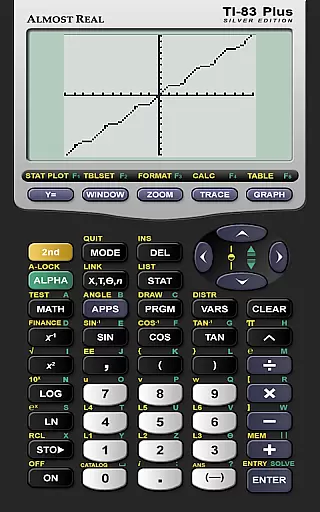
AlmostTI is an advanced educational application that transforms your Android device into a fully functional Texas Instruments graphing calculator. This app provides comprehensive emulation of multiple TI calculator models, including TI-84+, TI-83+, and TI-82 among others. Whether you are a student or a professional, AlmostTI offers the convenience of carrying a powerful calculation tool right in your pocket.
The application allows users to save their calculations at any point and switch between previously saved tasks, making it ideal for complex mathematical problem-solving. Its compatibility with tablets even turns larger devices into oversized calculators, providing an enhanced viewing experience. The app requires users to supply their own ROM files from actual calculators they own, ensuring legal compliance while delivering authentic calculator functionality.
AlmostTI stands out with its ability to emulate a wide range of Texas Instruments calculators, offering users flexibility in choosing the exact model they need. The app supports various calculator models such as TI-84+, TI-83+, TI-82, and more, catering to different educational levels and requirements. Each emulation is precise, capturing the unique features and functions of individual calculator models.
A key feature of AlmostTI is its task-saving capability, which allows users to store their progress and return to it later. This function is particularly useful for students working on lengthy math problems or projects. Additionally, the app's support for high-resolution displays on tablets enhances visibility and interaction. By requiring users to provide their own ROM files, AlmostTI ensures authenticity and legality, giving users a genuine calculator experience on their mobile devices.
In the realm of educational tools, content accuracy is paramount for effective learning. AlmostTI ensures precision by emulating a wide range of Texas Instruments graphing calculators with exactness. This meticulous emulation guarantees that all calculations and graphing functions behave identically to the original devices.
AlmostTI's dedication to authenticity provides users with an authoritative source for mathematical computations. The app strictly adheres to the functionality of real TI calculators, which are often required in educational settings, ensuring students receive consistent results while studying or completing assignments.
The authority of AlmostTI extends to its compatibility with various calculator models, including the TI-84+, TI-83+, and others. By allowing users to import their own ROMs from legitimate Texas Instruments calculators, it maintains the integrity of proprietary algorithms and operations unique to each model.
Ultimately, AlmostTI delivers confidence in every calculation, empowering learners and educators alike with a reliable digital tool that mirrors physical calculators' performance without deviation. This commitment to accuracy makes it indispensable for anyone seeking trustworthy computation support.
AlmostTI offers personalized learning paths by enabling users to save their calculations at any point and return to them later. This feature allows students to create customized workflows tailored to their specific study needs or coursework requirements, enhancing the educational experience.
With the ability to select from several previously saved tasks, learners can seamlessly switch between different mathematical problems or projects. This flexibility supports diverse learning styles and paces, accommodating both quick studies and those who need more time to grasp complex concepts.
The adaptability of AlmostTI extends beyond just saving work; it also encompasses the variety of emulated calculators available. Users can choose a device that best fits their current academic level or assignment complexity, effectively personalizing how they interact with mathematical challenges.
By integrating these personalized elements, AlmostTI fosters an environment where learners dictate their progress. Whether revisiting past computations for review or pushing forward into new territories of math, this app equips users with tools designed for individual growth and mastery over their educational journey.
User-friendly interface
Wide range of calculator models
Task-saving functionality
High-resolution display support
Authentic calculator experience
Requires external ROM files
No built-in calculator ROMs
Limited to Texas Instruments models
Complex setup process
Potential compatibility issues

scanner body part for fun Prank friends realistic scan effects
 3.00
3.00
A must-have app for mastering Japanese verb/adjective conjugations.
3.60
Experience the sky, planet earth and the solar system like never before
4.90
Our most popular app series returns, better than ever!
3.90
Animals pop up and make sounds—learn names and noises in Peekaboo Barn!
4.2
An aviator’s preparation, study and test tool for FAA Knowledge Exams.
4.00
Learn & Speak New Languages
4.70
Adventures await with Spider-Man and other Marvel characters!
4.10
Your Arts+Culture Guide
4.00
Explore myths and gods across cultures with in-depth insights and stories.
5.00
A realistic sky map to observe stars, planets, satellites and constellations!
4.80
Memorize anything efficiently with AnkiDroid! Many pre-built decks available.
4.80
Discover Your Place in the Universe
4.70
Professional Award-Winning Astronomy Star Map App With Telescope Control
4.40
Monkey Preschool Lunchbox: 7 exciting educational games for your preschooler.
4.30
School Communication
4.30
An aviator’s preparation, study and test tool for FAA Knowledge Exams.
3.90
Deal Craps (Practice Craps Payouts)
3.80
THE MOST COMPREHENSIVE JUMPMASTER STUDY RESOURCE AVAILABLE.
3.40


User Reviews