
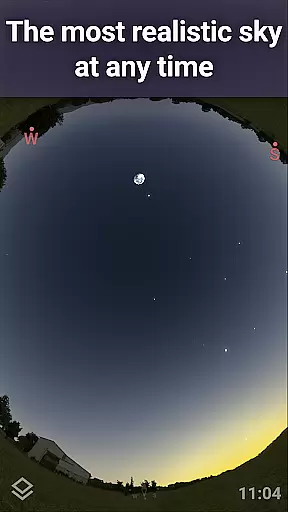
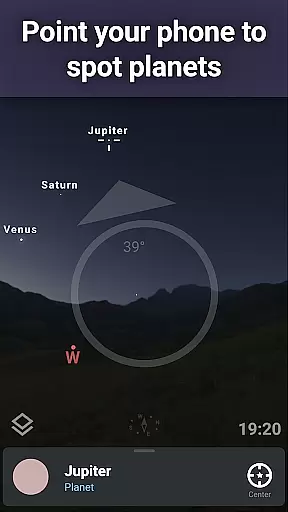
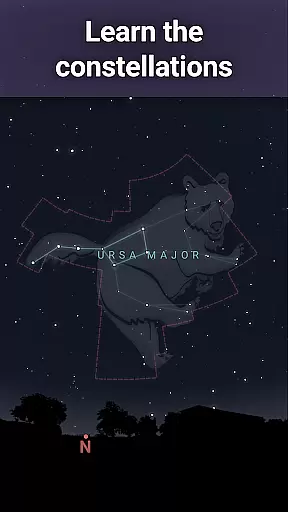
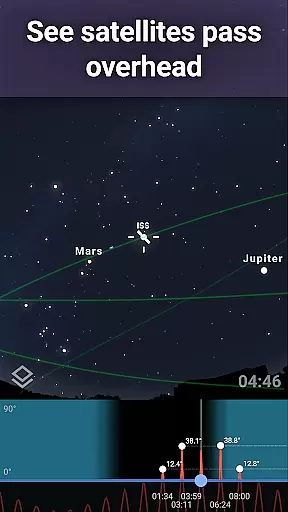
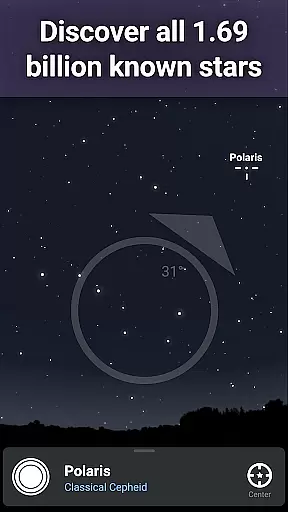
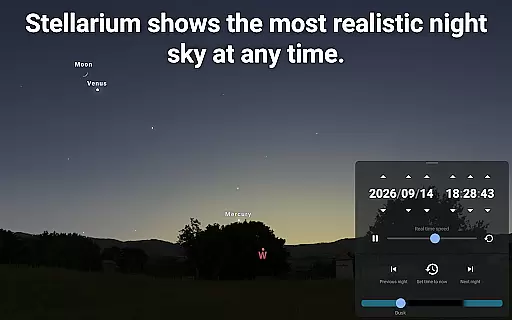
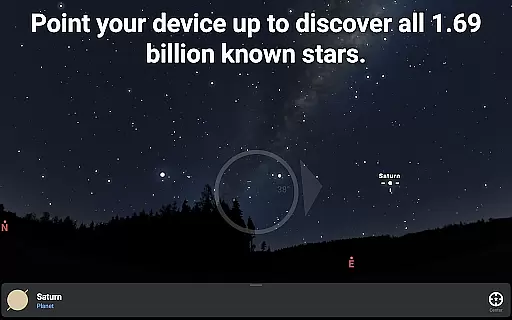
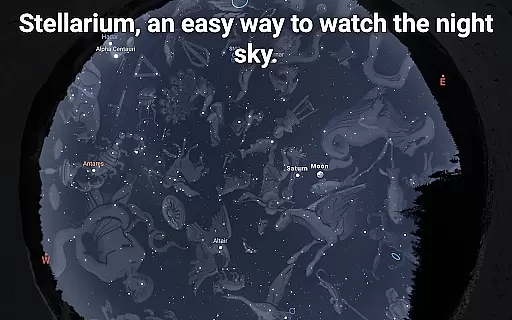
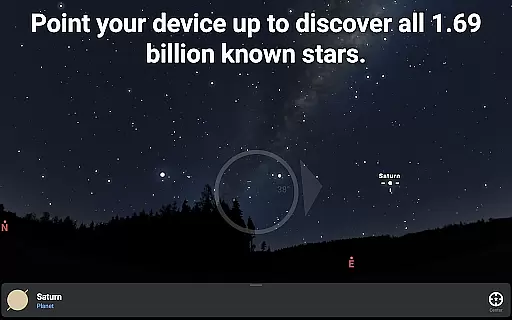
Stellarium Plus is an advanced planetarium app that offers a realistic simulation of the night sky. With its extensive database, users can explore over 1.69 billion stars, numerous deep-sky objects, and solar system bodies in stunning detail. The app provides real-time identification of celestial objects simply by pointing your device at the sky.
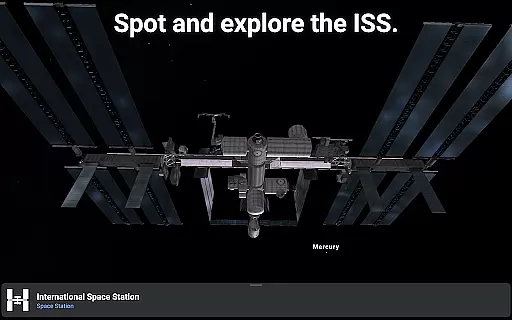
This educational tool stands out with its sophisticated features designed for both amateur stargazers and professional astronomers. It includes advanced observation tools for telescope control and session planning, making it ideal for serious astronomical study. Whether you're identifying constellations or tracking satellites like the ISS, Stellarium Plus delivers an unparalleled experience across all age groups.
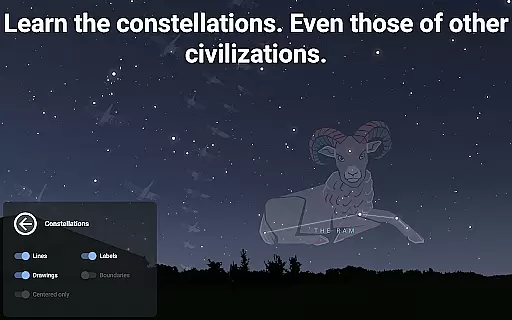
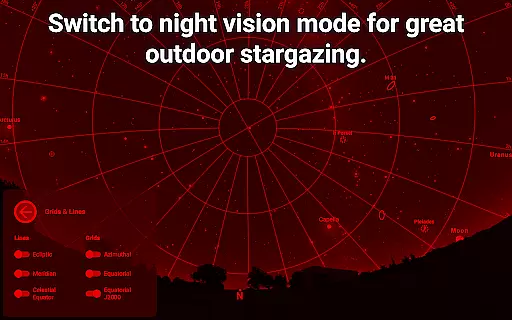
The application's value extends beyond casual observation, as it supports learning about different cultures' interpretations of the stars. Its red night mode preserves night vision, while landscape and atmospheric simulations enhance realism. These features make Stellarium Plus particularly useful during outdoor observational activities where maintaining dark adaptation is crucial.
Stellarium Plus distinguishes itself through its comprehensive set of features tailored for astronomy enthusiasts. The app's core functionality lies in its ability to simulate the night sky with remarkable accuracy, displaying celestial bodies from any location on Earth. Users can access detailed information about stars, planets, and deep-sky objects up to magnitude 22, far exceeding the standard version's capabilities.
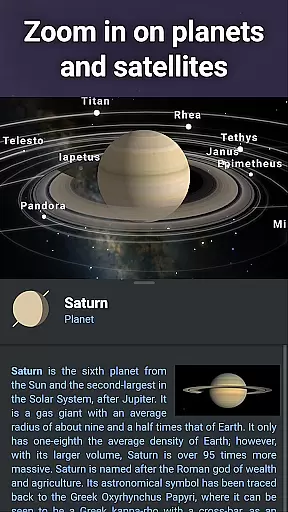
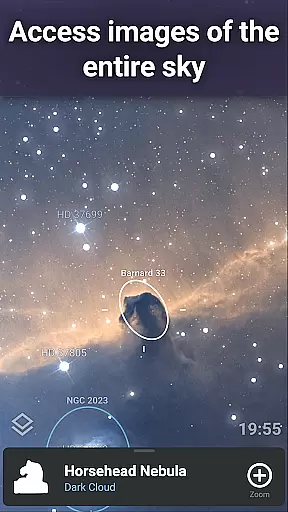
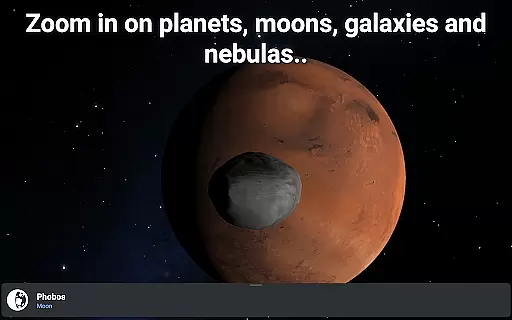
One of the app's most notable aspects is its extensive catalog integration. It combines multiple astronomical databases, including the Gaia DR2 catalog and various deep-sky object compilations. This wealth of data enables users to zoom into high-resolution images of planetary surfaces and deep-sky phenomena. The inclusion of advanced telescope control protocols (NexStar, SynScan, LX200) through Bluetooth or WIFI connectivity further enhances its practical utility for astrophotography and research purposes.
Additional features cater to diverse observational needs. The app supports offline usage with a substantial dataset of 2 million stars and deep-sky objects. Its multicultural constellation representations and realistic atmospheric effects provide educational value, while the specialized observation planning tools help optimize viewing sessions. These characteristics make Stellarium Plus an indispensable companion for both casual skywatching and scientific astronomical pursuits.
When it comes to educational applications, especially in the field of astronomy, content accuracy is paramount. Stellarium Plus offers an extensive and precise collection of celestial objects, including over 1.69 billion stars from the Gaia DR2 catalog, all known planets, and a combined catalog of more than 2 million nebulas and galaxies. This vast database ensures that users have access to the most up-to-date and scientifically accurate information available.
The app's authority is further solidified by its ability to simulate the night sky with precision for any date, time, and location. This feature is crucial for both amateur stargazers and professional astronomers who rely on accurate data for their observations and research. The level of detail provided allows users to explore the universe with confidence in the authenticity of the information displayed.
Moreover, Stellarium Plus goes beyond mere visual representation by offering detailed information about each object. Users can delve into descriptions and facts about stars, planets, and deep-sky objects, enriching their understanding and appreciation of the cosmos. This commitment to accuracy and depth makes Stellarium Plus a trusted resource for educational purposes.
Stellarium Plus supports personalized learning paths by providing tools that cater to individual exploration and discovery. The application's user-friendly interface encourages learners to navigate the night sky at their own pace, fostering an engaging and self-directed educational experience. By allowing users to select specific dates, times, and locations, the app creates a customized view of the universe tailored to each learner's interests and curiosities.
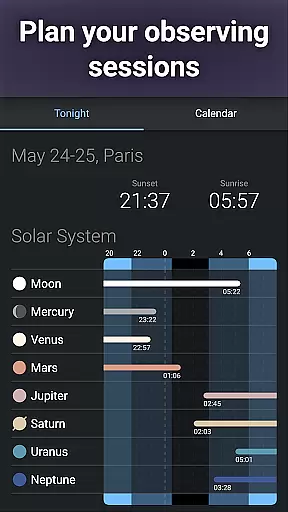
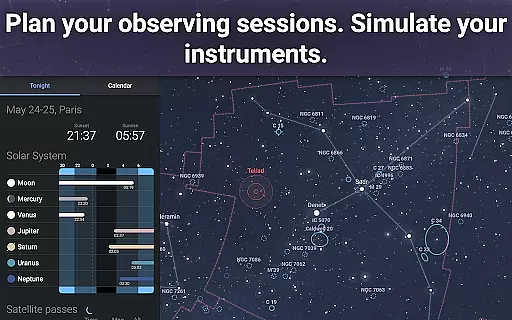
In addition to personal exploration, the app includes advanced observation features that enable users to prepare for real-world stargazing sessions. These features include predicting celestial object observability and transit times, which help learners plan their observations effectively. Such tools not only enhance the learning process but also empower users to apply theoretical knowledge in practical settings.
Furthermore, Stellarium Plus offers various ways to visualize and interact with astronomical data, such as 3D renderings of planets and their satellites. This interactive approach facilitates deeper engagement with the material, making complex concepts more accessible and memorable. As a result, users can create their unique learning journeys, driven by curiosity and supported by comprehensive resources.
User-friendly interface
Extensive celestial database
Advanced telescope control
Offline functionality
Cultural constellation options
High system requirements
Complex for beginners
Premium price point
Occasional performance lag
Steep learning curve

Turn scrolling hours into improving your knowledge, communication, intelligence
 4.50
4.50
An animated storybook app to help ease your child through toilet training.
3.70
An aviator’s preparation, study and test tool for FAA Knowledge Exams.
3.90
Study the questions most likely to be asked during the Oral & Practical Exams.
2.80
Explore myths and gods across cultures with in-depth insights and stories.
5.00
A must-have app for mastering Japanese verb/adjective conjugations.
3.60
Experience the sky, planet earth and the solar system like never before
4.90
For medical training - Visualize complex vein maps and structures in real-time.
4.10
The FE Clock is a way to track sun & moon around the circle of the earth.
4.30
Memorize anything efficiently with AnkiDroid! Many pre-built decks available.
4.80
Guitar chord finder, analyzer, smartly visualized theory, progressions, quizzes.
4.70
Engage in learning science and math with the award-winning PhET simulations!
4.70
A fast and fun way to learn guitar - works with any guitar.
4.60
Study for your 608 certification.
4.50
Astronomy app ? Discover the universe scope, explore solar system model in 3D.
4.20
Nighty Night Circus - Bedtime story for kids
4.10
Explore numbers the Starfall way!
4.00
Explore the City of the Sun in Augmented Reality
3.70
Flashnote Derby is the fun way for kids to learn music notes and memorize them.
3.40


User Reviews