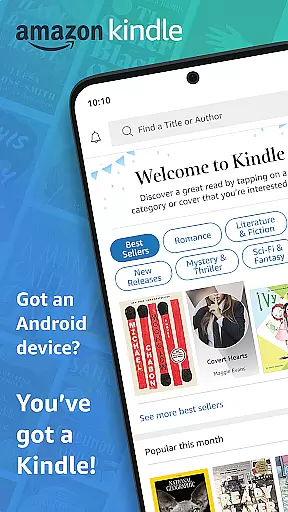
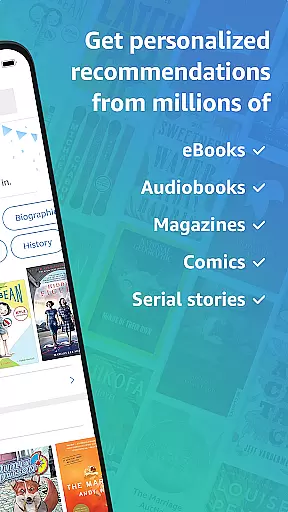
Amazon Kindle is a comprehensive reading application that allows users to access millions of books, magazines, newspapers, comics, and manga. It transforms your mobile device into a portable library, enabling you to read anytime, anywhere.
The app offers features beyond traditional paper books, such as customizable text settings, built-in dictionaries, and X-Ray for deeper content exploration. Whether commuting or relaxing at home, Kindle ensures you always have something engaging to read.
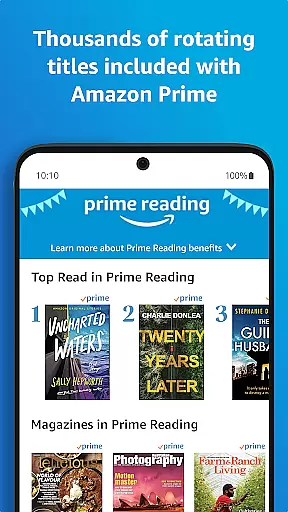
With support for Kindle Unlimited and Amazon Prime, the app provides an extensive selection of reading materials. Its seamless synchronization across devices makes it ideal for avid readers who switch between multiple devices.
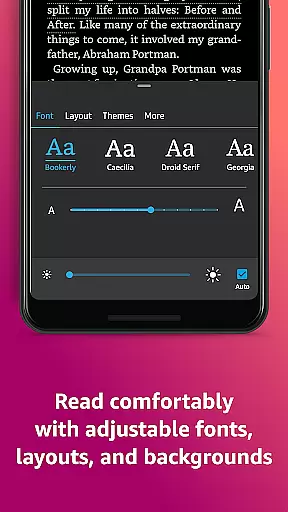
Kindle app stands out with its diverse features designed to enhance the reading experience. Users can customize their reading environment by adjusting text size, font type, margins, and orientation. The app supports both day and night reading modes through adjustable brightness and background colors.
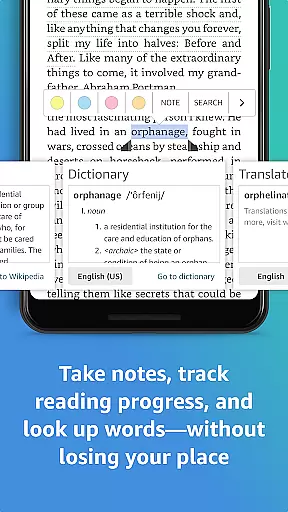
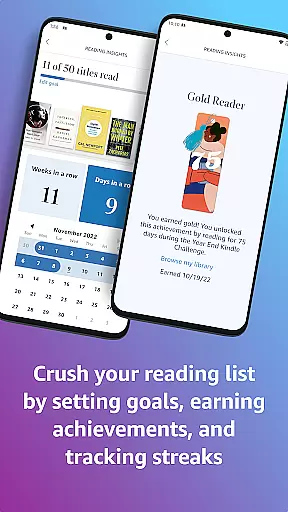
Built-in tools like dictionary, X-Ray, Wikipedia lookup, and instant translations allow readers to quickly understand complex content. The app tracks reading progress, showing percentage completed and estimated time remaining in chapters or books.
Advanced features include Page Flip for easy navigation, high-definition image zooming for visual content, and cross-device synchronization of bookmarks and notes. These capabilities create a personalized and efficient reading experience.
When it comes to e-books, the Amazon Kindle app offers an extensive library that is unparalleled. With millions of books available at your fingertips, users can explore new releases, best sellers, and titles across various genres such as romance, science fiction, and more.
The app ensures copyright authenticity by providing legitimate access to books, magazines, comics, and manga. This means readers can trust that they are accessing legal content that respects intellectual property rights.
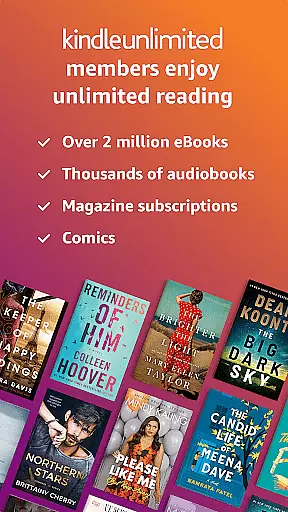
Kindle Unlimited members enjoy even greater benefits with unlimited reading and listening options. They have the freedom to explore over a million titles, thousands of audiobooks, and current magazines, all included in their subscription.
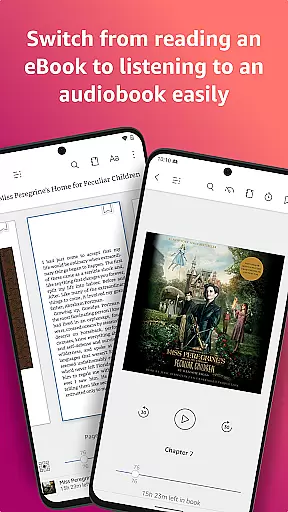
For those who prefer physical copies or need additional resources, the app also supports Audible narration for select books, enhancing the overall reading experience while maintaining copyright integrity.
The Amazon Kindle app excels in format compatibility, ensuring that no matter what device you use, you will have a seamless reading experience. Whether on your phone or tablet, the app supports various formats so you can read anytime, anywhere.
Users can customize their reading environment extensively. Options include adjusting text size, font type, margins, alignment, orientation (portrait or landscape), and choosing between page-turning methods. These features allow for personalized comfort tailored to individual preferences.
In addition to textual adjustments, the app provides robust multimedia support. Readers can zoom in on high-definition color images found in Kindle books, magazines, comics, and manga, enriching the visual aspect of digital reading.
Furthermore, the Kindle app syncs across devices automatically. It saves bookmarks, highlights, notes, and last-read positions, allowing users to transition smoothly between devices without losing track of their progress.
User-friendly interface
Extensive book selection
Customizable reading options
Cross-device synchronization
Integrated dictionary and X-Ray
Requires Amazon account
Limited free content
Some features are subscription-based
Occasional syncing issues
Heavy storage usage

The Psalms for singing
 4.1
4.1
Words spoken by native English speakers and full definitions.
4.60
This is the pro version King James bible Offline that we have
4.70
Read the romance stories on the go. Take my breath away, The Spoiled Girl
4.30
Read aloud texts, audiobooks, PDFs or any eBook with text to speech AI audio
4.60
Learn Electricians' Handbook PRO complete guide beginners to advance.
4.40
"When tweetle beetles fight, it's called a tweetle beetle battle."
4.90
Daily Devotional Widgets & Hourly Verses. Listen to Bible & Watch Holy Stories
4.70
A story reading app: Read stories, novels and books, or write your own.
3.90
Daily Prayer, personalized Bible Study, AI-guided Insights, and Spiritual Growth
4.80
Read and study the Bible and other content in over 1,000 languages.
4.80
King James Bible read offline, AI Priest, Bible Quiz, Guiding Prayers & Plans
4.80
Read unlimited novels, audiobooks, stories & Unlock ebooks, fanfiction and more!
4.70
Crowd-sourced listing of businesses with anti-gun signs, and pro-2a alternatives
4.60
Full text, sheet music, and recordings of the print edition
4.60
Pretty Moon information App with Complications and Tile
4.30
Essential Technical Rescue Field Operations Guide 6, the Industry Standard Guide
4.20
A companion for prayer, with Azan alarm, Quibla direction, and Holy Quran book
4.10
Unlock more features in Lithium and show your support. Expand for details.
4.00


User Reviews