
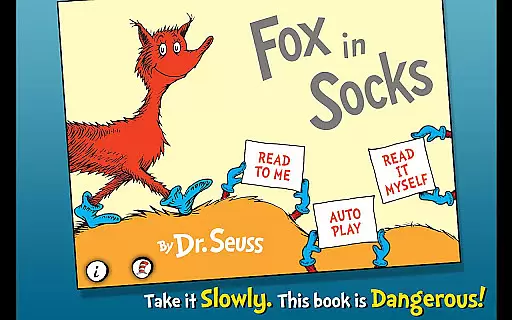
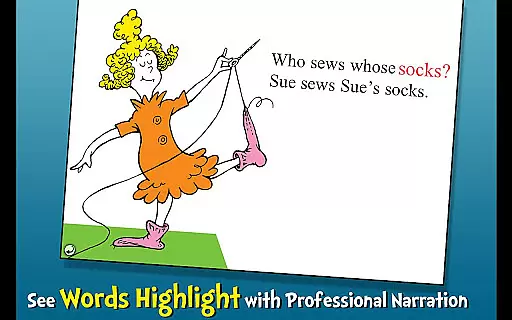
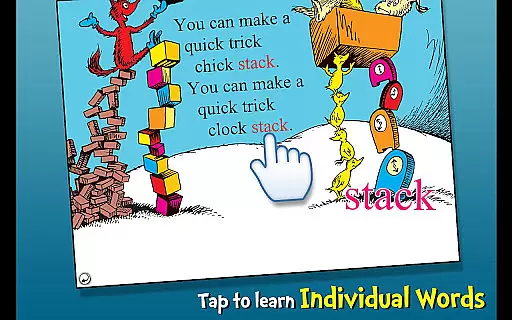
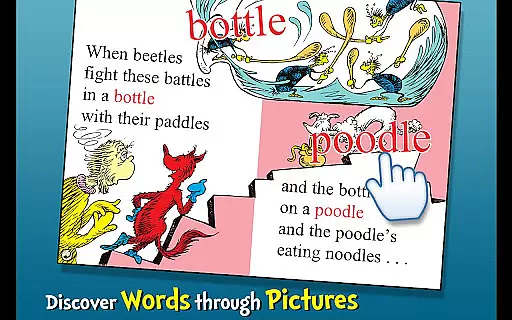
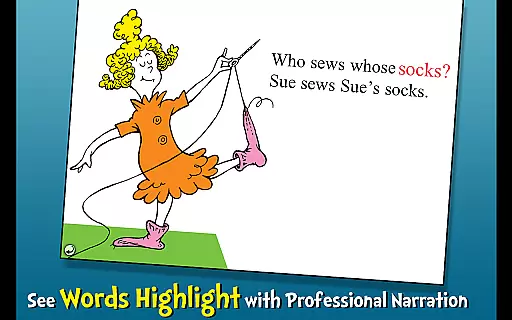
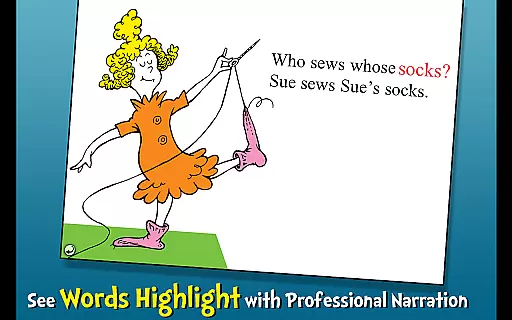
Fox in Socks is an interactive book app that brings Dr. Seuss's classic story to life for young readers. The app encourages literacy skills through highlighted narration and offers three different reading modes to engage children aged 2-6. With tappable words for vocabulary learning and objects that speak their names when touched, it creates an immersive reading experience.
Children can follow along with the tricky tongue-twisters as Fox plays with bricks and blocks, challenging Mr. Knox in a playful linguistic game. This app not only entertains but also educates, making it an ideal tool for early language development.
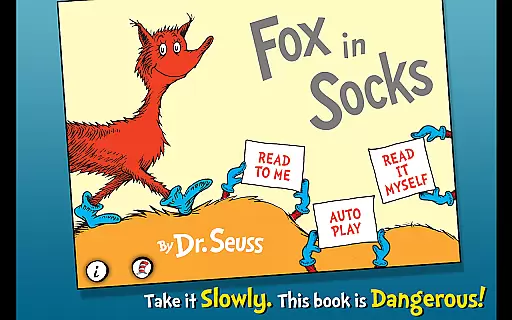
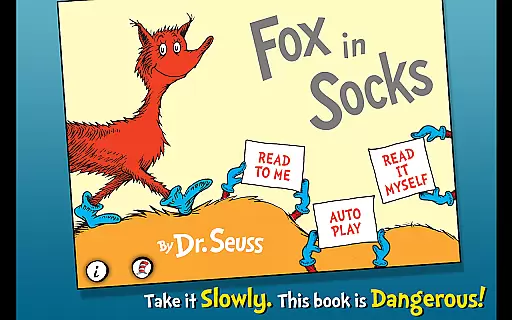
The Fox in Socks app stands out with its educational features designed to enhance literacy. Highlighted narration helps children follow the text, reinforcing word recognition and pronunciation. The app includes three reading options: 'Read to Me', 'Read Myself', and 'Auto Play' for a personalized learning journey.
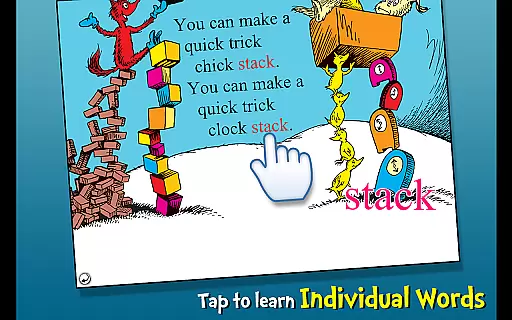
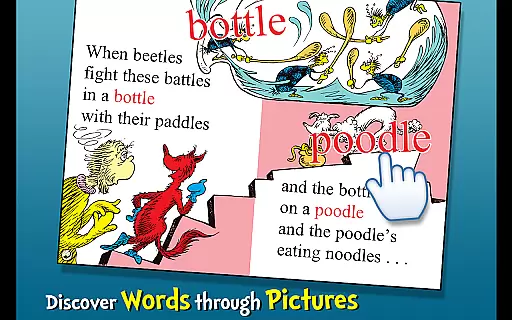
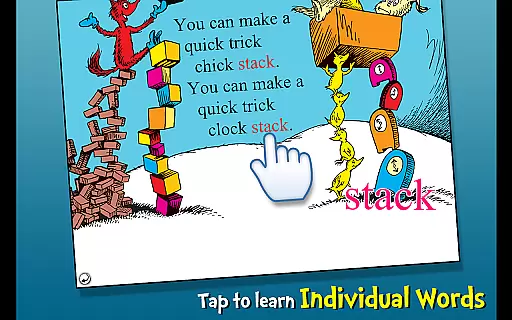
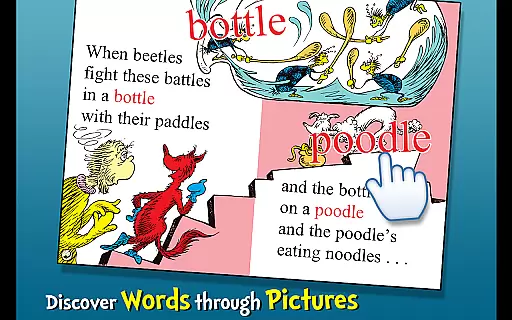
Interactive elements such as tappable words and objects enrich the reading experience by introducing new vocabulary in a fun way. Each touch reveals the name of an object or character, engaging young learners actively in their language acquisition process.
When it comes to digital libraries, the size and authenticity of the content are crucial factors for readers. Fox in Socks offers a rich repository of e-books that is both extensive and fully licensed, ensuring users have access to Dr. Seuss's beloved stories without any legal concerns.
The app includes numerous titles that cater to children aged 2-6, providing them with an interactive way to engage with books. Each story is officially licensed, which guarantees the content is genuine and respects copyright laws, offering peace of mind to parents and educators.
By having such a trustworthy collection, the app becomes a reliable resource for developing literacy skills. Children can explore various narratives, learn new vocabulary, and even tap objects to hear their names read aloud, all within a safe and legal framework.
Format compatibility is essential for ensuring that e-books can be accessed across various devices without any hitches. Fox in Socks excels in this area by supporting multiple formats that cater to different reading preferences and device capabilities.
This Books & Reference app allows young readers to follow along with three fun ways to read, adapting to individual learning styles. Whether it's through highlighted narration or interactive elements like tappable words, the app delivers a seamless experience.
Moreover, the ability to work on both Android and iOS platforms means that switching between smartphones or tablets won't disrupt the reading journey. This cross-device functionality ensures uninterrupted learning and enjoyment, making it a versatile tool for education and entertainment.
User-friendly interface
Educational content
Interactive features
Three reading modes
Classic Dr. Seuss story
Limited to one story
No offline access
In-app purchases
Ads present
Age range limited

Sea tide predictions for all coastal U.S. locations.
 4.4
4.4
CleverBook Pro makes the popular guide for the game even better!
4.00
Plan of Life that Saint Josemaría recommended
4.80
The favorite Christmas story comes to life!
4.80
Enjoy your favorite books
3.50
Manage collectibles, survey and treasure maps in Elder Scrolls Online.
4.40
Learn Thai with 195,000+ entries, crisp Thai sounds, big text; works offline.
4.80
Research your family history to explore ancestors and search for your heritage
4.50
A companion for prayer, with Azan alarm, Quibla direction, and Holy Quran book
4.10
Daily thoughts, meditations, and prayers for living a sober life in recovery.
4.90
My Bible offers a comprehensive app by providing offline access, daily verses.
4.80
The Bible Audio Guide
4.80
This is the pro version King James bible Offline that we have
4.70
8 Dr. Seuss short stories in 1 app!
4.70
"Do you like green eggs and ham?"
4.70
Discover, track, and share your reading with friends & our community of readers
4.60
Knots 360 Pro ( 3D ) shows you animated 192 knots in 3D perspective
4.10
Guide for dōTERRA® Products
3.60
Fast loot guide for ARC Raiders. Simple tips, stats, maps, and item details.
4.0


User Reviews