
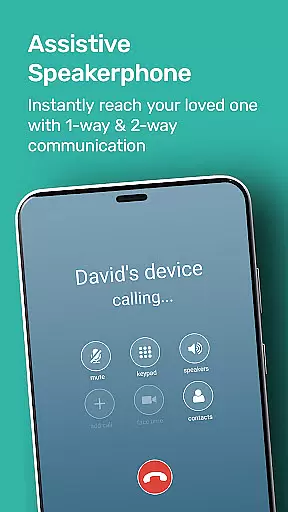
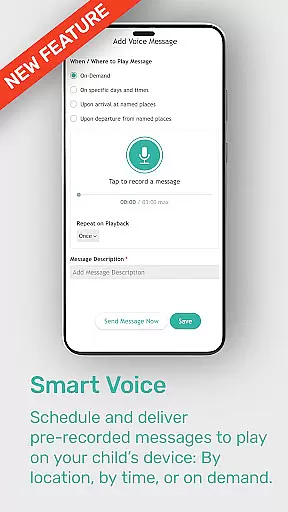
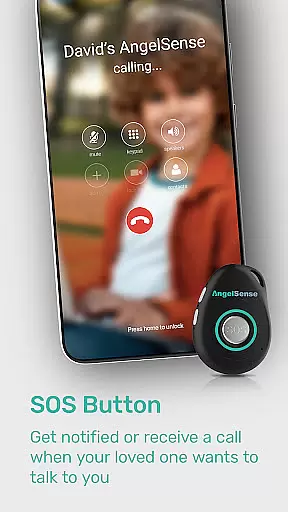
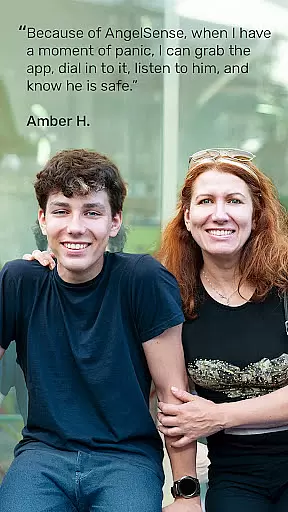
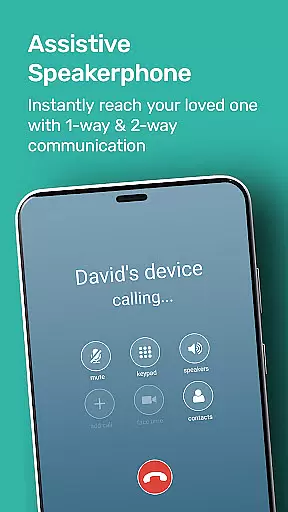
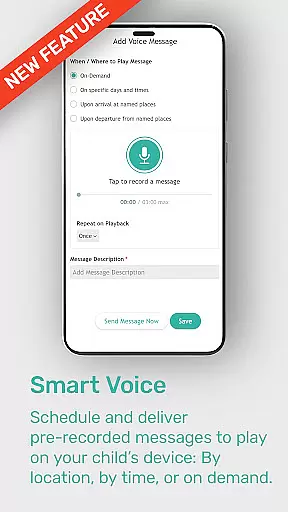
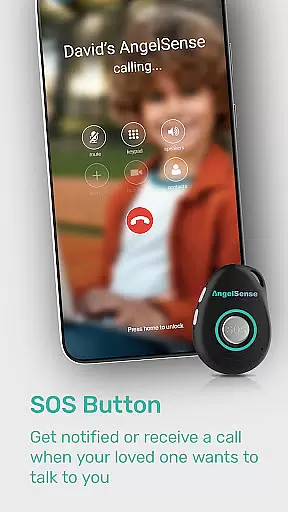
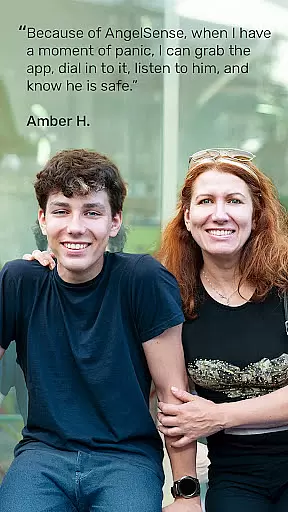
AngelSense Guardian is an advanced assistive technology app designed to ensure the safety and well-being of children and adults with special needs. The app works in tandem with a wearable device, providing features such as AI-powered safety alerts, real-time monitoring, and an SOS button for emergencies. With its timeline view of daily routines and instant notifications for unexpected events, AngelSense offers families peace of mind while promoting independence for loved ones with conditions like autism, dementia, or Alzheimer's.
The app allows multiple caregivers to securely access and manage the system, making it ideal for family and professional support networks. Its auto-pickup assistive speakerphone ensures seamless communication, while emergency tools enable fast responses during critical moments. Whether at home, school, or in public spaces, AngelSense Guardian provides comprehensive protection tailored to the unique needs of individuals requiring additional care.
AngelSense Guardian stands out with its innovative features that prioritize safety and convenience. The app utilizes AI-powered safety alerts to detect unusual activities and provide intelligent monitoring for your loved one. Its wearable device includes an auto-pickup assistive speakerphone, enabling hands-free communication, and an SOS button for immediate assistance during emergencies.
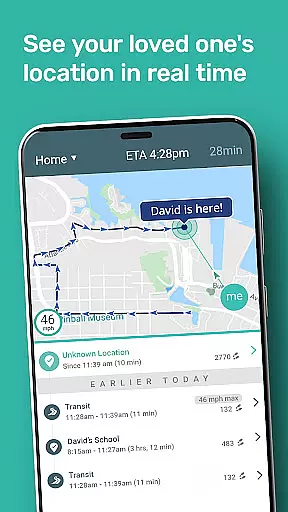
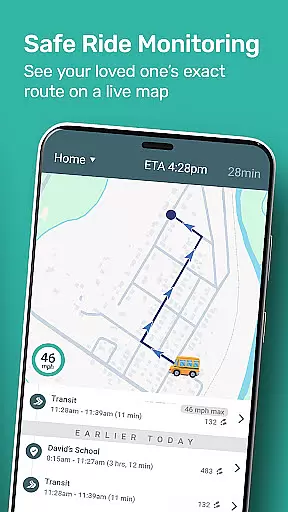
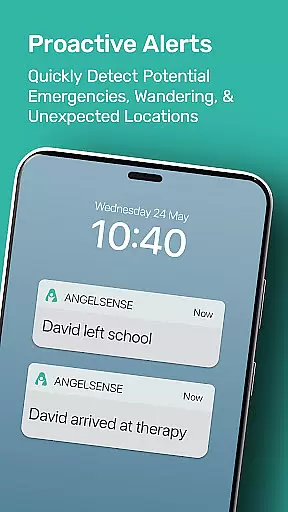
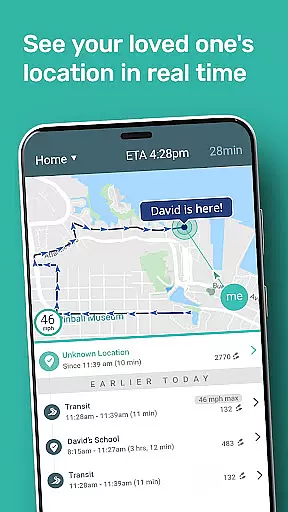
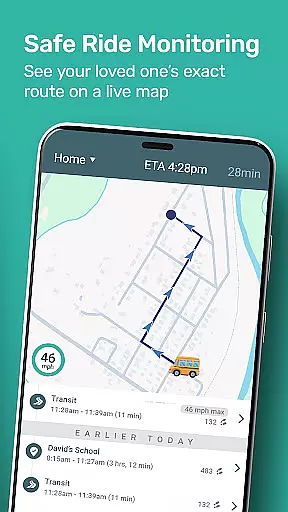
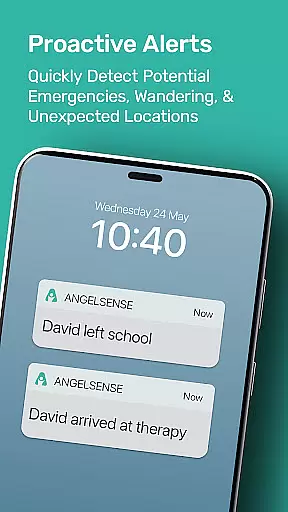
One of the key highlights is the timeline view feature, which displays your loved one’s daily routine and travel history in an easy-to-understand format. Caregivers receive instant notifications if there are unexpected changes or potential dangers, ensuring timely intervention. Additionally, multiple caregivers can securely collaborate through the app, allowing efficient coordination among family members or support teams. These robust features make AngelSense Guardian a reliable solution for enhancing safety and independence for individuals with special needs.
When it comes to parenting apps, the credibility of content and expert validation are paramount. AngelSense Guardian stands out by offering advanced assistive technology specifically designed for the protection of children and adults with special needs. The app's features are developed based on thorough research and collaboration with experts in child safety and special needs care.
The AI-powered safety alerts and intelligent monitoring system have been meticulously crafted to ensure maximum reliability. These features are not only innovative but also endorsed by professionals specializing in autism, dementia, and Alzheimer's care. This expert validation provides parents and caregivers with the assurance that the app's functionalities are rooted in proven methodologies.
AngelSense Guardian allows multiple caregivers to securely access and manage the app, which is a feature that has been praised by both healthcare professionals and family counselors. This multi-user capability ensures that all guardians involved in the individual's life can contribute to their safety and well-being.
Growth tracking accuracy is essential for understanding the progress and development of individuals under care. AngelSense Guardian excels in this area by providing a detailed timeline view of your loved oneu2019s daily routine and travel. This feature allows caregivers to monitor patterns and changes in behavior or habits over time, contributing to more informed caregiving decisions.
The wearable device, equipped with an auto-pickup assistive speakerphone and SOS button, offers real-time data that helps track significant events throughout the day. Instant notifications alert caregivers to unexpected changes or potential dangers, ensuring timely interventions when necessary. Such precise tracking supports accurate assessment of an individual's growth and independence.
Moreover, the emergency tools designed for fast response during critical moments further enhance the app's ability to provide accurate growth tracking. By combining cutting-edge technology with practical insights into daily activities, AngelSense Guardian empowers families to maintain peace of mind while fostering increased autonomy for their loved ones.
Advanced AI safety alerts
Real-time monitoring
Multi-caregiver access
Emergency response tools
Auto-pickup speakerphone
Premium subscription cost
Device dependency required
Limited to specific users
No offline functionality
Requires setup time

Happiest Baby App replaces the SNOO App (the mobile companion to SNOO & SNOObie)
 3.20
3.20
Discover fun videos, kids songs, bedtime stories and games
3.60
Parental Control including Screen time control, GPS tracking, App/Game blocker.
3.90
3D Baby size, Fruit comparisons, Smart Checklist, Trending Names & Training.
4.90
Affirmations | Stories | Bible
4.10
Pinardin - Smart Parental Control, Online Safety & GPS Tracking!
4.80
Lullabies, Night Light & Age-based Routines to help your baby fall asleep
4.3
Screen Time, App and Web Block & Monitoring, Location Tracker
3.60
GPS tracker app: Simple GPS phone tracker for fast family location tracking
4.60
Pregnancy+ App has helped 80m moms track their pregnancy with info & support!
4.80
FamilyAlbum helps you share, save, and remember your child's special moments.
4.80
Kids story books for children. Baby reading books with audio for pre-k toddlers
4.70
Reliable phone tracker by number & locate phone app. Protect your family.
4.50
Parental control: child monitoring app, screen time control, GPS child tracker
4.40
Cherish every beat - capture your baby's heart sounds with our app
4.30
Fake call application designed for parents and adults to discipline their children through the children's police.
4.20
Magic chalkboard coloring and drawing!
4.20
Learn according to the age of your child and consult with other moms.
4.20
Educational resource for parents to inspire creativity in their children.
4.00


User Reviews