
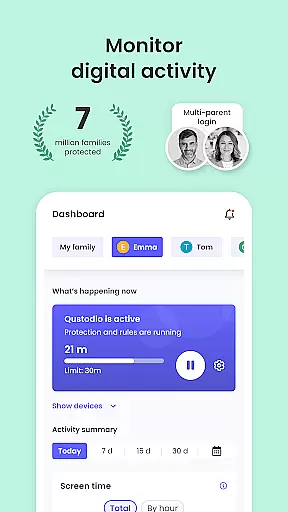
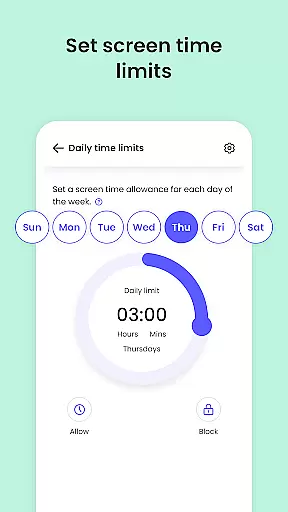
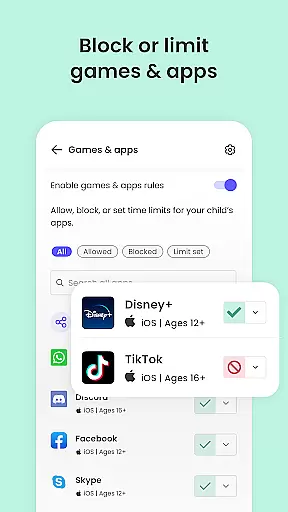
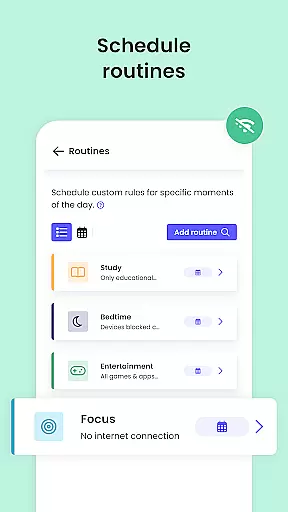
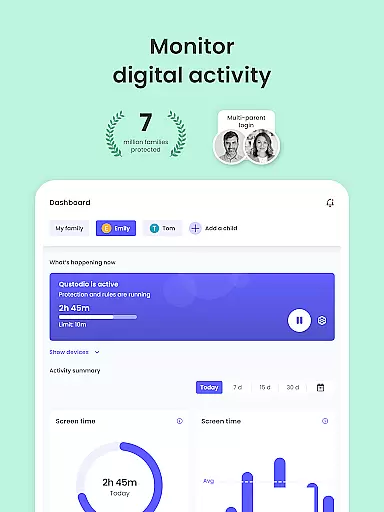
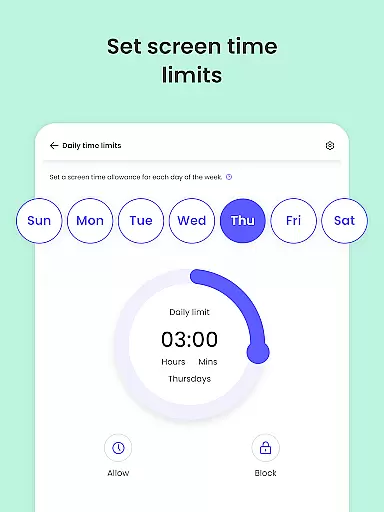
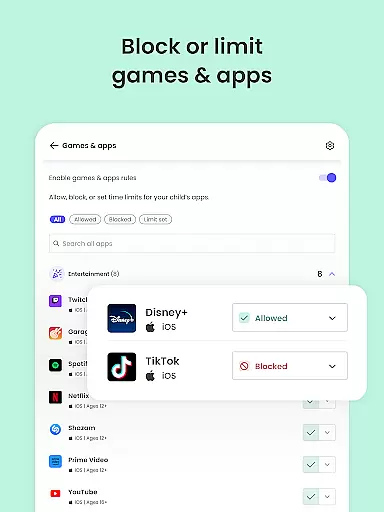
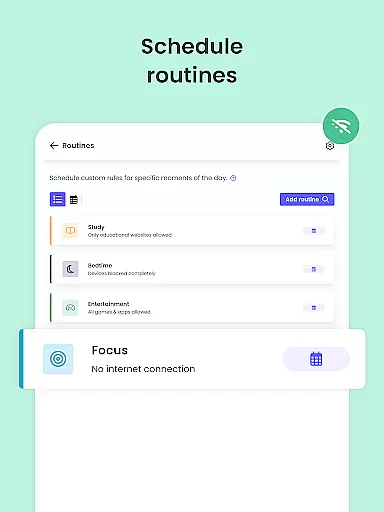
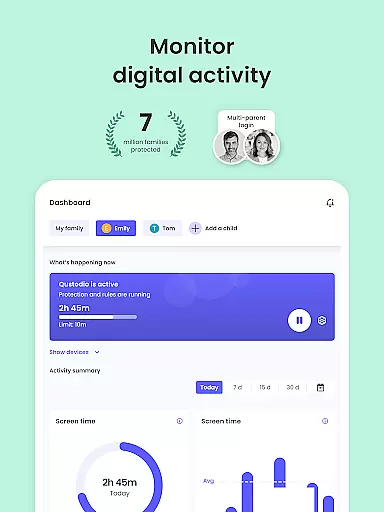
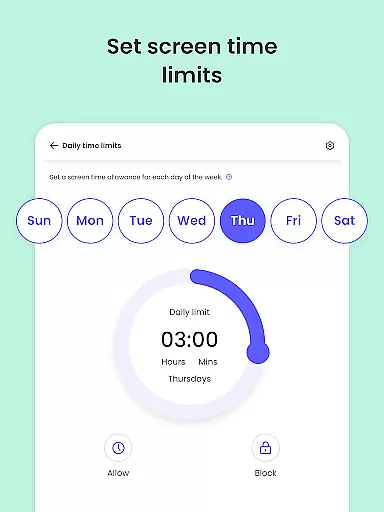
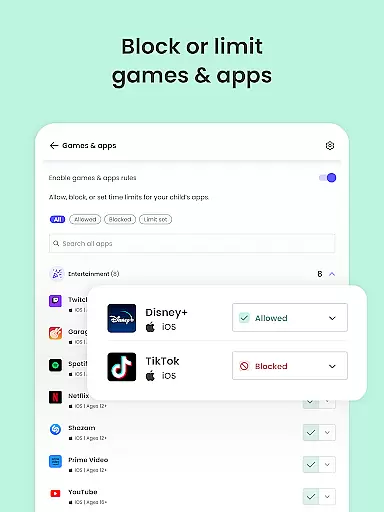
Qustodio Parental Control App is a comprehensive digital parenting tool designed to ensure children's online safety while promoting healthy device usage habits. The app allows parents to set daily screen time limits, block inappropriate content, and monitor their children's online activities across multiple platforms including Android, iOS, and Kindle devices.
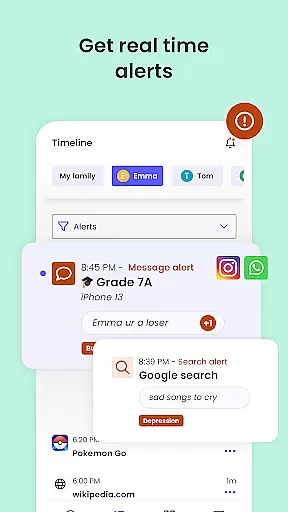
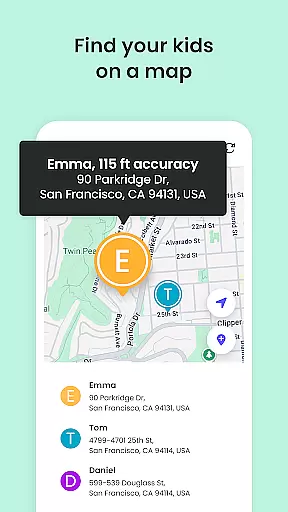
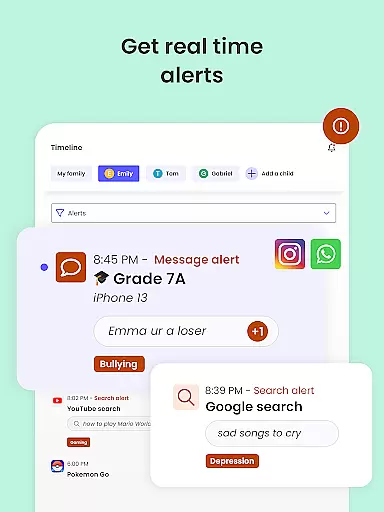
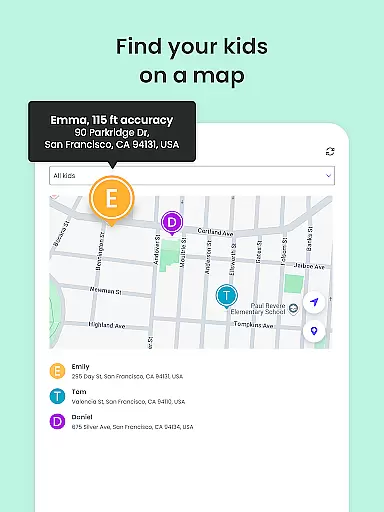
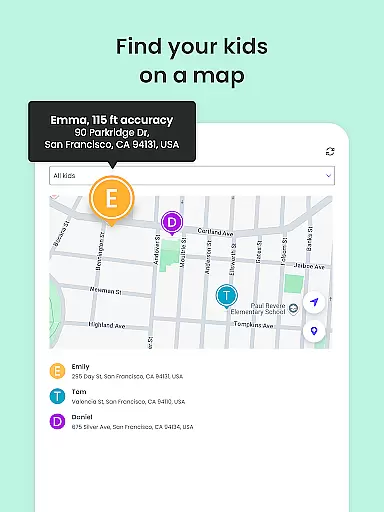
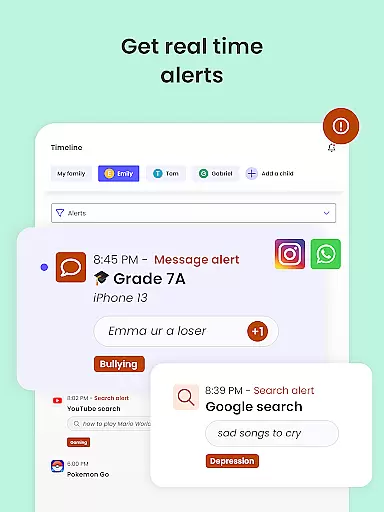
One of the standout features is its AI-powered alert system that notifies parents of suspicious browsing behavior or potentially harmful messages on platforms like WhatsApp, Instagram, and Line. The app also includes GPS tracking functionality, enabling parents to locate their children in real-time while providing peace of mind through features like panic buttons and location history.
This parental control solution is particularly valuable for modern families who want to maintain a balance between digital freedom and online safety. By offering detailed activity reports and customizable controls, Qustodio empowers parents to make informed decisions about their children's digital lives.
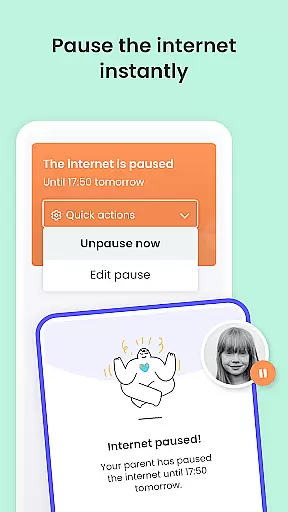
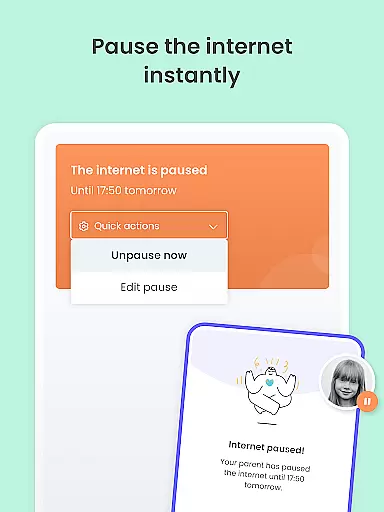
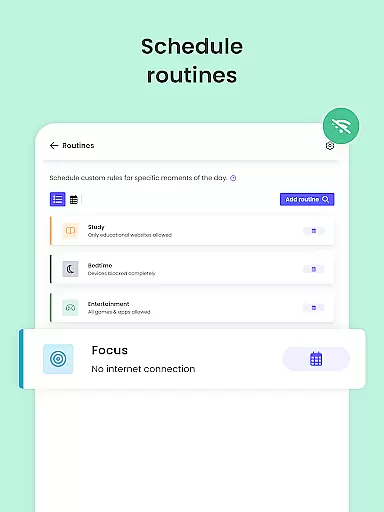
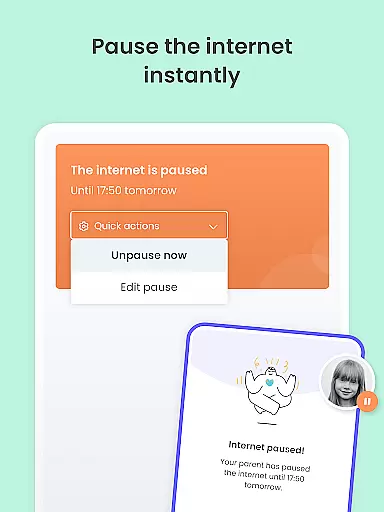
Qustodio stands out among parental control apps through its comprehensive feature set that addresses both safety and healthy usage concerns. The app's screen time management capabilities allow parents to set precise daily limits, pause internet access instantly, and create custom schedules for different types of content and applications.
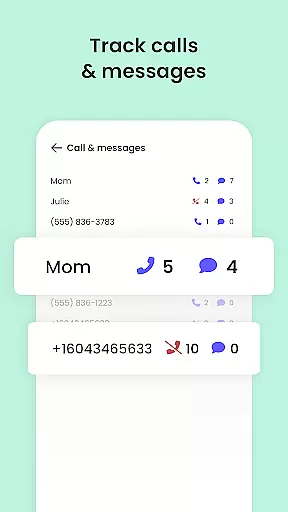
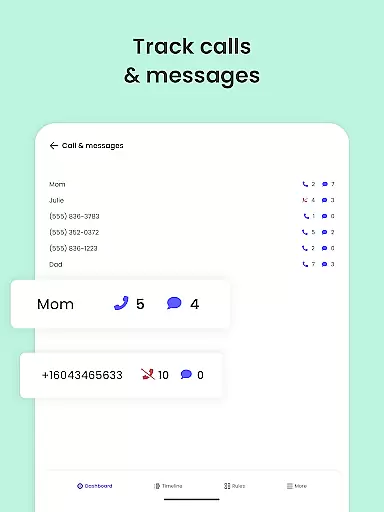
The application's monitoring features are equally impressive, providing real-time alerts for suspicious web searches, social media activity, and SMS messages. Its content filtering system effectively blocks inappropriate websites, gambling platforms, and adult content while enforcing safe search across search engines. The GPS tracking feature offers advanced functionality including location history, favorite place marking, and real-time location updates.
What sets Qustodio apart is its cross-platform compatibility and multi-user support. Parents can manage multiple children's devices from a single dashboard while inviting co-parents to collaborate on setting and enforcing rules. The app's ability to generate detailed activity reports and provide insights into app usage patterns makes it an invaluable tool for maintaining open communication about digital responsibility.
Qustodio Parental Control App stands out for its commitment to credible parenting content and expert validation. The app provides a comprehensive suite of features designed to ensure children's online safety and healthy digital habits. These include AI-powered alerts for suspicious browsing activity, social media monitoring, and porn blocking.
The app's functionality is backed by expert recommendations and insights, ensuring that the tools provided are not only effective but also aligned with best practices in child safety. For instance, the app allows parents to filter harmful content such as gambling sites and block inappropriate apps, which are measures often recommended by child psychologists and digital safety experts.
Parents benefit from Qustodio's 30-day online activity reports and real-time alerts, which are crafted based on thorough research into digital behavior patterns among children. This data-driven approach ensures that caregivers can make informed decisions about their children's screen time and online activities.
By combining cutting-edge technology with expert-validated strategies, Qustodio empowers parents to create a safer digital environment for their children while nurturing responsible tech usage habits.
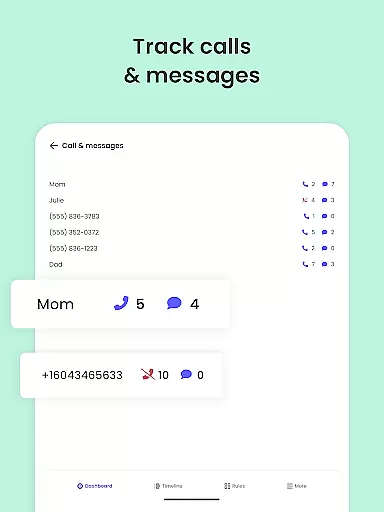
Growth tracking accuracy is a crucial feature of Qustodio Parental Control App, enabling parents to monitor their children's digital development effectively. The app offers detailed reports on children's online activities, including web searches, app usage, and social media interactions, all of which contribute to understanding their digital growth patterns.
With precise GPS location monitoring, parents can track their children's physical movements, providing an additional layer of safety. This geolocation feature is meticulously designed to offer accurate and timely updates, ensuring parents always know their child's whereabouts.
Qustodio's reporting system goes beyond basic activity logs by offering analytical insights into children's digital behavior. Parents receive daily, weekly, and monthly reports that help them identify trends and potential areas of concern in their child's online habits.
This data-driven approach to growth tracking enables parents to set appropriate boundaries and foster healthy digital habits, ultimately supporting their children's overall development in today's technology-driven world.
Comprehensive feature set
Cross-platform compatibility
Real-time monitoring alerts
AI-powered threat detection
Detailed activity reporting
Premium features locked behind paywall
Complex setup process
Requires companion app installation
Limited free version functionality
Device-specific limitations

Comprehensive Parental Control & Child Safety — Hear & Protect Your Child World
 4.30
4.30
GPS phone tracker: find kids on map. Location tracking and parental control.
4.50
Daily Routine & Timer for kids, ADHD, & Autism
4.80
The Baby’s Bounty App is your hub to register for our diaper banks in Nevada
3.70
Real-time family location with consent, check-ins & SOS—private by default.
4.40
Kids story books for children. Baby reading books with audio for pre-k toddlers
4.70
Pregnancy+ App has helped 80m moms track their pregnancy with info & support!
4.80
The Most Trusted Co-Parenting App.
4.60
Parental control: child monitoring app, screen time control, GPS child tracker
4.40
Track baby’s development & growth week by week with BabyCenter’s pregnancy app!
4.90
Track Pregnancy, Baby Feeding, Sleep, Diaper Changes, Postpartum Health & More!
4.80
All-In-One Pregnancy Tracker, Your Baby's Milestones, Growth Stages & Parenting
4.70
Family GPS locator app — child location tracker. GPS kids tracker, family safety
4.70
GPS tracker app: Simple GPS phone tracker for fast family location tracking
4.60
Find unique + popular baby names for your little peanut.
4.30
Cherish every beat - capture your baby's heart sounds with our app
4.30
Family parental control app: limit screen time, block apps, GPS tracker.
4.20
The 10 development leaps of your baby | newborn milestones & leap days tracker
4.10
AI Motion Video Maker & Ideas
4.4


User Reviews