

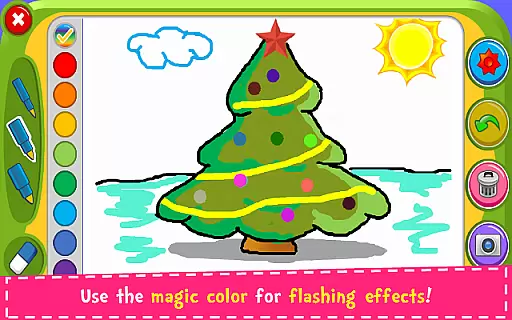
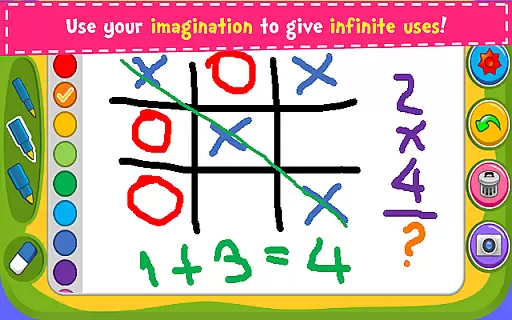

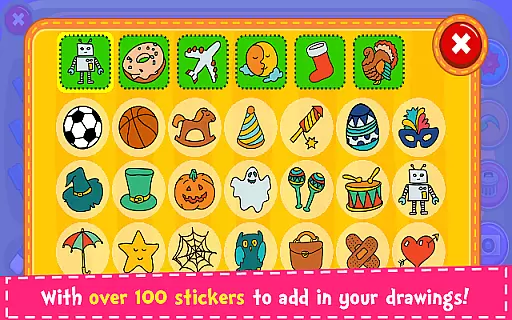



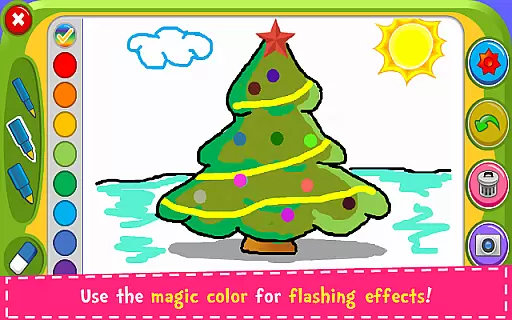
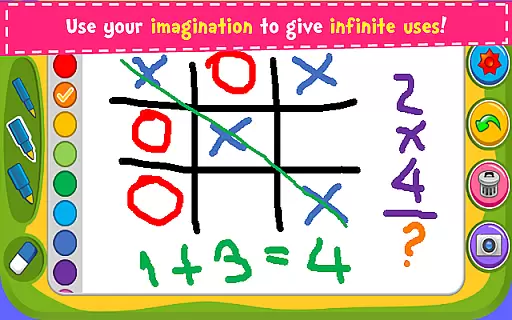

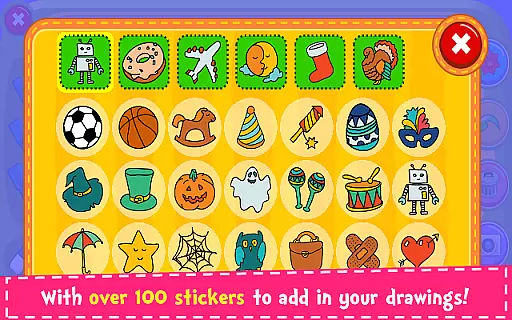



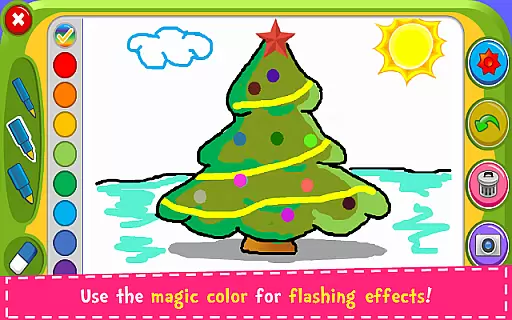
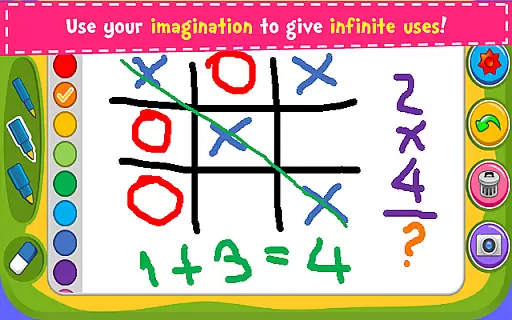

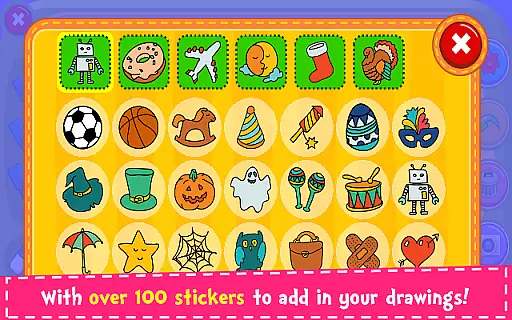


Magic Board is an engaging drawing and coloring application designed for users of all ages. This app allows you to express your artistic talents by providing realistic drawing tools and a wide array of creative options. With over 100 stickers available, users can decorate their artwork and bring their imagination to life. The app promotes creativity, enhances concentration, and develops fine motor skills, making it especially beneficial for children.
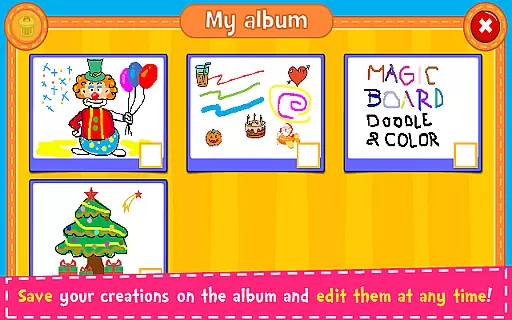
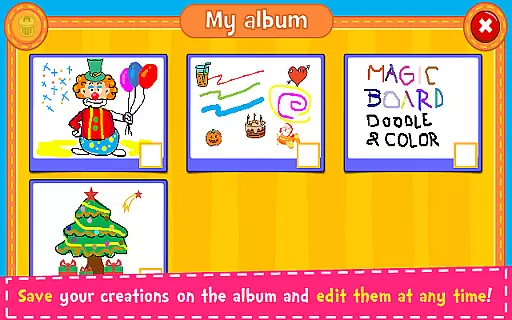
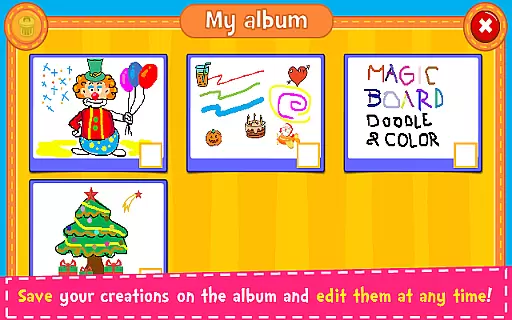
Available on both smartphones and tablets, Magic Board offers a seamless experience across devices. Users can save their creations in an in-app album, allowing for easy editing and sharing with friends and family through various social media platforms. Whether you're looking to explore your artistic side or simply enjoy a fun and addictive pastime, Magic Board delivers a complete package that caters to these needs effectively.
Magic Board stands out with its rich set of features tailored to enhance the drawing and coloring experience. The app provides a variety of pencil strokes and colors, including a unique flash effect that generates dynamic random colors for endless bright possibilities. Its intuitive design ensures ease of use, while supporting multiple languages such as English and Spanish broadens its accessibility.
Additional functionalities include an eraser tool, 'Undo' and 'Clear All' options, which give users precise control over their creations. The ability to save drawings in an album not only facilitates organization but also enables users to revisit and refine their work. These comprehensive features collectively contribute to a versatile platform where creativity knows no bounds, distinguishing Magic Board from other drawing apps in the Parenting category.
When it comes to parenting applications, the credibility of the content is paramount. Magic Board ensures that all its features are designed with educational value in mind. The app promotes creativity and fine motor skills through drawing and coloring activities, which are essential for child development.
The application offers a variety of tools such as different pencil strokes, colors, and stickers, which are not only entertaining but also encourage artistic expression. These elements have been included based on their ability to enhance imagination and concentration, qualities affirmed by educational experts.
Magic Board stands out by providing a platform where children can freely express themselves while simultaneously developing important cognitive skills. With support for multiple languages including English and Spanish, it caters to a diverse audience, ensuring inclusivity and accessibility for various families.
Growth tracking in parenting apps allows parents to monitor their child's developmental progress. Although Magic Board is primarily an entertainment app, it indirectly supports growth tracking by promoting consistent engagement in creative activities over time.
By saving creations in an album, the app enables parents and children to review past artworks, observing improvements and changes in style or complexity. This feature provides a rudimentary form of growth tracking, showcasing how a childu2019s skills and preferences evolve.
While Magic Board may not offer explicit analytics or reports on a child's progress, the ability to revisit and edit past creations serves as a visual diary of a childu2019s artistic journey, fostering both reflection and ongoing development.
Easy-to-use interface
Wide range of colors
Supports multiple languages
Encourages creativity
Free content
Limited advanced tools
No offline mode
Ads present
Basic design
Fewer sharing options

Happiest Baby App replaces the SNOO App (the mobile companion to SNOO & SNOObie)
 3.20
3.20
Daily Routine & Timer for kids, ADHD, & Autism
4.80
Discover fun videos, kids songs, bedtime stories and games
3.60
Educational resource for parents to inspire creativity in their children.
4.00
Play activities, milestones, expert-led classes, baby tracker, and more!
3.00
3D Baby size, Fruit comparisons, Smart Checklist, Trending Names & Training.
4.90
Join over 1MM parents & professionals who've used OFW to navigate co-parenting
4.40
Pinardin - Smart Parental Control, Online Safety & GPS Tracking!
4.80
Track pregnancy health and wellness with pregnant tracker from healthcare advice
4.3
SENSORYSOOTHE and SENSORSAFE: Making car seats smarter and families safer.
4.70
All-In-One Pregnancy Tracker, Your Baby's Milestones, Growth Stages & Parenting
4.70
Track your pregnancy & your baby's growth in 3D. Get support from our community
4.60
The Most Trusted Co-Parenting App.
4.60
All-in-one pregnancy app, contraction timer, kick counter & due date calculator
4.40
Babysitting video camera - Turn your two phones or tablets into a single nanny.
4.40
Keep track of your stored breastmilk
4.40
Limit screen time, Block Apps & Games, Monitor with Parental control app
4.20
Save money on diapers. Get the Pampers Rewards app.
3.90
A Coloring for the Whole Family! Discover the Joy of Family Love Through Colors!
3.60


User Reviews