
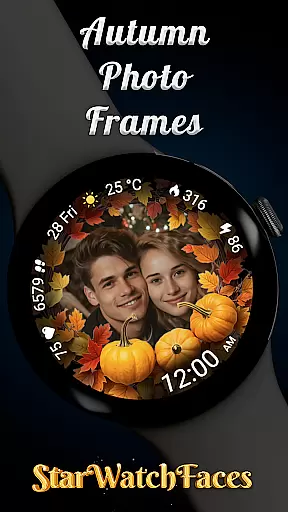


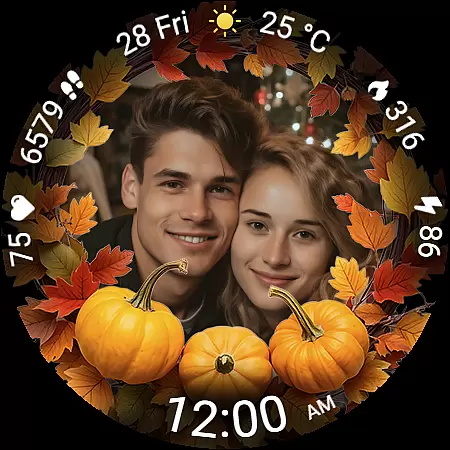
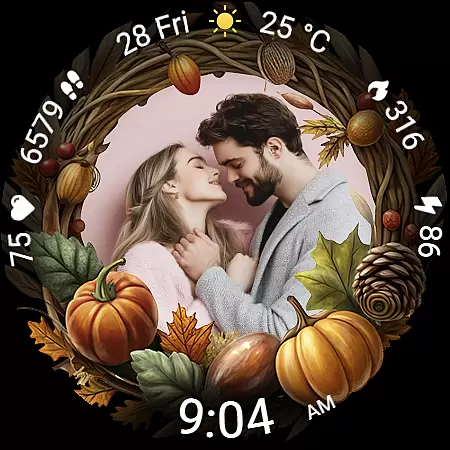
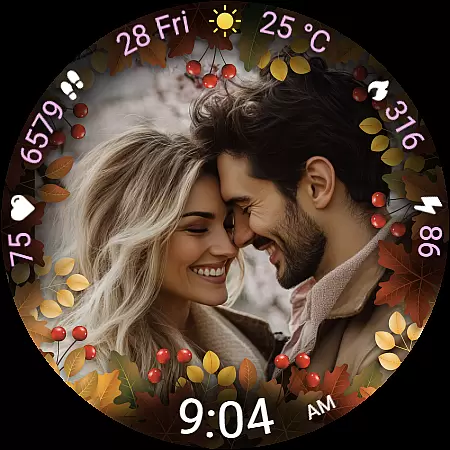
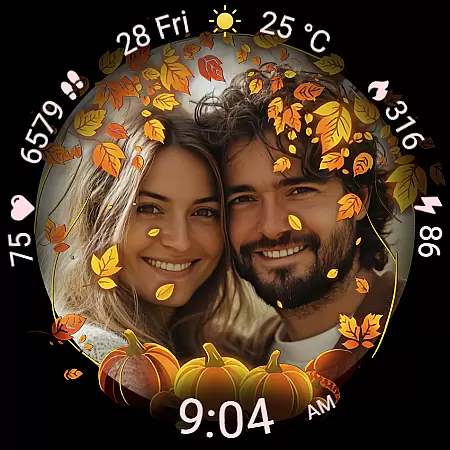
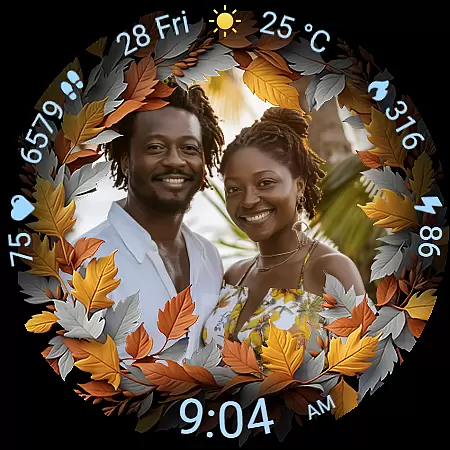
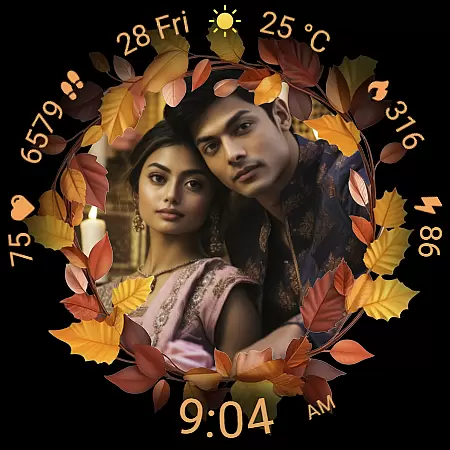
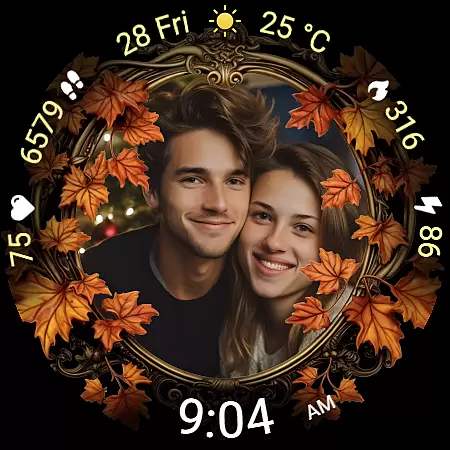
Autumn Photo Frames for WearOS is a premium lifestyle watchface that combines seasonal aesthetics with personalization. This app allows users to display cherished photos within beautifully designed autumn-themed frames directly on their smartwatch. With 10 unique frames, 30 color themes, and essential metrics like heart rate, step counter, and weather information, it offers both style and functionality.
The watchface supports Wear OS 6 and above, providing an emotional connection through custom photos while delivering practical features such as battery status, date display, and always-on visibility. Whether you want to showcase family moments or artistic snapshots, this app transforms your smartwatch into a personal gallery with rich customization options.
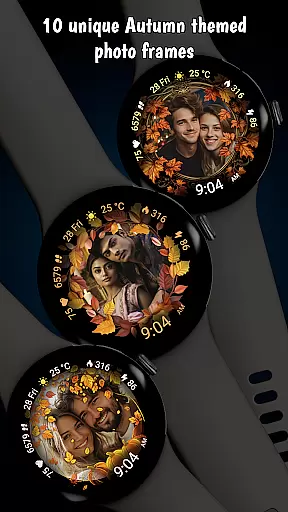
Autumn Photo Frames stands out with its robust feature set tailored for personal expression and utility. The core functionality lets users upload their own images via the companion app, choosing from 10 autumn-inspired frames that suit various moods and styles. Each frame is crafted with seasonal colors and decorative elements, ensuring your watchface feels both current and personal.
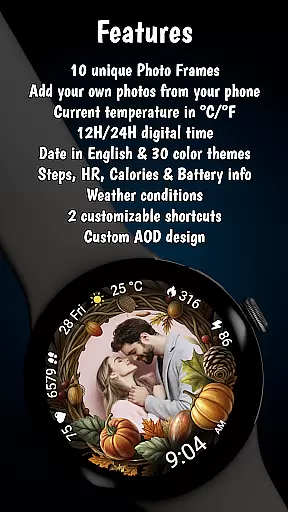
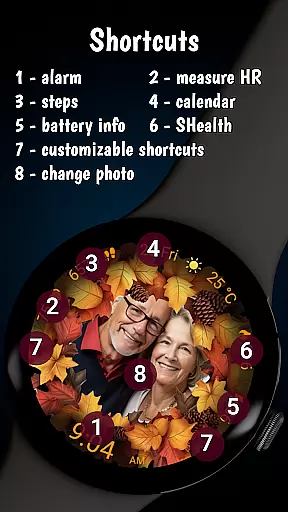
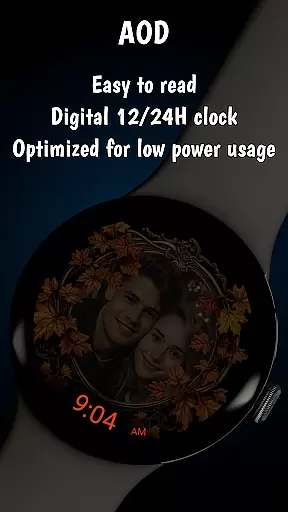
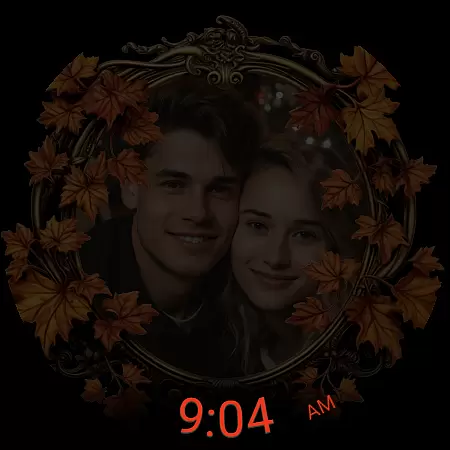
Beyond photo integration, the app includes practical tools like a digital clock in 12h/24h format, real-time heart rate monitoring, step tracking, calorie burn stats, and customizable shortcuts. Weather updates with temperature displays in °C or °F add daily convenience. Optimized for efficiency, the Always-On Display (AOD) balances visibility with low battery consumption, making it ideal for all-day use.
The Autumn Photo Frames watchface for Wear OS offers a comprehensive lifestyle experience by integrating personal memories with practical smartwatch functionality. This application goes beyond simple aesthetics, providing users with 10 unique autumn-themed frames that allow for deep personalization. These frames are not just visually appealing but also evoke the warmth and beauty of the autumn season, making it highly relevant for users who enjoy seasonal customization.
In addition to its thematic depth, the watchface includes essential features such as a digital clock in 12h or 24h format, date display, battery status, heart rate monitoring, step counter, calories burned information, and weather updates. The inclusion of these elements ensures that users have access to critical daily information without compromising on style or personal expression. With 30 color themes available, this app caters to a wide variety of preferences, enhancing its appeal across different user demographics.
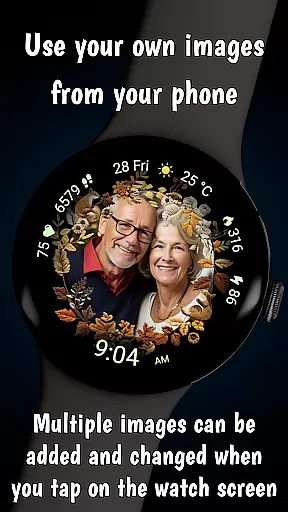
Furthermore, the ability to add multiple photos and change them directly from the watch adds a layer of convenience and dynamic personalization. Users can switch between images of loved ones, pets, travel memories, or motivational snapshots effortlessly, ensuring their watchface remains fresh and meaningful. This feature transforms the smartwatch into more than just a timekeeping device; it becomes a personal gallery that reflects the wearer's emotions and experiences.
Authenticity is at the core of the Autumn Photo Frames watchface, which allows users to infuse their smartwatches with genuine personal memories. Unlike generic watchfaces, this app enables users to upload their own images through a companion app, ensuring that every photo frame tells a real story. This level of personalization is supported by expertly designed autumn themes that incorporate seasonal colors, leaves, and decorative elements, all crafted to enhance the emotional connection between the user and their device.
The app also emphasizes credibility through its detailed feature set, including accurate health metrics like heart rate and step count, as well as reliable weather information displayed with precise temperature readings and condition icons. These features are integrated seamlessly into the design, offering both aesthetic and functional value. By focusing on delivering trustworthy data alongside customizable visuals, the watchface establishes itself as a credible tool for everyday use.
Moreover, the promotional materials clarify that all images used in marketing are AI-generated, reinforcing transparency about content origins. This commitment to honesty extends to the product's technical requirements, specifying compatibility with Wear OS 6 or newer. Such clear communication builds trust with potential users, assuring them that they are investing in a high-quality, authentic lifestyle enhancement for their smartwatches.
Highly customizable
Beautiful autumn themes
Real-time health metrics
Weather integration
User-friendly interface
Wear OS 6 required
Limited to autumn designs
Companion app needed
Premium pricing
No automatic photo sync

Discover how to help puppies stay calm around noise with this helpful app.
 4.3
4.3
Smart controls for your Ember Smart Mugs
4.10
Designed to delight, impress and energize your festive spirit every single day
4.3
BILT interactive 3D instructions help you get the job done right
3.50
Premium floor cleaning robots
4.50
Have your Tehillim with you at all times
4.70
Share opinions, get paid cash
4.30
The Wyze app is your gateway to a smarter life and a safer home.
4.40
Create slime on your phone and enjoy satisfying and relaxing ASMR games
4.50
Made To Order Faves
4.70
Stay connected with your loved ones & vehicles | Share live GPS location updates
4.60
Earn money & gift cards when you take surveys, play games, scan receipts & more.
4.50
Zodiac & Horoscope Launcher: Daily Sign Predictions & Astrology
4.40
Discounts, savings, and rewards
4.20
SmartHQ: Your Connected Home Command Center
4.10
Duo Watch Face (animated)
4.2
Immerse yourself in the serenity of lavender fields and white butterflies
4.5
A daily quote for success
4.3
A uniquely designed isometric digital watch face made for Wear OS
4.2


User Reviews