
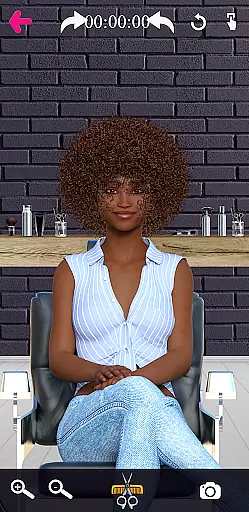
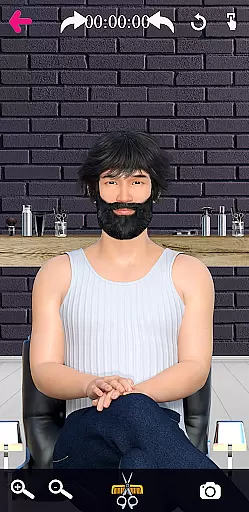
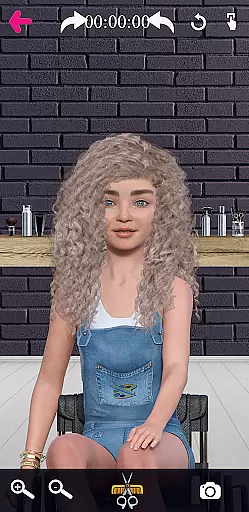
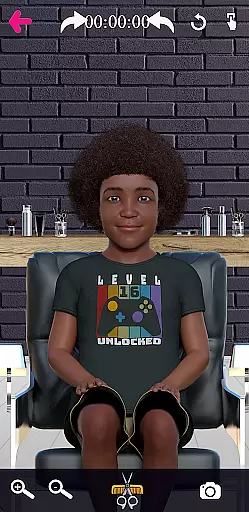
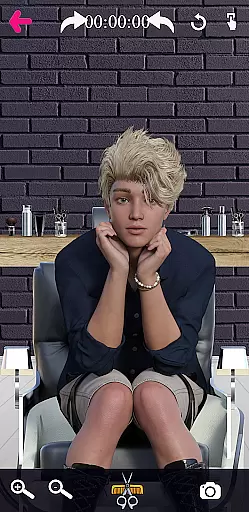
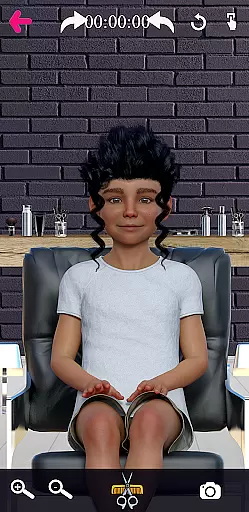

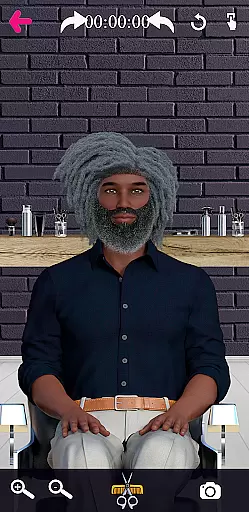
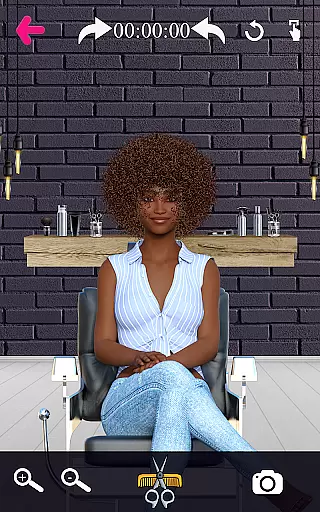
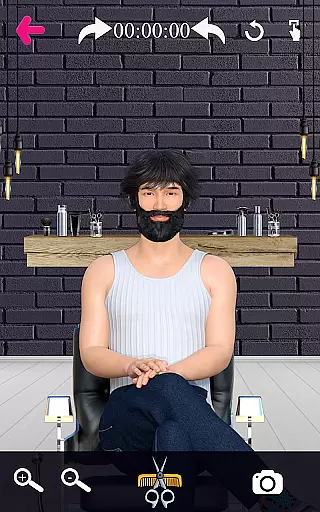
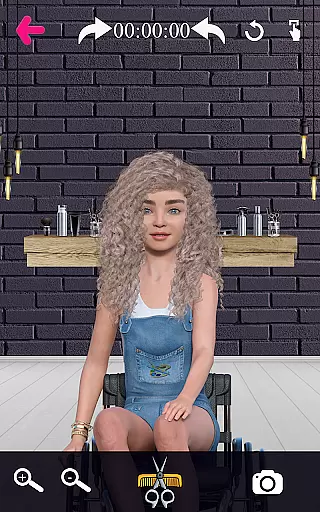
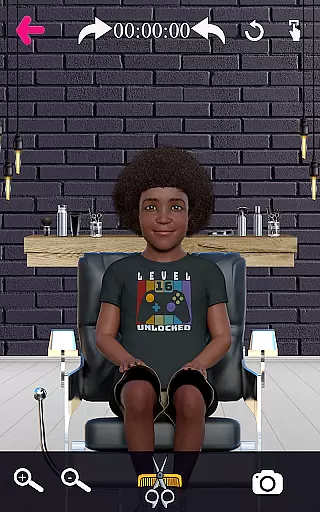
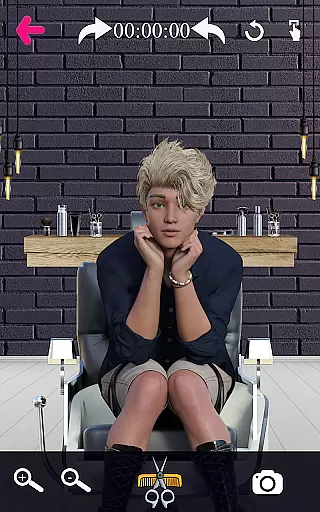
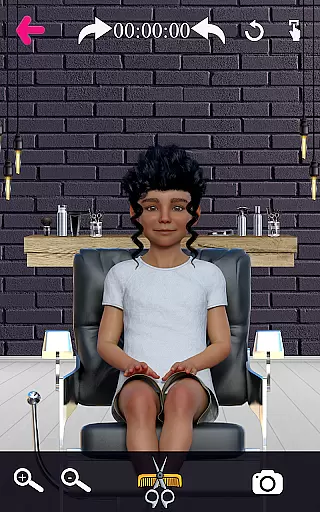
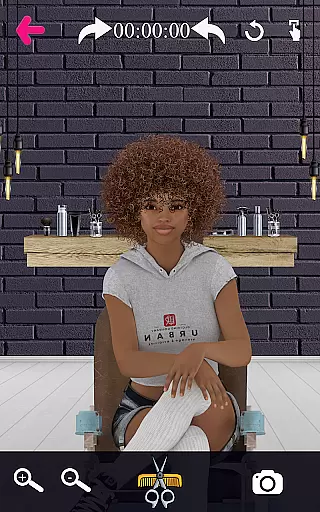
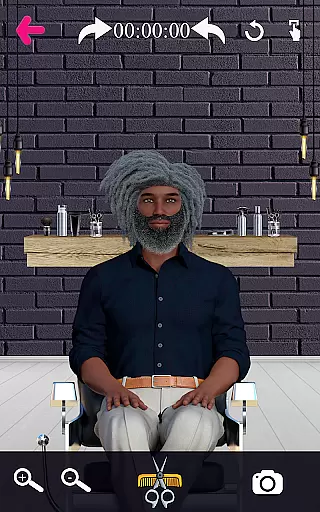
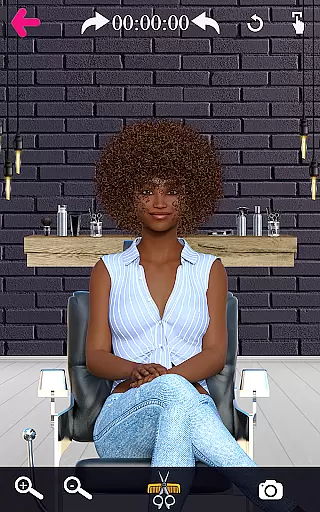
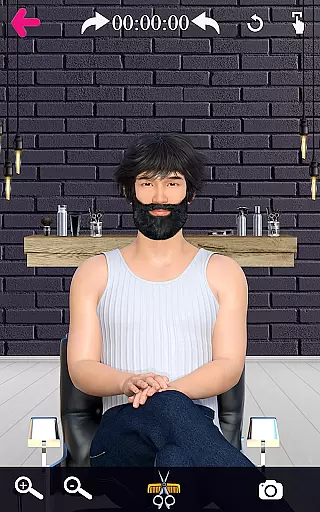
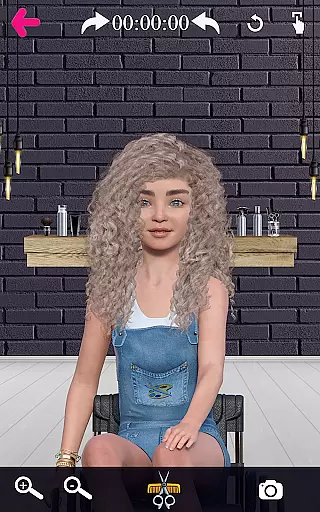
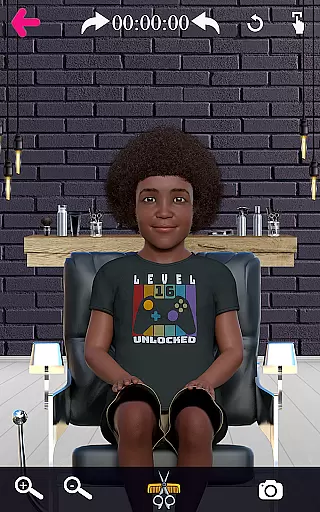
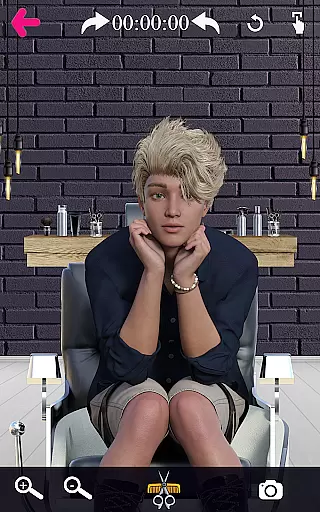
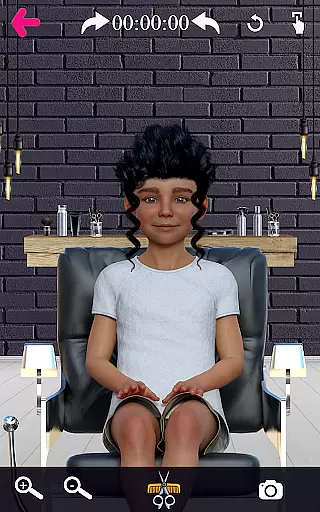
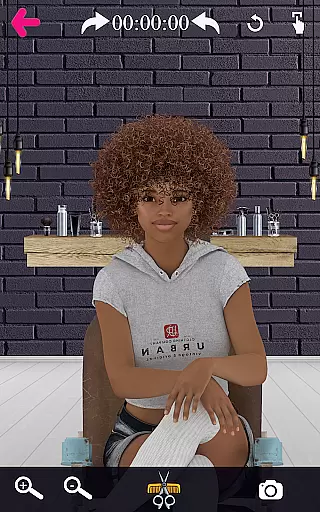
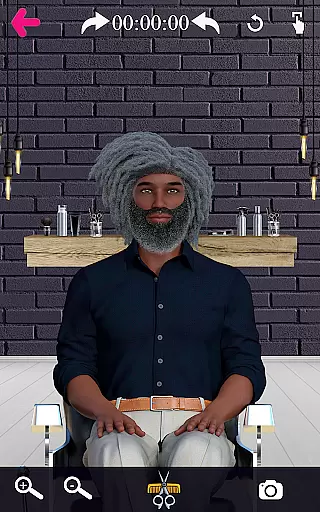
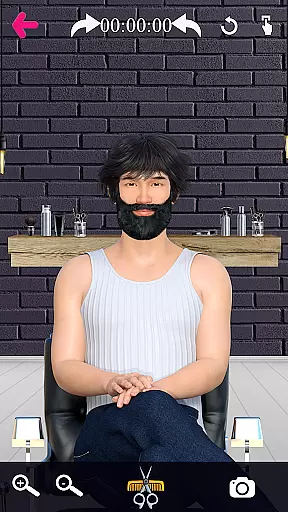
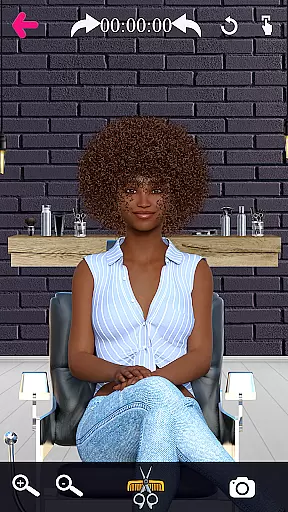
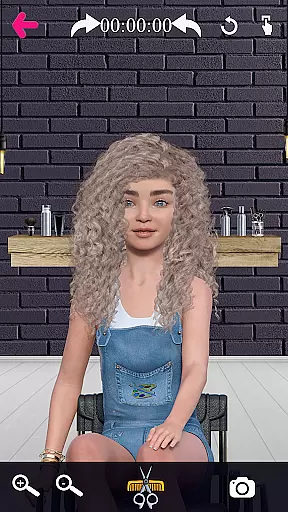
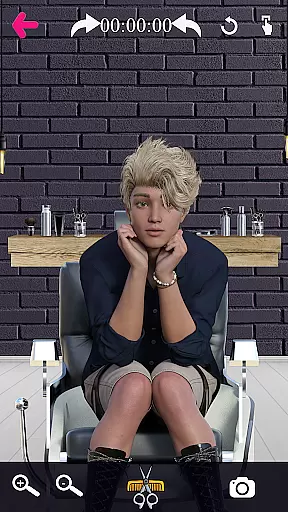
Barber Chop is a creative and educational game designed for aspiring barbers, stylists, and anyone with an interest in hairstyling. The app features 28 diverse characters representing various ethnicities, cultures, and backgrounds, including BIPOC, people with disabilities, and Pride/LGBTQAI+ communities. Additionally, there are three holiday-themed characters. This virtual hair salon allows users to experiment with different hairstyles using realistic tools such as clippers, scissors, razors, and clip guards.
The app provides a highly interactive experience by letting users rotate the character's head, zoom in for precision cutting, and even listen to music while styling. It also includes advanced features like undo options, adjustable clip guards, and social media sharing capabilities. Whether you're honing your barbering skills or simply exploring your creativity, Barber Chop offers a realistic and immersive environment that simulates being in an actual barber shop or beauty salon.
This app is especially useful for those pursuing a career in cosmetology, offering a hands-on learning module to practice techniques like fades and intricate designs. With its inclusive character selection and detailed hairstyling options, Barber Chop caters to both professional training and casual enjoyment.
Barber Chop stands out with its rich set of features tailored for an engaging hairstyling experience. One of its key highlights is the diverse range of characters, each meticulously designed to represent different ethnicities, genders, and cultural backgrounds. Users can choose from 28 unique characters, including individuals with vitiligo, disabilities, and LGBTQAI+ representation, along with three festive holiday characters.
The app offers a variety of hairstyling tools such as clippers, scissors, razors, and clip guards, enabling users to perform detailed cuts and styles. Advanced functionalities include zooming options for precision work, an undo button for corrections, and adjustable clip guards for creating fades. Additionally, users can share their creations on social media platforms like Facebook, Instagram, and Twitter directly from the app. A built-in timer tracks how long each hairstyle takes, adding a competitive element to the experience.
Other notable features include background music options, a camera function to save finished looks, and a rotation tool for accessing different angles of the character's head. These comprehensive features make Barber Chop not only a fun game but also a valuable learning tool for current and prospective hairstylists.
Barber Chop offers an extensive product database that caters to a wide range of beauty and hairstyle needs. The app includes 28 diverse characters representing various ethnicities, cultures, and backgrounds, including BIPOC (Black, Indigenous, People of Color), people with disabilities, and Pride/LGBTQAI+ communities.
Each character comes with unique features such as vitiligo, disabilities, and cultural distinctions, providing users with a rich variety of hairstyles to practice on. This diversity ensures that users can explore different hair types and styles, enhancing their understanding and skills in catering to all client needs.
The inclusion of holiday-themed characters adds another layer of creativity and engagement. Users can experiment with festive hairstyles, making the learning experience both educational and enjoyable. This comprehensive database empowers future barbers and stylists to gain practical knowledge in a virtual setting.
Personalization is at the core of Barber Chop's user experience. With precise tools like clippers, scissors, razors, and clip guards, users can create detailed and customized hairstyles. These tools allow for meticulous adjustments, enabling users to achieve the perfect cut or design they envision.
The app also features adjustable clip guards that reduce hair thickness, facilitating advanced techniques such as fades. Additionally, the zooming options for most characters ensure accuracy in cutting and designing, allowing users to focus on intricate details with ease.
Barber Chop further enhances personalization by offering social media sharing capabilities. Users can showcase their creations on platforms like Facebook, Instagram, and Twitter, receiving feedback and demonstrating their skill progression. This feature not only fosters a sense of community but also motivates continuous improvement and creativity.
User-friendly interface
Diverse character selection
Realistic hairstyling tools
Social media integration
Inclusive representation
Limited advanced tutorials
No multi-language support
Occasional performance lags
Basic graphics quality
Few holiday characters

Crown Heart Emoji Photo Editor has given you the chance to look cute girl
 4.40
4.40
Use your phone as a makeup mirror, shaving mirror. Magnifying mirror with light!
4.80
Beauty camera & Selfie camera for perfect selfie with filter, sticker, makeup
4.70
Beauty/age defining ai coach guides you through the exercises in daily routine.
3.30
Create, design and dress up your own beautiful characters in cute fashion styles
3.50
Beauty Mirror - True mirror app with light, shaving mirror, makeup mirror app
4.50
Mirror app that shows your image with photo editor, zoom and light!
4.70
Monthly Perfume Subscription
4.70
Beauty for every eye, lip & face. Earn rewards, play games, connect with others.
4.30
Book your appointments
4.90
Beauty Camera & Selfie Camera snap Beauty selfie with filter, makeup, stickers
4.80
Unique selfie filter camera! Upload live sticker & face filter every week!
4.70
Transform your sweet selfies with Selfie Beauty Camera Filters And Effects!
4.60
Beauty camera for perfect selfie with makeup, sticker and filter
4.50
A tool that brings skin care and technology together at your fingertips.
4.50
Hair style app, Face shape finder, Face shape, Hair style, Face shape detector
4.30
Glow up with science: cosmetics, ingredients scanner, tracking & face analysis
4.10
Try On Style with AI: Virtual Dressing Room & Personal Fashion Stylist App
4.00
Never run out of your go-to beauty & get 5% off with auto-replenish deliveries!
4.00


User Reviews