

Get roadside help, discounts, travel tools & more — AAA is with you everywhere.
 4.80
4.80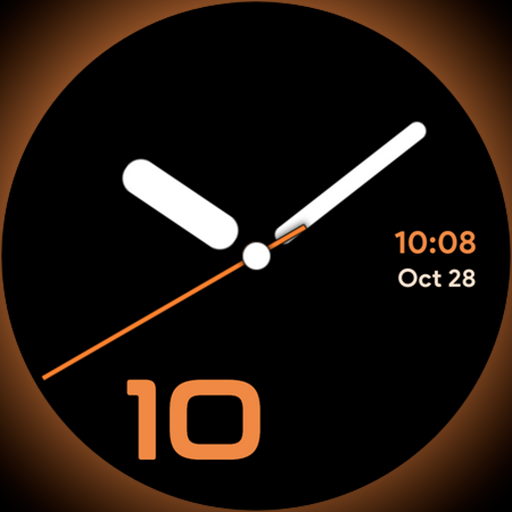
Unique Dark Analog style for Wear OS watches.
4.0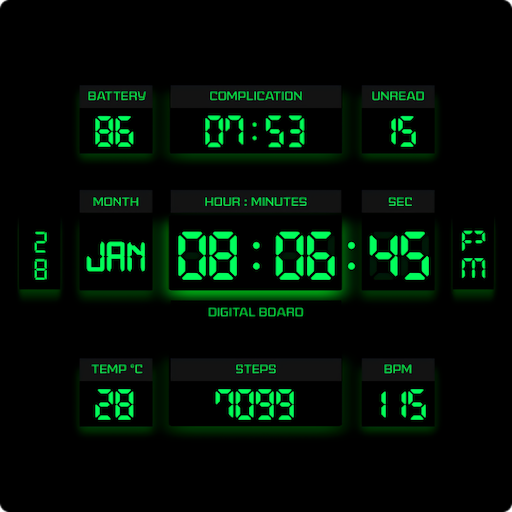
This minimalist yet classic board design brings a futuristic twist to your wrist
4.20
Play. Earn. Repeat. Get rewarded for playing mobile games. Welcome to Mobius!
4.80
Get the news, events and savings that matter to you with AARP Now.
4.80
Mixing Colors for Menswear
4.20
An Eerie Musical Trigger Toy for Spirits to Play with!
3.50
PARAVOX 4 is a professional ITC paranormal research application.
4.50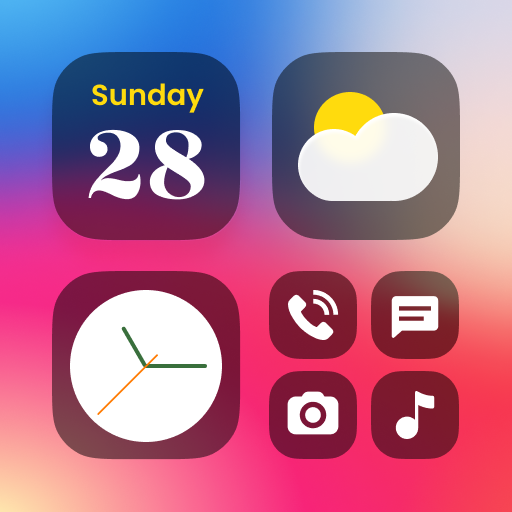
Decorate your home screen with custom icons, color widgets, themes & wallpapers
4.70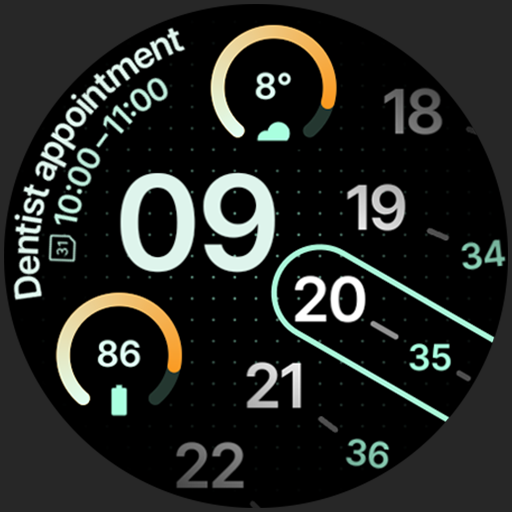
A unique and customizable watch face which rotates its layout every minute.
4.80
See wait times and check into a hair salon ahead of time with Online Check-In.
4.80
Smart & Healthy Living
4.60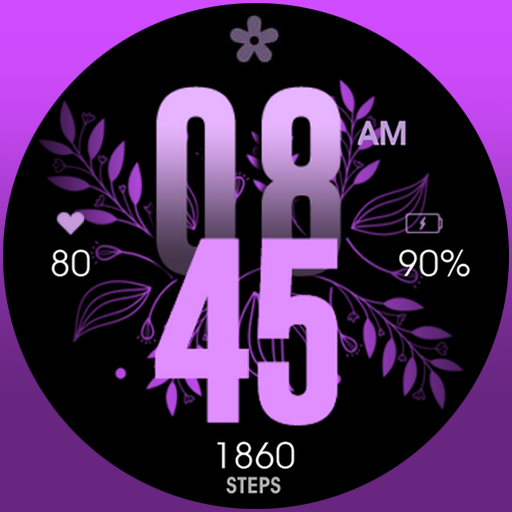
Colorful selection floral watch face with gyro for Wear OS
4.60
Earn money & gift cards when you take surveys, play games, scan receipts & more.
4.50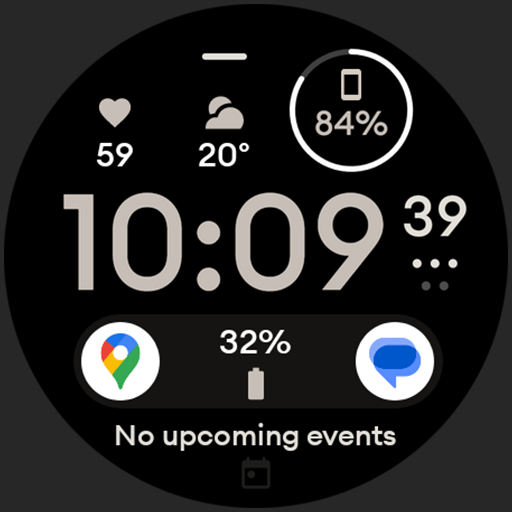
Digital watch face design. Modern looking, hi-res & battery friendly.
4.00
Spiritus Ghost Box is an Audio and Visual ITC tool for paranormal research.
4.00
Connect to your Shark ROBOT™ from anywhere using the SharkClean™ App.
3.60
LineLearner, the quick way to learn lines.
2.90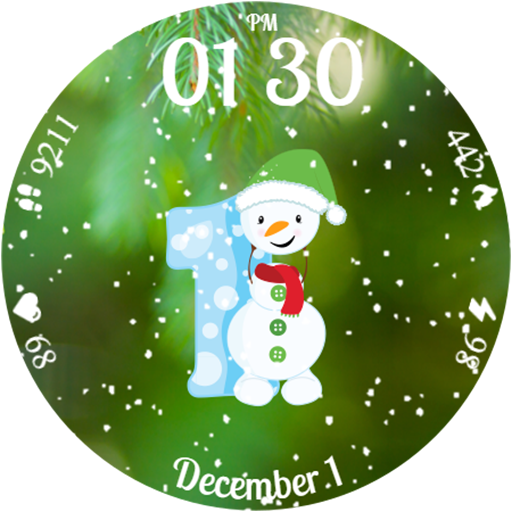
Celebrate the holidays with Advent Calendar: daily surprises and festive fun!
4.5


