
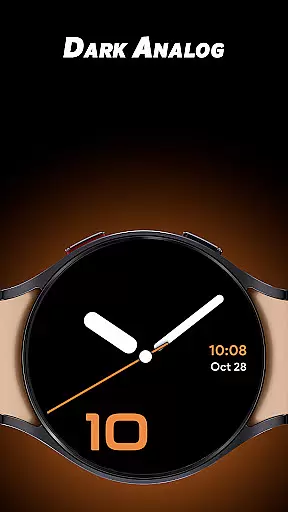
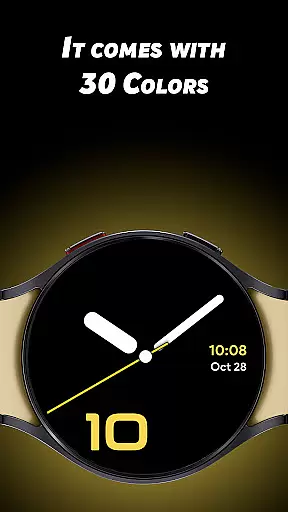
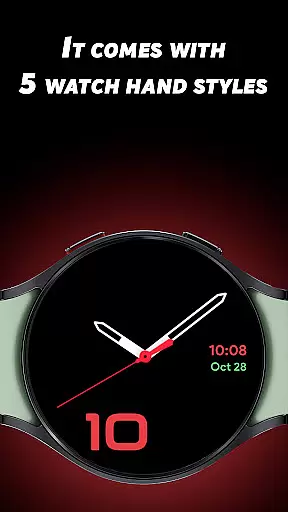
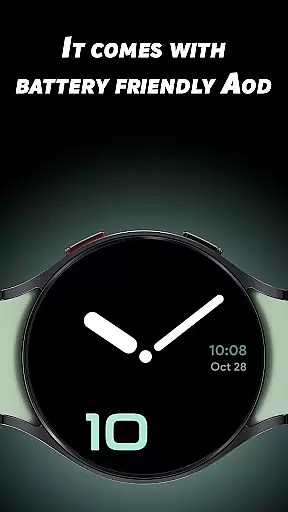
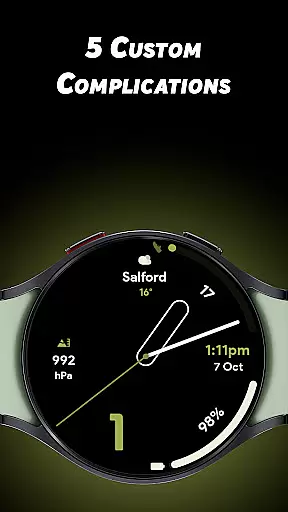
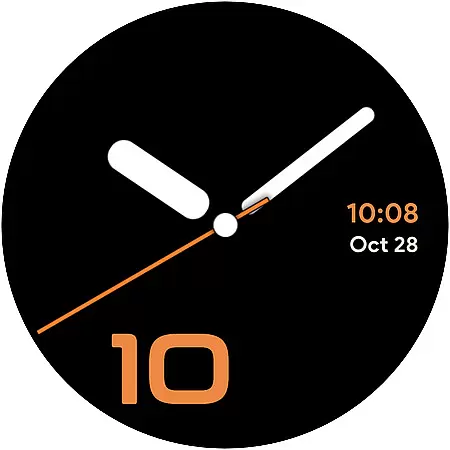

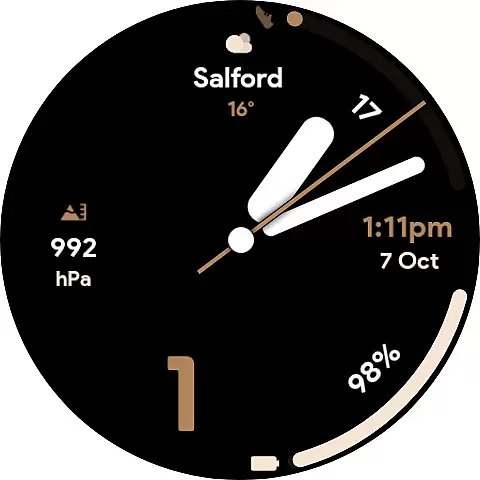
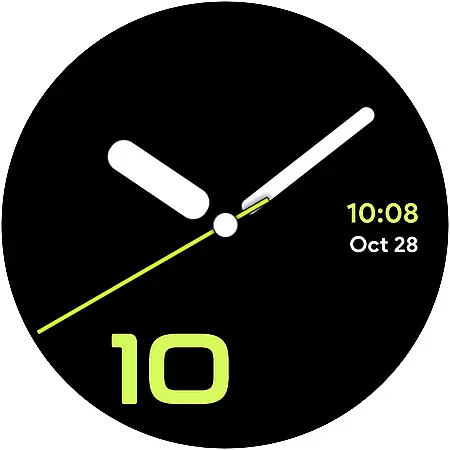
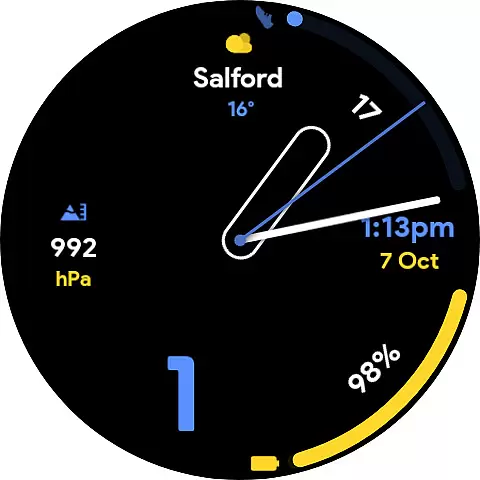
Dark Analog is a distinctive watch face app designed specifically for Wear OS devices, offering users a unique and customizable timekeeping experience. With its dark analog aesthetic, the app provides 30 captivating color options and 5 distinct watch hand styles, allowing for personalized looks that suit individual preferences.
In addition to its stylish design, Dark Analog includes 5 custom complications that enable users to display their favorite data directly on the watch face. Whether you want to monitor your fitness goals or stay updated with notifications at a glance, this app seamlessly combines functionality with aesthetics. Its battery-friendly Always-On Display (AOD) ensures extended usability without compromising style.
Dark Analog stands out with its extensive customization options, making it more than just a typical watch face app. Users can choose from 30 unique colors to create a look that matches their personal style. The 5 different watch hand styles add another layer of personalization, ensuring that each user's watch face is truly one-of-a-kind.
The inclusion of 5 custom complications allows users to tailor their watch face to display relevant information such as weather updates, fitness stats, or calendar events. This practical feature enhances daily productivity by keeping important data easily accessible. Furthermore, the app's battery-friendly Always-On Display technology optimizes power consumption while maintaining visibility, providing both convenience and efficiency for smartwatch users.
Dark Analog watch face offers extensive lifestyle category coverage by providing users with a highly customizable experience tailored to their preferences. With 30 unique color options, the app ensures that every user can find a look that resonates with their personal style.
In addition to color variety, the app includes five distinct watch hand styles, allowing users to further personalize their Wear OS watch. This level of customization ensures that whether you prefer a classic or modern aesthetic, Dark Analog has a design that fits your lifestyle needs.
The inclusion of five custom complications enhances the utility of the watch face by enabling users to display the data most relevant to them. Whether it's weather updates, fitness metrics, or calendar events, this feature ensures that essential information is always accessible at a glance.
When it comes to content authenticity, Dark Analog stands out by offering genuine and high-quality customization options that are designed to enhance the user experience on Wear OS devices. Each of the 30 colors and 5 watch hand styles has been carefully crafted to ensure visual appeal and uniqueness.
The app's commitment to expert credibility is evident in its attention to detail and functionality. The custom complications are not just visually integrated but also optimized for performance, ensuring that users receive accurate and timely information without compromising on design.
Furthermore, Dark Analog's battery-friendly Always-On Display (AOD) mode demonstrates a deep understanding of wearable technology. This feature provides users with peace of mind, knowing that their personalized watch face will not unduly impact the battery life of their device, thus maintaining both form and function throughout the day.
Highly customizable
Battery efficient
Stylish designs
User friendly
Versatile complications
Limited to Wear OS
Few hand styles
No digital option
Premium cost
Complex settings

Cute Adorable Animals now on your wrist with our Wear OS watch face!
 4.40
4.40
Designed to delight, impress and energize your festive spirit every single day
4.4
What is my face shape? Find out your face shape from picture, see fitting frames
3.90
Use your device sensors to detect energy and convert it into spoken words.
4.10
This is a simple and highly functional alarm clock "Smart Alarm" paid version.
4.20
Good magnifier app to see tiny things bigger and more clearly!
4.80
Connect to your Shark ROBOT™ from anywhere using the SharkClean™ App.
3.60
Made To Order Faves
4.70
The cutest Autumn watchface featuring the adorable Mr. Squirrel
4.1
Smart & Healthy Living
4.60
Premium floor cleaning robots
4.50
Get your life organized with My Agenda!
4.30
Unique informative Dial with Live Moon Phase at a glance!
3.60
BILT interactive 3D instructions help you get the job done right
3.50
Easily manage your child's playtime, spending messaging and more.
3.50
An Eerie Musical Trigger Toy for Spirits to Play with!
3.50
Turn your watch into a key fob for your Tesla
2.90
LineLearner, the quick way to learn lines.
2.90
Big bold weather watch face with dynamic backgrounds and 3 complications
4.4


User Reviews