
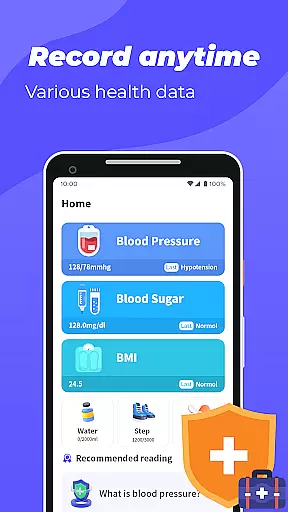
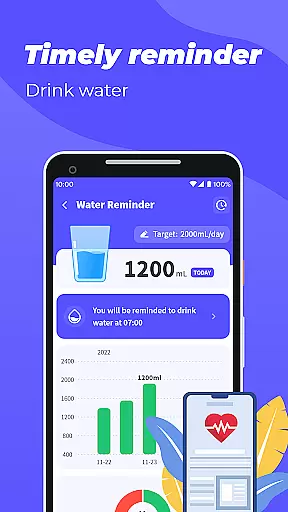
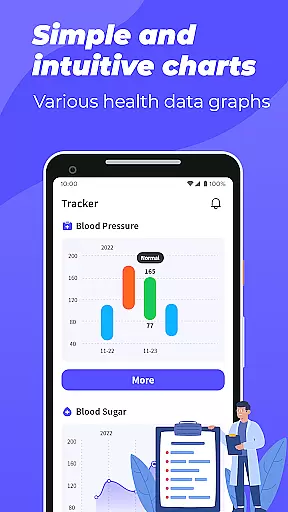
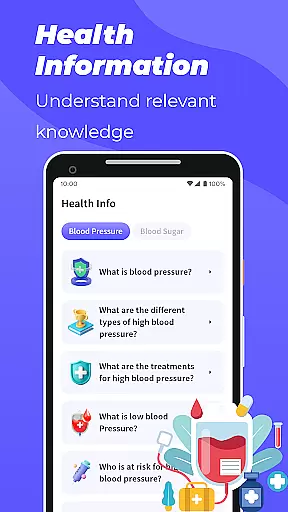
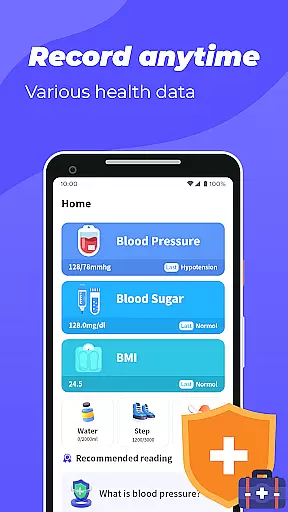
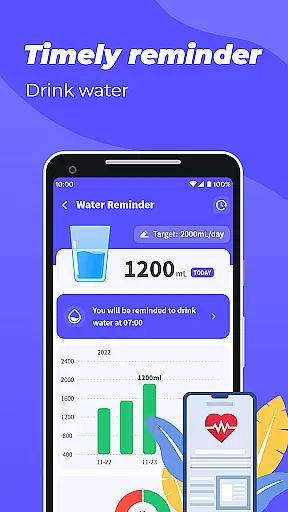
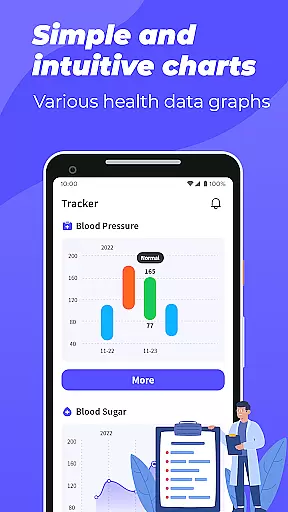
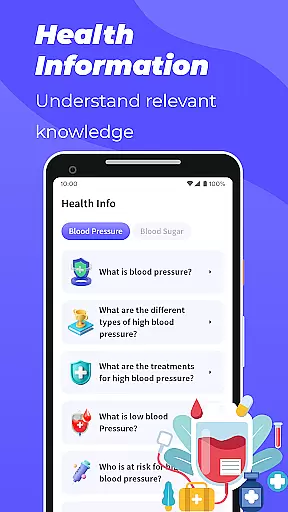
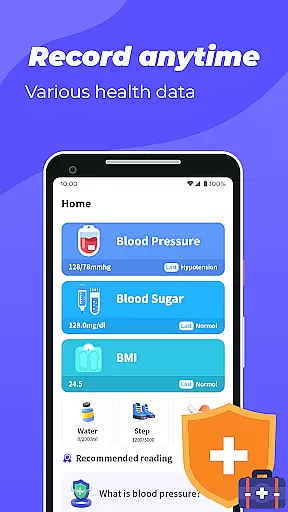
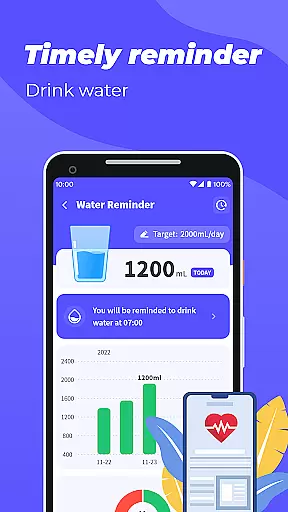
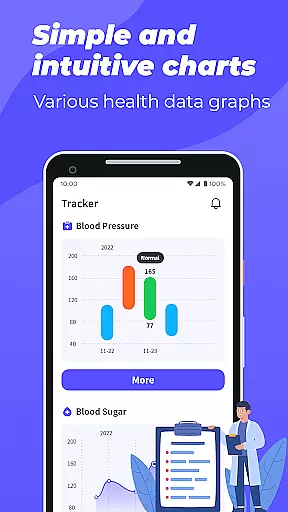
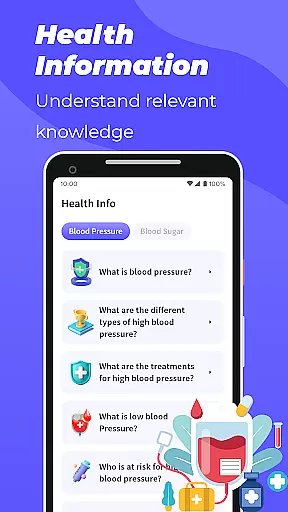
Blood Pressure App is a comprehensive health tracking tool designed to help users monitor and manage key health metrics. The app allows you to record and track blood pressure, blood sugar levels, and BMI through intuitive graphical representations. By providing detailed trend analysis, it empowers users to better understand their health patterns over time.
In addition to data tracking, the app offers educational content on blood pressure and blood sugar management, making it a valuable resource for health-conscious individuals. Whether you're looking to maintain a healthy lifestyle or need to monitor specific health indicators, this app provides the tools necessary to stay informed and proactive about your well-being.
Blood Pressure App stands out with its robust feature set tailored for health monitoring. Users can log their blood pressure and blood sugar readings directly into the app, which then generates easy-to-understand graphs displaying trends over time. This visual representation helps users identify fluctuations and patterns in their health metrics.
The app also includes a BMI calculator that uses user-inputted height and weight to determine if their BMI falls within a healthy range. Additionally, the app provides access to educational materials covering topics like blood pressure and blood sugar management. These resources ensure users are well-informed about maintaining optimal health. It's important to note that while the app offers valuable insights, it is not a substitute for professional medical advice.
Personalized planning in health applications is crucial for tailoring individual health management strategies. Blood Pressure App offers a comprehensive approach to personalized health tracking by allowing users to record and monitor their blood pressure, blood sugar levels, and BMI.
The app provides graphical representations of blood pressure and blood sugar trends over time, enabling users to identify patterns and make informed decisions about their health routines. By inputting weight and height, users can also calculate their BMI, ensuring they maintain a healthy lifestyle.
This personalized data collection empowers users to take charge of their health with customized insights. The ability to visualize health metrics fosters a proactive approach to wellness, encouraging timely consultations with healthcare professionals when needed.
Visualizing progress is essential for maintaining motivation and achieving health goals. Blood Pressure App excels in presenting users' health data through easy-to-understand graphs that depict trends in blood pressure and blood sugar levels.
These visual tools help users quickly grasp their health status and track improvements or declines over time. With clear, visual feedback, individuals can adjust their lifestyle choices and interventions effectively.
Moreover, the app's progress visualization aids in educating users about their health conditions. While it does not offer medical guidance, the visual data serves as a valuable resource during consultations with healthcare providers, facilitating more informed discussions and decisions.
User-friendly interface
Comprehensive health tracking
Educational content included
Graphical trend analysis
Free to use
No direct measurement tools
Limited to manual data entry
No integration with health devices
Premium features locked behind paywall
Occasional ads in free version

Text notifications, button control, heart monitor & more for your Amazfit.
 2.40
2.40
Your Health Has Met Its App (℠)
3.90
The Wear OS BeechBand app is designed to alleviate anxiety and other conditions
4.0
Personal Measurements - Track your gains!
4.50
Period Tracker, the easiest way to track your periods!
4.50
Grow with self-tests and personal routine.
4.30
FitCloudPro takes care of your health every minute.
3.70
Track sleep cycle, relax with white noise, sleep sounds & smart alarm clock
3.80
Scan food & cosmetic products and evaluate their impact on your health
4.80
Meditation app, head space app provides calm music to help you meditate & sleep
5.00
Show your support for the development of FitNotes - Gym Workout Log
4.90
Drink water reminder app. Track water intake. Smart simple hydration tracker.
4.70
Your AI pet BFF. Talk, play, and beat anxiety in this calming game.
4.60
The simplest way to track your 21 Day Program containers, exercises, and water.
4.50
Raccoon AI Calorie Counter. Intermittent Fasting & Timer. Macro, Carb, Protein
4.50
Chair Workout: Women's Edition for safe, flexible, and personalized fitness.
4.40
Monitor, analyze, track, and convert blood sugar & help you control diabetes.
4.10
Pupillary distance PD with camera quick and easy, checking glasses frames on you
3.70
3D Body Measurement System
3.60


User Reviews