
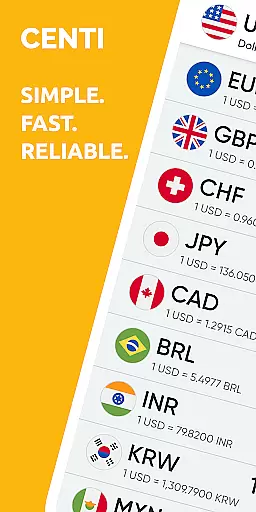
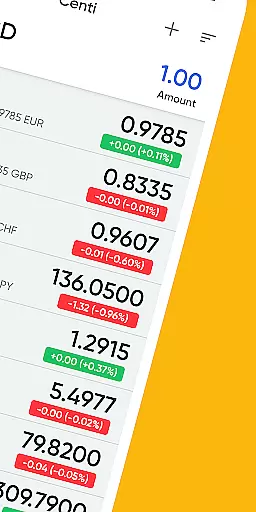
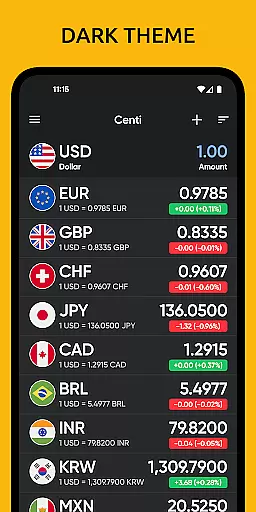
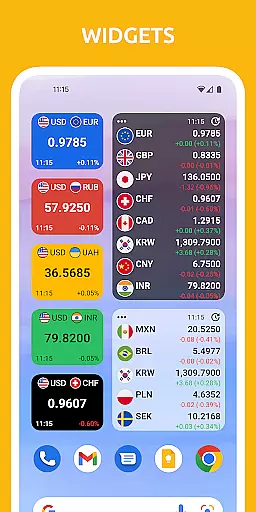
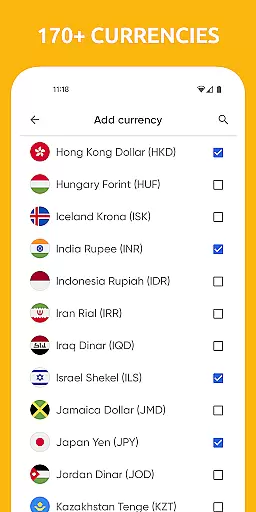
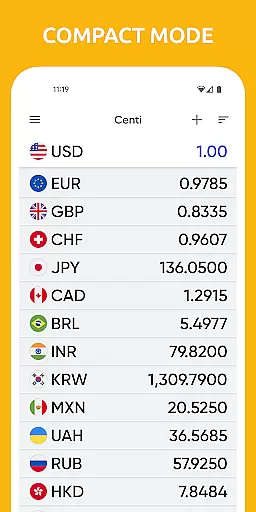
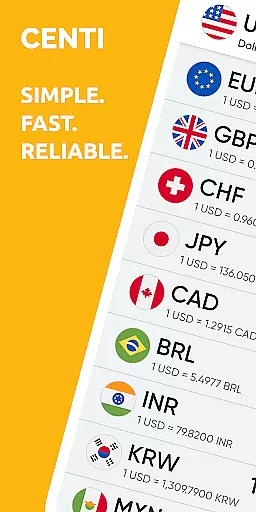
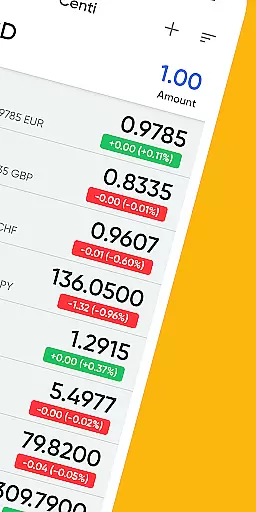
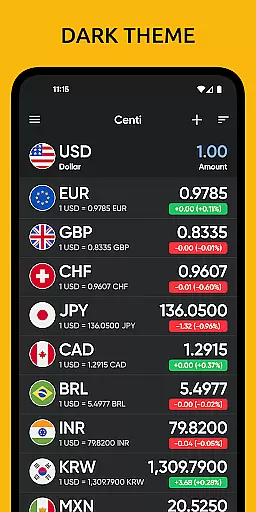
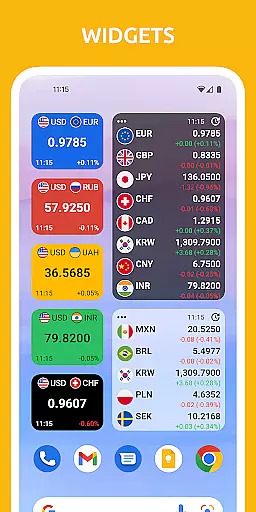
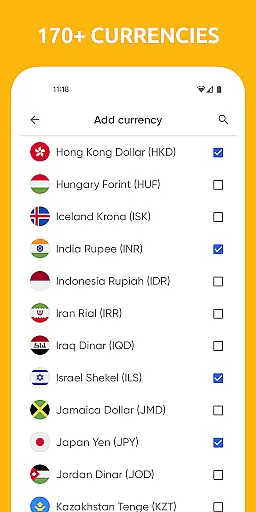
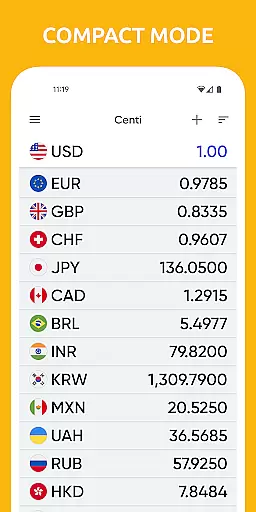
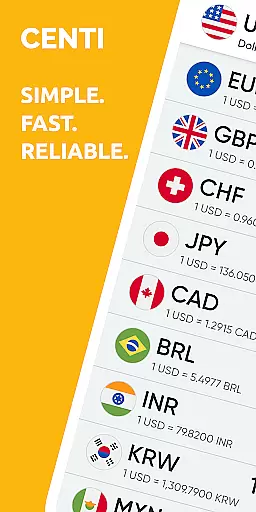
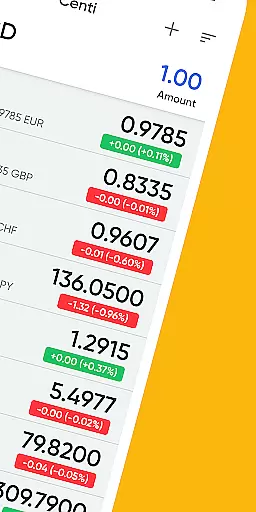
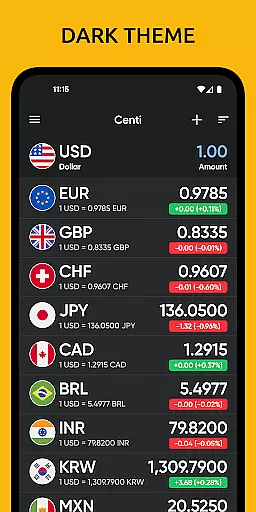
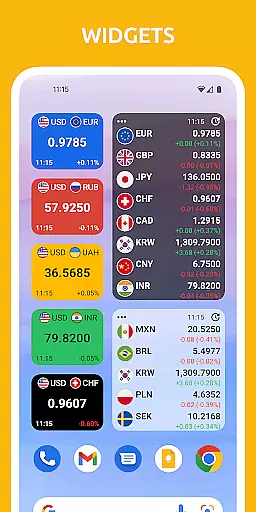
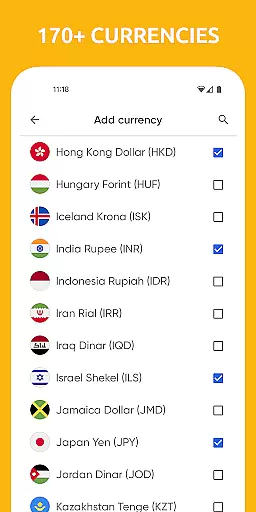
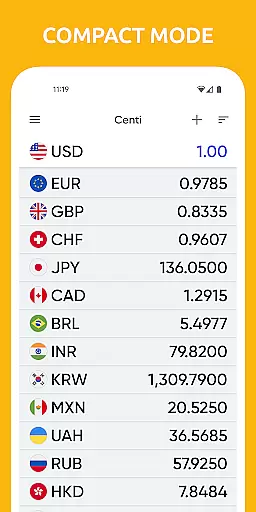
Centi PRO is a premium currency converter app designed for users who require accurate and up-to-date exchange rate information without interruptions from advertisements. Supporting over 170 currencies, this app offers quick access to essential conversions, making it ideal for travelers and those monitoring foreign markets. Its offline functionality ensures that users can rely on the last updated rates even without an internet connection.
The app stands out with its customizable features such as creating custom currencies, setting Wi-Fi only data downloads, and adjusting the frequency of rate updates. With a clean interface, Centi PRO saves time and enhances productivity, while also providing historical currency charts for deeper insights into currency trends.
Centi PRO boasts a comprehensive set of features tailored for both casual and power users. The app supports more than 170 currencies and provides widgets for quick access. One of its unique capabilities is allowing users to create custom currencies with specific attributes like price, name, and symbol.
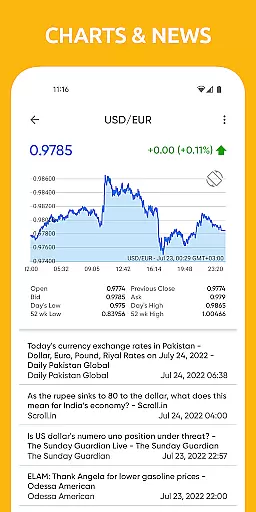
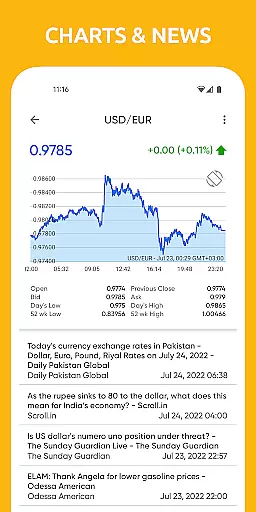
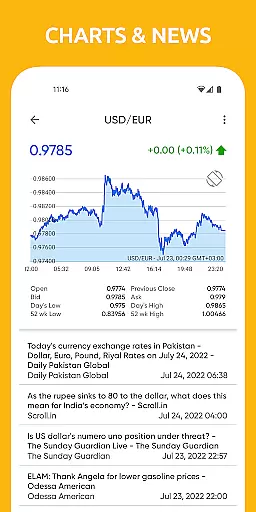
For convenience, the app downloads data only when in use, ensuring optimal battery life by avoiding background services. It stores the latest exchange rates locally, enabling offline functionality. Users can copy calculation results and view historical currency charts spanning various periods, from one day to five years, offering valuable insights into currency performance.
When it comes to financial applications like Centi PRO - Currency Converter, account and fund security is of utmost importance. This app ensures that your data remains private and secure through various means.
Centi PRO provides a secure environment for all your currency conversion needs without compromising on privacy. It does not run background services or download data unless you are actively using the app, which significantly reduces any unauthorized access to your information.
The app also allows users to personalize their settings such as setting Wi-Fi only data download, thus giving control over when and how data transactions occur. With no background data download, the battery is optimally used and sensitive information is accessed only when necessary.
Moreover, the exchange rates are cached locally once downloaded, allowing the app to function offline and ensuring that your last updated exchange rates are available even without an internet connection. This feature not only adds convenience but also enhances security by minimizing the need for constant online transactions.
A seamless transaction experience is vital for any finance application, and Centi PRO - Currency Converter excels in providing up-to-date exchange rate information for over 170+ currencies efficiently.
With its user-friendly interface, Centi PRO makes converting currency straightforward and fast. Users can view historical currency charts for any two currencies with options ranging from 1-day to 5-years, making tracking financial trends easy and accessible.
The app updates exchange rates on demand or automatically at predefined intervals, ensuring that users always have the most current information at their fingertips. The frequency of these updates can be personalized according to individual preferences, enhancing user control over their financial insights.
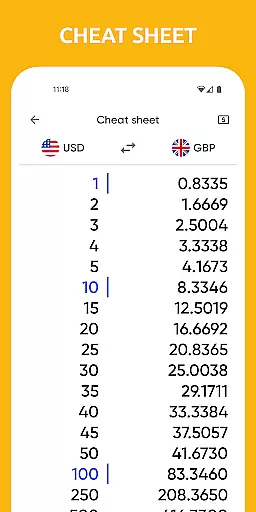
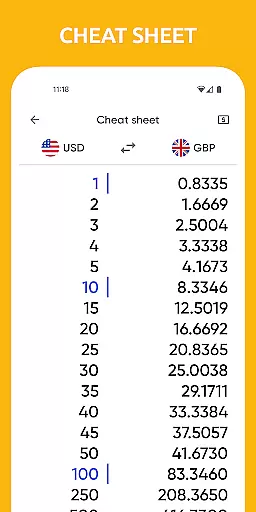
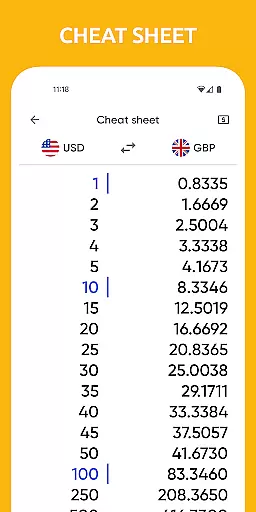
Additionally, Centi PRO's ability to copy calculation results directly from the app adds another layer of functionality, streamlining the process of managing international finances whether for personal travel or monitoring foreign markets. This efficient transaction experience helps maintain productivity while keeping users informed about global monetary shifts.
AD-FREE experience
Offline functionality
Custom currency creation
Optimal battery use
Trusted exchange rates
No real-time updates
Limited chart options
Premium version cost
Occasional API issues
Interface not intuitive

Over 180 currencies conversion rates with live exchange rates and offline mode.
 4.60
4.60
Manage your Discover account conveniently from anywhere.
4.80
Manage your prepaid cards and add to Google or Samsung Wallet.
4.60
Retirement plan, IRA, retail and HSA customers serviced by Empower.
3.10
Get 250$ Cash Advance to solve emergencies instantly in loan app called LendMe
4.70
Manage and cancel subscriptions, lower bills, track expenses, create budgets.
4.60
Simple & secure international money transfers - for personal & business needs.
4.80
NFC mobile payment app Use your phone as a contactless bank card
4.00
Venmo is the fun and easy way to pay and get paid.
4.10
PayMe helps you claim money from settlements on companies that harmed you.
4.80
Check EBT, SNAP, WIC balances, manage food stamps, and save money with benefits
4.80
Money App - Earn Cash back, Fast Cash Advance, Personal Loan Offers, Banking
4.70
Send money and bitcoin easily. Invest, bank and do more with your money
4.70
Get up to 500, get paid early, earn interest and find work with no hidden fees.
4.40
Amazing Financial Calculator. Based on HP 10bII, but easier to use!
4.40
The PayPal app is the secure way to send and receive money, shop and pay in 4.
4.20
Invest, bank & save in one app. Trade stocks, earn high APY & budget smarter.
4.00
View BSC Transactions for multiple accounts
3.90
Bitcoin gpu app helps you remote mine using your cell phone easily .
3.60


User Reviews