
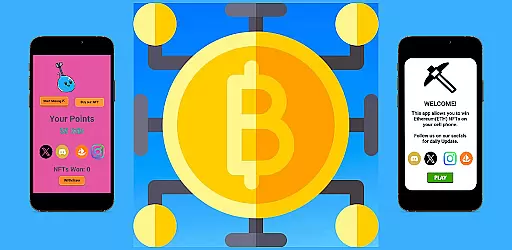
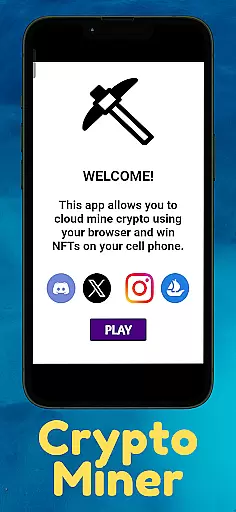
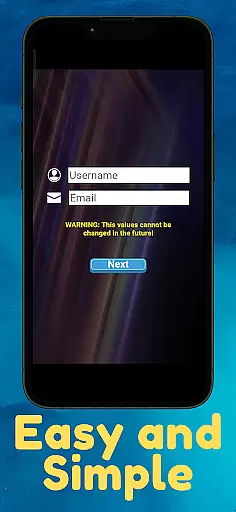
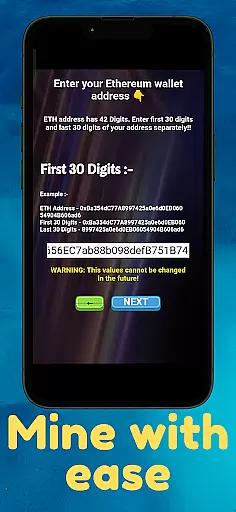
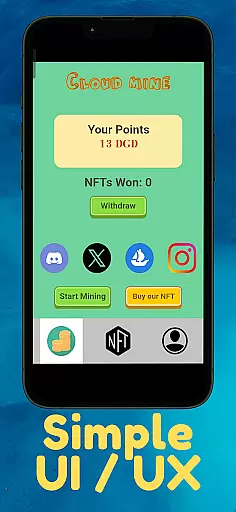
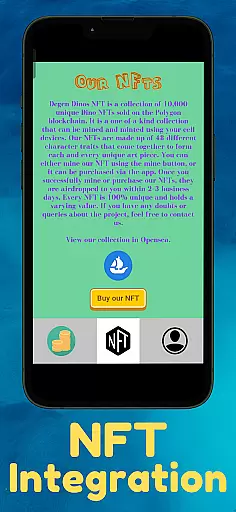
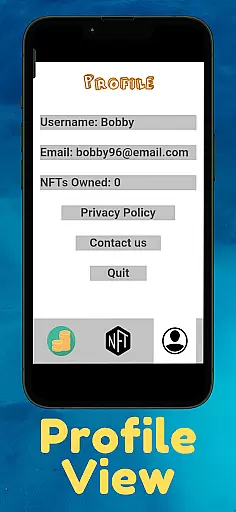
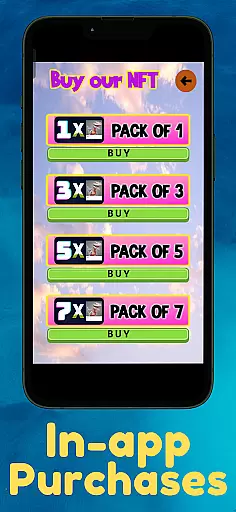
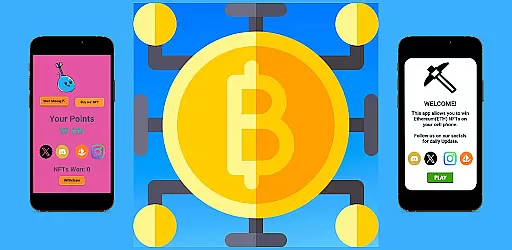
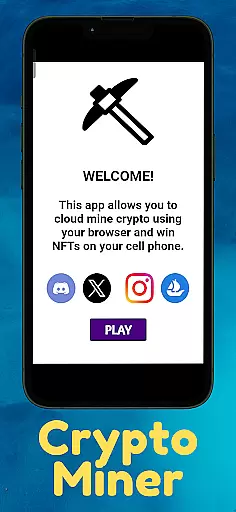
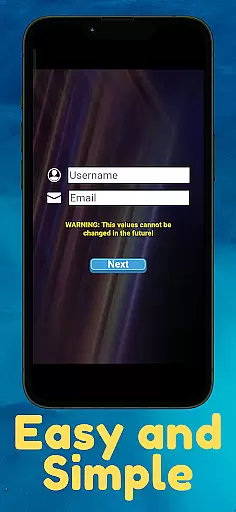
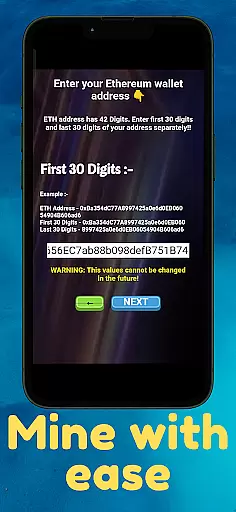
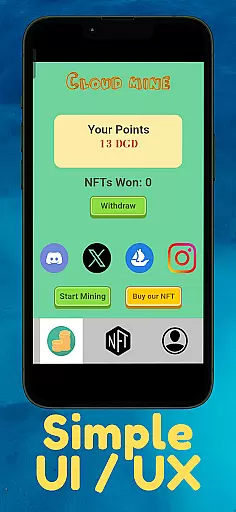
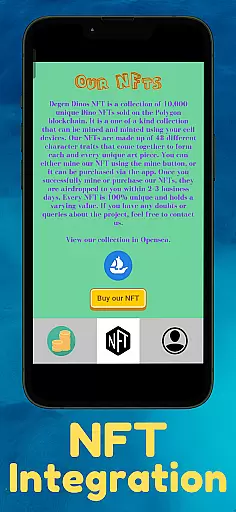
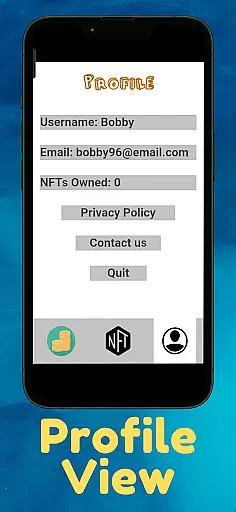
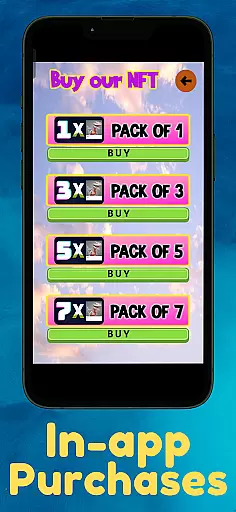
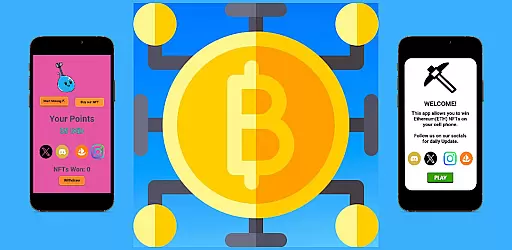
Bitcoin Gpu miner is a cloud-based cryptocurrency management application that allows users to remotely oversee their mining operations and NFT storage. The app establishes a secure connection between the user's mobile device and the mining cloud server, providing real-time access to mining activities.
Despite its name, this is not a traditional mining application but rather a remote management tool for digital assets. Users can conveniently monitor and manage their crypto portfolio directly from their mobile devices, making it an ideal solution for those seeking flexibility in managing their blockchain investments.
The app offers several notable features that enhance the cryptocurrency management experience. Its cloud connectivity enables seamless synchronization with mining servers, ensuring up-to-date information on mining performance and asset storage.
Users can enjoy customizable dashboards to track specific metrics, receive instant notifications about important events, and execute basic management functions such as starting or stopping mining processes. These capabilities make Bitcoin Gpu miner a versatile tool for both novice and experienced crypto enthusiasts.
In the realm of digital finance, safeguarding your assets is paramount. Bitcoin Gpu miner ensures top-tier security protocols are in place to protect your account and funds. The application employs advanced encryption methods to secure your connection to the mining cloud server, where your NFTs are stored.
Furthermore, the app incorporates multi-factor authentication processes to verify user identity, adding an extra layer of security. This means that even if someone gains unauthorized access to your login credentials, they would still need to bypass additional verification steps to access your account.
The developers have prioritized user privacy by implementing strict data protection measures. Any personal information you provide is kept confidential and is not shared with third parties without your consent. This commitment to privacy ensures that your financial activities remain discreet and secure.
A seamless transaction experience is crucial for managing cryptocurrency effectively. With Bitcoin Gpu miner, users can remotely manage their crypto assets directly from their mobile devices. The app provides real-time notifications for every transaction, ensuring you're always informed about the status of your mining activities.
Moreover, the interface is designed to be intuitive and user-friendly, allowing both beginners and experienced miners to navigate effortlessly. Transactions are processed swiftly, providing a smooth experience when interacting with the mining cloud server. This efficiency is vital for maintaining profitability in the fast-paced world of cryptocurrency.
To enhance user convenience, the app maintains a comprehensive transaction history. This feature allows users to track their mining performance over time, analyze trends, and make informed decisions regarding their investments. By offering such detailed insights, Bitcoin Gpu miner empowers users to optimize their mining strategies effectively.
User-friendly interface
Real-time cloud sync
Customizable dashboard
Instant notifications
Remote management
Limited mining control
No direct trading
Premium subscription
Occasional lags
Region restrictions

Currency Converter, Exchange Rates, Widgets
 4.90
4.90
All your crypto & stocks in one secure and trusted app.
4.40
Get, Earn, and Save Money
4.30
Car Insurance Made For You.
4.50
Save, spend & get paid faster²
4.50
Manage your credit card account with the Credit One Bank mobile app.
4.70
Banking, Budgeting & Investing
4.60
Check EBT, SNAP, WIC balances, manage food stamps, and save money with benefits
4.80
The PayPal app is the secure way to send and receive money, shop and pay in 4.
4.20
PayMe helps you claim money from settlements on companies that harmed you.
4.80
Simple & secure international money transfers - for personal & business needs.
4.80
No credit checked needed.
4.80
All expenses at a glance.
4.80
The DailyPay app lets you access earned wages before your next payday.
4.70
Cash Advance, Credit Cards, Credit Lines, Score Monitoring, Saving, Budgeting
4.70
Need help before payday? Get cash advances with no interest or credit checks.
4.60
The all-in-one app to save, earn, travel, and put more money in your pocket
4.50
Mine Bitcoin in the cloud! Earn BTC daily with high-speed mining power.
4.30
Earn money as a tester with Testerup, get cash testing apps and games
4.20


User Reviews