
Turn your watch into a key fob for your Tesla
 2.90
2.90
Stay connected with your loved ones & vehicles | Share live GPS location updates
4.60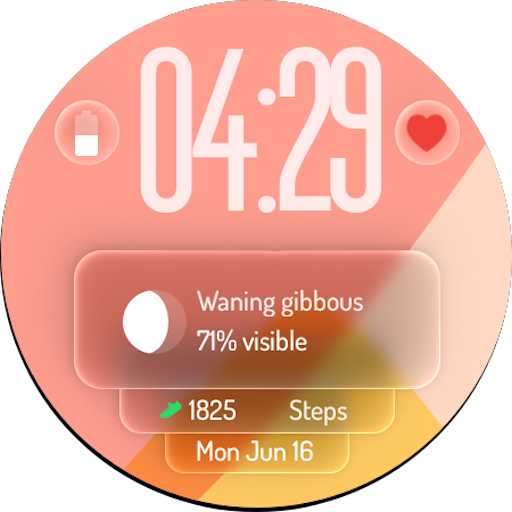
A watch face with transparency and fluid visuals inspired by liquid glass design
4.5
Tap to the beat with interactive videos — warm up your reflexes & have fun
4.70
Spiritus Ghost Box is an Audio and Visual ITC tool for paranormal research.
4.00
Paranormal Spirit Bell Trigger Device
4.30
Spirit Communicator is a real paranormal ghost hunting app with many fun modes.
3.90
Your home in your hand
3.80
Earn money & gift cards when you take surveys, play games, scan receipts & more.
4.50
Get roadside help, discounts, travel tools & more — AAA is with you everywhere.
4.80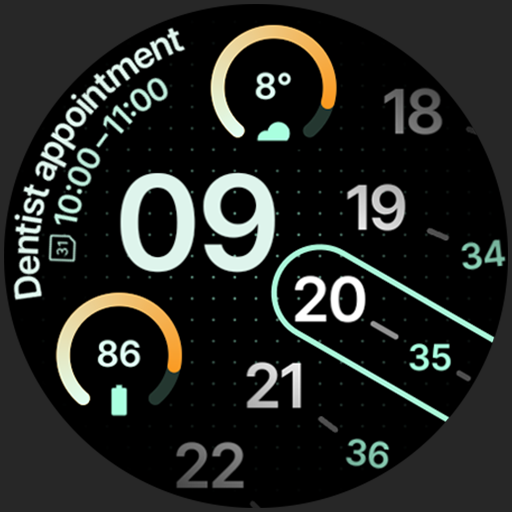
A unique and customizable watch face which rotates its layout every minute.
4.80
Pay your rent, submit work orders and much more with the RentCafe Resident App.
4.70
Fly your Solo like a boss.
4.10
What is my face shape? Find out your face shape from picture, see fitting frames
3.90
View over 160,000 line dance stepsheets from the CopperKnob website.
3.30
Smart home security protection
3.20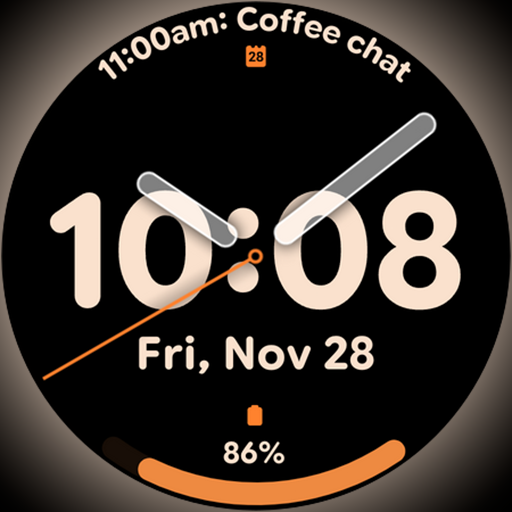
Big bold hybrid watch face with 30 colors, 5 fonts & 5 complications.
4.3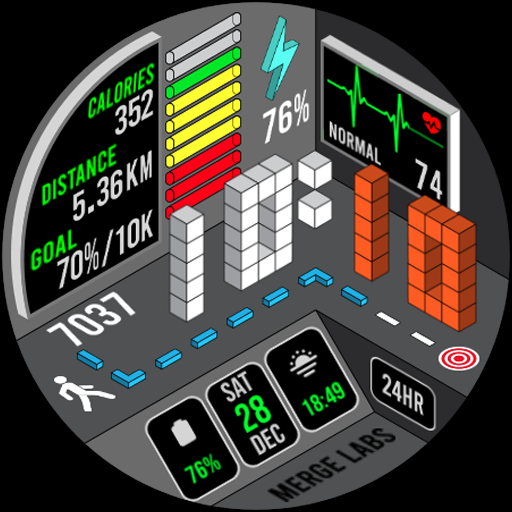
A uniquely designed isometric digital watch face made for Wear OS
4.5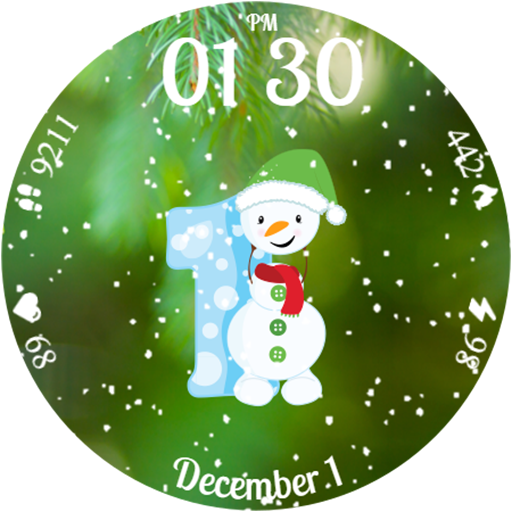
Celebrate the holidays with Advent Calendar: daily surprises and festive fun!
4.2


