
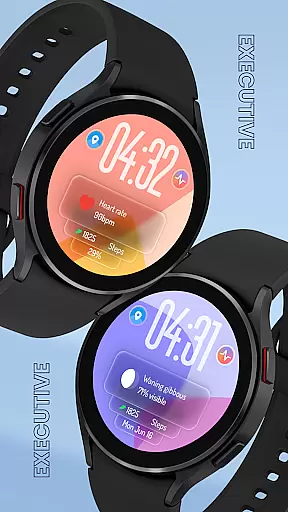
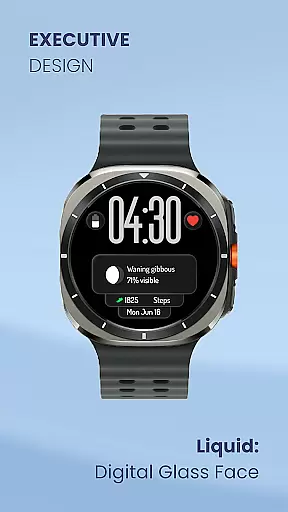
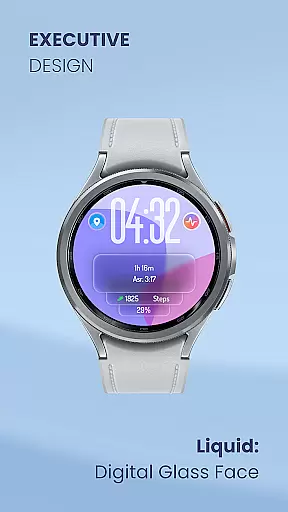
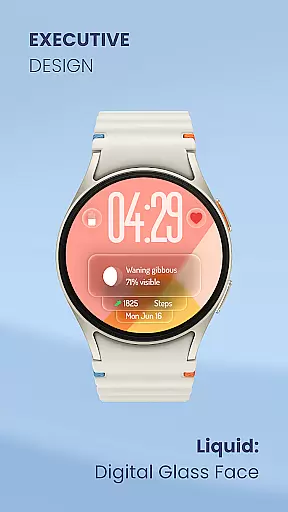
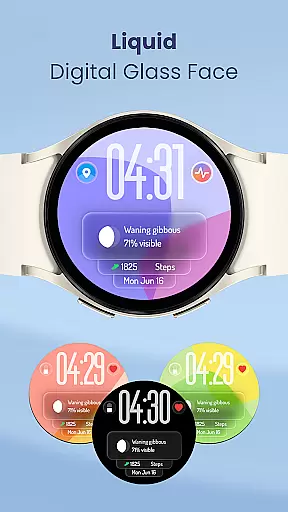
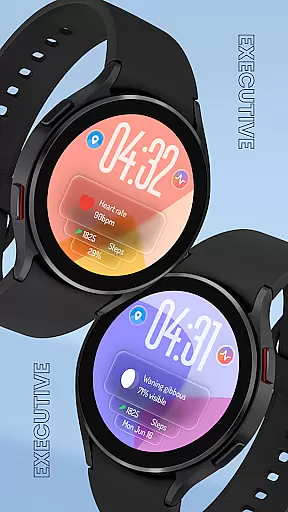
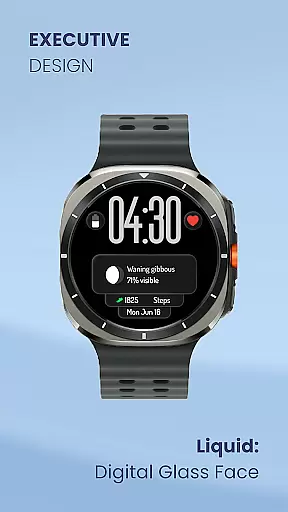
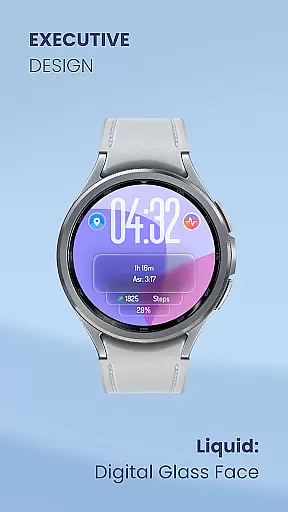
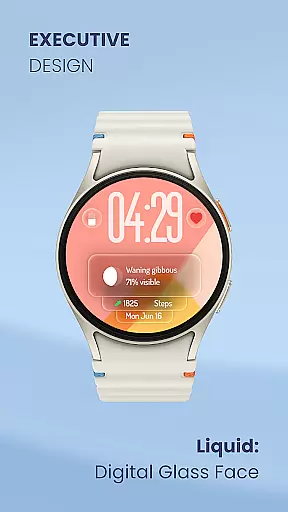
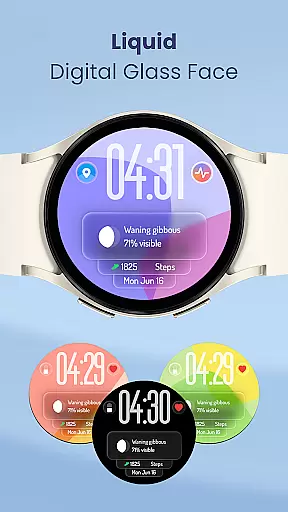
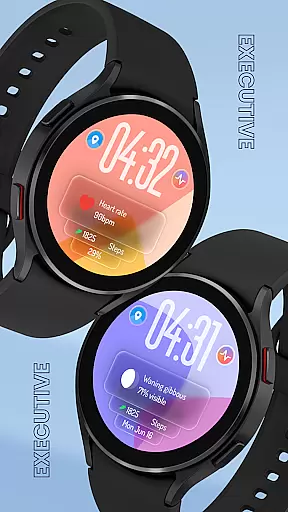
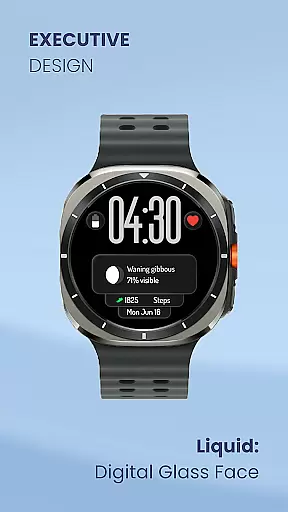
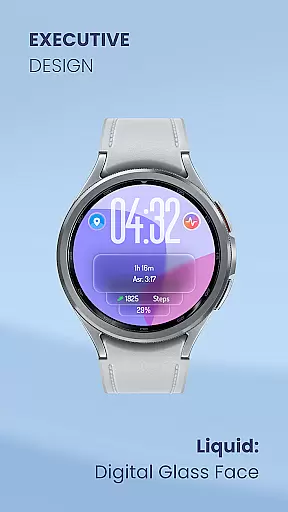
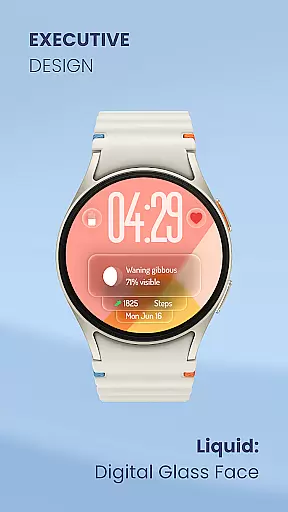
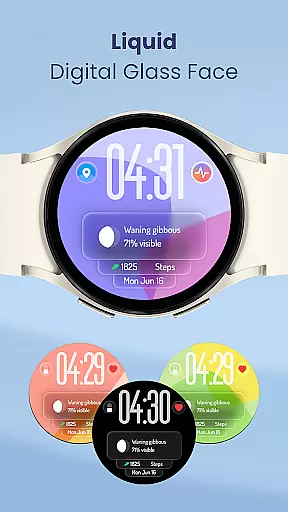
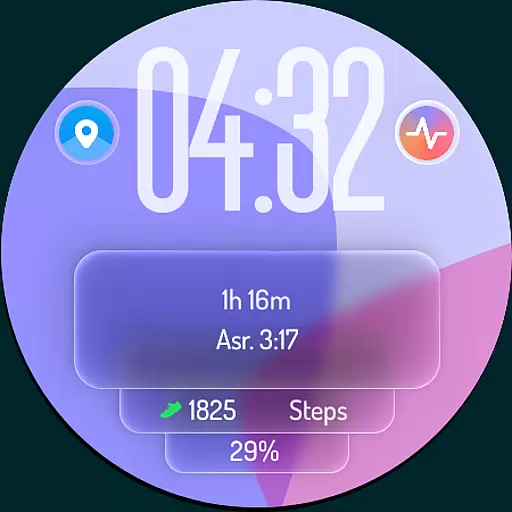
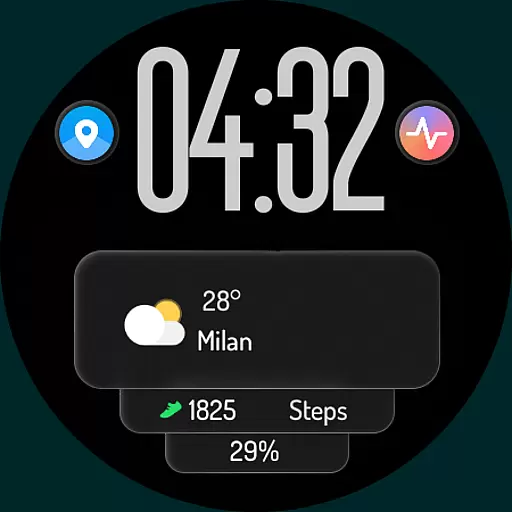
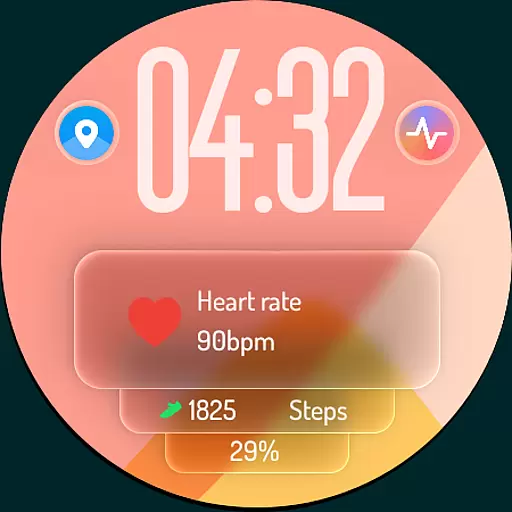
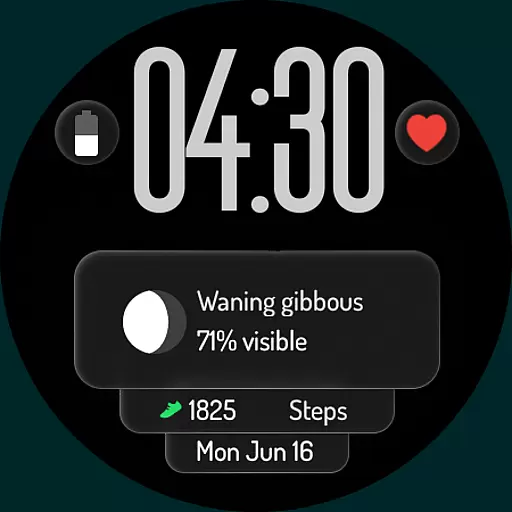
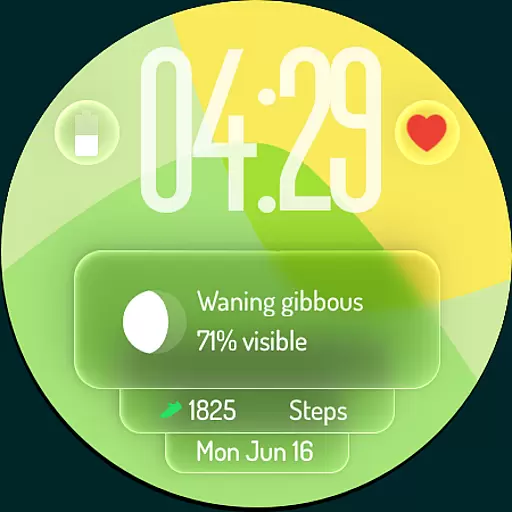
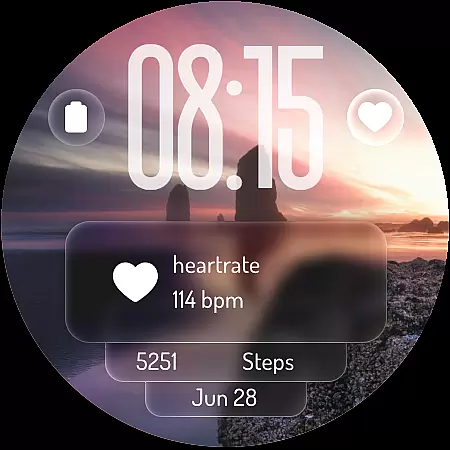
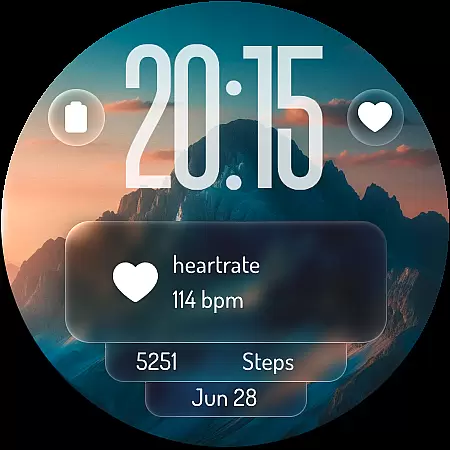
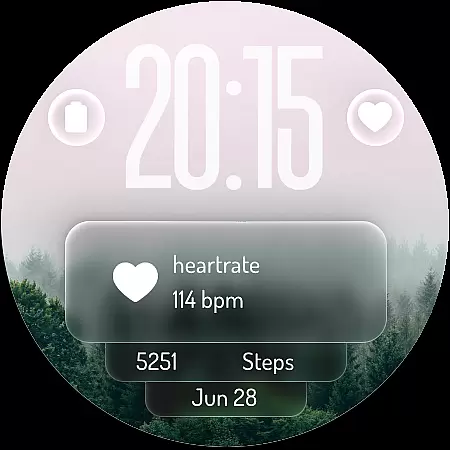
Liquid: Digital Glass Face is a revolutionary watch face for Wear OS smartwatches, inspired by Apple's Liquid Design. It offers stunning transparency and fluid visuals, creating a modern and elegant look on your wrist. The app provides users with an immersive experience through its dynamic interface and mesmerizing 'liquid glass' effects.
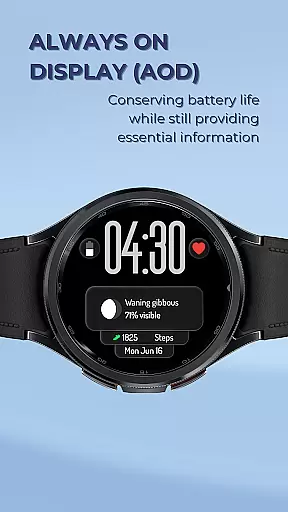
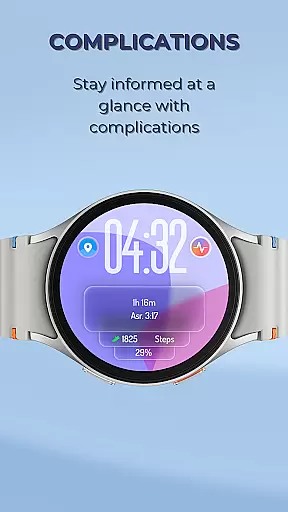
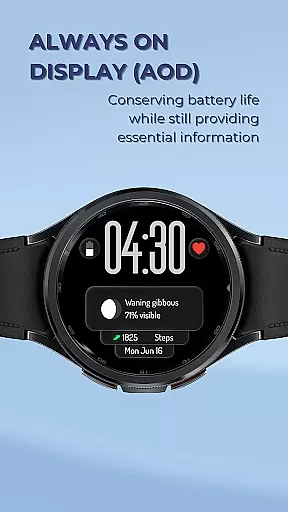
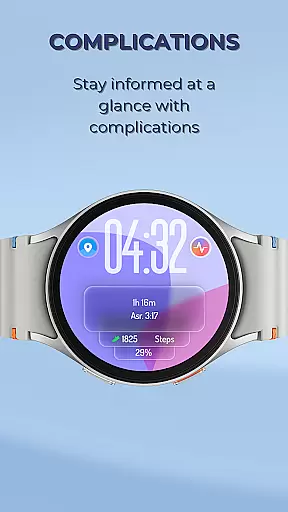
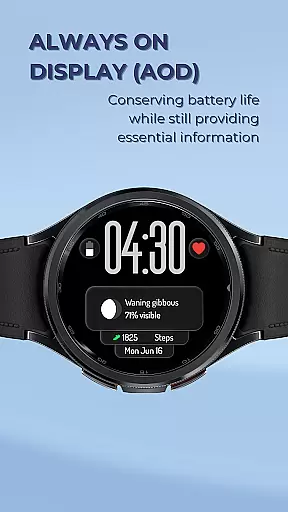
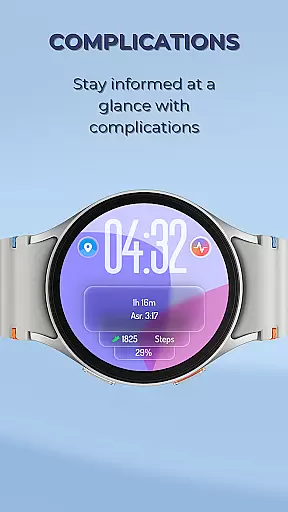
Key features include a crystal-clear digital time display, customizable complications for weather, steps, battery level, heart rate, and upcoming events. Users can also personalize shortcuts to favorite apps like alarms, timers, workout apps, or music controls. With optimized Always-On Display (AOD) mode, essential information remains visible without draining the battery.
This app is perfect for those who want to stay organized while enjoying cutting-edge aesthetics on their smartwatch. By offering unparalleled customization options and enhanced productivity tools, Liquid: Digital Glass Face redefines the smartwatch experience for Lifestyle enthusiasts.
Liquid: Digital Glass Face stands out with its unique design inspired by Apple's Liquid Design. The app offers mesmerizing 'liquid glass' effects that seamlessly blend with the watch's content, providing an immersive visual experience. Its crystal-clear digital clock supports both 12-hour and 24-hour formats, ensuring universal usability.
The app allows extensive personalization through customizable complications displaying critical data such as weather updates, daily step counts, battery levels, heart rates, and upcoming events. Additionally, it enables setting up custom shortcuts directly on the watch face for quick access to frequently used apps like alarms, timers, workout applications, or music controls.
With optimized Always-On Display (AOD), this app ensures essential information remains accessible at a glance without compromising battery life. This feature makes it not only visually appealing but also practical for everyday use in managing health, time, and organization efficiently.
Liquid: Digital Glass Face exemplifies comprehensive lifestyle category coverage through its versatile features tailored to various daily activities. The watch face is not just about aesthetics but also functionality, integrating essential elements that cater to different aspects of life.
With customizable complications, users can track fitness goals via step counters, monitor health metrics like heart rate, and stay updated with weather conditions. This ensures that whether you are focusing on health, staying informed about your environment, or managing your schedule with upcoming events, the watch face adapts to your needs.
The inclusion of an optimized Always-On Display (AOD) further enhances lifestyle integration by allowing users to check the time and key metrics at a glance without significant battery drain. This feature supports a seamless and efficient user experience, making it suitable for both active and professional environments.
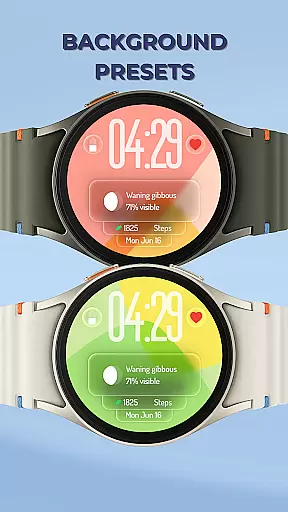
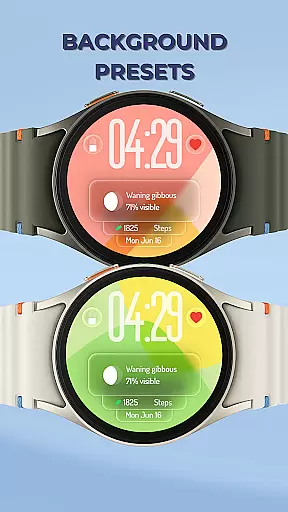
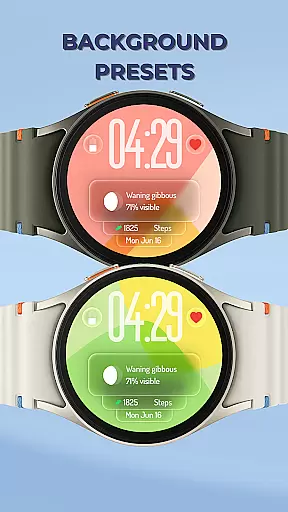
By offering dynamic backgrounds and customizable shortcuts to frequently used apps, Liquid: Digital Glass Face provides a personalized and engaging interface that aligns with modern living standards, ensuring users have a sophisticated tool that complements their diverse lifestyles.
Content authenticity and expert credibility are crucial in delivering a reliable and trustworthy user experience, which Liquid: Digital Glass Face achieves through meticulous design and development processes. The inspiration drawn from Apple's Liquid Design ensures a cutting-edge aesthetic that is both modern and intuitive.
Each feature of the watch face, from the crystal-clear digital time display to the customizable complications, has been crafted with precision and attention to detail. This dedication to quality guarantees that users receive accurate and relevant information, whether they are monitoring their daily steps or checking the weather.
The mesmerizing liquid glass background presets are not only visually appealing but also designed to react dynamically to the watch's movements, providing an interactive and engaging experience. These elements are backed by expert designers who understand the nuances of visual effects and usability, ensuring a high standard of content delivery.
Furthermore, the emphasis on an optimized Always-On Display (AOD) reflects a commitment to practicality and efficiency, addressing common concerns about battery life while maintaining essential functionalities. This balance of form and function underscores the expert credibility behind Liquid: Digital Glass Face, assuring users of a dependable and innovative product.
Modern Aesthetics
Customizable Complications
Optimized Battery Usage
Enhanced Productivity Tools
Dynamic Visual Effects
Limited Compatibility
Premium Features Locked
Complex Setup Process
Occasional Glitches
High Resource Consumption

Countdown to Christmas 2025 with festive games & activities in a virtual village
 4.80
4.80
Pay your rent, submit work orders and much more with the RentCafe Resident App.
4.70
Bring the warm colors of fall directly to your wrist with Autumn Leaves!
4.5
Unique "Isometric" style digital watch face for Wear OS
4.50
Material You inspired colors with BIG and Bold looks for Wear OS watches.
4.20
Customize your Wear OS watch with festive Christmas figures and colors!
4.1
Smart home security protection
3.20
Kasa Smart is your portal to your TP-LINK Smart Home.
4.70
A smart Siddur with halachic times
4.50
Have your Tehillim with you at all times
4.70
Retro animated weather with hourly forecast Watch Face for Wear OS
4.60
Zodiac & Horoscope Launcher: Daily Sign Predictions & Astrology
4.40
Mixing Colors for Menswear
4.20
Use your device sensors to detect energy and convert it into spoken words.
4.10
SmartHQ: Your Connected Home Command Center
4.10
Spiritus Ghost Box is an Audio and Visual ITC tool for paranormal research.
4.00
Connect to your Shark ROBOT™ from anywhere using the SharkClean™ App.
3.60
Discover how to help puppies stay calm around noise with this helpful app.
4.5
Unique Dark Analog style for Wear OS watches.
4.3


User Reviews