

Countdown to Christmas 2025 with festive games & activities in a virtual village
 4.80
4.80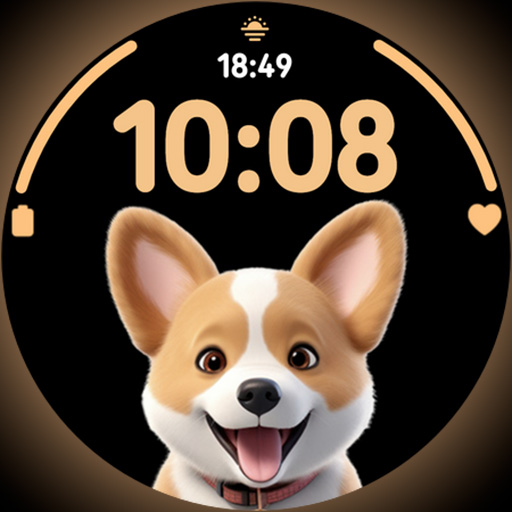
Cute Adorable Animals now on your wrist with our Wear OS watch face!
4.40
Take Hobby Lobby with you wherever you go!
3.40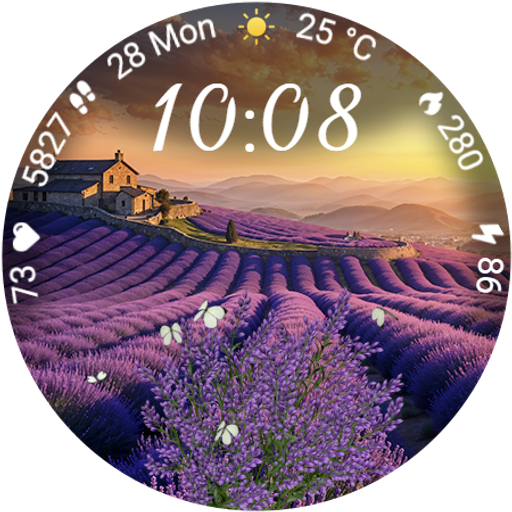
Immerse yourself in the serenity of lavender fields and white butterflies
4.4
View over 160,000 line dance stepsheets from the CopperKnob website.
3.30
This is a simple and highly functional alarm clock "Smart Alarm" paid version.
4.20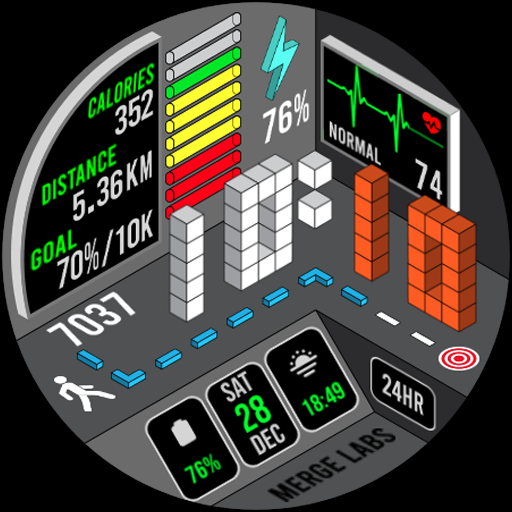
A uniquely designed isometric digital watch face made for Wear OS
4.5
A smart Siddur with halachic times
4.50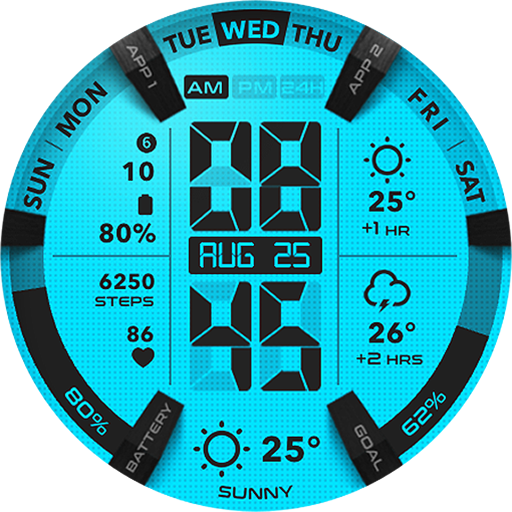
Retro animated weather with hourly forecast Watch Face for Wear OS
4.60
Smart & Healthy Living
4.60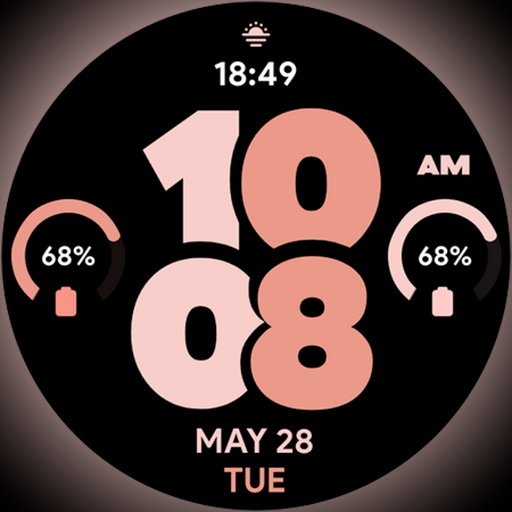
Material You inspired colors with BIG and Bold looks for Wear OS watches.
4.20
Discounts, savings, and rewards
4.20
Use your device sensors to detect energy and convert it into spoken words.
4.10
Spiritus Ghost Box is an Audio and Visual ITC tool for paranormal research.
4.00
Your home in your hand
3.80
An Eerie Musical Trigger Toy for Spirits to Play with!
3.50
Discover how to help puppies stay calm around noise with this helpful app.
4.0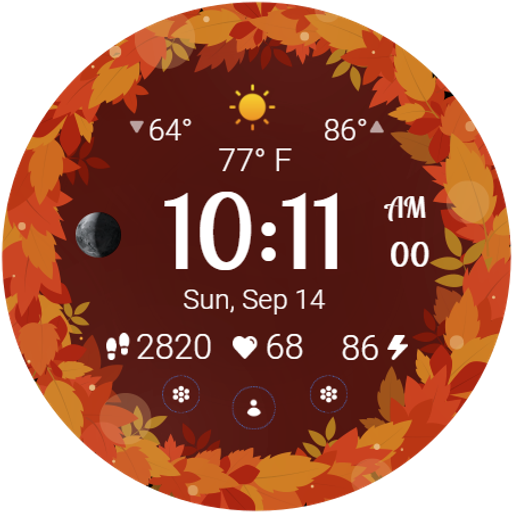
Bring the warm colors of fall directly to your wrist with Autumn Leaves!
4.2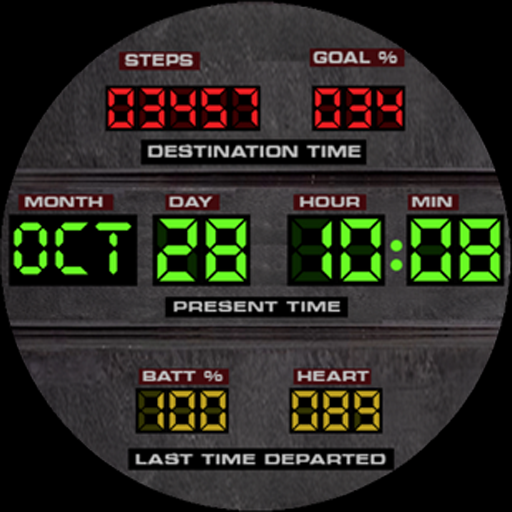
Futuristic watchface inspired by Back to the Future: sleek, retro, timeless
4.3


