
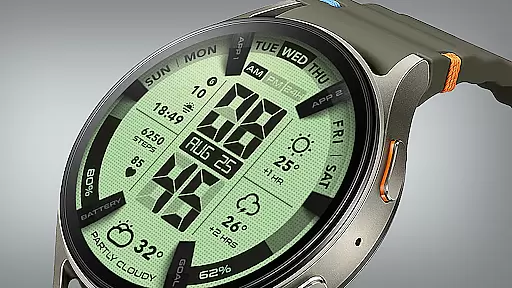
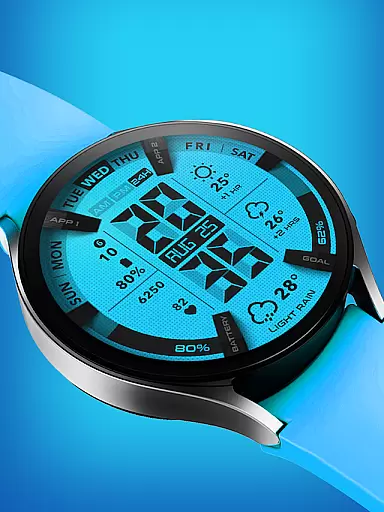
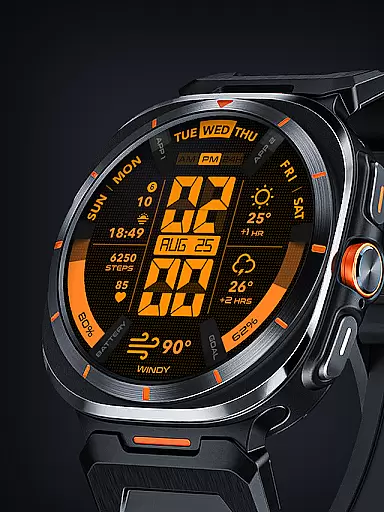
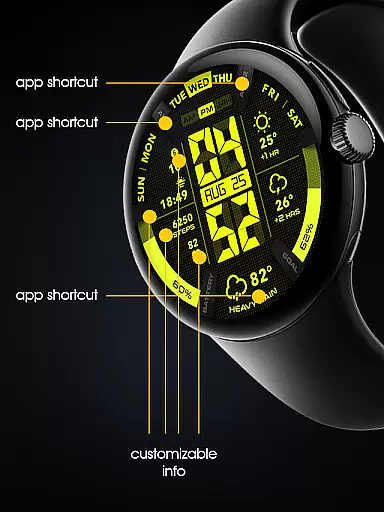

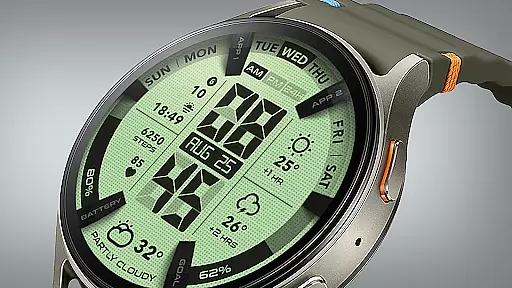
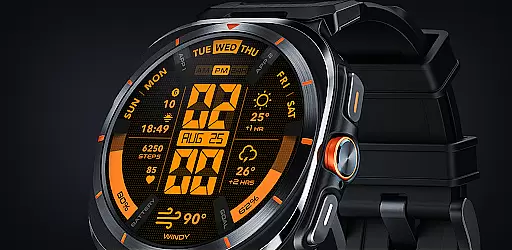
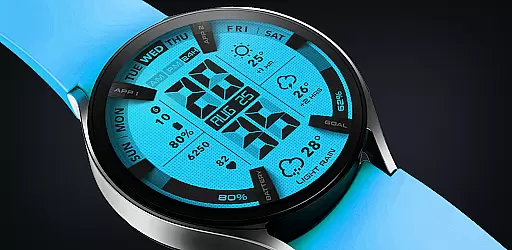
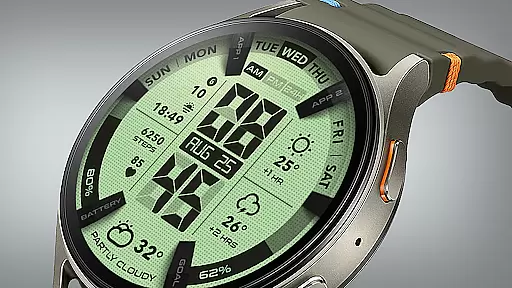
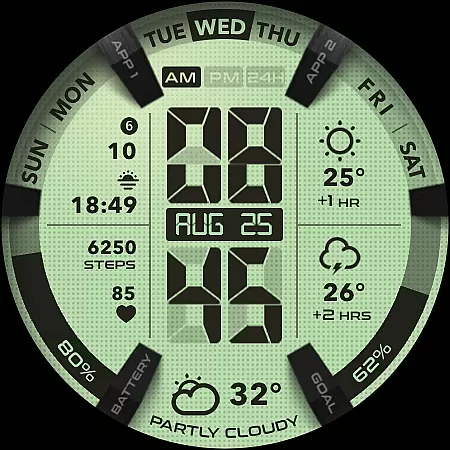
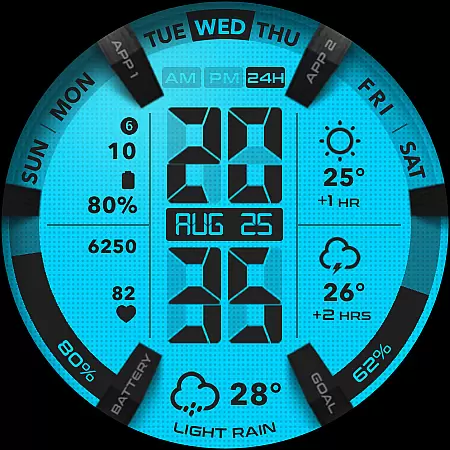
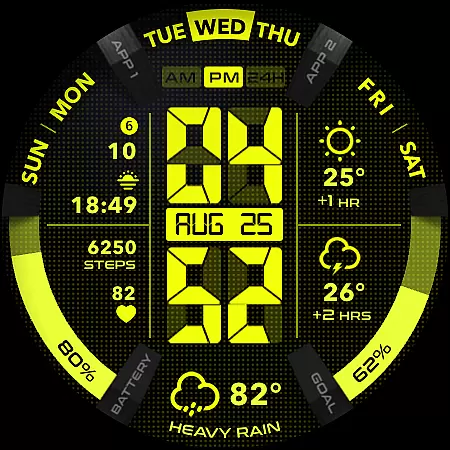
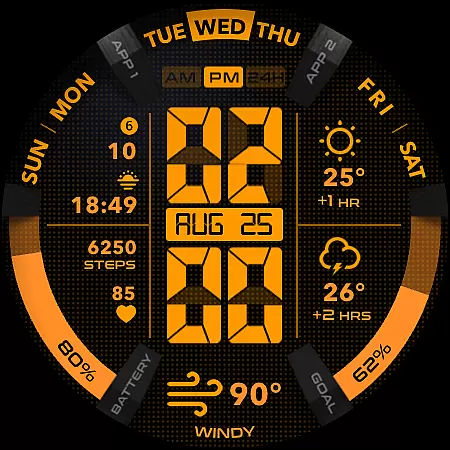
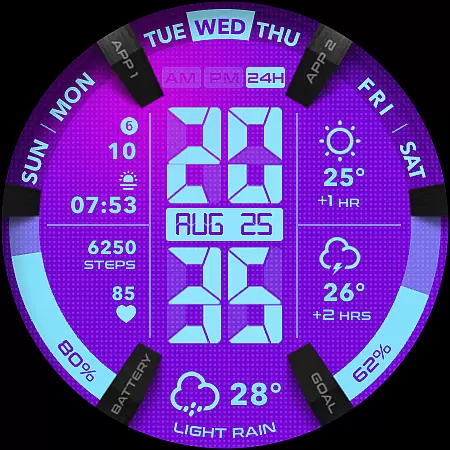
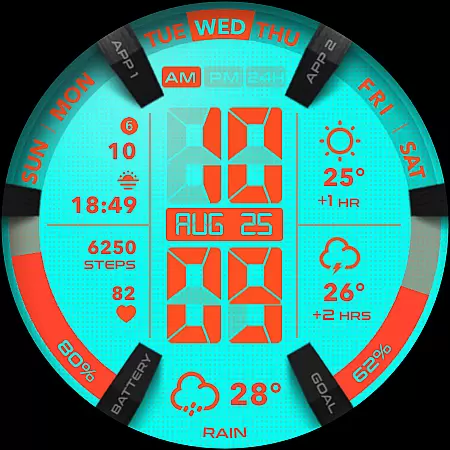
UsA LCD Weather Anim is a digital watch face designed for Wear OS devices, offering users an animated weather display with hourly forecasts. This lifestyle application stands out with its customizable color options and unique design elements.
The app provides essential timekeeping features alongside practical additions like step goal and battery gauges. Its intuitive interface allows users to personalize their watch faces, making it a versatile choice for those seeking both functionality and style on their smartwatches.
Ideal for tech-savvy individuals who value both aesthetics and utility, this watch face enhances daily wearability while delivering crucial information at a glance, demonstrating how technology can seamlessly integrate into everyday life.
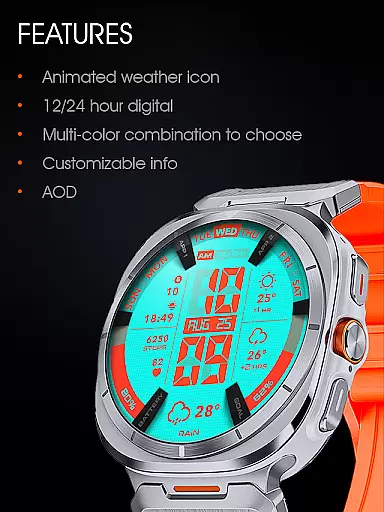
This lifestyle application offers a comprehensive set of features that cater to both practical needs and personal preferences. The 12/24 hour digital watch functionality adapts to user's regional settings, while the animated weather feature provides dynamic visual updates.
Users can customize their experience through various color styles and complications. The inclusion of step goal and battery gauges adds practical utility, while the specially designed Always On Display (AOD) ensures essential information remains accessible even in ambient mode.
The application's strength lies in its seamless integration with Wear OS systems, automatic installation process, and thoughtful design elements that balance aesthetic appeal with energy efficiency considerations, making it a well-rounded choice for smartwatch enthusiasts.
UsA LCD Weather Anim offers a comprehensive lifestyle experience by integrating essential daily features into a wearable device. The app provides not only classic EL Light display digital watch functionalities but also animated weather updates and hourly forecasts, making it a versatile companion for everyday use.
With customizable color styles, users can tailor the appearance to match their personal preferences, enhancing the overall aesthetic appeal. This customization extends to practical features like step goal gauges, battery gauges, and complications, ensuring that users have access to vital information at a glance.
The inclusion of a specially designed Always On Display (AOD) feature adds another layer of convenience, allowing users to view important details even when the watch is idle. This attention to detail underscores the app's commitment to covering various aspects of a user's lifestyle needs.
Authenticity and credibility are at the core of UsA LCD Weather Anim, ensuring users receive accurate and reliable information. The app's animated weather updates and hourly forecasts are powered by dependable data sources, providing users with trustworthy insights into upcoming weather conditions.
Customization options are backed by expert design principles, enabling users to create a unique style that reflects their personality while maintaining usability standards. Each feature, from step tracking to battery monitoring, is crafted with precision to deliver meaningful and actionable data.
Furthermore, the app's integration with Wear OS API 34+ ensures compatibility and optimal performance on supported devices. By joining the dedicated Telegram group, users can engage in live support and discussions, reinforcing the app's commitment to fostering an informed and connected community.
Customizable color options
Animated weather display
Intuitive user interface
Battery-efficient design
Seamless Wear OS integration
Limited to Wear OS
Higher battery usage
Requires Google account
No iOS compatibility
Complex setup process

Cute Adorable Animals now on your wrist with our Wear OS watch face!
 4.40
4.40
Unique Dark Analog style for Wear OS watches.
4.0
Smart home security protection
3.20
Play fun games, complete quick surveys, and earn money. It's fun and easy!
4.40
A smart Siddur with halachic times
4.50
Mixing Colors for Menswear
4.20
PARAVOX 4 is a professional ITC paranormal research application.
4.50
Futuristic watchface inspired by Back to the Future: sleek, retro, timeless
4.0
The Wyze app is your gateway to a smarter life and a safer home.
4.40
Digital smart watch face made for Wear OS.
4.70
Smart & Healthy Living
4.60
Vehicle ownership simplified. Get the myChevrolet® app today.
4.60
Premium floor cleaning robots
4.50
The Work of Byron Katie— the mobile app for inner peace.
4.40
Creativity and savings for kids, beginners and experts in arts and crafts
3.50
View over 160,000 line dance stepsheets from the CopperKnob website.
3.30
LineLearner, the quick way to learn lines.
2.90
Duo Watch Face (animated)
4.2
Celebrate the holidays with Advent Calendar: daily surprises and festive fun!
4.3


User Reviews