
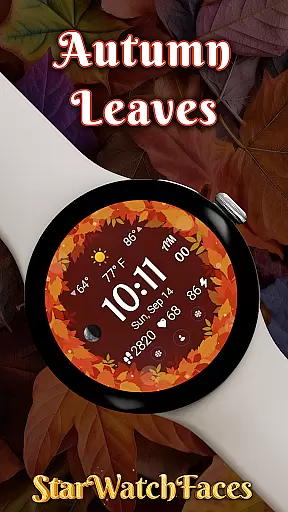

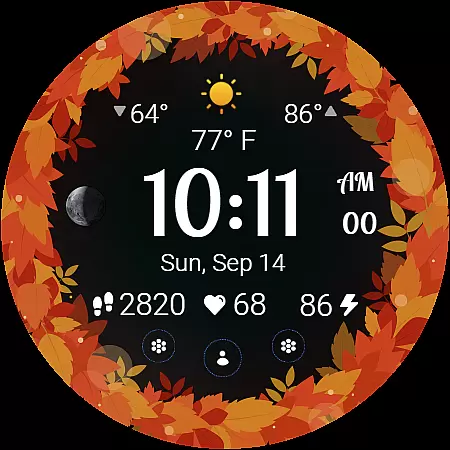
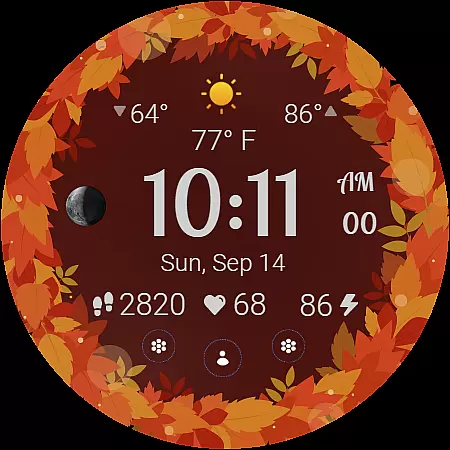
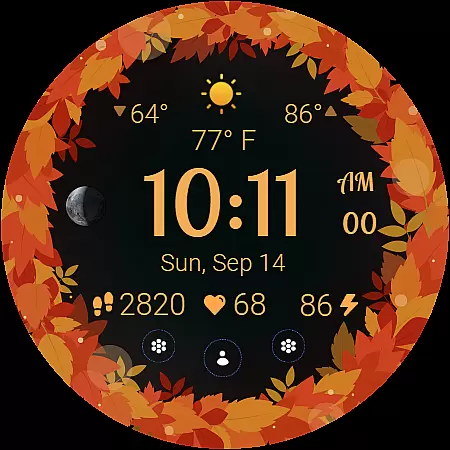
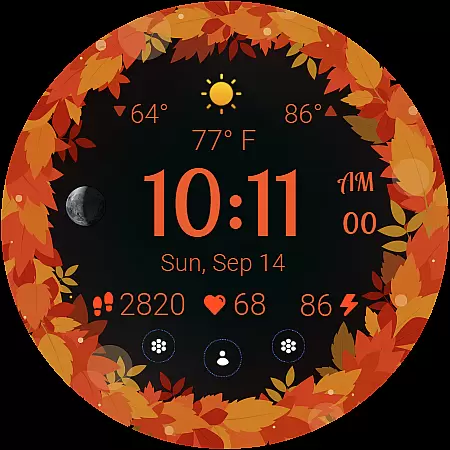
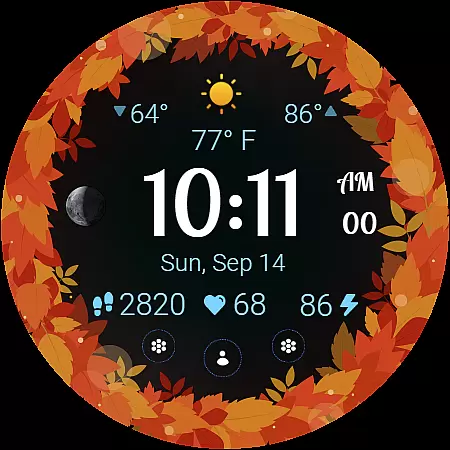
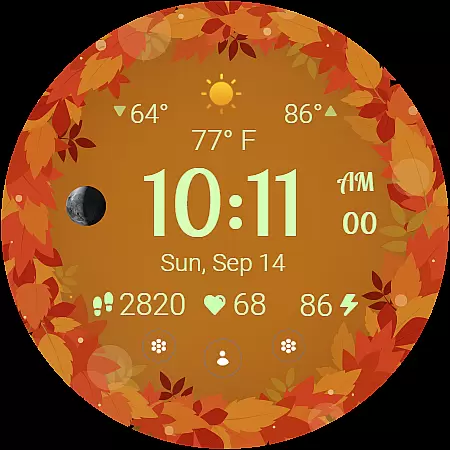
Autumn Leaves Watch Face brings the vibrant colors of fall to your wrist with its stunning Wear OS design. This watch face combines natural beauty and smart functionality, offering users both style and essential information at a glance. With features like moon phase tracking, weather updates, and health monitoring, it caters to those who appreciate seasonal aesthetics alongside practical utility.
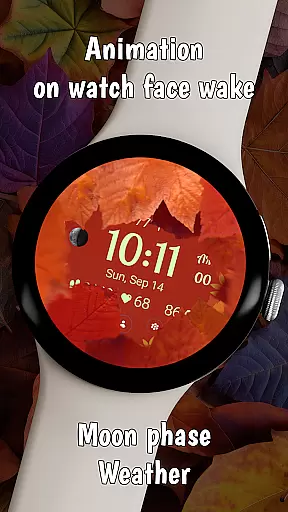
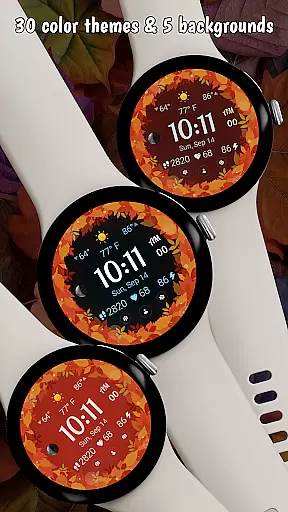
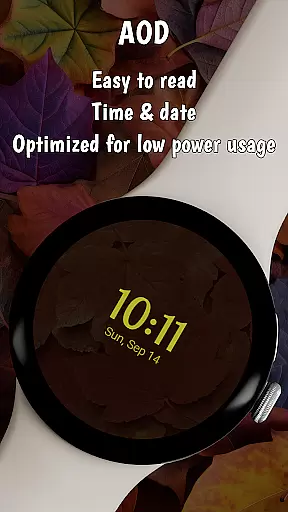
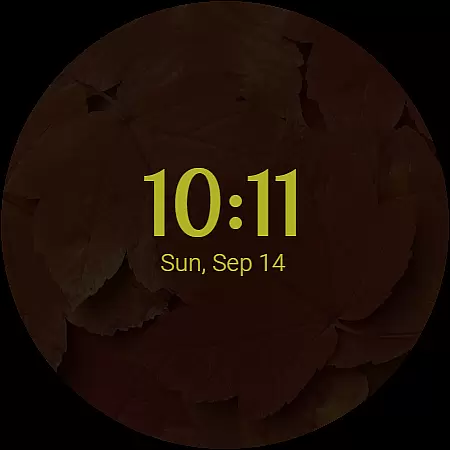
The watch face includes 30 customizable color themes and 5 background options, allowing for personalization that matches the autumn vibe. Its unique animation displays smooth transitions of retracting leaves when waking the watch, while the Always-On Display (AOD) provides a cozy fall-themed ambient mode that conserves battery life. Compatible with Galaxy Watches running Wear OS 5 or newer, Autumn Leaves ensures an engaging experience through rich visuals and functional data displays.
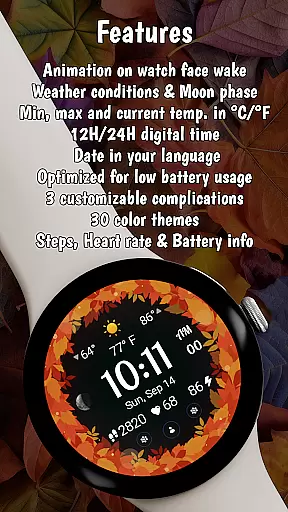
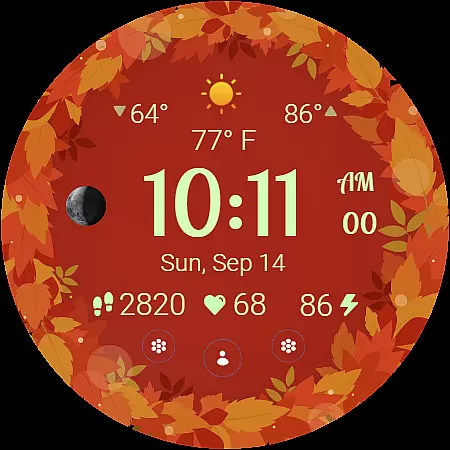
Autumn Leaves stands out with its comprehensive feature set tailored for both style enthusiasts and tech-savvy users. The moon phase tracker connects you to celestial patterns, while the weather info provides current, minimum, and maximum temperatures in °C or °F along with live conditions. These elements make it not just visually appealing but also highly informative.
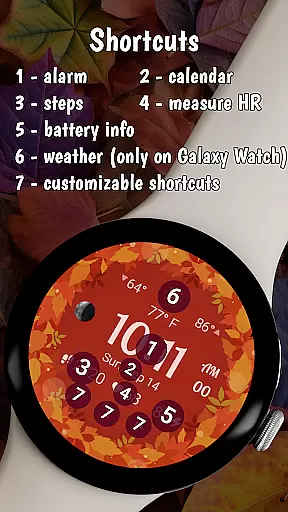
With 30 autumn-inspired color themes and 5 complementary background colors, customization reaches new heights. The digital clock supports both 12h and 24h formats, catering to user preferences worldwide. Additionally, the inclusion of health metrics such as heart rate and step count ensures that fitness enthusiasts can track their progress without sacrificing aesthetics. Three customizable shortcuts offer quick access to favorite apps, enhancing usability.
The Autumn Leaves Watch Face offers a comprehensive lifestyle experience by integrating essential daily features into a visually appealing design. This Wear OS watch face goes beyond aesthetics, providing users with weather information, health tracking, and customizable shortcuts.
With its 30 color themes and 5 background options, the app allows for extensive personalization, catering to various style preferences. The inclusion of practical elements like moon phase tracking, temperature display, and localized date ensures that users have all necessary information at a glance.
The watch face's compatibility with Galaxy Watches running Wear OS 5 or newer makes it accessible to a wide range of smartwatch users. While some advanced features may be limited on other brands, the core functionality remains robust and reliable across supported devices.
The Autumn Leaves Watch Face demonstrates content authenticity through its carefully designed features and verified functionalities. Each element, from weather information to health tracking metrics, is accurately represented and updated in real-time.
The developer's commitment to quality is evident in the watch face's optimized performance and battery-friendly design. The Always-On Display (AOD) feature exemplifies this balance between functionality and power efficiency, ensuring prolonged usability without compromising visual appeal.
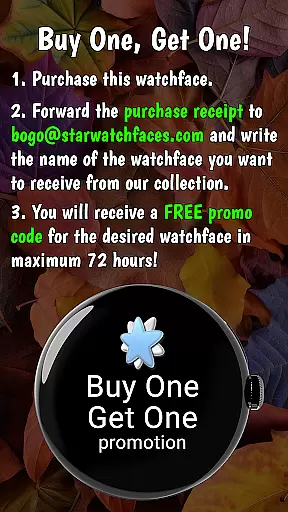
Backed by a responsive support system and regular updates, this watch face maintains its credibility through continuous improvement and user-focused enhancements. The BOGO promotion further demonstrates the developer's confidence in their product's value and quality.
Stylish Design
Customizable Themes
Health Tracking
Weather Updates
Battery Friendly
Limited Compatibility
Premium Price
Complex Setup
Few Backgrounds
No Advanced Features

Digital watch face design. Modern looking, hi-res & battery friendly.
 4.00
4.00
Earn points with every purchase with Moe Rewards.
4.20
Immerse yourself in the serenity of lavender fields and white butterflies
4.1
Big bold hybrid watch face with 30 colors, 5 fonts & 5 complications.
4.2
Good magnifier app to see tiny things bigger and more clearly!
4.80
Crochet made easy: step-by-step tutorials, beginner patterns & projects
4.60
My Diary - Daily Journal with lock: Diary journal app and secret diary with lock
4.80
Futuristic watchface inspired by Back to the Future: sleek, retro, timeless
4.4
The App can control Roborock vacuum cleaners from anywhere with rich features.
4.60
Countdown to Christmas 2025 with festive games & activities in a virtual village
4.80
Colorful minimal digital watch face for Wear OS
4.60
The go to app for taking unlimited notes!
4.50
Redecor your home with Home AI interior design, room planner and home designer.
4.50
This is a simple and highly functional alarm clock "Smart Alarm" paid version.
4.20
Mixing Colors for Menswear
4.20
Use your device sensors to detect energy and convert it into spoken words.
4.10
Unique BIG BOLD TIME with amazing colors and customisations.
3.70
Designed to delight, impress and energize your festive spirit every single day
4.0
A uniquely designed isometric digital watch face made for Wear OS
4.4


User Reviews