
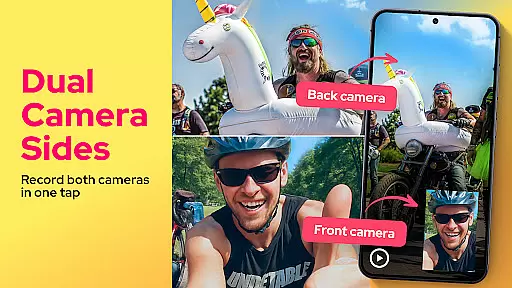
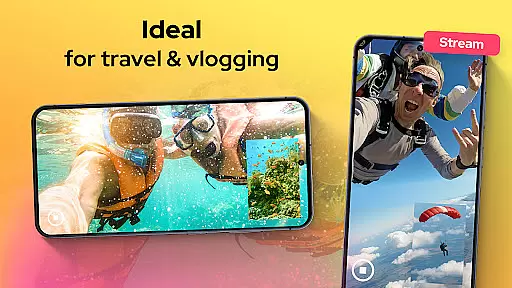
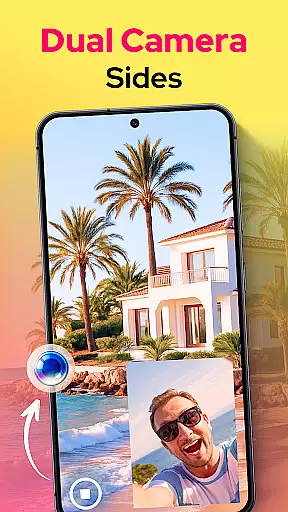
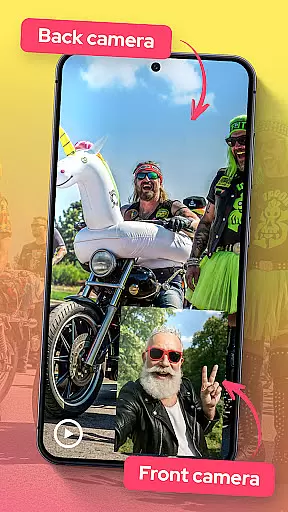
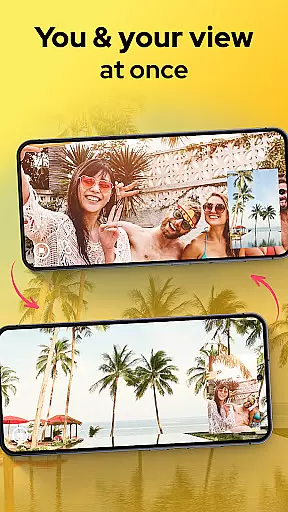
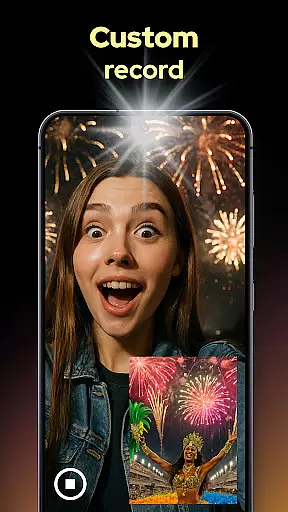
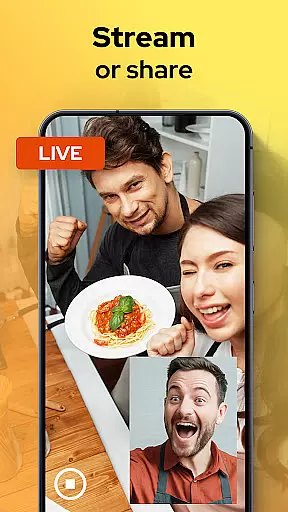
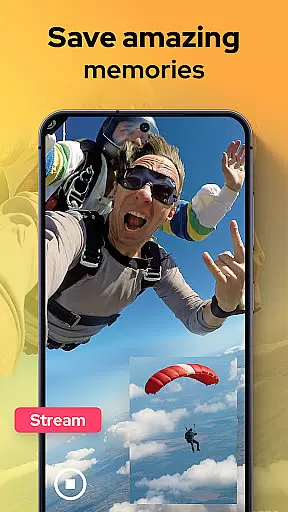
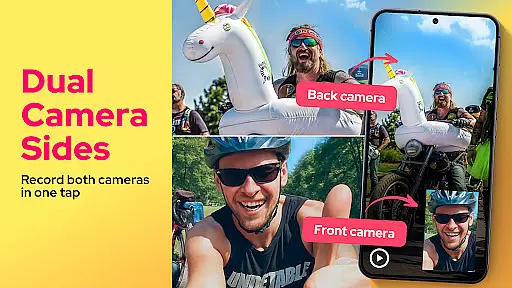
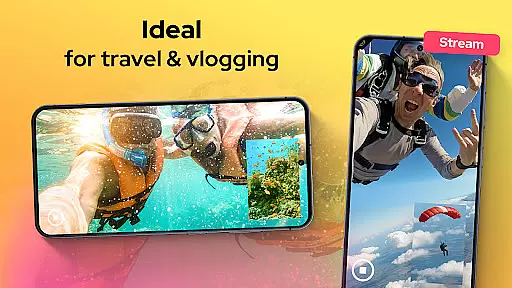
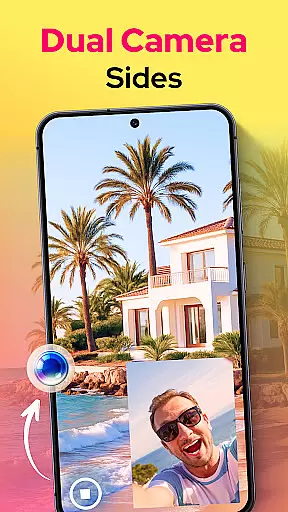
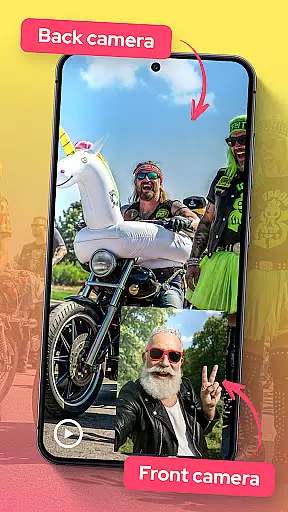
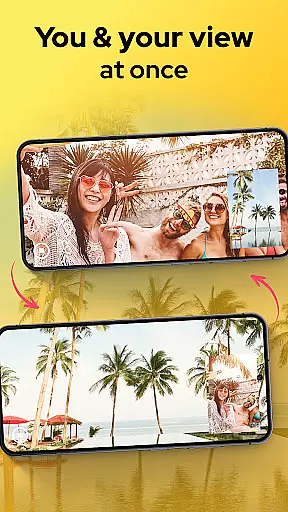
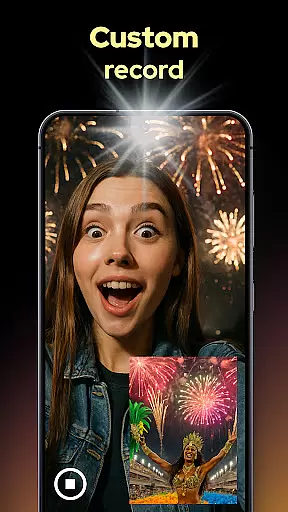
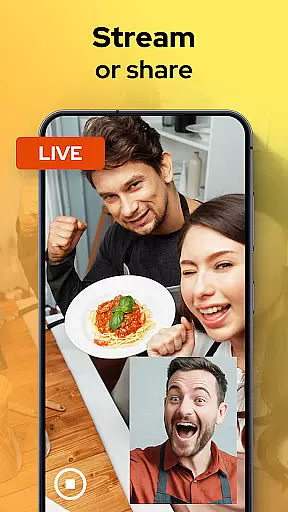
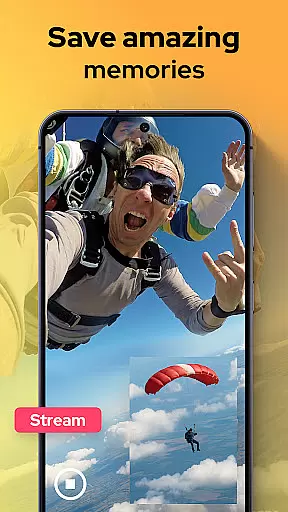
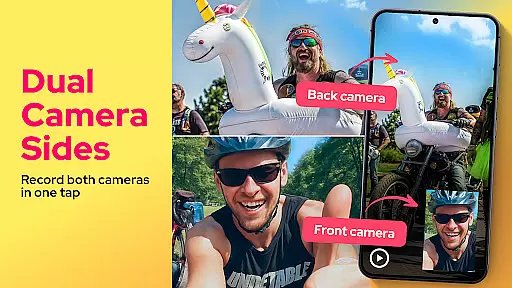
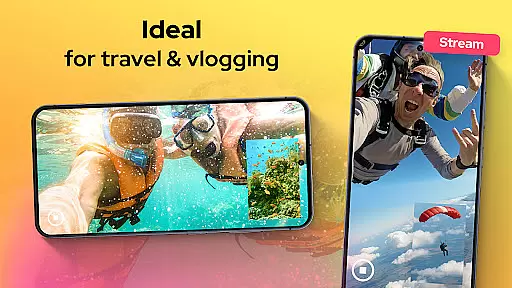
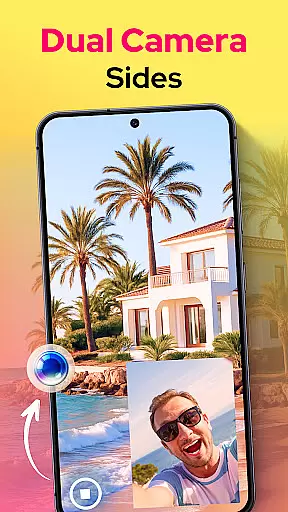
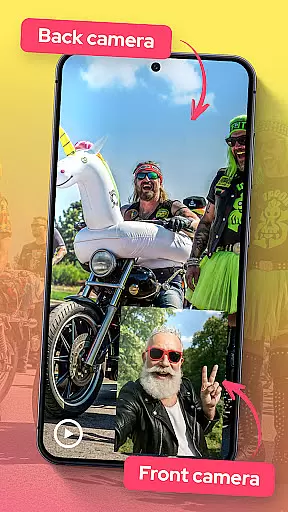
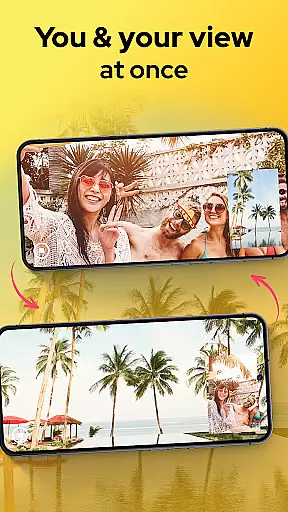
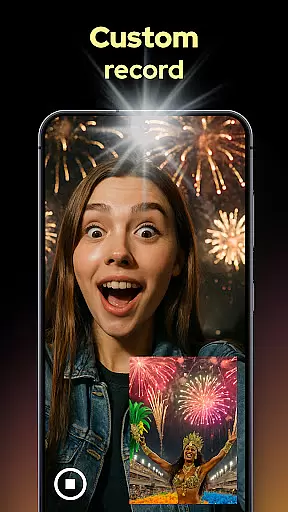
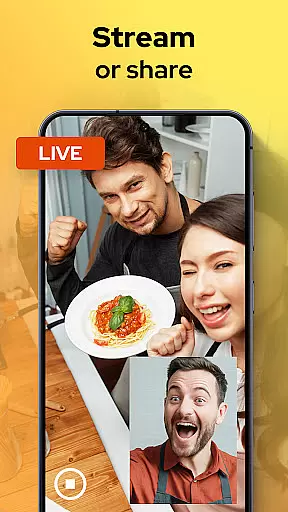
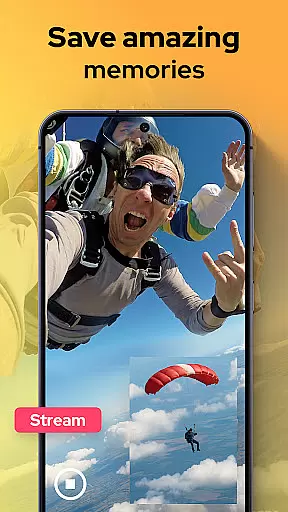
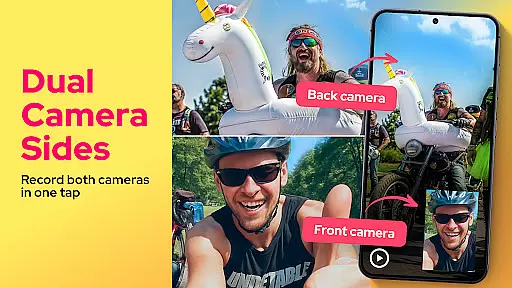
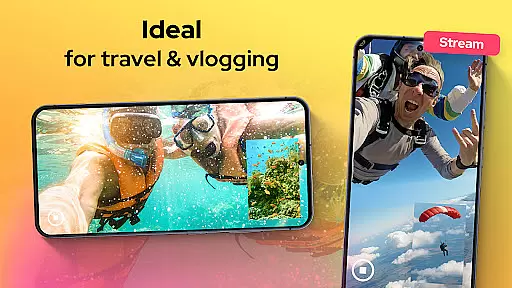
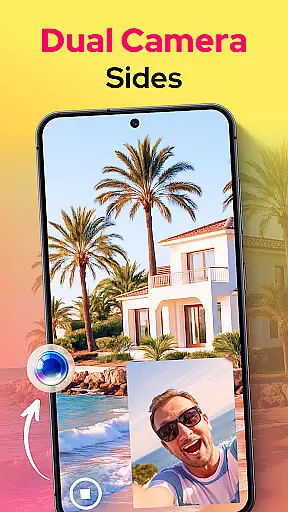
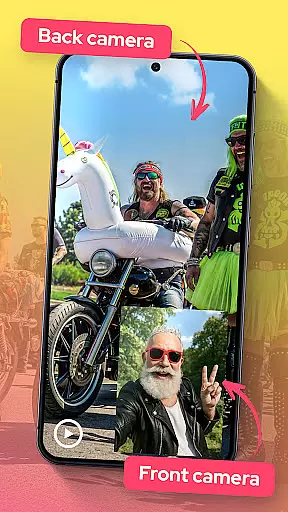
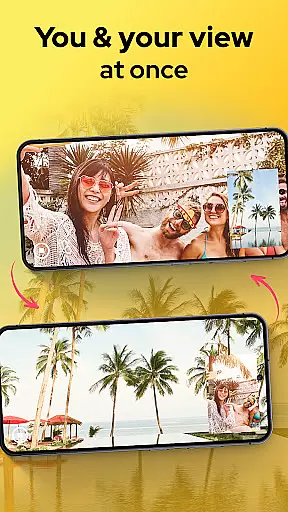
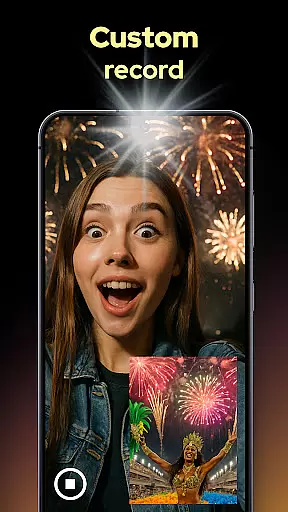
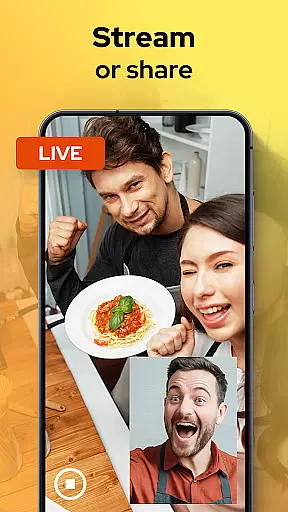
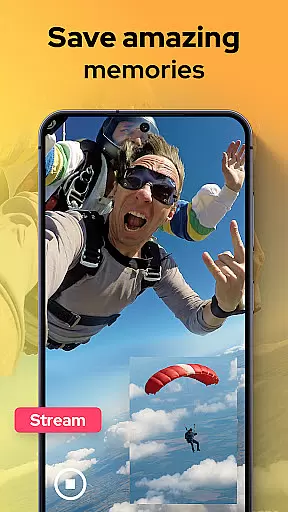
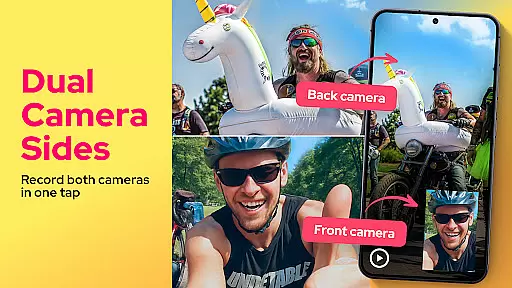
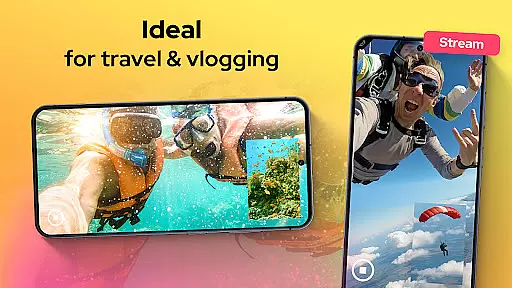
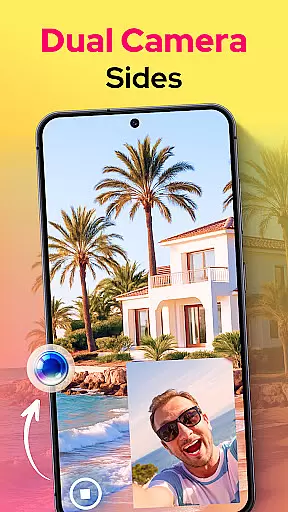
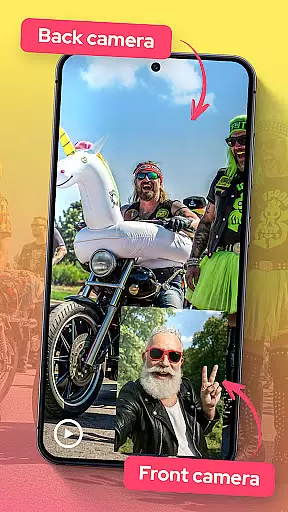
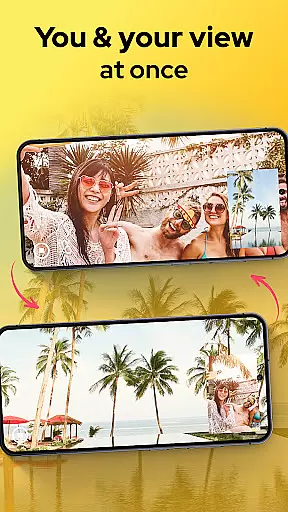
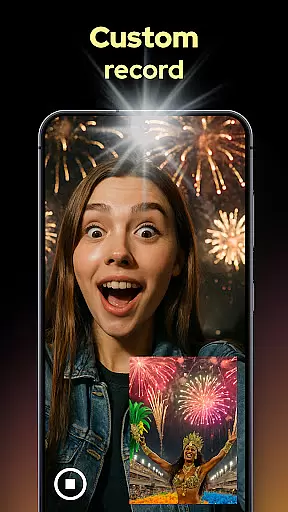
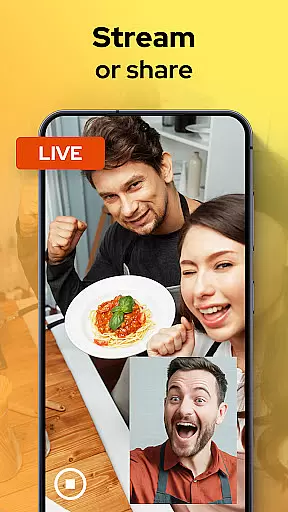
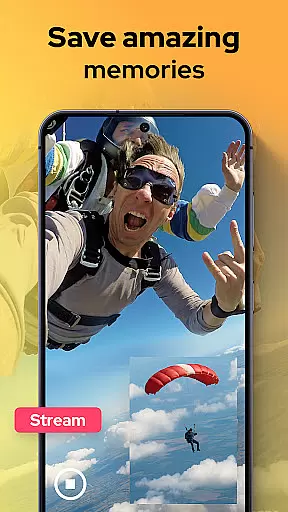
Dual Camera Sides is an innovative video recording application that allows users to capture footage from both the front and rear cameras simultaneously. This unique Libraries & Demo app offers a creative solution for vloggers, storytellers, and content creators who want to capture every angle of their moments.
The app's standout feature is its ability to record in picture-in-picture or split-screen modes, providing dynamic perspectives that enhance storytelling capabilities. Whether you're creating reaction videos, tutorials, or documenting special memories, Dual Camera Sides ensures no detail is missed while maintaining professional-grade quality through manual adjustments of focus, brightness, and exposure.
Perfect for multitasking creators, this dual-camera solution enables seamless background operation while delivering high-quality video output that elevates mobile videography to new levels of creativity and engagement.
Dual Camera Sides distinguishes itself through several remarkable features that cater to modern content creators' needs. The app's primary capability lies in its simultaneous front-and-rear camera recording function, which revolutionizes how users capture and present visual stories.
Users can choose between various display modes including picture-in-picture, split-screen, and floating window arrangements, giving them complete creative control over their video compositions. The app maintains professional standards by offering manual controls for focus, brightness, and exposure adjustments, ensuring broadcast-quality results in different shooting environments.
Additional practical features include background mode operation, quick Doubletake shots functionality, and seamless angle switching during recordings. These capabilities, combined with instant sharing options, make Dual Camera Sides a versatile tool for capturing comprehensive perspectives while maintaining workflow efficiency.
Functionality completeness refers to the extent to which an application delivers on its promised features and capabilities. For Dual Camera Sides, this means providing users with a seamless experience in capturing videos from both front and back cameras simultaneously. The app excels in this area by offering multiple recording modes such as picture-in-picture and split-screen, allowing creators to choose the best format for their content.
The coverage of functionalities within the app is comprehensive, ensuring that users can not only record but also adjust settings like focus, brightness, and exposure manually. This level of control empowers users to produce professional-grade videos directly from their mobile devices. Additionally, the ability to snap photos while recording video adds another layer of utility, making it an all-in-one solution for content creators.
By integrating background mode operation, Dual Camera Sides ensures that users can multitask without interrupting their recording sessions. This feature is particularly beneficial for vloggers who need to switch between apps or perform other tasks while continuing to capture footage. Overall, the app's functionality completeness and coverage make it a powerful tool for anyone looking to enhance their video storytelling capabilities.
Usability is a critical factor in determining how effectively users can interact with an application. Dual Camera Sides prioritizes usability by providing an intuitive interface that simplifies the process of recording from both cameras simultaneously. With clear live previews and straightforward controls, even beginners can quickly grasp how to use the appu2019s advanced features to create engaging content.
Operational smoothness is evident in the app's ability to maintain high performance without lag or interruptions during dual-camera recordings. Users can switch angles on-the-fly using the Double Take feature, ensuring that they never miss a moment. The app also supports quick sharing and exporting of videos, streamlining the post-production workflow and enabling creators to publish their work faster.
Moreover, the appu2019s design emphasizes user convenience with options like automatic adjustments for optimal video quality and easy access to essential tools. These elements contribute to a smooth operational experience, allowing users to focus on their creative process rather than technical details. By combining usability with operational efficiency, Dual Camera Sides stands out as a reliable choice for capturing dynamic, multi-angle videos effortlessly.
User-friendly interface
High-quality dual recording
Multiple display modes
Manual camera controls
Background operation
May drain battery quickly
Requires modern device
Limited free features
Occasional glitches
Large file sizes

Enjoy Minecraft Mod Scary Neighbor Granny for Minecraft PE.
 4.30
4.30
Wireless reverse charging using phone now is possible
4.30
Connect and find your Smarttag devices through our app.
4.00
Connect your phone to any endoscope camera, USB camera, or borescope with ease.
3.70
Mirror link car connector to share your screen with car dashboard
3.80
Barcode scanning made simple!
4.40
A Pydroid Quick Install repository provider.
4.00
Mirror phone to TV effortlessly! Stream, share & connect with Airplay ease.
3.60
Unlock the hidden menus of your phone with our mobile secret codes app.
4.20
Explore The Holy Quran Majeed for Muslim. Listen to MP3 Quran & Al Quran Kareem.
4.80
TV USB connector app provides you a seamless cast option from your phone to tv.
4.70
Al QURAN-القرأن الكريم app to read Quran offline just like an actual Quran book
4.30
Do you want to drive easy ? do you wanna full mirror link Mobile with your car
4.10
charging your phone by other phone easly
4.00
The best PS2 games from your childhood come to life in their mobile version!
4.00
CloudEye 365 is a easy-handling APP
3.60
Collection of Maps and Mods for Dmod
3.30
DamonSx2 is the open Source LGPL Emulator
3.20
Enjoy hours of entertainment with our Roblox mobile games app
4.1


User Reviews