

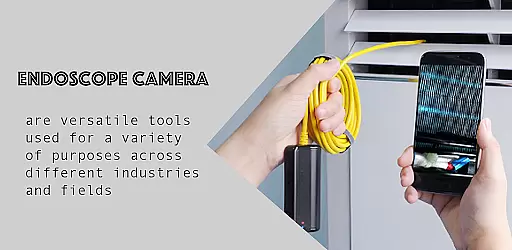
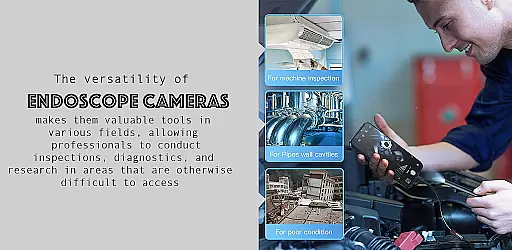
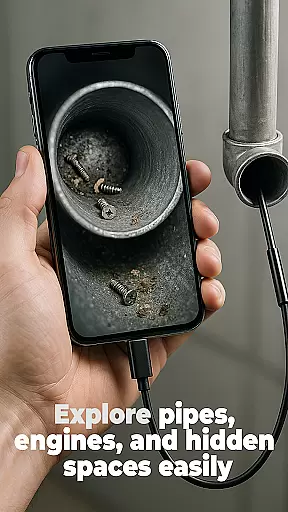
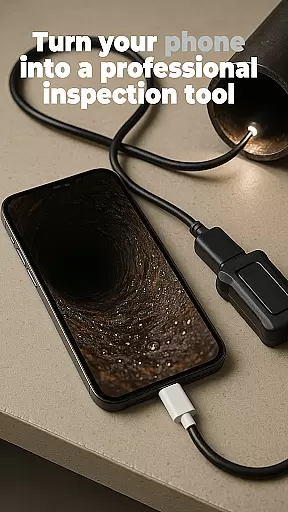
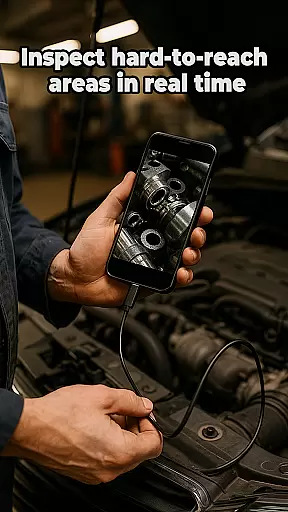
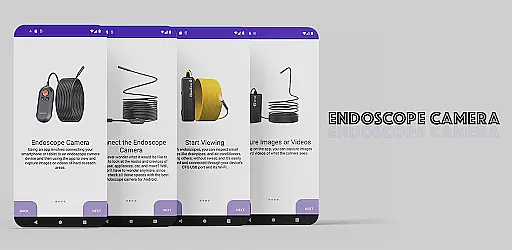
The Endoscope Camera app is a versatile tool designed to connect your smartphone with various external camera devices, including endoscopes, USB cameras, borescopes, and sewer inspection cameras. This functionality makes it an ideal solution for inspecting hard-to-reach areas such as blocked drains or pipes without the need for costly plumbing services. The app supports quick setup via OTG USB connection, allowing users to capture high-quality photos and videos effortlessly.
One of the standout features of the Endoscope Camera app is its built-in gallery, which provides an intuitive interface for managing media files. Users can easily view, delete, and organize their captured content directly within the app. Whether you're a professional plumber needing to diagnose pipe issues or a DIY enthusiast exploring tight spaces, this app offers practical value by providing clear visuals and easy file management.
The Endoscope Camera app boasts several notable features that enhance its usability and effectiveness. Firstly, it supports a wide range of external camera devices, ensuring compatibility with various models of endoscopes, USB cameras, and borescopes. This versatility allows users to choose the best equipment for their specific needs while maintaining seamless integration with the app.
Another key feature is the app's user-friendly interface, which simplifies the process of capturing and managing media. With just a few taps, users can connect their camera device, start recording, and access the built-in gallery to review their content. Additionally, the app enables high-quality photo and video capture, making it suitable for detailed inspections in both personal and professional settings.
Furthermore, the Endoscope Camera app includes practical tools like one-tap deletion and media organization, streamlining the workflow for users who need to manage large volumes of inspection data. These features collectively ensure that the app not only meets but exceeds the expectations of individuals seeking reliable and efficient inspection solutions.
Functionality completeness is a critical aspect of any application, especially for specialized tools like the Endoscope Camera app. This app offers comprehensive support for various external camera devices, including endoscopes, USB cameras, borescopes, and sewer inspection cameras.
The app ensures that users can connect their devices quickly using OTG USB technology, providing an easy setup process. Once connected, users can capture high-quality photos and videos, making it suitable for detailed inspections in hard-to-reach areas such as blocked drains and pipes.
Additionally, the built-in gallery feature allows users to manage their media files efficiently. They can view, delete, and organize captured images and videos effortlessly, enhancing the overall user experience by offering extensive functionality coverage.
Usability and operational smoothness are vital for ensuring that users can effectively utilize all features of an application without encountering obstacles or confusion. The Endoscope Camera app excels in this area by providing intuitive controls and straightforward navigation.
Upon opening the app and connecting the endoscope camera via USB, users are greeted with a simple interface where they can start capturing photos and recording videos immediately. The step-by-step instructions provided within the app description further enhance its usability, guiding users through each function seamlessly.
Moreover, tasks such as viewing media in the gallery, deleting unwanted files, and switching between photo and video modes are designed to be smooth and hassle-free. This operational fluidity ensures that even those unfamiliar with such technology can use the app confidently, making inspections faster and easier than ever before.
User-friendly interface
Wide device compatibility
High-quality media capture
Built-in gallery for easy management
Quick OTG USB setup
Limited advanced editing tools
Requires compatible hardware
No cloud backup option
Occasional connectivity issues
Basic free version

View your cameras anywhere and anytime
 4.20
4.20
Enjoy Minecraft Mod Scary Neighbor Granny for Minecraft PE.
4.30
The Free Catholic Latin American Bible in complete Spanish
4.60
With Endoscope Camera Connector you can connect your phone with endoscope cam
3.70
Test DPC is a sample device policy controller for use with Android Enterprise.
4.20
Looking to connect your phone to your car screen? Mirror Link is the solution.
3.20
MirrorLink for connecting your Android phone to your car’s infotainment screen.
4.50
CloudEye 365 is a easy-handling APP
3.60
Barcode scanning made simple!
4.40
An impressive collection of tools, characters, weapons, skins and more!
4.30
Game Booster GFX for smoother gaming experience. Enjoy 120 FPS and 4x Game Space
4.20
Android secret code for smart phone, mobile codes, with secret codes app
4.20
use your smartphone as Remote control drones .
4.20
Unlock the hidden menus of your phone with our mobile secret codes app.
4.20
Easily evaluate the performance of Scandit's barcode and ID scanning SDK
4.10
Demo version of the mcpro24fps manual video camera. Try and buy a full version!
4.00
A Pydroid Quick Install repository provider.
4.00
a wireless controller that provides a seamless and gaming experience for players
3.80
Collection of Maps and Mods for Dmod
3.30


User Reviews